- Độ tuổi4+
- Danh mụcGiáo Dục
- Nhà phát triểnSatoshi Horiguchi
- Ngôn ngữTiếng Nhật+ 1 ngôn ngữ khác
- Kích thước4,0 MB
Liên kết đến trang App Store chính thức
Download.org không lưu trữ tệp nào của Jottable Flash Cards. Nút này mở trang ứng dụng trên App Store, nơi Satoshi Horiguchi phát hành ứng dụng. Trang được kiểm tra lần cuối: 12/11/2026.
Ảnh chụp màn hình
Giới thiệu
Nhà phát triển chưa cung cấp nội dung này bằng ngôn ngữ của bạn.
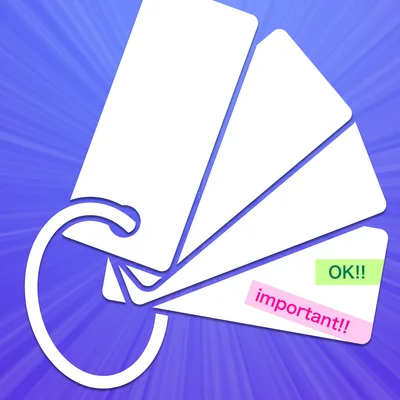
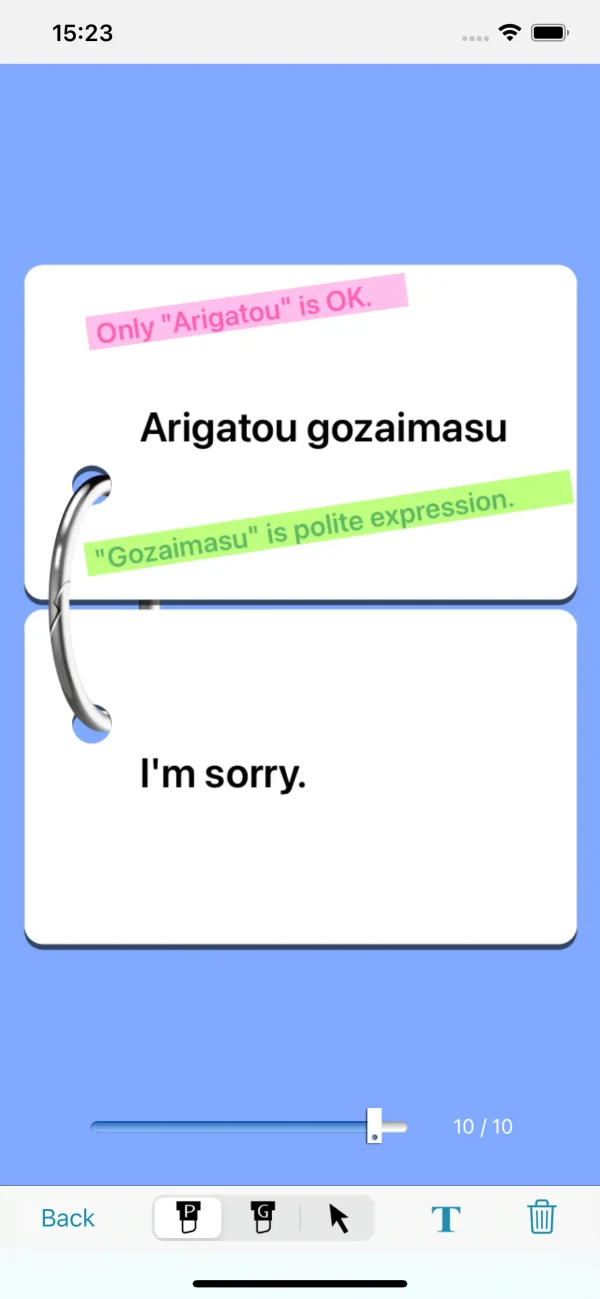
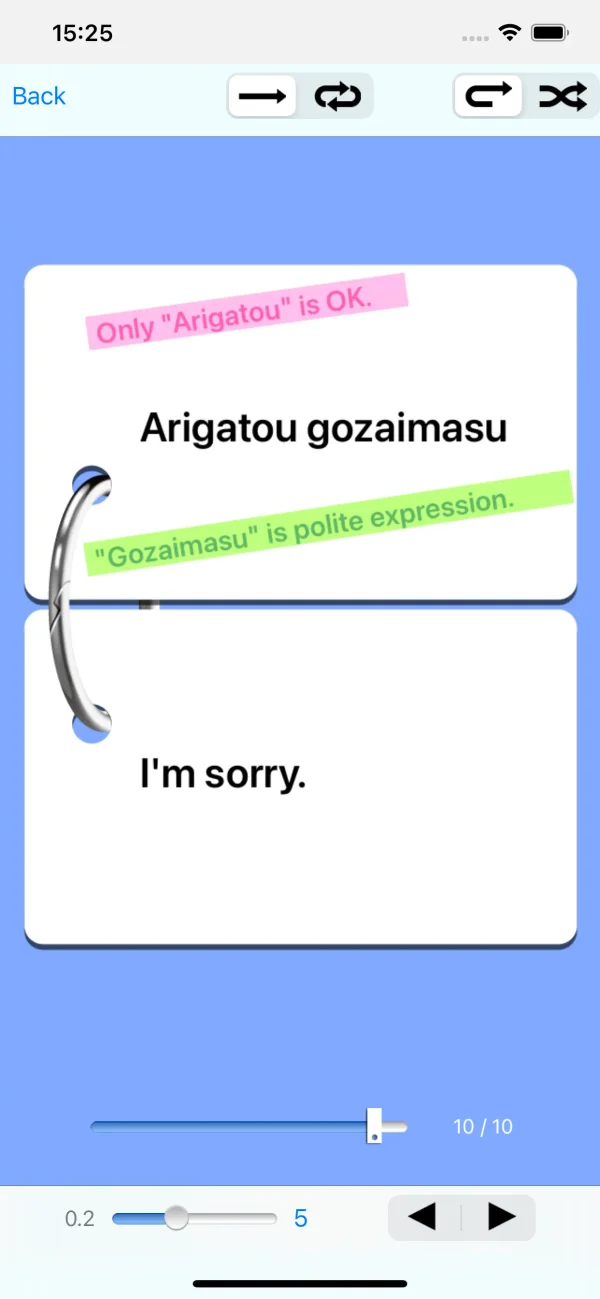
This is a flash cards app, you can take a note with color marker other than main word.
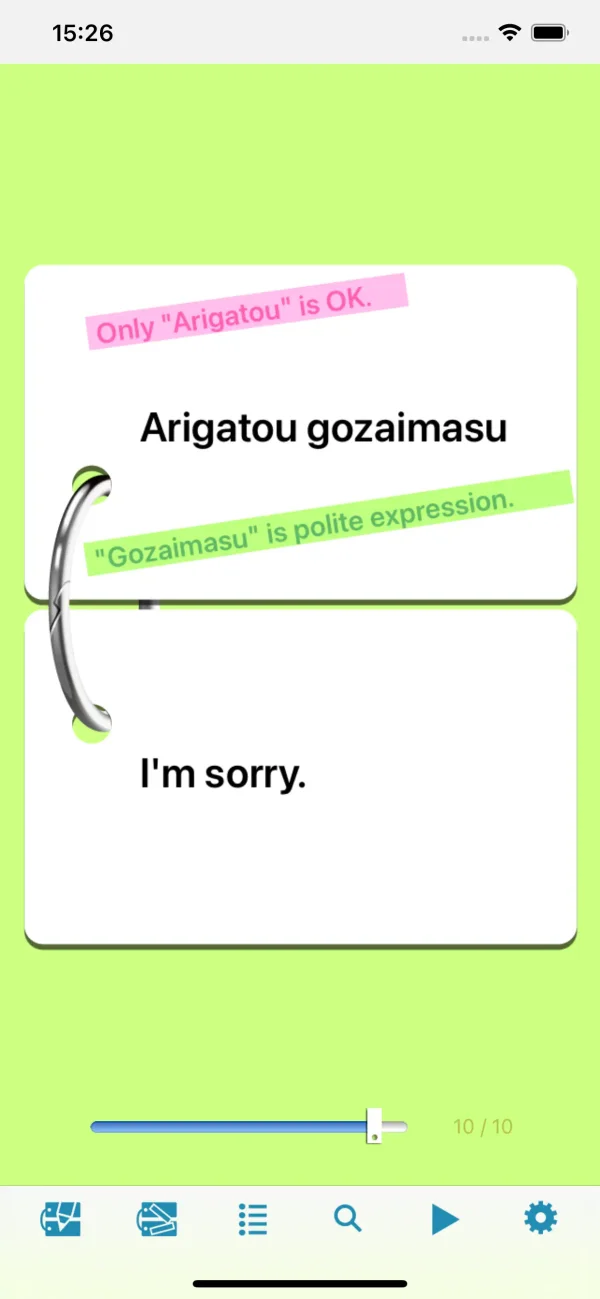
It also has the following functions. Automatic flipping, searching word, reordering cards, skipping cards with slider, importing and exporting text files.
(There is an free version "Jottable Flash Cards Free". We recommend you to try it first. It has almost same functions.)
==Function which in only paid-for version==
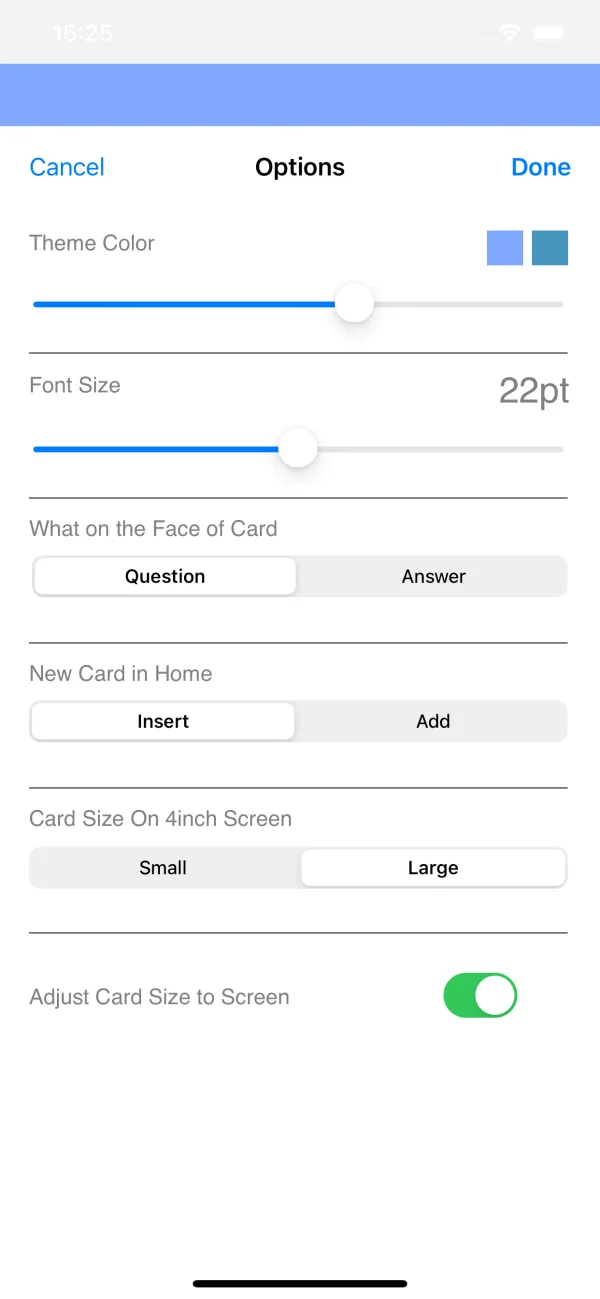
1. Adjusts font size if it's too large to write all characters in a card.
==Principal Functions==
1. Uses animation for flipping cards.
2. Can have up to 3 memos on each card.
3. Can import or export text file using iTunes' "File Sharing".
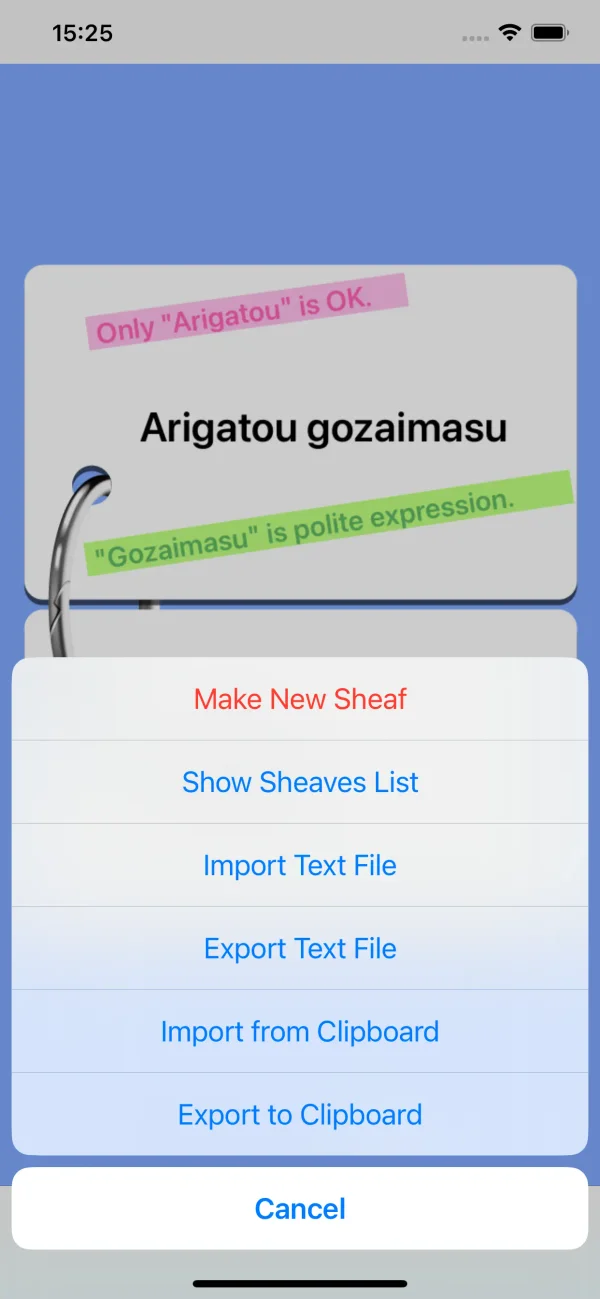
4. Can have plural sheaves.
5. Can flip card automatically.
6. Can shuffle order of cards.
7. Can search keyword.
8. Can skip cards using slider.
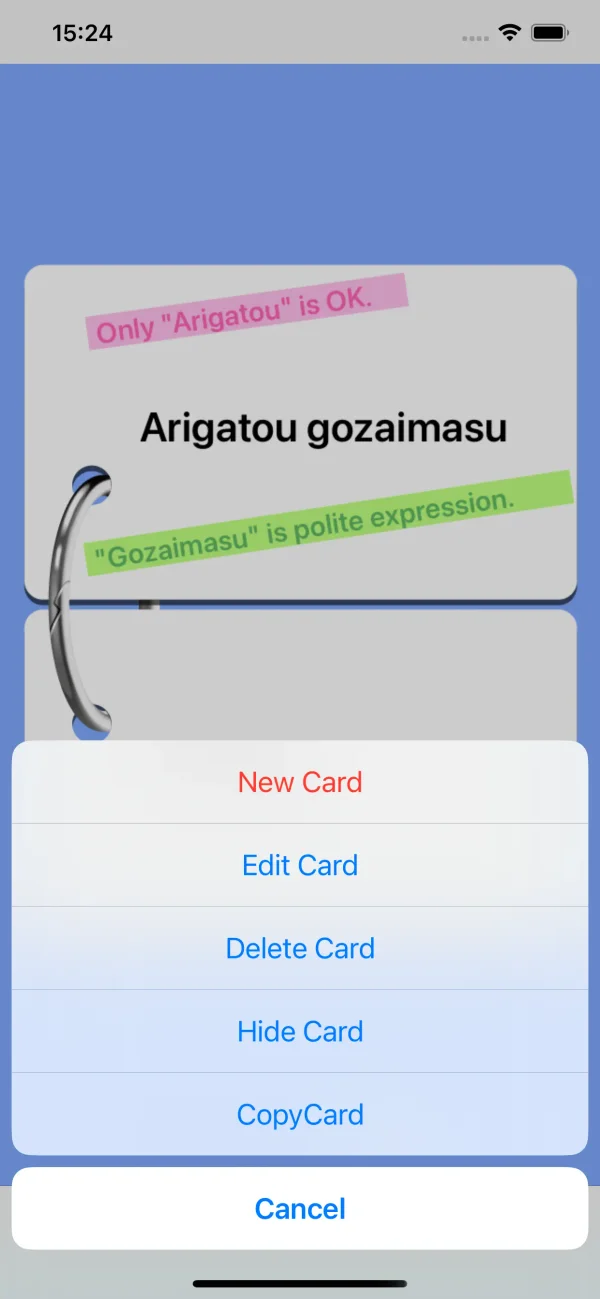
9. Can hide cards by pressing and dragging card.
10. Supports both 3.5 and 4 inch Retina displays.
11. Can change card size on 4 inch display.
==To import or export text files==
1. Use iTunes' "File Sharing", if you want to import or export text files.
2. The importing file needs to be Tab separated text or Comma separated text with UTF8 encoding. The extension for Tab separated text is ".txt", for Comma separated text is ".csv".
3. If you want to import text file with line feed code, you need to separate cards using semicolon(;).
4. The exporting file is always Tab separated text with UTF8 encoding.
==To import or export text files using clip board ==
1. You can import or export text files using clipboard.
2. The importing file needs to be Tab separated text with UTF8 encoding.
3. If you want to import text file with line feed code, you need to separate cards using semicolon(;).
4. The exporting file is always Tab separated text with UTF8 encoding.
Có gì mới
Phiên bản 2.9.9 · 31/10/2025
We have updated the app for the latest iOS version.
Quyền riêng tư của ứng dụng
Những gì Satoshi Horiguchi khai báo trên App Store về cách ứng dụng này xử lý dữ liệu.
-
Dữ liệu không được thu thập
Nhà phát triển không thu thập bất kỳ dữ liệu nào từ ứng dụng này.
Phương thức đảm bảo quyền riêng tư có thể khác nhau, chẳng hạn như tuỳ theo các tính năng bạn sử dụng hoặc độ tuổi của bạn.
Thông tin
- Người bán
- Satoshi Horiguchi
- Danh mục
- Giáo Dục
- Phiên bản
- 2.9.9
- Cập nhật
- 31/10/2025
- Phát hành
- 03/05/2011
- Kích thước
- 4,0 MB
- Yêu cầu
- iOS 16.0 trở lên
- Độ tuổi
- 4+
- Giá
- 29.000đ
- Ngôn ngữ
- Tiếng Nhật, Tiếng Anh
- Bản quyền
- © Satoshi Horiguchi