
Leaf - PDF Editor
Fast, private PDF editor
Diseñada para iPhone, iPad, Mac
Gratis
- Clasificación por edad4+
- CategoríaProductividad
- DesarrolladorLuke David
- IdiomasInglés
- Tamaño1,5 MB
Enlaza a la página oficial de App Store
Download.org no aloja ningún archivo de Leaf - PDF Editor. El botón abre la página de la aplicación en App Store, donde la publica Luke David. Ficha comprobada por última vez el 15/11/2026.
Capturas de pantalla
Acerca de
El desarrollador no ha proporcionado este texto en tu idioma.
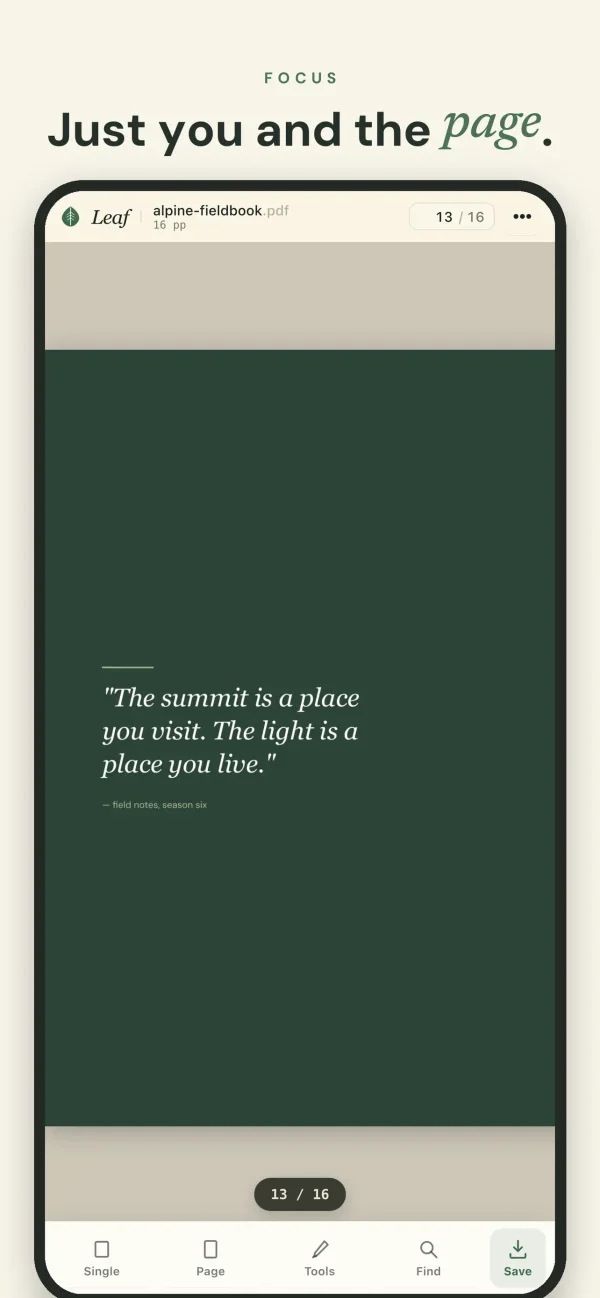
Leaf is a fast, private PDF editor that stays smooth whether you open a one-page receipt or a four-thousand-page manual.
Most PDF apps choke on big files or bury the basics behind a subscription. Leaf does neither. Everything runs on your device — your documents never leave your iPhone, iPad, or Mac.
EDIT WITHOUT THE WAIT
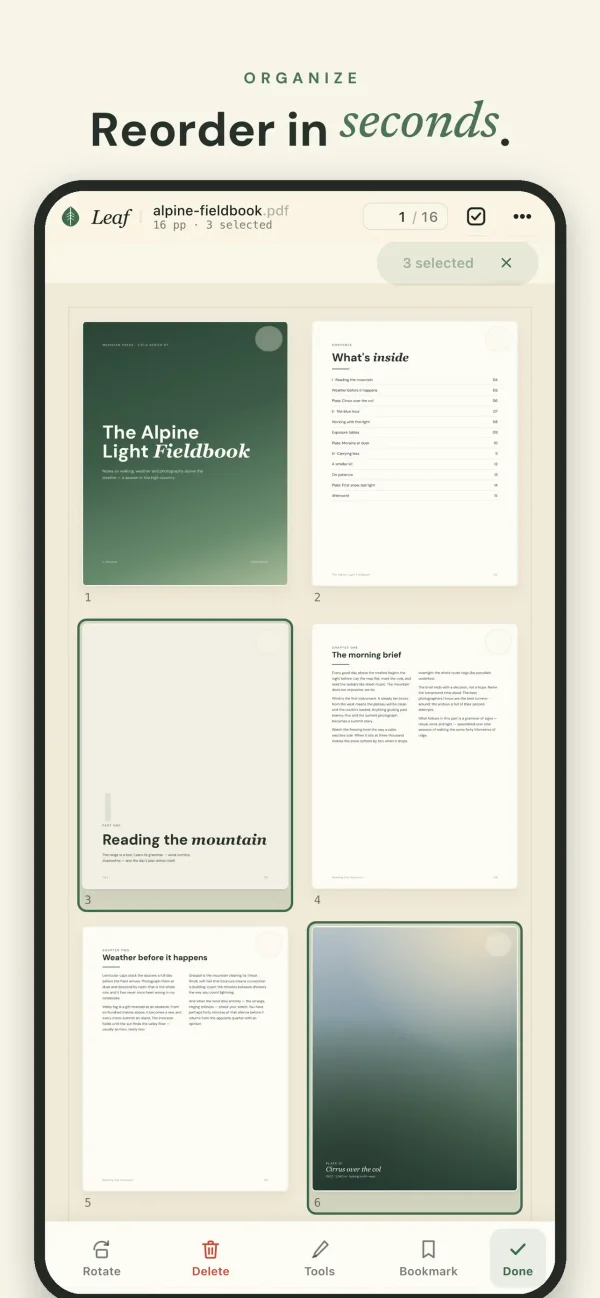
• Reorder, rotate, and delete pages with a tap or a drag
• Open enormous PDFs that crash other apps — Leaf only loads what's on screen
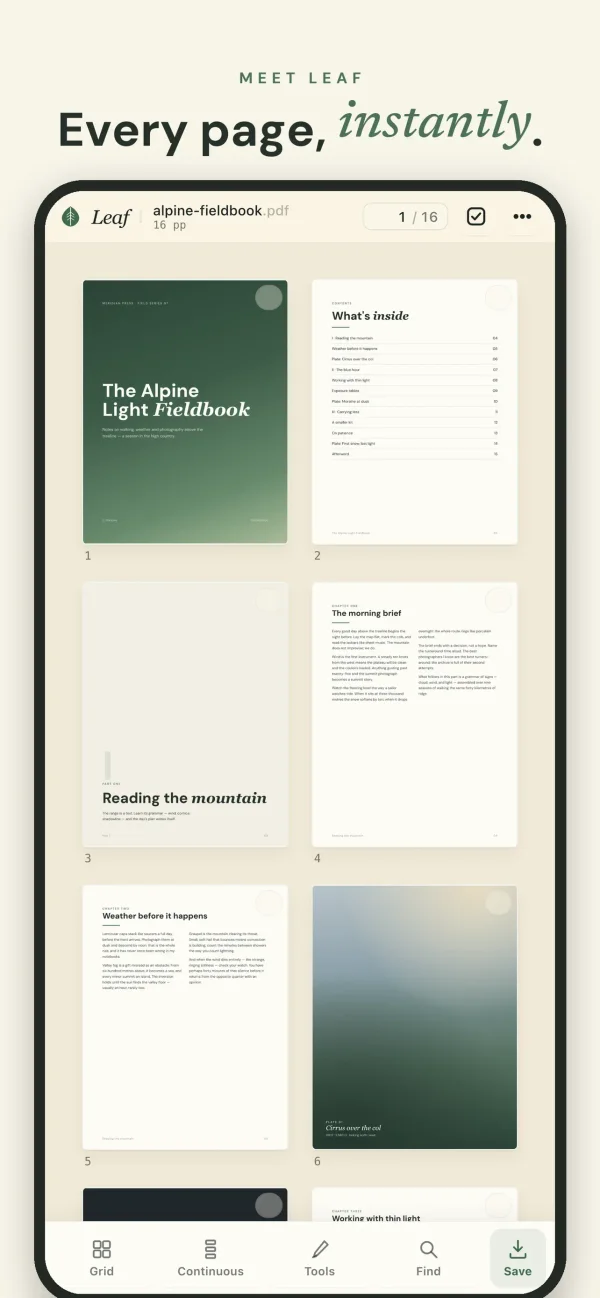
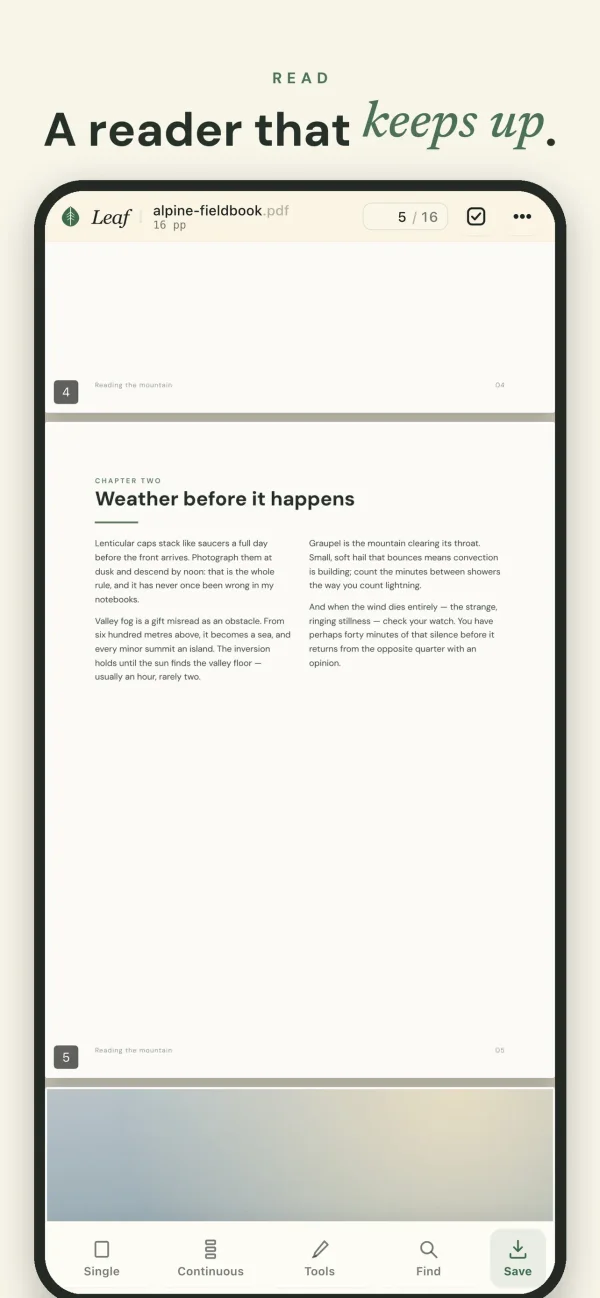
• Continuous scroll, single-page, and grid views; pinch to zoom anywhere
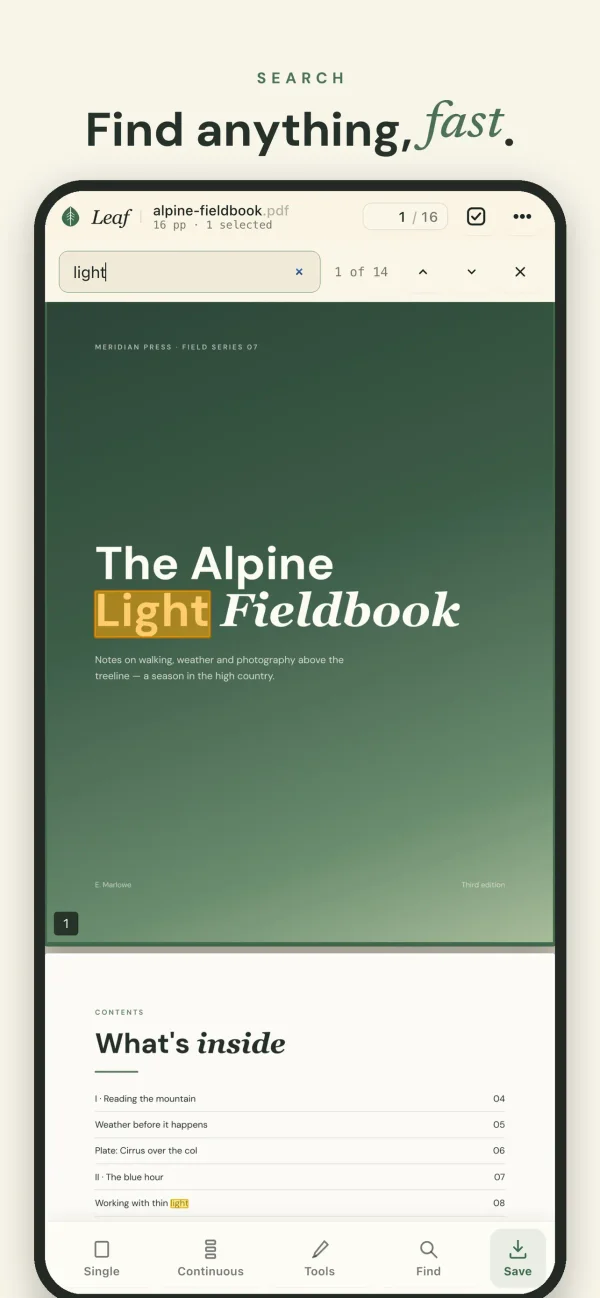
• Find & replace text across the whole document
• Add, edit, and remove text right on the page
• Draw and place your signature
• Insert page numbers, headers, and footers
SCANNED PAGES, SEARCHABLE
• On-device OCR recognizes text on scanned pages (up to 10 pages per document) so Find works everywhere
• No cloud processing — recognition happens entirely on your device
SHARE IT YOUR WAY
• Export pages as PDF, PNG, or JPG
• Print straight from the app
• Fill-and-sign workflows with text and signature overlays
PRIVATE BY DESIGN
Leaf makes no network calls and collects no data. There are no analytics, no ads, no account, and no third-party SDKs. What you open stays with you.
Free. No subscription. Works on iPhone, iPad, and Mac.
Novedades
Versión 1.0.1 · 8/10/2026
• Signatures: place one exactly where you're looking, drag it by the ink, and resize from the corner without it ever being cropped
• Photo Reposition now works on iPad and Mac too — scroll to zoom, drag to pan, pinch on touch
• Headers and footers: add your own text to any page position (Tools → Page numbers & headers → Custom text), alongside page numbers
• Fixed: saving a PDF opened from Files now saves in place every time
Privacidad de la aplicación
Lo que Luke David declara en App Store sobre cómo esta aplicación gestiona los datos.
-
No se recopilan datos
El desarrollador no recopila ningún dato de esta aplicación.
Las prácticas de privacidad pueden variar, por ejemplo, según las funciones que uses o tu edad.
Información
- Vendedor
- Luke David
- Categoría
- Productividad
- Versión
- 1.0.1
- Actualizado
- 8/10/2026
- Publicado
- 1/9/2026
- Tamaño
- 1,5 MB
- Requiere
- iOS 16.0 o posterior
- Clasificación por edad
- 4+
- Precio
- Gratis
- Idiomas
- Inglés
- Copyright
- © 2026 Luke David
Quizá también te guste
-
 PDF Extractor: Split PagesProductividad
-
 MarkDeck: Lector PDF EPUB MDVisor y editor de Markdown
-
 PDF Converter, Editor & MakerProductividad
-
 Visor y editor Markdownlector md. convertir a pdf.
-
 AlhoraProductividad
-
 PDFEditor: Editor de Texto PDFCambia y corrige el texto
-
 GoodReader Pro PDF EditorProductividad
-
 Editor de PDF: Llenar y LectorEditar PDF archivo y documento
-
 Copy & Paste - Clipboard AppProductividad
-
 Editor PDF: Rellenar y FirmarFirma Digital de Documentos