
- 対象年齢4+
- カテゴリ仕事効率化
- 開発元Luke David
- 言語英語
- サイズ1.5 MB
App Storeの公式ページにリンクしています
Download.orgはLeaf - PDF Editorのファイルを一切ホストしていません。ボタンを押すと、Luke Davidが公開しているApp Storeのアプリページが開きます。ページの最終確認:2026/11/15。
スクリーンショット
概要
開発元はこのテキストをお使いの言語で提供していません。
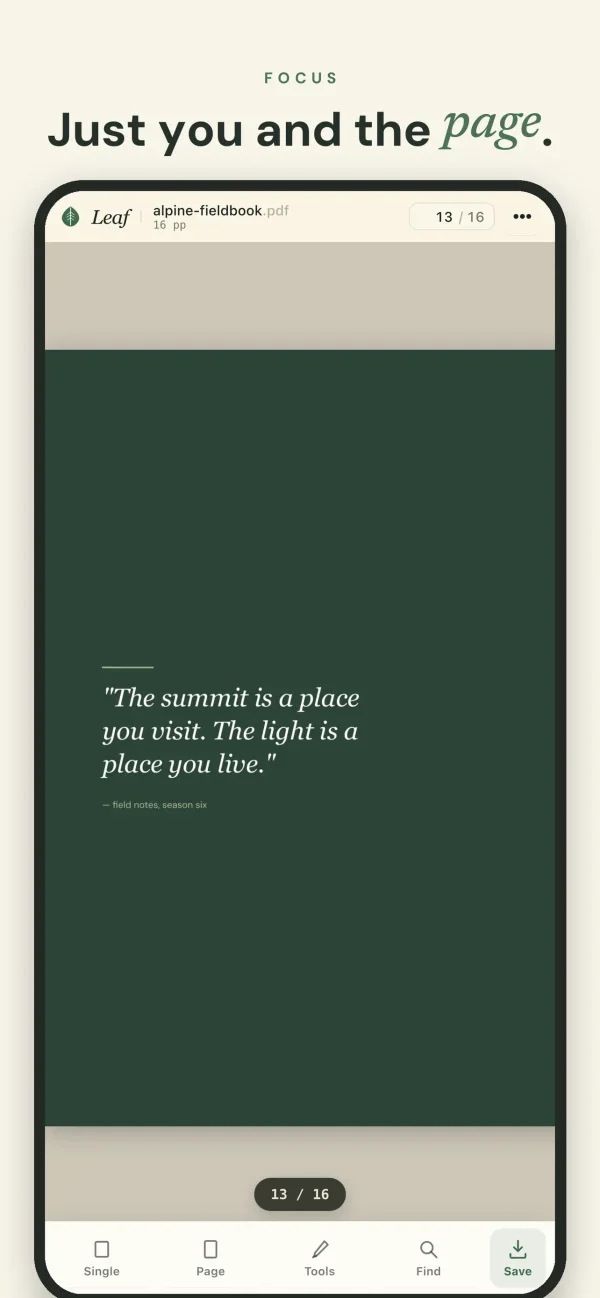
Leaf is a fast, private PDF editor that stays smooth whether you open a one-page receipt or a four-thousand-page manual.
Most PDF apps choke on big files or bury the basics behind a subscription. Leaf does neither. Everything runs on your device — your documents never leave your iPhone, iPad, or Mac.
EDIT WITHOUT THE WAIT
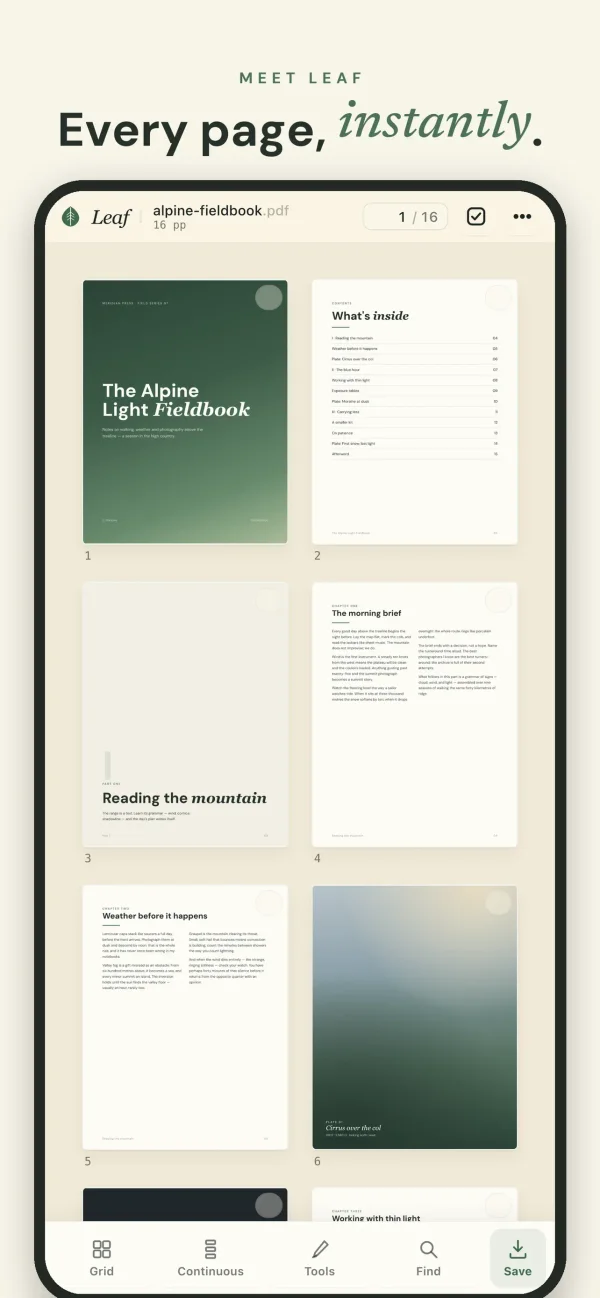
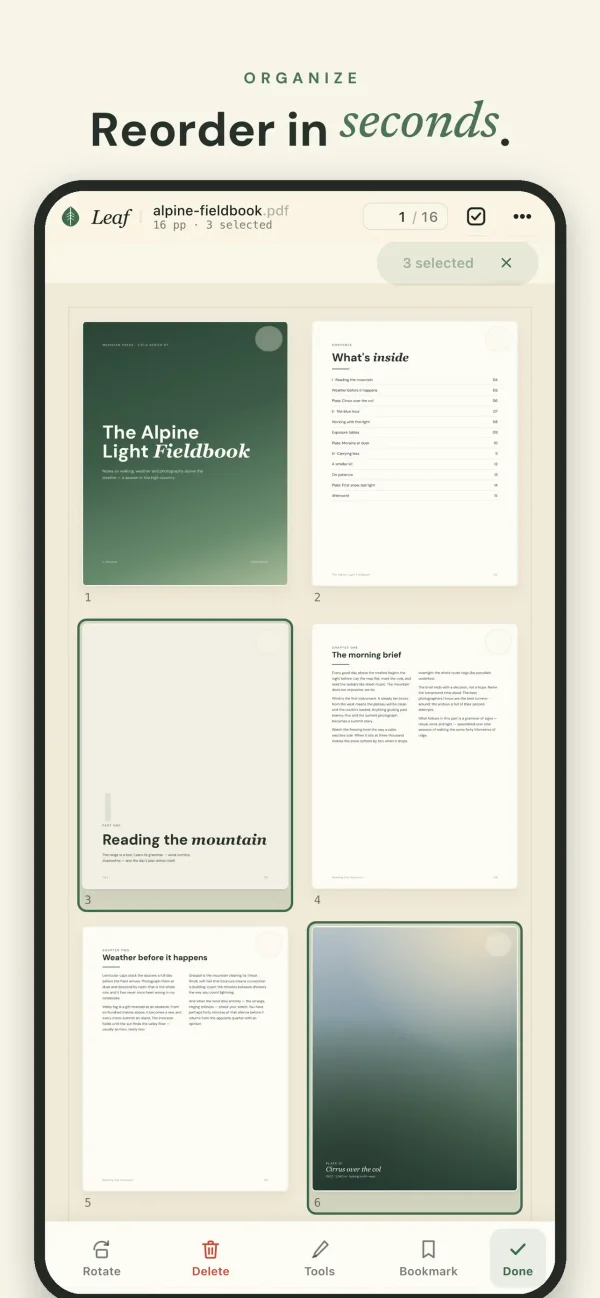
• Reorder, rotate, and delete pages with a tap or a drag
• Open enormous PDFs that crash other apps — Leaf only loads what's on screen
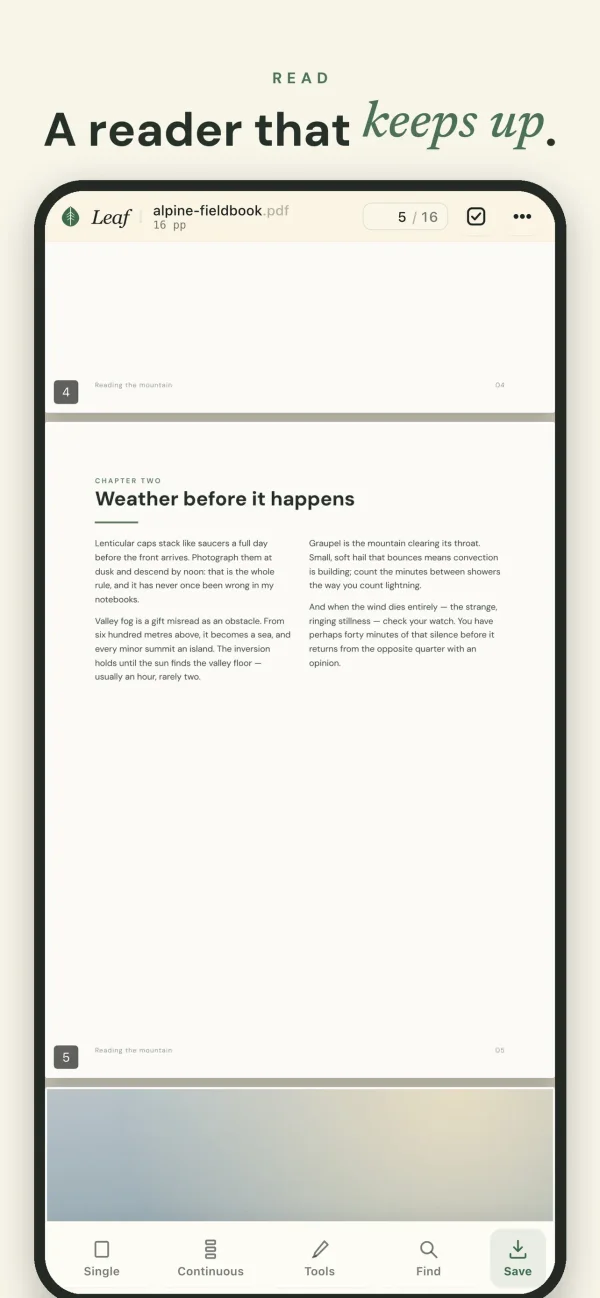
• Continuous scroll, single-page, and grid views; pinch to zoom anywhere
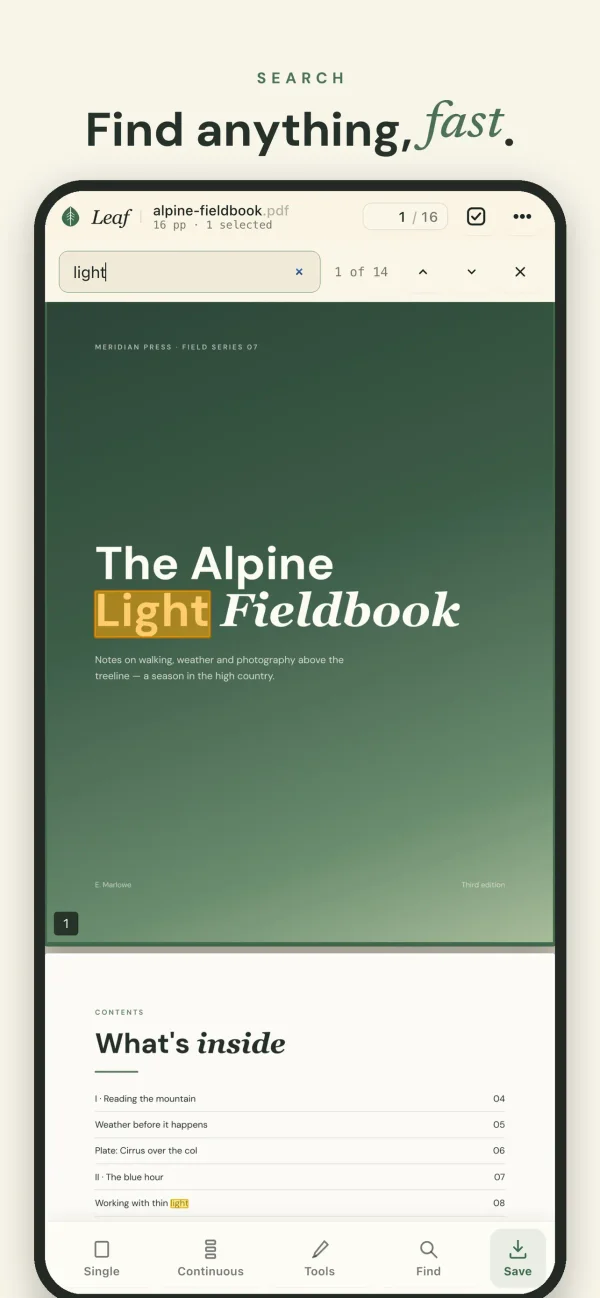
• Find & replace text across the whole document
• Add, edit, and remove text right on the page
• Draw and place your signature
• Insert page numbers, headers, and footers
SCANNED PAGES, SEARCHABLE
• On-device OCR recognizes text on scanned pages (up to 10 pages per document) so Find works everywhere
• No cloud processing — recognition happens entirely on your device
SHARE IT YOUR WAY
• Export pages as PDF, PNG, or JPG
• Print straight from the app
• Fill-and-sign workflows with text and signature overlays
PRIVATE BY DESIGN
Leaf makes no network calls and collects no data. There are no analytics, no ads, no account, and no third-party SDKs. What you open stays with you.
Free. No subscription. Works on iPhone, iPad, and Mac.
新機能
バージョン 1.0.1 · 2026/10/8
• Signatures: place one exactly where you're looking, drag it by the ink, and resize from the corner without it ever being cropped
• Photo Reposition now works on iPad and Mac too — scroll to zoom, drag to pan, pinch on touch
• Headers and footers: add your own text to any page position (Tools → Page numbers & headers → Custom text), alongside page numbers
• Fixed: saving a PDF opened from Files now saves in place every time
アプリのプライバシー
このアプリのデータの取り扱いについて、Luke DavidがApp Storeで申告している内容です。
-
データの収集なし
開発元はこのアプリからデータを収集しません。
プライバシーの取り扱いは、ご利用の機能やお客様の年齢などに応じて異なる場合があります。
情報
- 販売元
- Luke David
- カテゴリ
- 仕事効率化
- バージョン
- 1.0.1
- 更新日
- 2026/10/8
- リリース
- 2026/9/1
- サイズ
- 1.5 MB
- 必要条件
- iOS 16.0以降
- 対象年齢
- 4+
- 価格
- 無料
- 言語
- 英語
- 著作権
- © 2026 Luke David
こちらもおすすめ
-
 PDF Extractor: Split Pages仕事効率化
-
 MarkDeck: PDF EPUB MD Reader仕事効率化
-
 PDF Converter, Editor & Maker仕事効率化
-
 Markdownビューアとエディタmdリーダー。pdfに変換。
-
 Alhora仕事効率化
-
 PDFEditor - PDFテキスト編集既存の文字を直接書き換え
-
 GoodReader Pro PDF Editor仕事効率化
-
 PDF編集:リーダー, フィラーそしてを編集するPDFファイル編集と書類
-
 コピー & ペースト コピペ コピペ帳 - クリップボードハッシュタグ パスワード 定型文 コピー ペースト コピペ
-
 PDF編集:入力と署名サイン作成・書類に書き込む