
Leaf - PDF Editor
Fast, private PDF editor
Entwickelt für iPhone, iPad, Mac
Kostenlos
- Altersfreigabe4+
- KategorieProduktivität
- EntwicklerLuke David
- SprachenEnglisch
- Größe1,5 MB
Verlinkt auf die offizielle App Store-Seite
Download.org hostet keine Datei von Leaf - PDF Editor. Die Schaltfläche öffnet die App-Seite bei App Store, wo Luke David die App veröffentlicht. Eintrag zuletzt geprüft am 15.11.2026.
Screenshots
Info
Der Entwickler hat diesen Text nicht in Ihrer Sprache bereitgestellt.
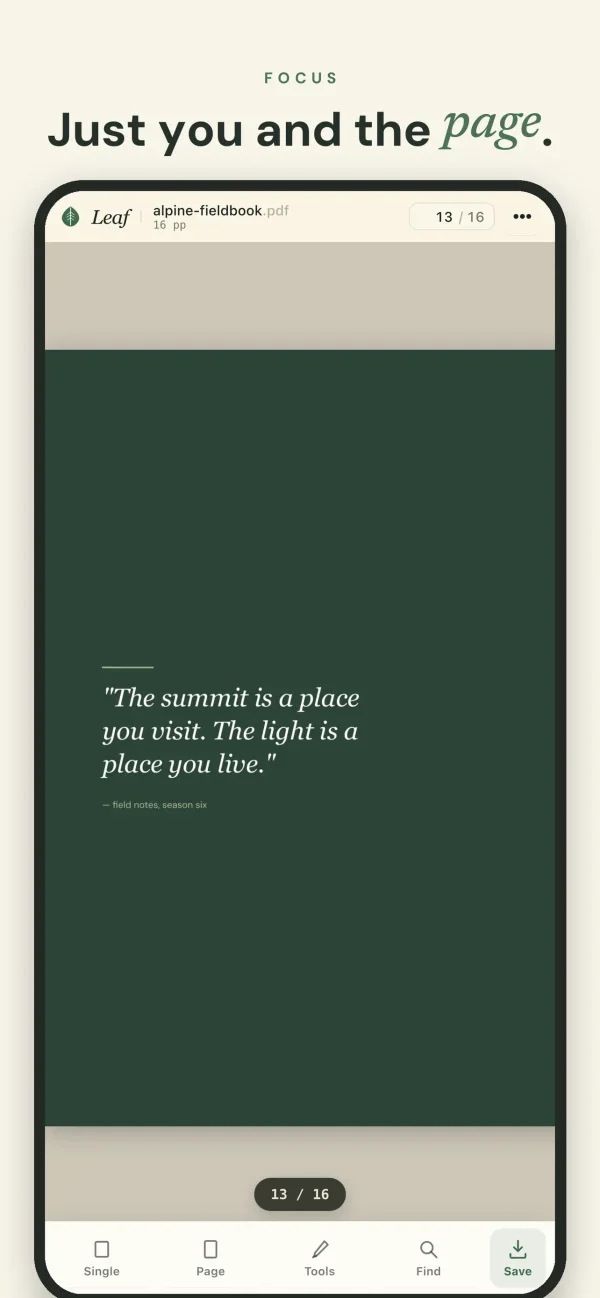
Leaf is a fast, private PDF editor that stays smooth whether you open a one-page receipt or a four-thousand-page manual.
Most PDF apps choke on big files or bury the basics behind a subscription. Leaf does neither. Everything runs on your device — your documents never leave your iPhone, iPad, or Mac.
EDIT WITHOUT THE WAIT
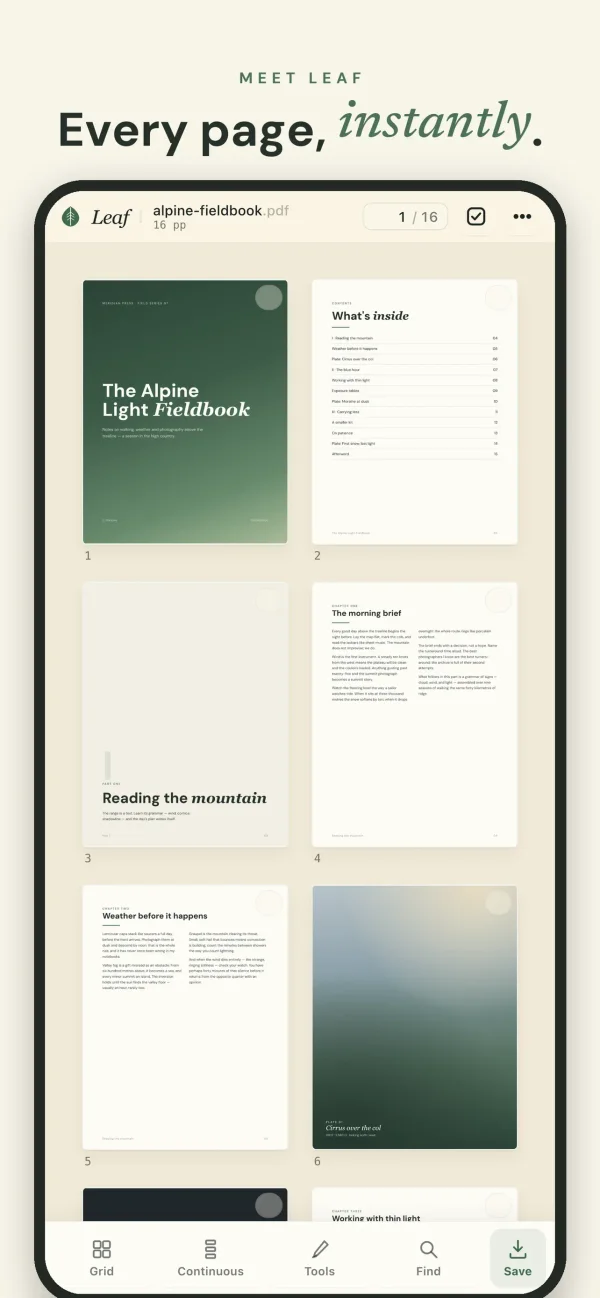
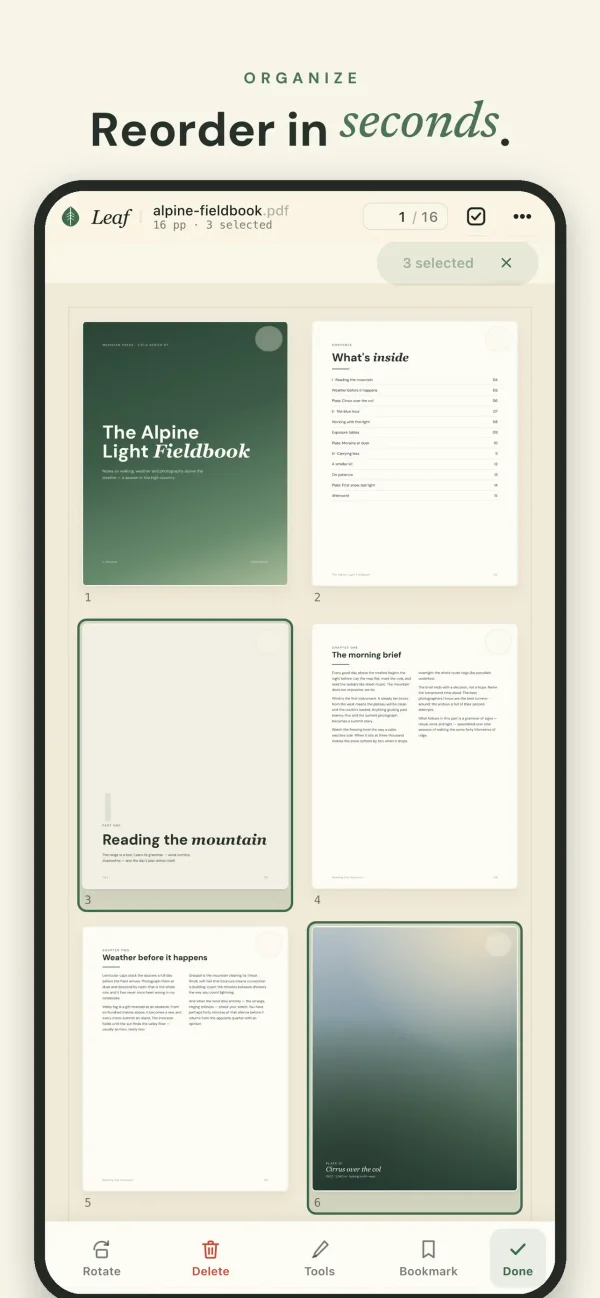
• Reorder, rotate, and delete pages with a tap or a drag
• Open enormous PDFs that crash other apps — Leaf only loads what's on screen
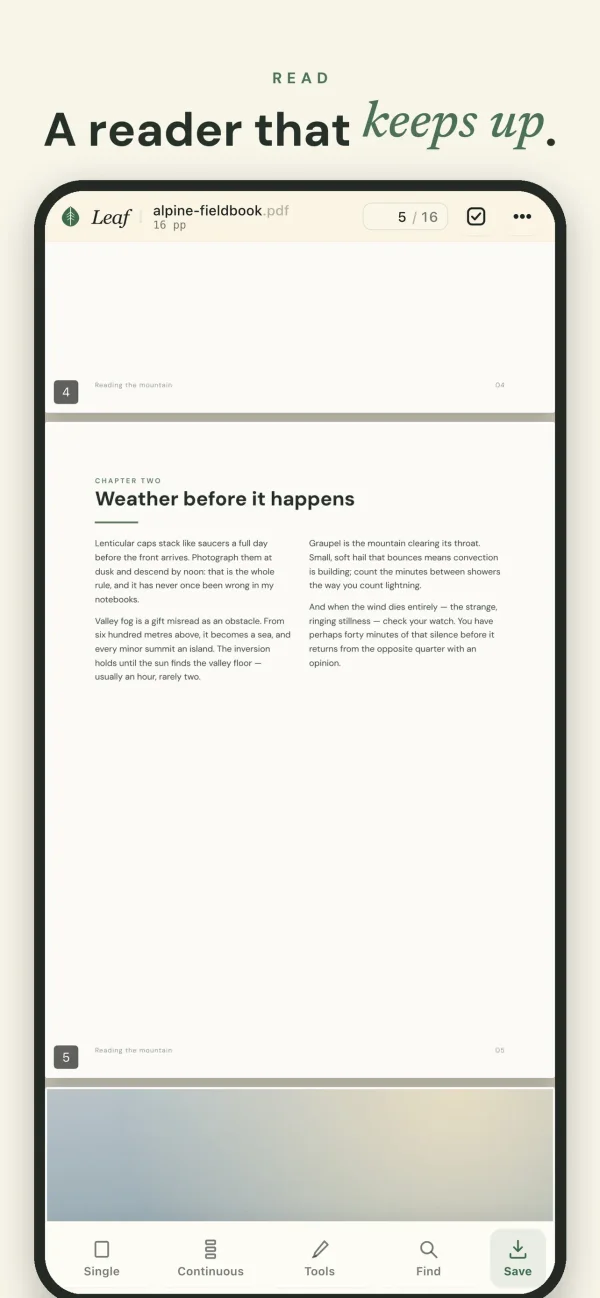
• Continuous scroll, single-page, and grid views; pinch to zoom anywhere
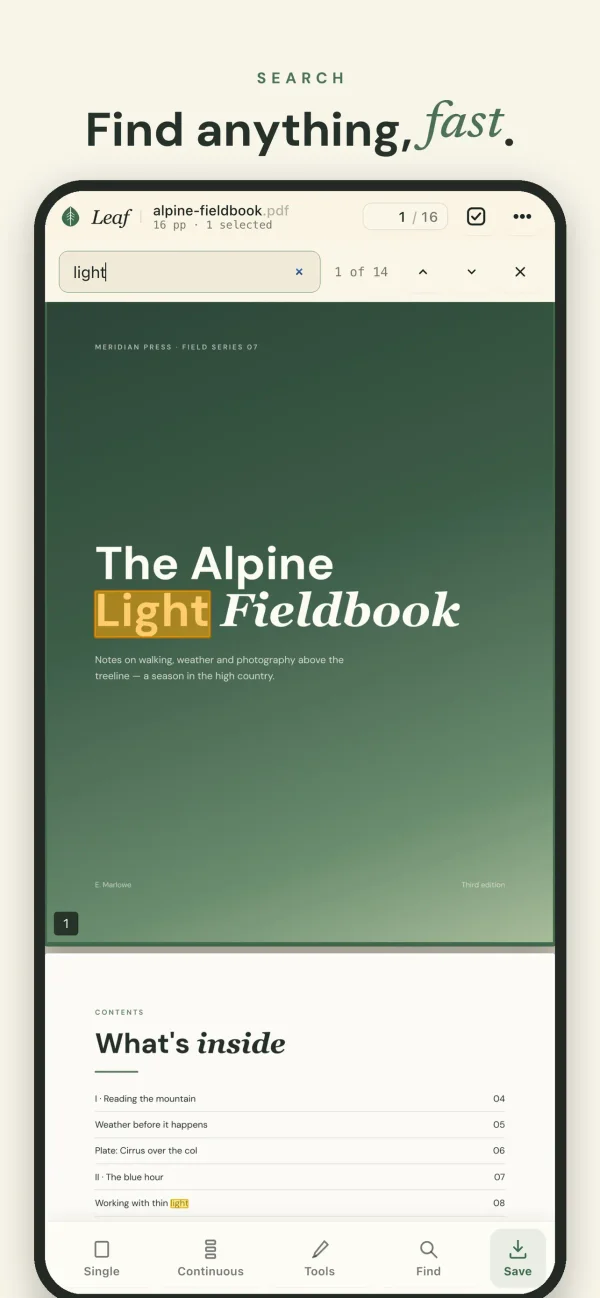
• Find & replace text across the whole document
• Add, edit, and remove text right on the page
• Draw and place your signature
• Insert page numbers, headers, and footers
SCANNED PAGES, SEARCHABLE
• On-device OCR recognizes text on scanned pages (up to 10 pages per document) so Find works everywhere
• No cloud processing — recognition happens entirely on your device
SHARE IT YOUR WAY
• Export pages as PDF, PNG, or JPG
• Print straight from the app
• Fill-and-sign workflows with text and signature overlays
PRIVATE BY DESIGN
Leaf makes no network calls and collects no data. There are no analytics, no ads, no account, and no third-party SDKs. What you open stays with you.
Free. No subscription. Works on iPhone, iPad, and Mac.
Neue Funktionen
Version 1.0.1 · 08.10.2026
• Signatures: place one exactly where you're looking, drag it by the ink, and resize from the corner without it ever being cropped
• Photo Reposition now works on iPad and Mac too — scroll to zoom, drag to pan, pinch on touch
• Headers and footers: add your own text to any page position (Tools → Page numbers & headers → Custom text), alongside page numbers
• Fixed: saving a PDF opened from Files now saves in place every time
App-Datenschutz
Was Luke David im App Store zum Umgang dieser App mit Daten angibt.
-
Keine Daten erfasst
Der Entwickler erfasst keine Daten von dieser App.
Die Datenschutzpraktiken können variieren, zum Beispiel je nach den von Ihnen verwendeten Funktionen oder Ihrem Alter.
Informationen
- Anbieter
- Luke David
- Kategorie
- Produktivität
- Version
- 1.0.1
- Aktualisiert
- 08.10.2026
- Veröffentlicht
- 01.09.2026
- Größe
- 1,5 MB
- Erfordert
- iOS 16.0 oder neuer
- Altersfreigabe
- 4+
- Preis
- Kostenlos
- Sprachen
- Englisch
- Copyright
- © 2026 Luke David
Das könnte Ihnen auch gefallen
-
 PDF Extractor: Split PagesProduktivität
-
 MarkDeck: PDF EPUB MD ReaderProduktivität
-
 PDF Converter, Editor & MakerProduktivität
-
 Markdown-Viewer und Editormd-leser. in pdf umwandeln.
-
 AlhoraProduktivität
-
 PDFEditor: PDF Text bearbeitenText im PDF direkt korrigieren
-
 GoodReader Pro PDF EditorProduktivität
-
 PDF Editor-Füllen & BearbeitenPdf datei bearbeiten und docs
-
 Copy & Paste - Clipboard AppProduktivität
-
 PDF ausfüllen, unterschreibenDigitale Unterschrift & Editor