
Leaf - PDF Editor
Fast, private PDF editor
Được thiết kế cho iPhone, iPad, Mac
Miễn phí
- Độ tuổi4+
- Danh mụcHiệu Suất
- Nhà phát triểnLuke David
- Ngôn ngữTiếng Anh
- Kích thước1,5 MB
Liên kết đến trang App Store chính thức
Download.org không lưu trữ tệp nào của Leaf - PDF Editor. Nút này mở trang ứng dụng trên App Store, nơi Luke David phát hành ứng dụng. Trang được kiểm tra lần cuối: 15/11/2026.
Ảnh chụp màn hình
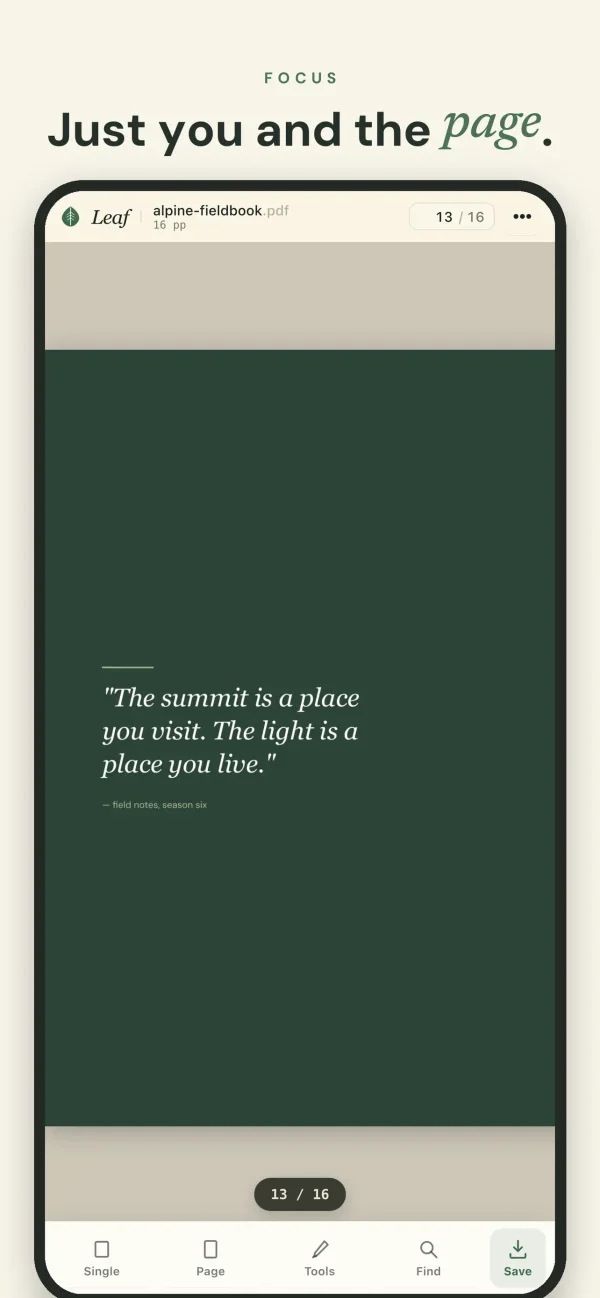
Giới thiệu
Nhà phát triển chưa cung cấp nội dung này bằng ngôn ngữ của bạn.
Leaf is a fast, private PDF editor that stays smooth whether you open a one-page receipt or a four-thousand-page manual.
Most PDF apps choke on big files or bury the basics behind a subscription. Leaf does neither. Everything runs on your device — your documents never leave your iPhone, iPad, or Mac.
EDIT WITHOUT THE WAIT
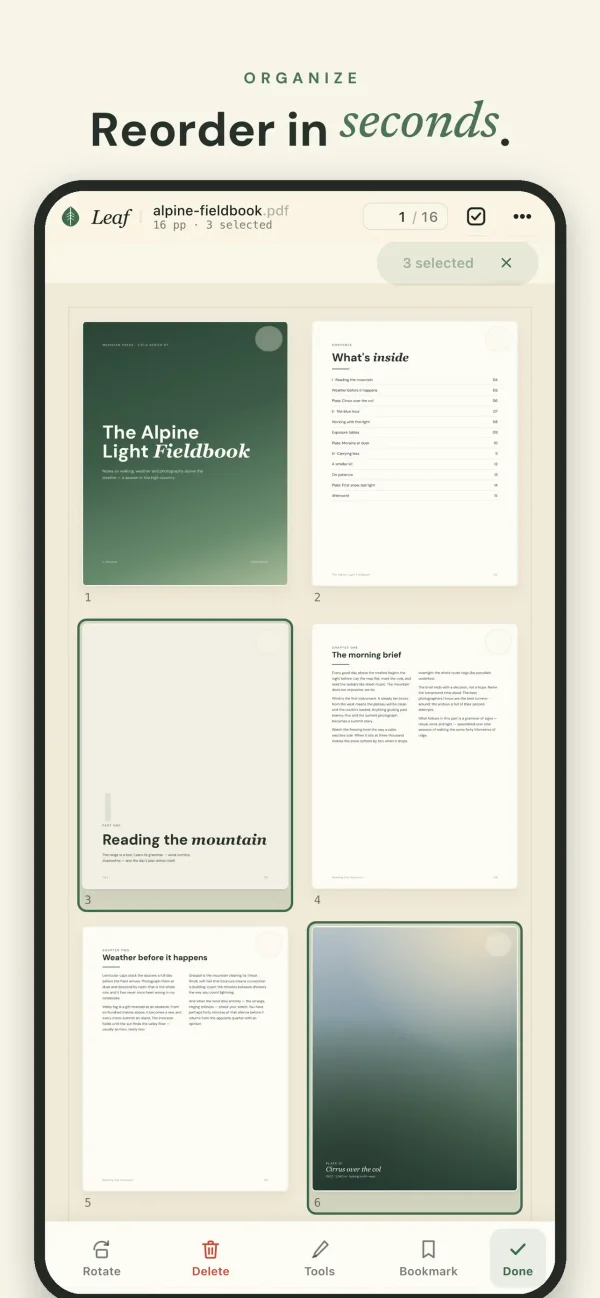
• Reorder, rotate, and delete pages with a tap or a drag
• Open enormous PDFs that crash other apps — Leaf only loads what's on screen
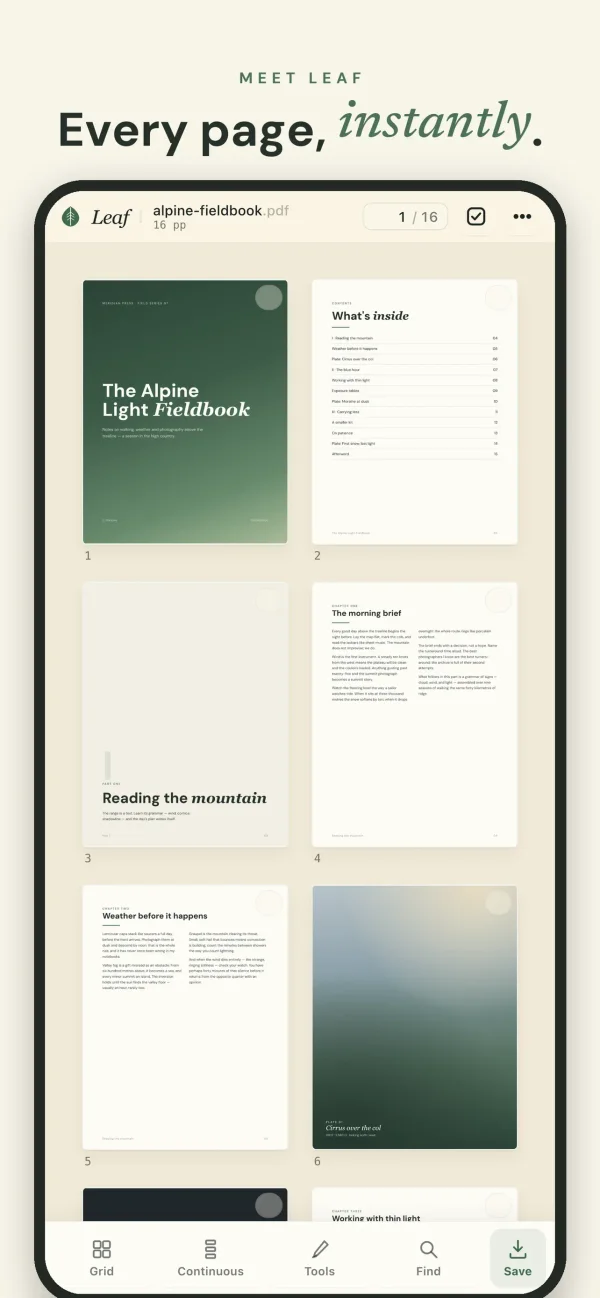
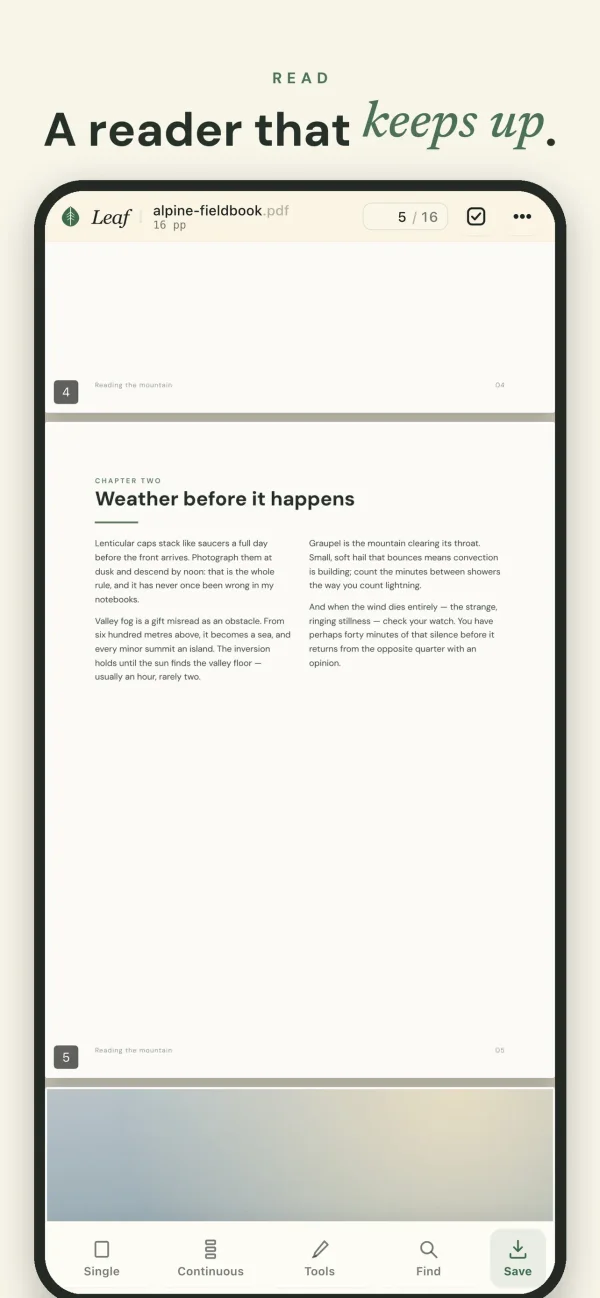
• Continuous scroll, single-page, and grid views; pinch to zoom anywhere
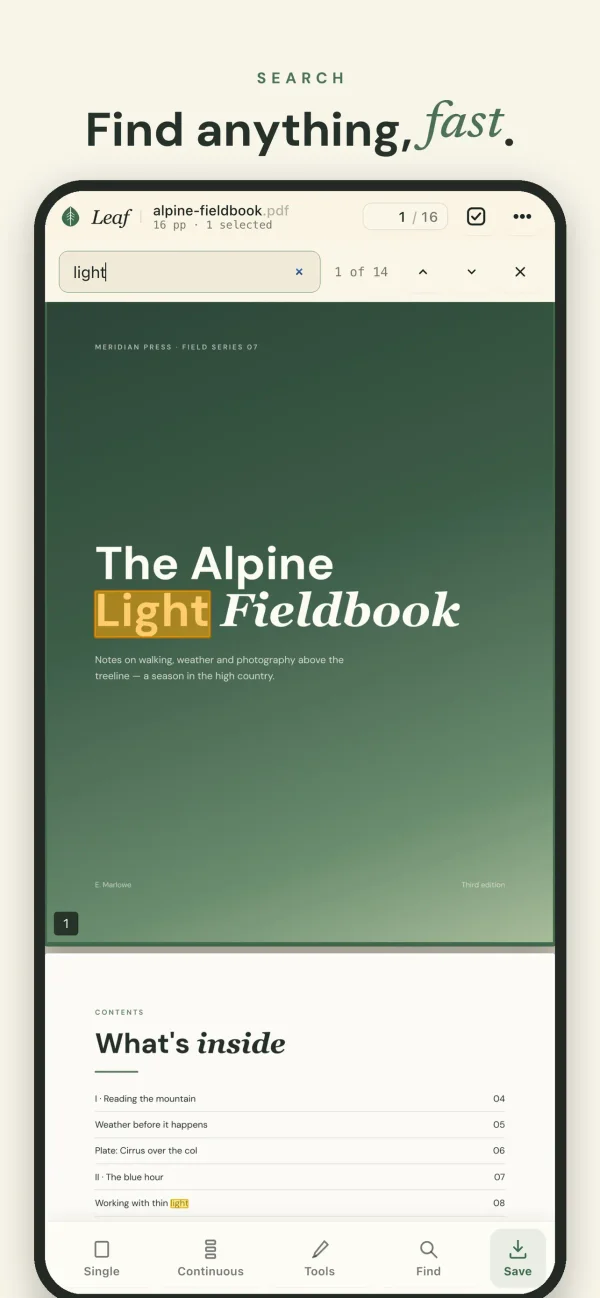
• Find & replace text across the whole document
• Add, edit, and remove text right on the page
• Draw and place your signature
• Insert page numbers, headers, and footers
SCANNED PAGES, SEARCHABLE
• On-device OCR recognizes text on scanned pages (up to 10 pages per document) so Find works everywhere
• No cloud processing — recognition happens entirely on your device
SHARE IT YOUR WAY
• Export pages as PDF, PNG, or JPG
• Print straight from the app
• Fill-and-sign workflows with text and signature overlays
PRIVATE BY DESIGN
Leaf makes no network calls and collects no data. There are no analytics, no ads, no account, and no third-party SDKs. What you open stays with you.
Free. No subscription. Works on iPhone, iPad, and Mac.
Có gì mới
Phiên bản 1.0.1 · 08/10/2026
• Signatures: place one exactly where you're looking, drag it by the ink, and resize from the corner without it ever being cropped
• Photo Reposition now works on iPad and Mac too — scroll to zoom, drag to pan, pinch on touch
• Headers and footers: add your own text to any page position (Tools → Page numbers & headers → Custom text), alongside page numbers
• Fixed: saving a PDF opened from Files now saves in place every time
Quyền riêng tư của ứng dụng
Những gì Luke David khai báo trên App Store về cách ứng dụng này xử lý dữ liệu.
-
Dữ liệu không được thu thập
Nhà phát triển không thu thập bất kỳ dữ liệu nào từ ứng dụng này.
Phương thức đảm bảo quyền riêng tư có thể khác nhau, chẳng hạn như tuỳ theo các tính năng bạn sử dụng hoặc độ tuổi của bạn.
Thông tin
- Người bán
- Luke David
- Danh mục
- Hiệu Suất
- Phiên bản
- 1.0.1
- Cập nhật
- 08/10/2026
- Phát hành
- 01/09/2026
- Kích thước
- 1,5 MB
- Yêu cầu
- iOS 16.0 trở lên
- Độ tuổi
- 4+
- Giá
- Miễn phí
- Ngôn ngữ
- Tiếng Anh
- Bản quyền
- © 2026 Luke David
Có thể bạn cũng thích
-
 PDF Extractor: Split PagesHiệu Suất
-
 MarkDeck: PDF EPUB MD ReaderHiệu Suất
-
 PDF Converter, Editor & MakerHiệu Suất
-
 Markdown Editor : Md ViewerHiệu Suất
-
 AlhoraHiệu Suất
-
 PDFEditor - Chỉnh sửa chữ PDFĐổi nội dung văn bản gốc
-
 GoodReader Pro PDF EditorHiệu Suất
-
 Trình chỉnh sửa PDF-Đọc & ĐiềnChỉnh sửa tệp PDF và tài liệu
-
 Copy & Paste - Clipboard AppHiệu Suất
-
 PDF Editor: Fill & Sign FormsHiệu Suất