- Age rating4+
- CategoryProductivity
- DeveloperLuke David
- LanguagesEnglish
- Size1.5 MB
Links to the official App Store page
Download.org hosts no file of Leaf - PDF Editor. The button opens its official App Store page, published by Luke David. Listing last checked on Nov 15, 2026.
Screenshots
About
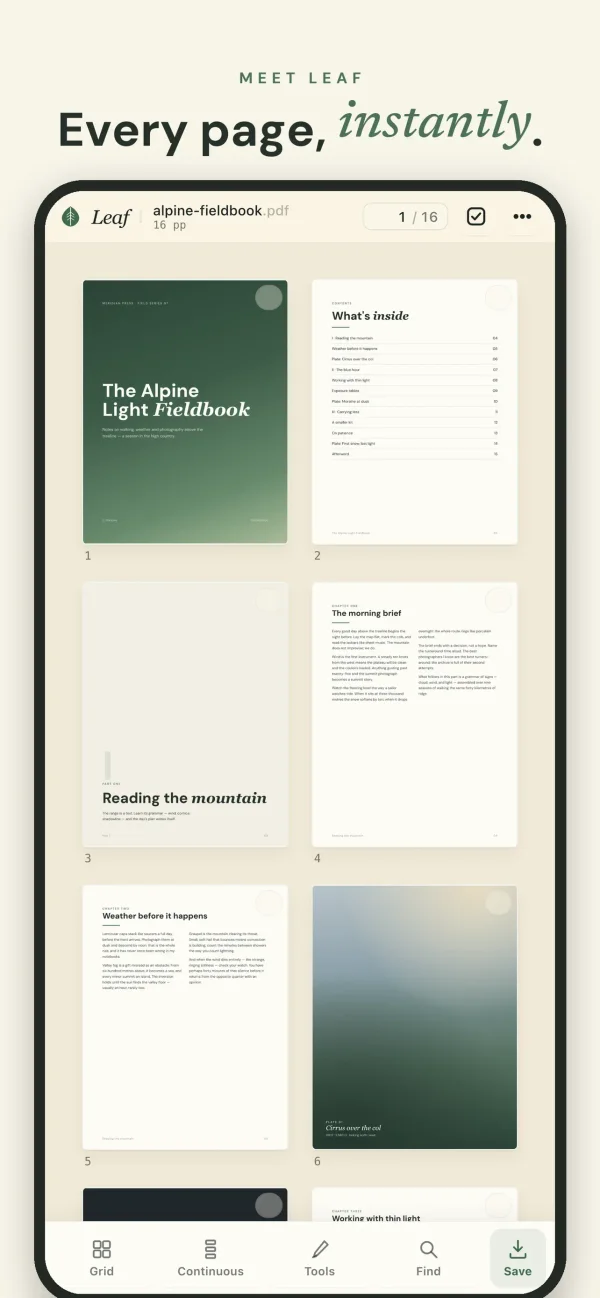
Leaf is a fast, private PDF editor that stays smooth whether you open a one-page receipt or a four-thousand-page manual.
Most PDF apps choke on big files or bury the basics behind a subscription. Leaf does neither. Everything runs on your device — your documents never leave your iPhone, iPad, or Mac.
EDIT WITHOUT THE WAIT
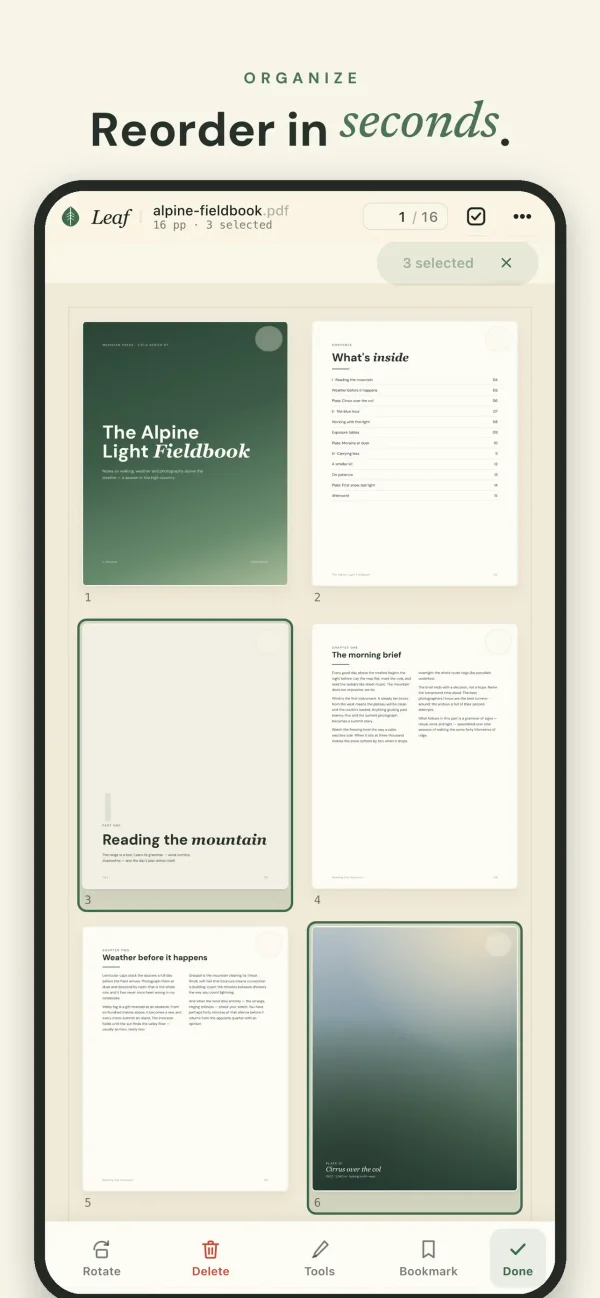
• Reorder, rotate, and delete pages with a tap or a drag
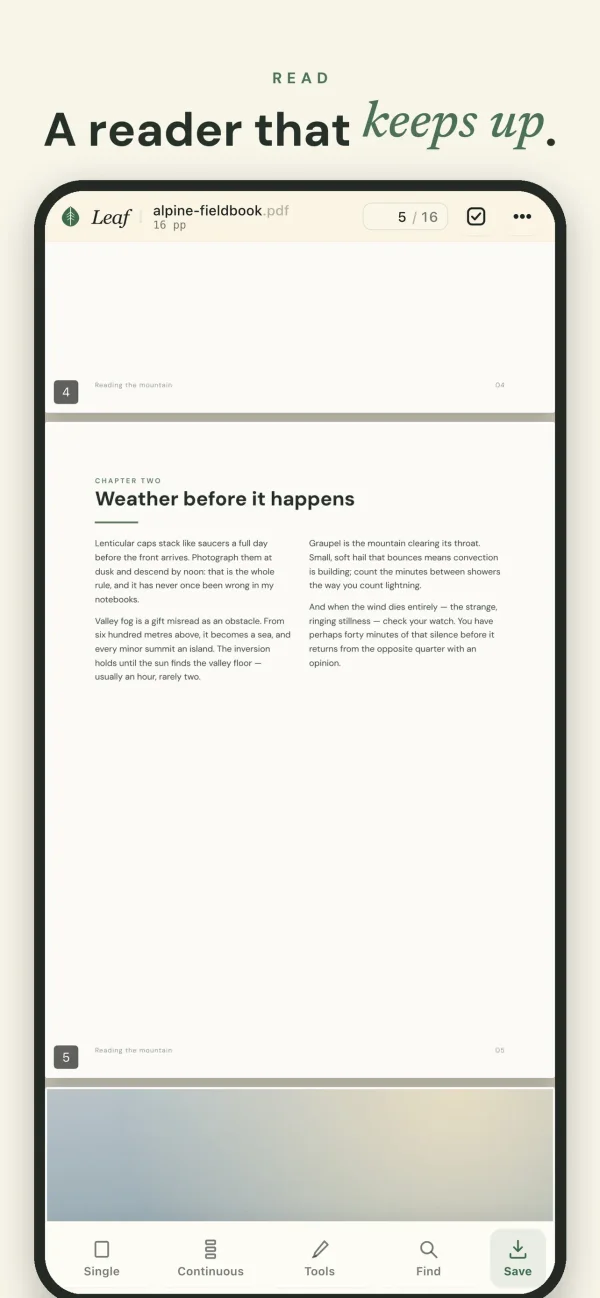
• Open enormous PDFs that crash other apps — Leaf only loads what's on screen
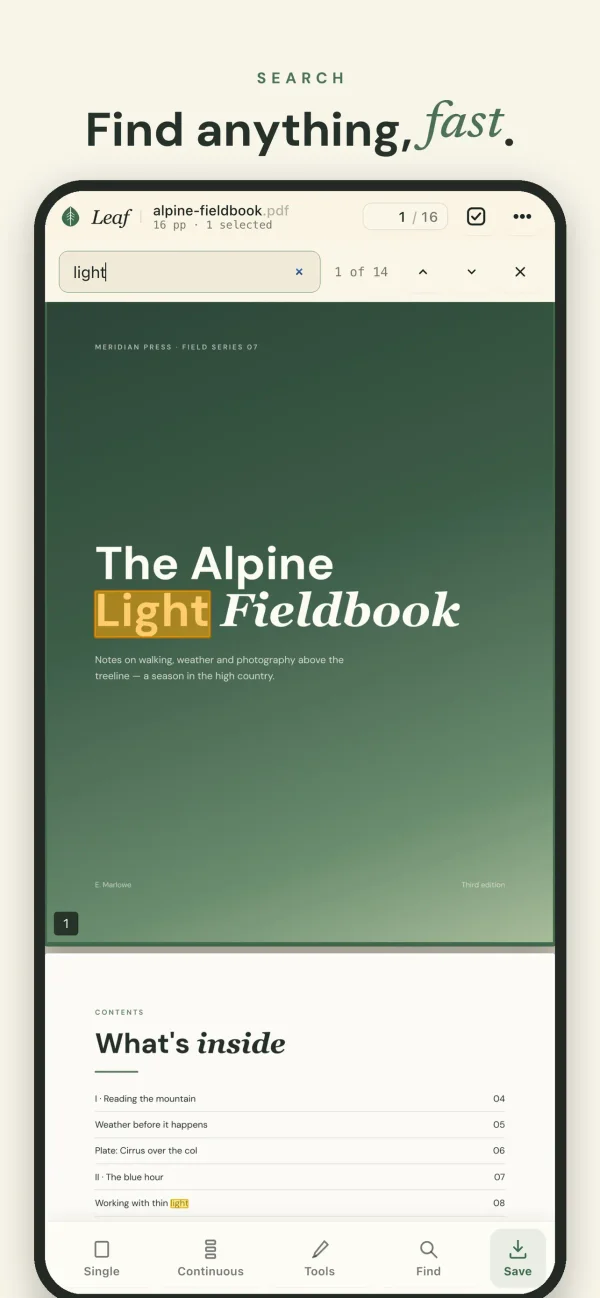
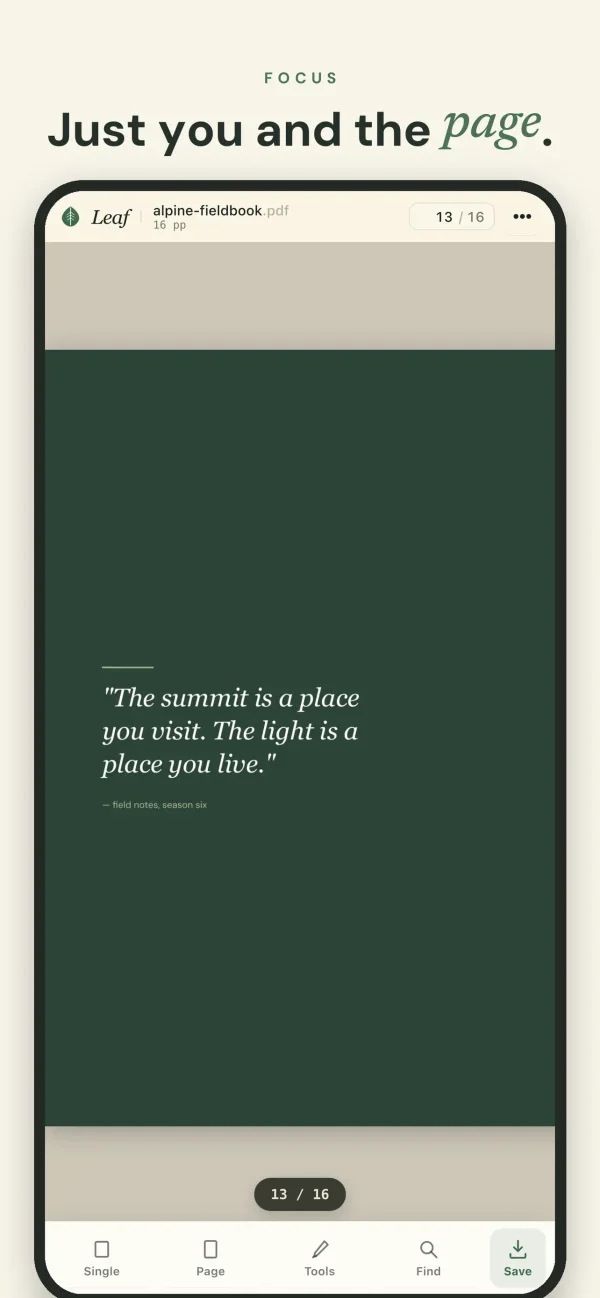
• Continuous scroll, single-page, and grid views; pinch to zoom anywhere
• Find & replace text across the whole document
• Add, edit, and remove text right on the page
• Draw and place your signature
• Insert page numbers, headers, and footers
SCANNED PAGES, SEARCHABLE
• On-device OCR recognizes text on scanned pages (up to 10 pages per document) so Find works everywhere
• No cloud processing — recognition happens entirely on your device
SHARE IT YOUR WAY
• Export pages as PDF, PNG, or JPG
• Print straight from the app
• Fill-and-sign workflows with text and signature overlays
PRIVATE BY DESIGN
Leaf makes no network calls and collects no data. There are no analytics, no ads, no account, and no third-party SDKs. What you open stays with you.
Free. No subscription. Works on iPhone, iPad, and Mac.
What’s new
Version 1.0.1 · Oct 8, 2026
• Signatures: place one exactly where you're looking, drag it by the ink, and resize from the corner without it ever being cropped
• Photo Reposition now works on iPad and Mac too — scroll to zoom, drag to pan, pinch on touch
• Headers and footers: add your own text to any page position (Tools → Page numbers & headers → Custom text), alongside page numbers
• Fixed: saving a PDF opened from Files now saves in place every time
App privacy
What Luke David declares on the App Store about how this app handles data.
-
Data not collected
The developer does not collect any data from this app.
Privacy practices may vary, for example with the features you use or your age.
Information
- Seller
- Luke David
- Category
- Productivity
- Version
- 1.0.1
- Updated
- Oct 8, 2026
- Released
- Sep 1, 2026
- Size
- 1.5 MB
- Requires
- iOS 16.0 or later
- Age rating
- 4+
- Price
- Free
- Languages
- English
- Copyright
- © 2026 Luke David
You might also like
-
 PDF Extractor: Split PagesExtract & save chapters
-
 MarkDeck: PDF EPUB MD ReaderMarkdown editor & ebook viewer
-
 PDF Converter, Editor & MakerPhoto, Word & Image to PDF
-
 Markdown Editor : Md ViewerReader. Convert to pdf. LaTex
-
 AlhoraWrite, build worlds, publish
-
 PDF Text Editor ‑ Edit PDFChange & rewrite existing text
-
 GoodReader Pro PDF EditorPDF Annotator, File Manager
-
 PDF Editor - Read, Fill & EditEdit PDF Files & Documents
-
 Copy & Paste - Clipboard AppHashtag Password Copy Paste
-
 PDF Editor: Fill & Sign FormsDocument Scanner & eSign