
OpenDrop
Seamlessly transfer files
Diseñada para iPhone, iPad
Gratis · Compras en la aplicación
- Clasificación por edad4+
- CategoríaUtilidades
- DesarrolladorNFDGames LLC
- IdiomasInglés
- Tamaño66,4 MB
Enlaza a la página oficial de App Store
Download.org no aloja ningún archivo de OpenDrop. El botón abre la página de la aplicación en App Store, donde la publica NFDGames LLC. Ficha comprobada por última vez el 17/11/2026.
Capturas de pantalla




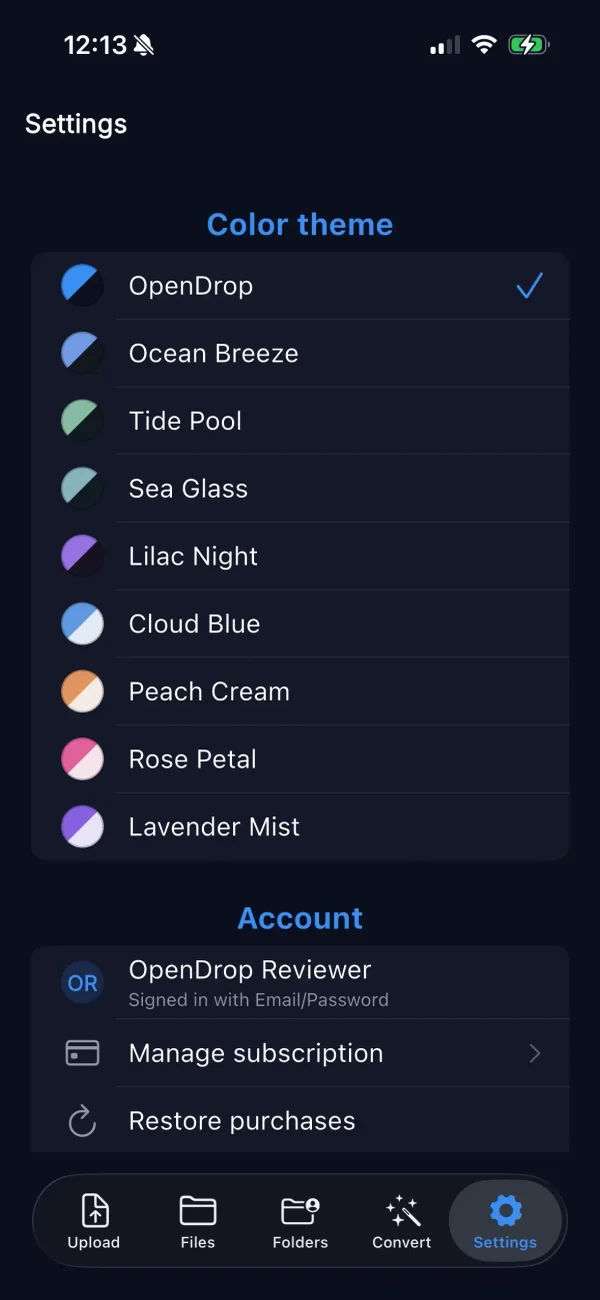
Acerca de
El desarrollador no ha proporcionado este texto en tu idioma.
Your Personal Cloud, Zero Configuration.
OpenDrop makes getting files off your phone and onto your computer effortless. Forget emailing photos to yourself, hunting for USB cables, or trusting third-party cloud limits. With OpenDrop, your PC is the cloud.
IMPORTANT: Mac or PC COMPANION APP REQUIRED: To use this app, you must install the free OpenDrop Server on your computer.
For Mac users, you can download it from the app store.
Download it here for PC: https://www.nfdgames.com/OpenDrop/#download
Key Features
- Transfer From Anywhere: Unlike local file transfer apps, OpenDrop works whether you are on the same Wi-Fi or miles away on mobile data.
- Secure & Encrypted: We utilize industry-standard Cloudflare Tunnels to create a secure link directly to your PC.
- Zero Configuration: No port forwarding or complex network setup required. Just run the server and connect.
- Send Anything: Quickly upload photos, videos, documents, and more directly to your computer's storage.
OpenDrop Pro ($2.99/mo) Upgrade to Pro for the ultimate seamless experience:
- Auto-Connect with cloud: Link your devices permanently using your online account.
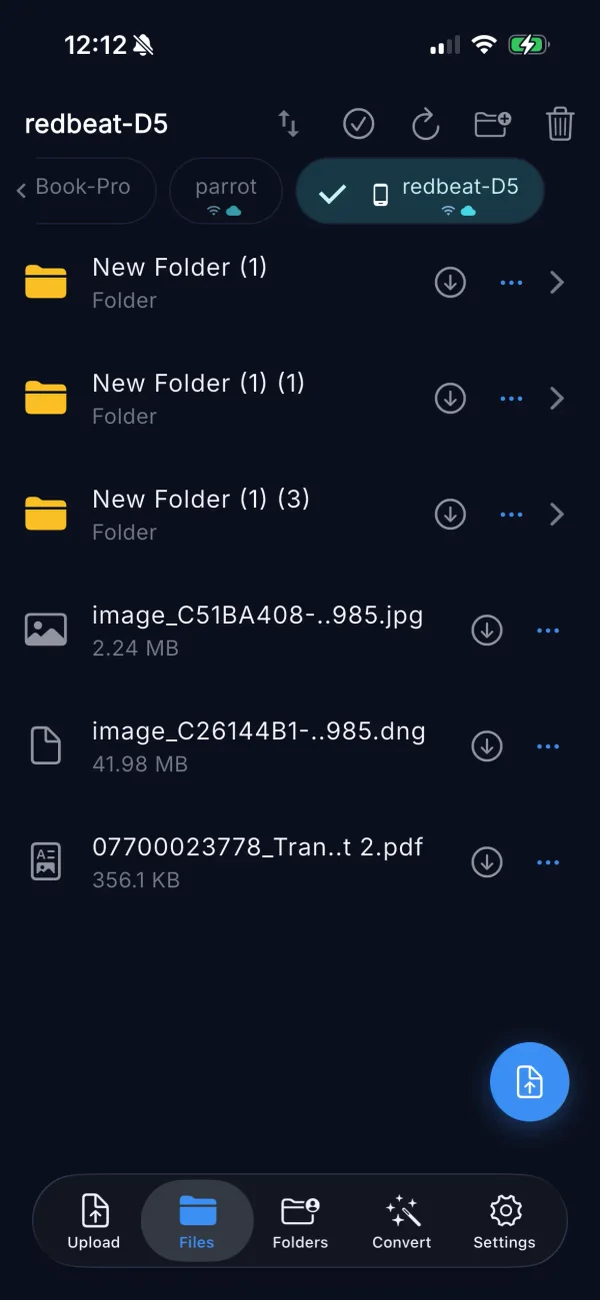
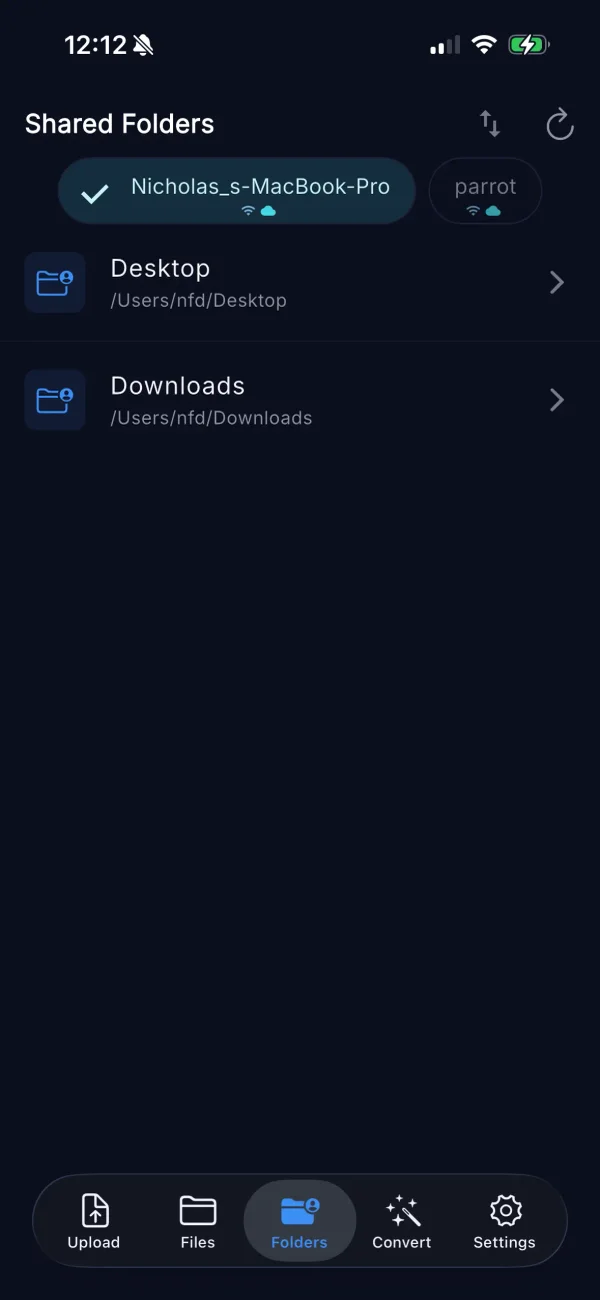
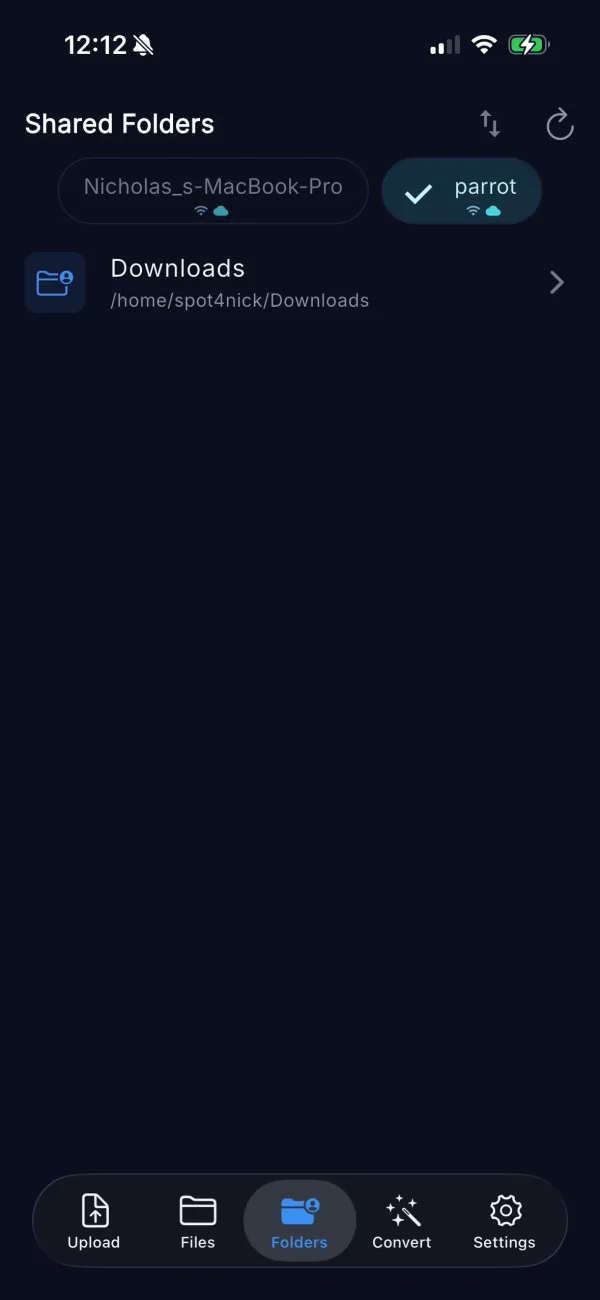
- Remote Folder Access: Securely browse and download files from specific shared folders on your PC.
- No More QR Codes: Your phone automatically discovers your computer whenever it's online.
- Instant Reconnect: Switch networks or restart your app without ever needing to re-scan.
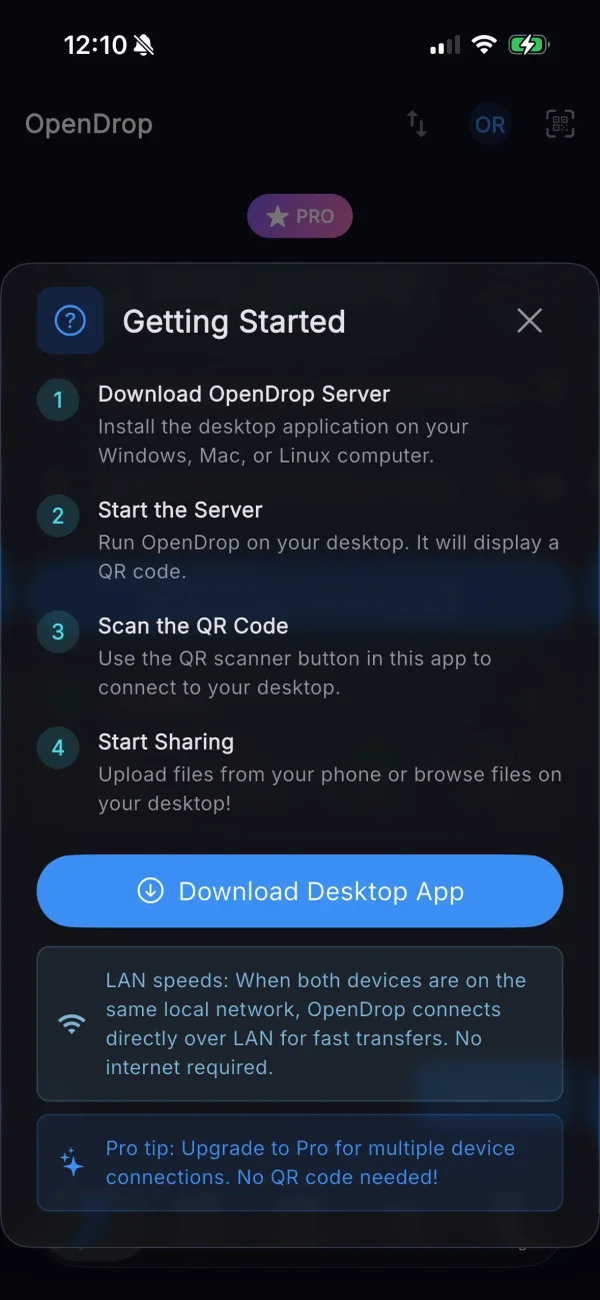
How it Works (Free Version)
1) Download the OpenDrop Server on your PC or Mac.
2) Open the server to generate a secure QR code.
3) Scan the code with this app to create a temporary, encrypted tunnel.
4) Start uploading files immediately!
Download the Desktop Server today to get started: https://www.nfdgames.com/OpenDrop/
Privacy Policy: https://www.nfdgames.com/OpenDrop/PrivacyPolicy.html
Terms Of Service: https://www.nfdgames.com/OpenDrop/TermsOfService.html
Export Compliance: https://www.nfdgames.com/OpenDrop/docs/export-compliance/
Novedades
Versión 1.0.2 · 23/10/2026
Security improvements for device to device request verification over LAN. Also some fixes to bluetooth to improve speed (pro users). Also some minor improvements to device syncing for pro users.
Privacidad de la aplicación
Lo que NFDGames LLC declara en App Store sobre cómo esta aplicación gestiona los datos.
-
No se recopilan datos
El desarrollador no recopila ningún dato de esta aplicación.
Las prácticas de privacidad pueden variar, por ejemplo, según las funciones que uses o tu edad.
Información
- Vendedor
- NFDGames LLC
- Categoría
- Utilidades
- Versión
- 1.0.2
- Actualizado
- 23/10/2026
- Publicado
- 29/1/2026
- Tamaño
- 66,4 MB
- Requiere
- iOS 16.0 o posterior
- Clasificación por edad
- 4+
- Precio
- Gratis
- Compras en la aplicación
- Sí
- Idiomas
- Inglés
- Copyright
- © 2026 NFDGames
Quizá también te guste
-
 trx-controlUtilidades
-
 Smart Caller ID & Spam BlockerUtilidades
-
 Digi Axess MobileUtilidades
-
 itel Energy C&I BSUtilidades
-
 Image to PDF - PDF creator +Utilidades
-
 ScanBox: Imagen a Texto OCRCopia texto de fotos y cámara
-
 NETIO Mobile 2Utilidades
-
 iZip Unzip Unrar ToolUtilidades
-
 SheetBox: Sheets to ShortcutsUtilidades
-
 CloudLogOfflineUtilidades