- 対象年齢4+
- カテゴリユーティリティ
- 開発元NFDGames LLC
- 言語英語
- サイズ66.4 MB
App Storeの公式ページにリンクしています
Download.orgはOpenDropのファイルを一切ホストしていません。ボタンを押すと、NFDGames LLCが公開しているApp Storeのアプリページが開きます。ページの最終確認:2026/11/17。
スクリーンショット




概要
開発元はこのテキストをお使いの言語で提供していません。
Your Personal Cloud, Zero Configuration.
OpenDrop makes getting files off your phone and onto your computer effortless. Forget emailing photos to yourself, hunting for USB cables, or trusting third-party cloud limits. With OpenDrop, your PC is the cloud.
IMPORTANT: Mac or PC COMPANION APP REQUIRED: To use this app, you must install the free OpenDrop Server on your computer.
For Mac users, you can download it from the app store.
Download it here for PC: https://www.nfdgames.com/OpenDrop/#download
Key Features
- Transfer From Anywhere: Unlike local file transfer apps, OpenDrop works whether you are on the same Wi-Fi or miles away on mobile data.
- Secure & Encrypted: We utilize industry-standard Cloudflare Tunnels to create a secure link directly to your PC.
- Zero Configuration: No port forwarding or complex network setup required. Just run the server and connect.
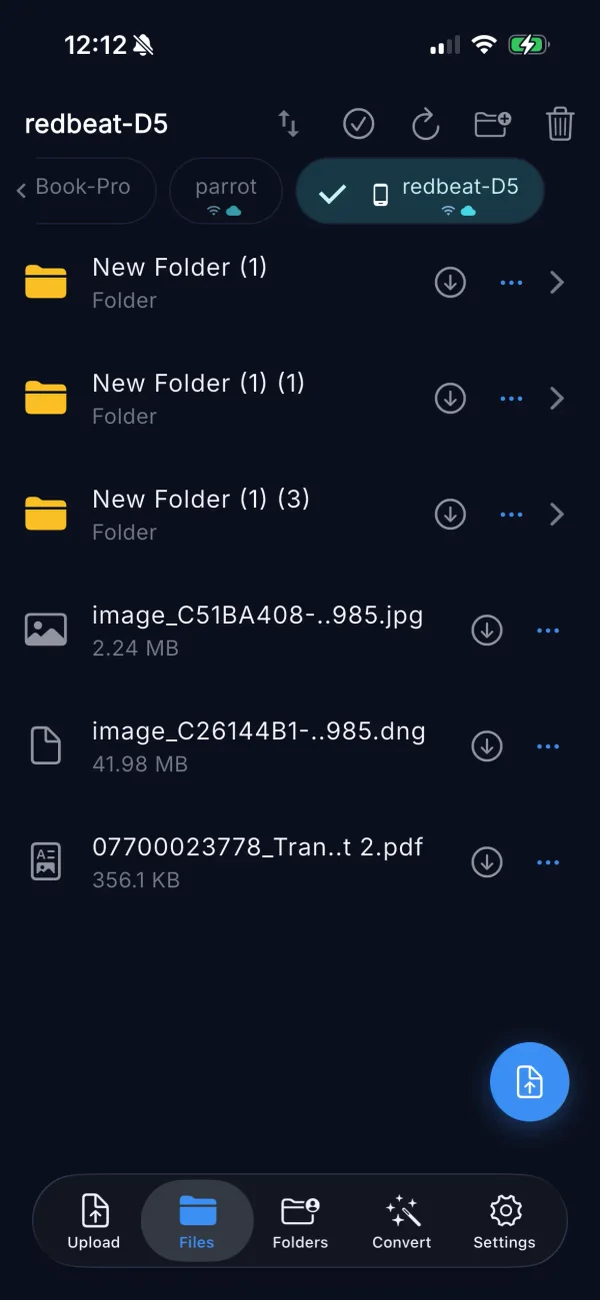
- Send Anything: Quickly upload photos, videos, documents, and more directly to your computer's storage.
OpenDrop Pro ($2.99/mo) Upgrade to Pro for the ultimate seamless experience:
- Auto-Connect with cloud: Link your devices permanently using your online account.
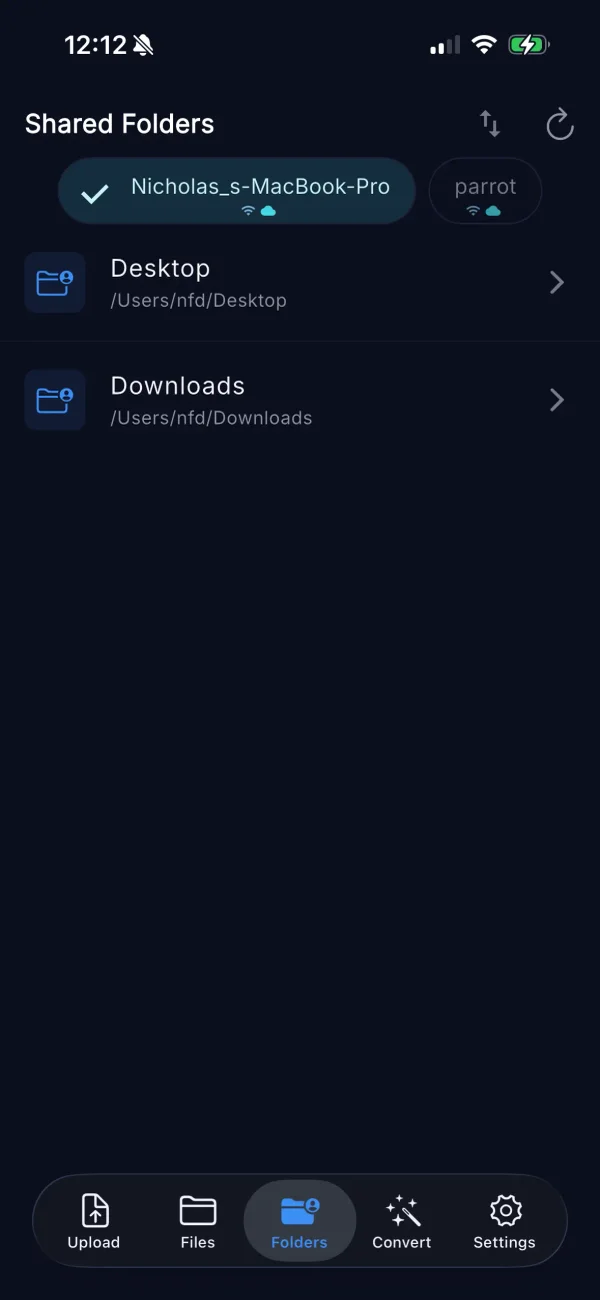
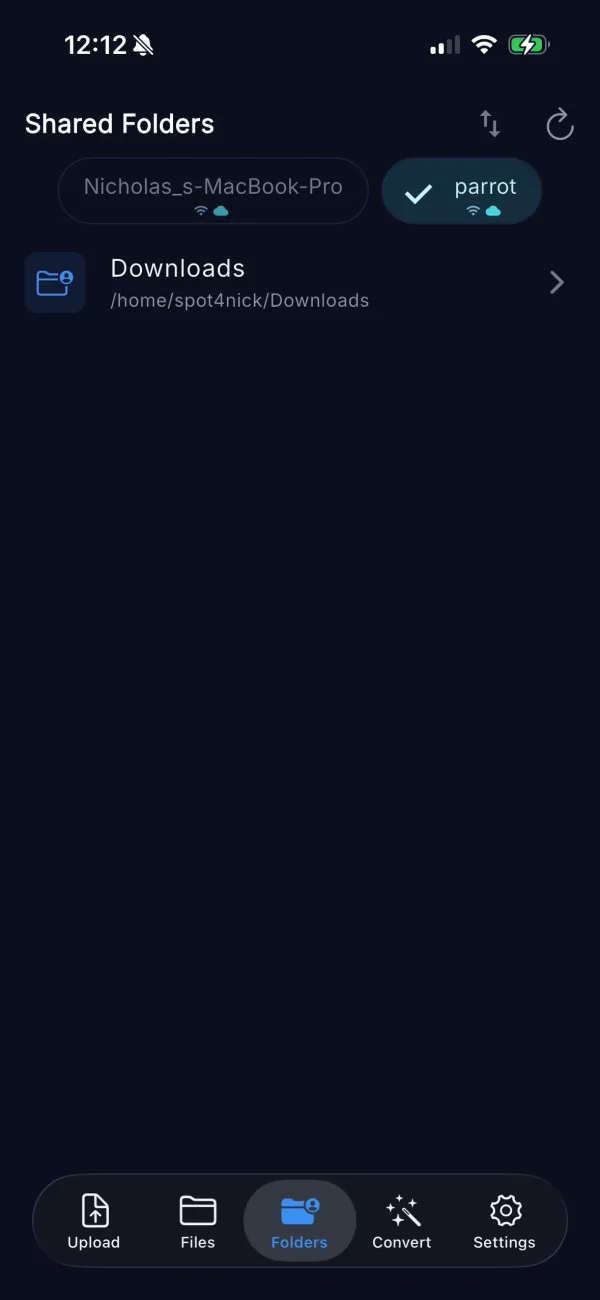
- Remote Folder Access: Securely browse and download files from specific shared folders on your PC.
- No More QR Codes: Your phone automatically discovers your computer whenever it's online.
- Instant Reconnect: Switch networks or restart your app without ever needing to re-scan.
How it Works (Free Version)
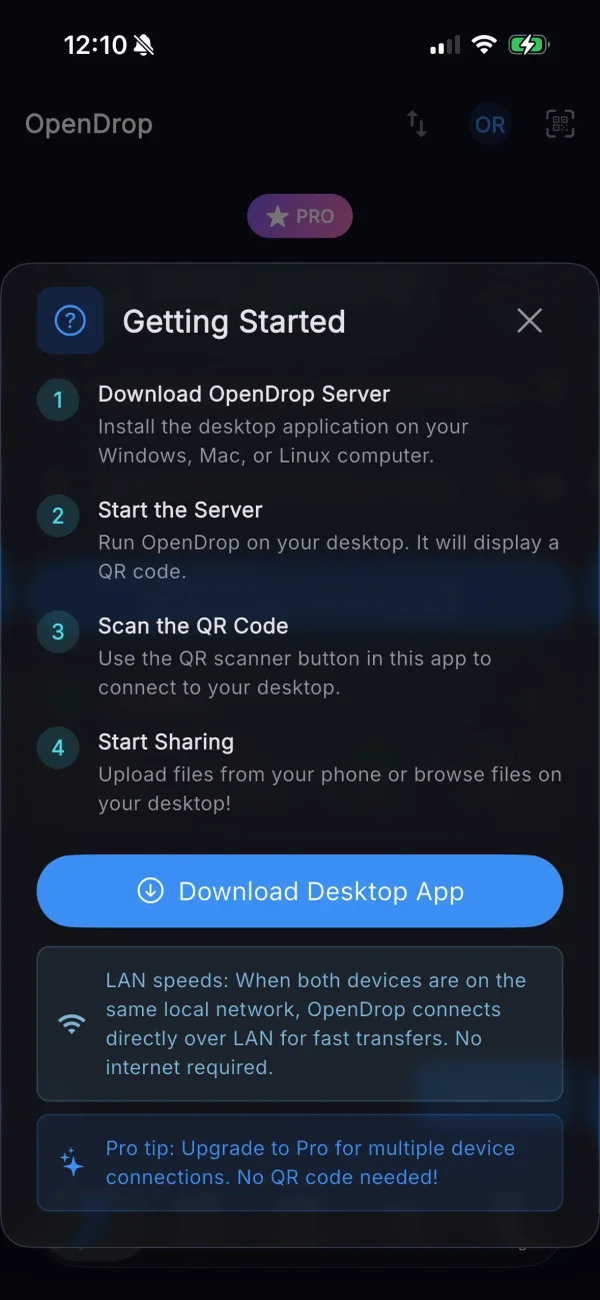
1) Download the OpenDrop Server on your PC or Mac.
2) Open the server to generate a secure QR code.
3) Scan the code with this app to create a temporary, encrypted tunnel.
4) Start uploading files immediately!
Download the Desktop Server today to get started: https://www.nfdgames.com/OpenDrop/
Privacy Policy: https://www.nfdgames.com/OpenDrop/PrivacyPolicy.html
Terms Of Service: https://www.nfdgames.com/OpenDrop/TermsOfService.html
Export Compliance: https://www.nfdgames.com/OpenDrop/docs/export-compliance/
新機能
バージョン 1.0.2 · 2026/10/23
Security improvements for device to device request verification over LAN. Also some fixes to bluetooth to improve speed (pro users). Also some minor improvements to device syncing for pro users.
アプリのプライバシー
このアプリのデータの取り扱いについて、NFDGames LLCがApp Storeで申告している内容です。
-
データの収集なし
開発元はこのアプリからデータを収集しません。
プライバシーの取り扱いは、ご利用の機能やお客様の年齢などに応じて異なる場合があります。
情報
- 販売元
- NFDGames LLC
- カテゴリ
- ユーティリティ
- バージョン
- 1.0.2
- 更新日
- 2026/10/23
- リリース
- 2026/1/29
- サイズ
- 66.4 MB
- 必要条件
- iOS 16.0以降
- 対象年齢
- 4+
- 価格
- 無料
- アプリ内課金
- あり
- 言語
- 英語
- 著作権
- © 2026 NFDGames