OpenDrop
Seamlessly transfer files
Được thiết kế cho iPhone, iPad
Miễn phí · Mua hàng trong ứng dụng
- Độ tuổi4+
- Danh mụcTiện Ích
- Nhà phát triểnNFDGames LLC
- Ngôn ngữTiếng Anh
- Kích thước66,4 MB
Liên kết đến trang App Store chính thức
Download.org không lưu trữ tệp nào của OpenDrop. Nút này mở trang ứng dụng trên App Store, nơi NFDGames LLC phát hành ứng dụng. Trang được kiểm tra lần cuối: 17/11/2026.
Ảnh chụp màn hình





Giới thiệu
Nhà phát triển chưa cung cấp nội dung này bằng ngôn ngữ của bạn.
Your Personal Cloud, Zero Configuration.
OpenDrop makes getting files off your phone and onto your computer effortless. Forget emailing photos to yourself, hunting for USB cables, or trusting third-party cloud limits. With OpenDrop, your PC is the cloud.
IMPORTANT: Mac or PC COMPANION APP REQUIRED: To use this app, you must install the free OpenDrop Server on your computer.
For Mac users, you can download it from the app store.
Download it here for PC: https://www.nfdgames.com/OpenDrop/#download
Key Features
- Transfer From Anywhere: Unlike local file transfer apps, OpenDrop works whether you are on the same Wi-Fi or miles away on mobile data.
- Secure & Encrypted: We utilize industry-standard Cloudflare Tunnels to create a secure link directly to your PC.
- Zero Configuration: No port forwarding or complex network setup required. Just run the server and connect.
- Send Anything: Quickly upload photos, videos, documents, and more directly to your computer's storage.
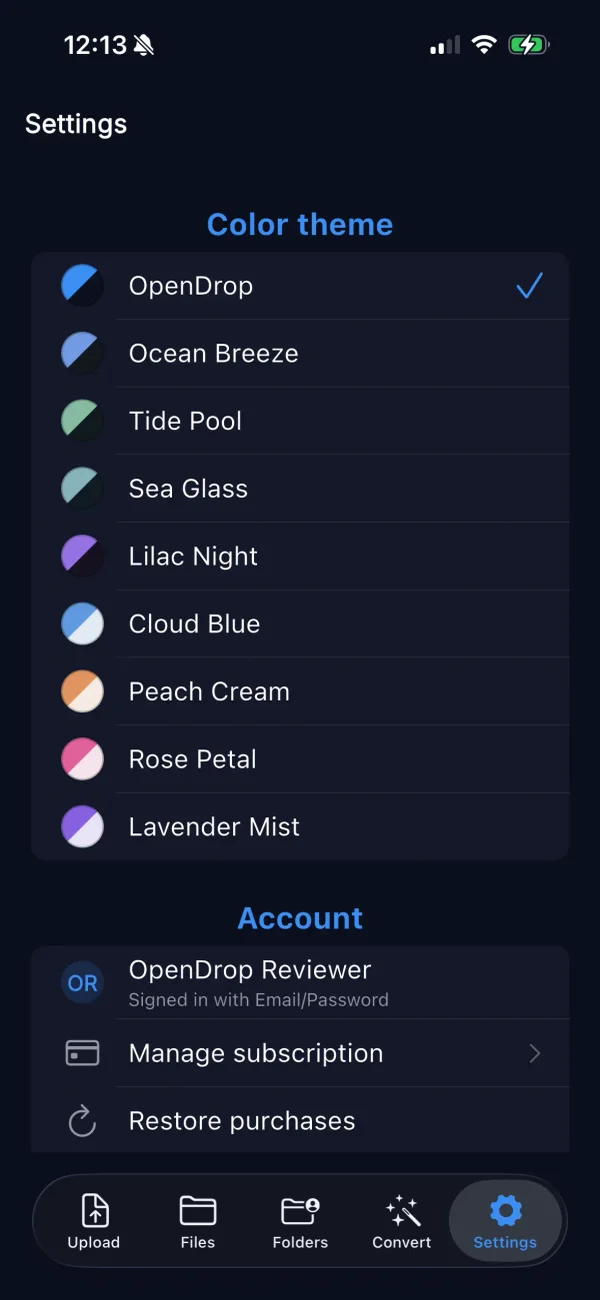
OpenDrop Pro ($2.99/mo) Upgrade to Pro for the ultimate seamless experience:
- Auto-Connect with cloud: Link your devices permanently using your online account.
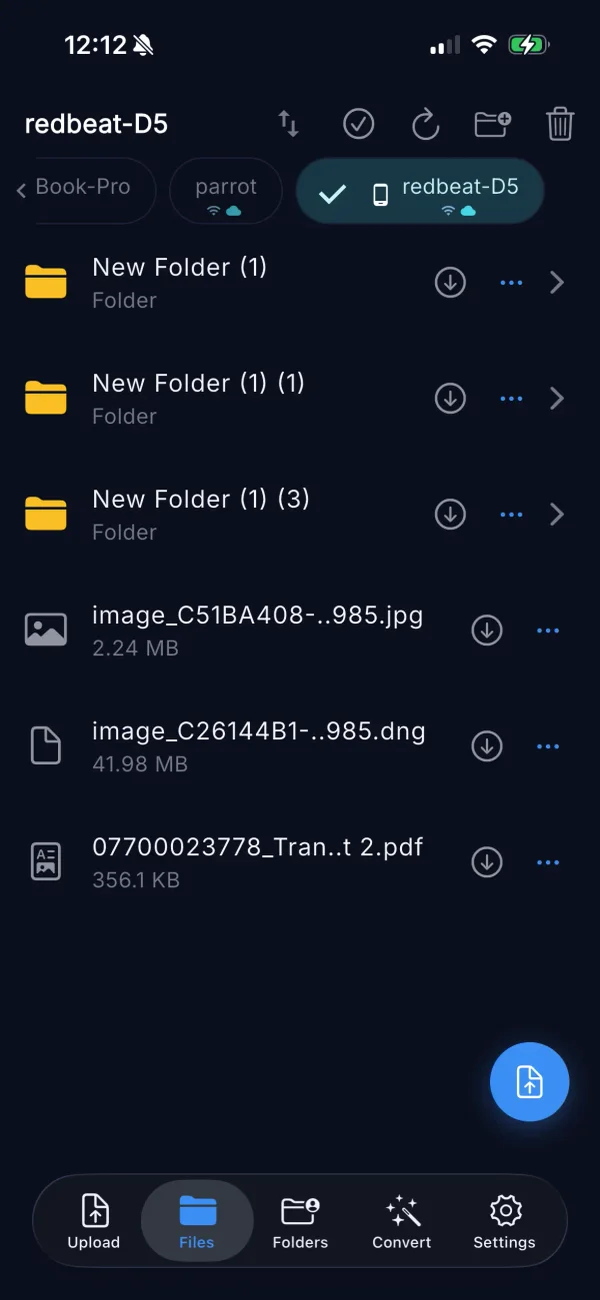
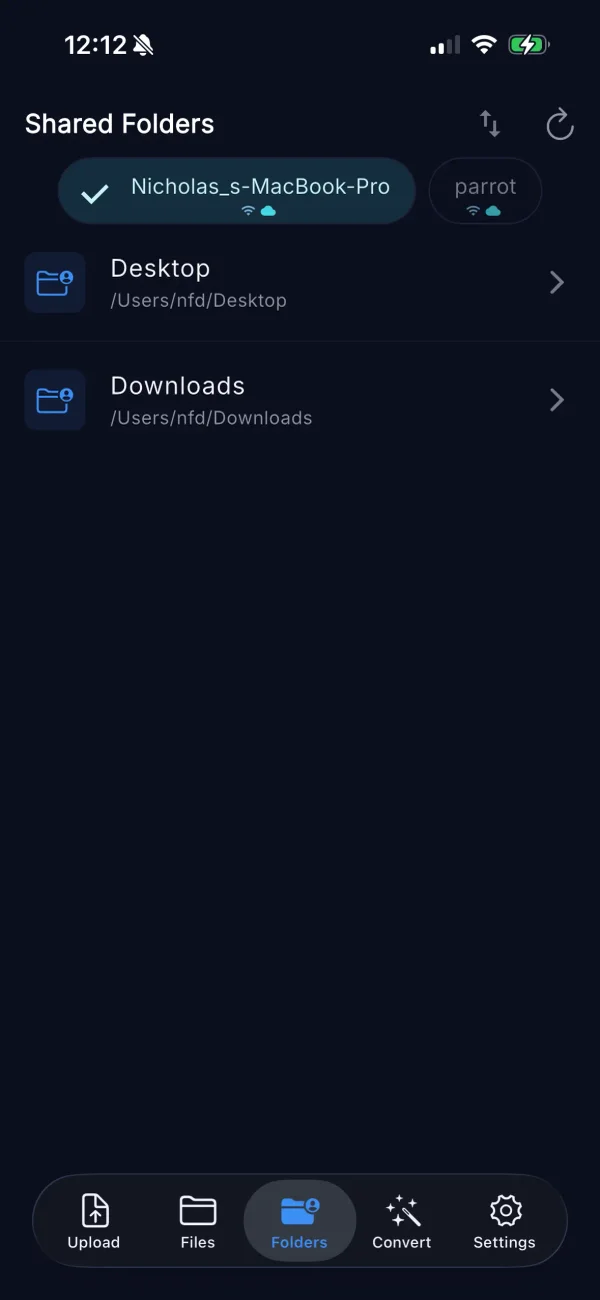
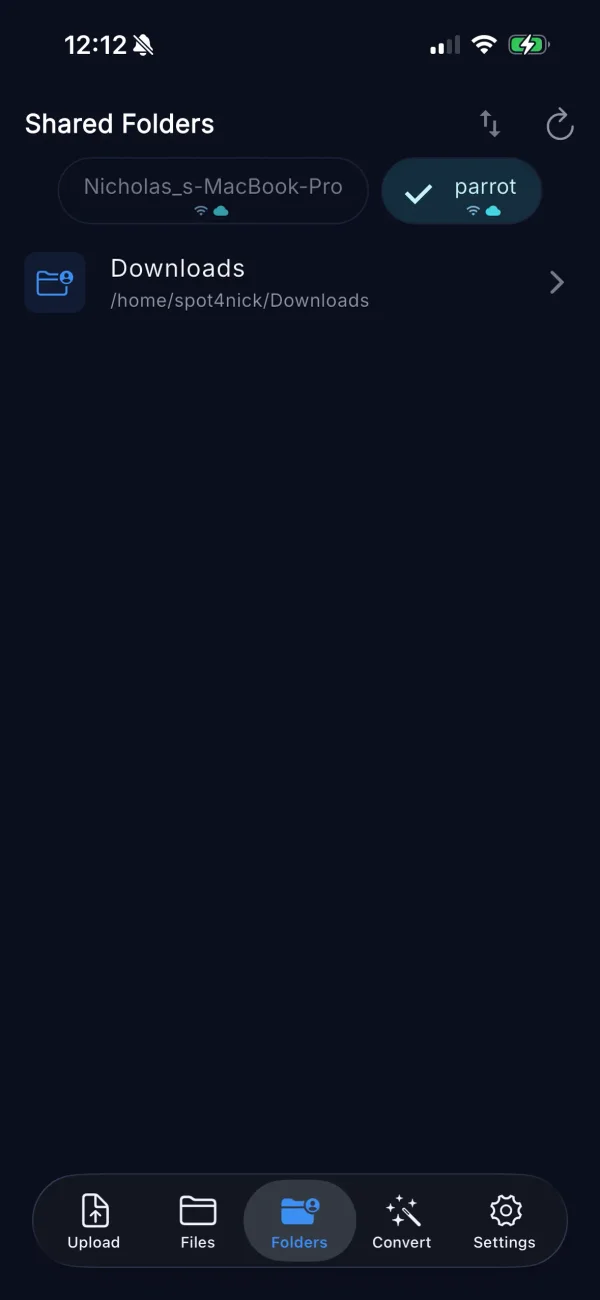
- Remote Folder Access: Securely browse and download files from specific shared folders on your PC.
- No More QR Codes: Your phone automatically discovers your computer whenever it's online.
- Instant Reconnect: Switch networks or restart your app without ever needing to re-scan.
How it Works (Free Version)
1) Download the OpenDrop Server on your PC or Mac.
2) Open the server to generate a secure QR code.
3) Scan the code with this app to create a temporary, encrypted tunnel.
4) Start uploading files immediately!
Download the Desktop Server today to get started: https://www.nfdgames.com/OpenDrop/
Privacy Policy: https://www.nfdgames.com/OpenDrop/PrivacyPolicy.html
Terms Of Service: https://www.nfdgames.com/OpenDrop/TermsOfService.html
Export Compliance: https://www.nfdgames.com/OpenDrop/docs/export-compliance/
Có gì mới
Phiên bản 1.0.2 · 23/10/2026
Security improvements for device to device request verification over LAN. Also some fixes to bluetooth to improve speed (pro users). Also some minor improvements to device syncing for pro users.
Quyền riêng tư của ứng dụng
Những gì NFDGames LLC khai báo trên App Store về cách ứng dụng này xử lý dữ liệu.
-
Dữ liệu không được thu thập
Nhà phát triển không thu thập bất kỳ dữ liệu nào từ ứng dụng này.
Phương thức đảm bảo quyền riêng tư có thể khác nhau, chẳng hạn như tuỳ theo các tính năng bạn sử dụng hoặc độ tuổi của bạn.
Thông tin
- Người bán
- NFDGames LLC
- Danh mục
- Tiện Ích
- Phiên bản
- 1.0.2
- Cập nhật
- 23/10/2026
- Phát hành
- 29/01/2026
- Kích thước
- 66,4 MB
- Yêu cầu
- iOS 16.0 trở lên
- Độ tuổi
- 4+
- Giá
- Miễn phí
- Mua hàng trong ứng dụng
- Có
- Ngôn ngữ
- Tiếng Anh
- Bản quyền
- © 2026 NFDGames