
OpenDrop
Seamlessly transfer files
Designed for iPhone, iPad
Free · In-app purchases
- Age rating4+
- CategoryUtilities
- DeveloperNFDGames LLC
- LanguagesEnglish
- Size66.4 MB
Links to the official App Store page
Download.org hosts no file of OpenDrop. The button opens its official App Store page, published by NFDGames LLC. Listing last checked on Nov 17, 2026.
Screenshots




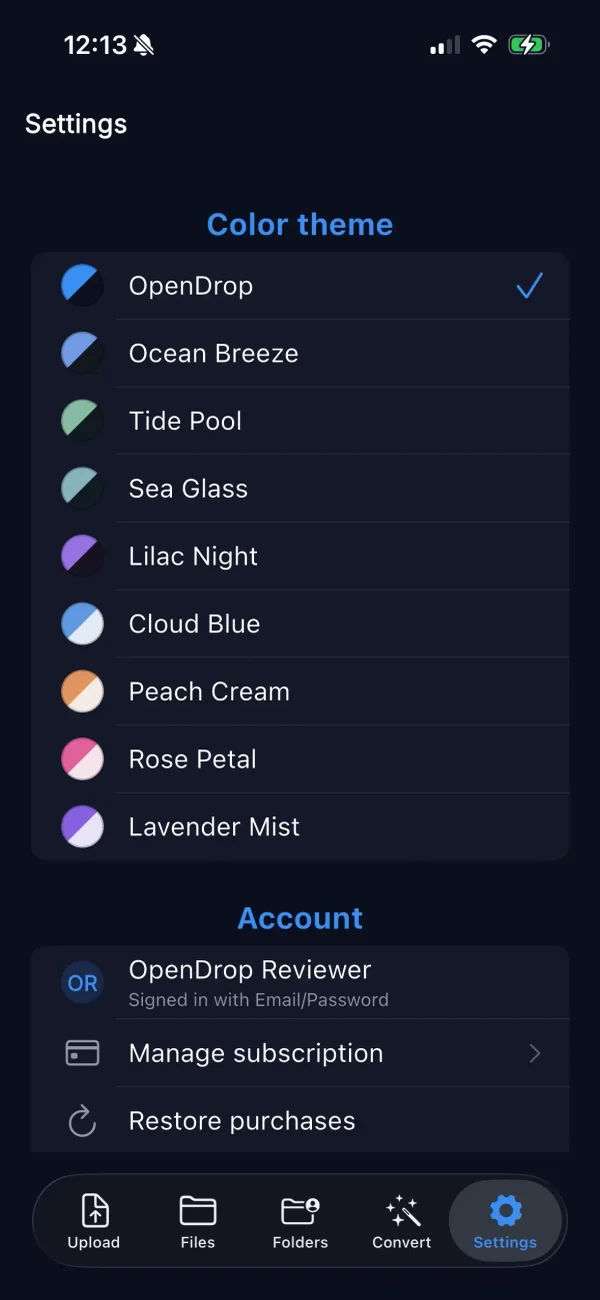
About
Your Personal Cloud, Zero Configuration.
OpenDrop makes getting files off your phone and onto your computer effortless. Forget emailing photos to yourself, hunting for USB cables, or trusting third-party cloud limits. With OpenDrop, your PC is the cloud.
IMPORTANT: Mac or PC COMPANION APP REQUIRED: To use this app, you must install the free OpenDrop Server on your computer.
For Mac users, you can download it from the app store.
Download it here for PC: https://www.nfdgames.com/OpenDrop/#download
Key Features
- Transfer From Anywhere: Unlike local file transfer apps, OpenDrop works whether you are on the same Wi-Fi or miles away on mobile data.
- Secure & Encrypted: We utilize industry-standard Cloudflare Tunnels to create a secure link directly to your PC.
- Zero Configuration: No port forwarding or complex network setup required. Just run the server and connect.
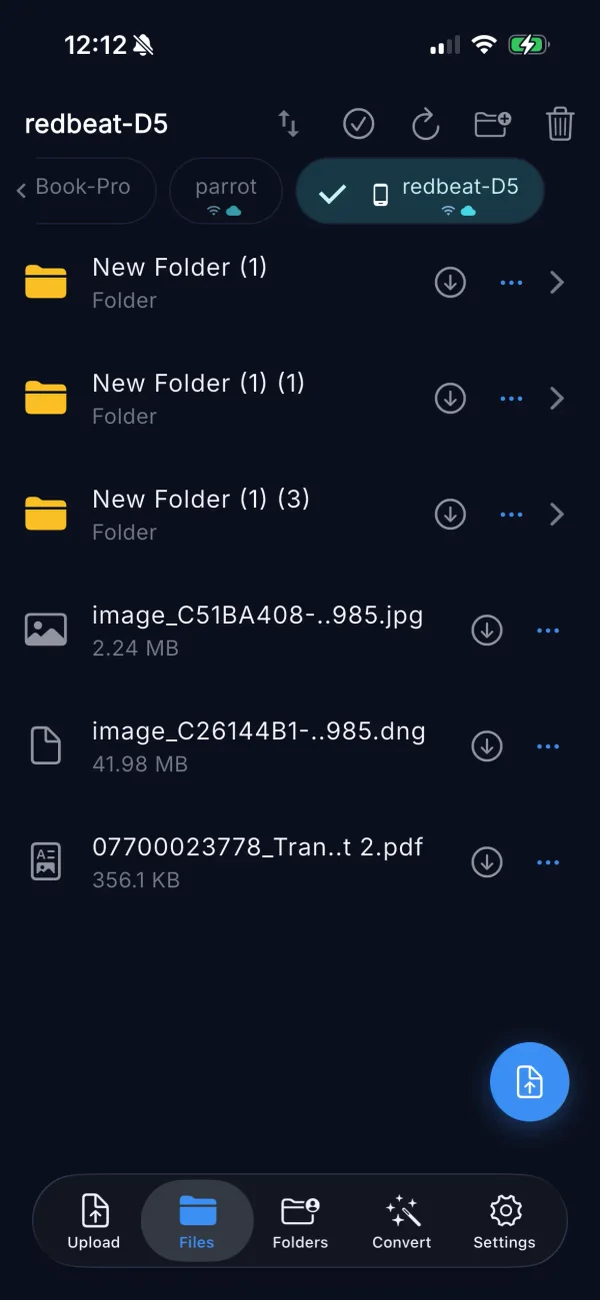
- Send Anything: Quickly upload photos, videos, documents, and more directly to your computer's storage.
OpenDrop Pro ($2.99/mo) Upgrade to Pro for the ultimate seamless experience:
- Auto-Connect with cloud: Link your devices permanently using your online account.
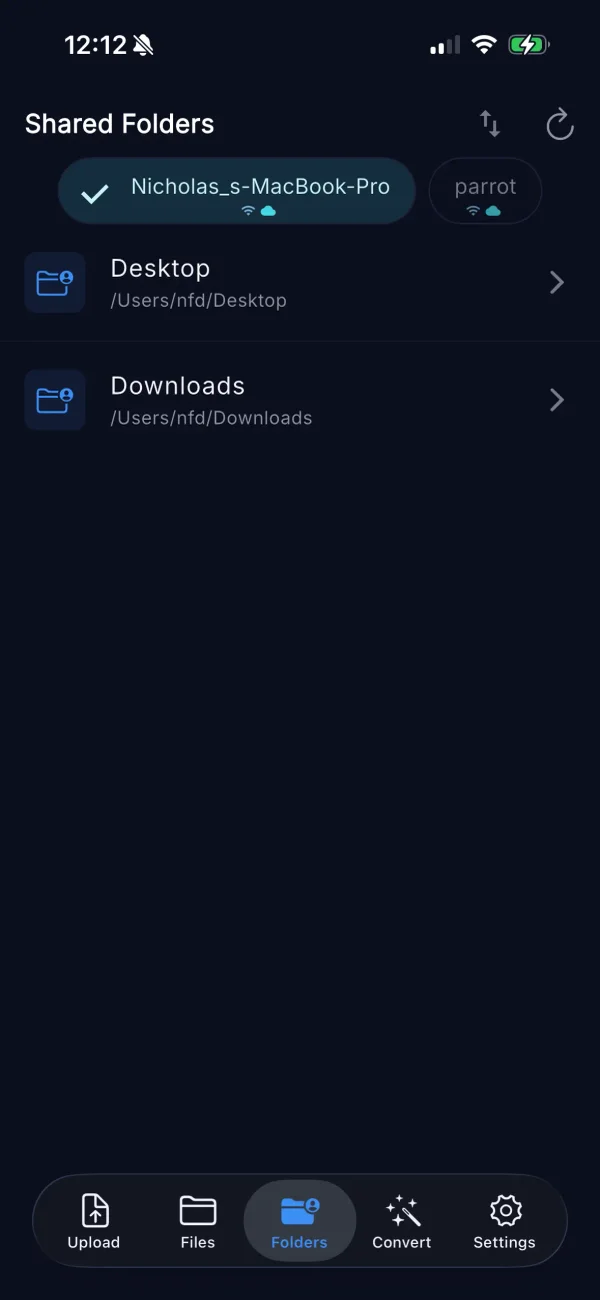
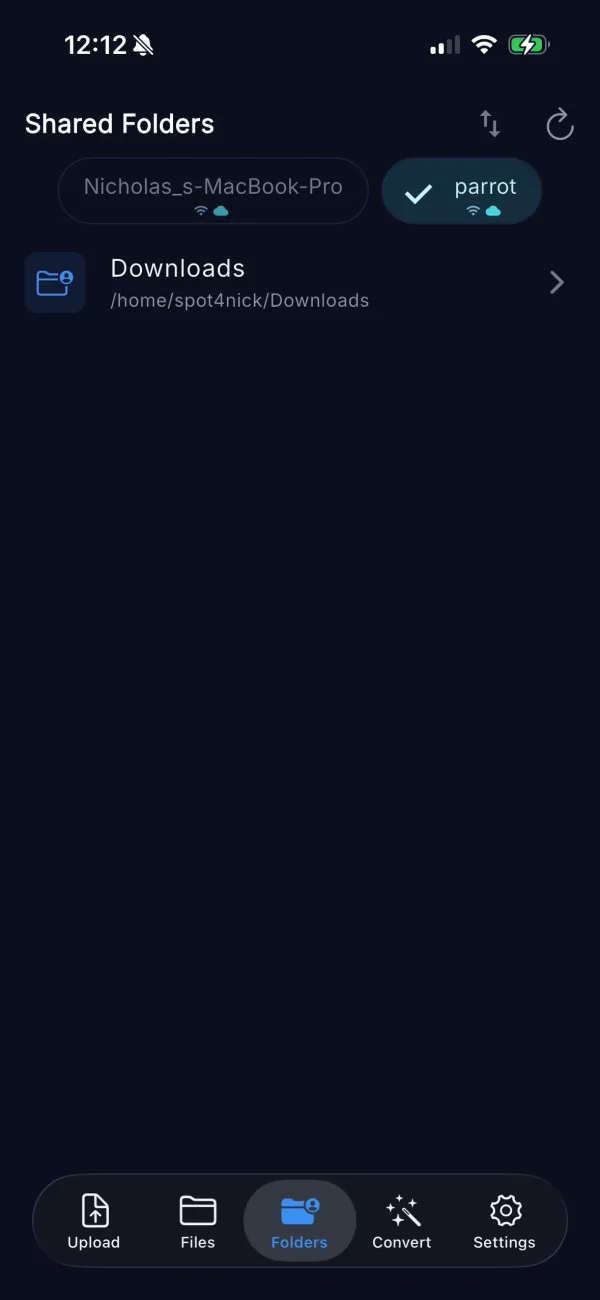
- Remote Folder Access: Securely browse and download files from specific shared folders on your PC.
- No More QR Codes: Your phone automatically discovers your computer whenever it's online.
- Instant Reconnect: Switch networks or restart your app without ever needing to re-scan.
How it Works (Free Version)
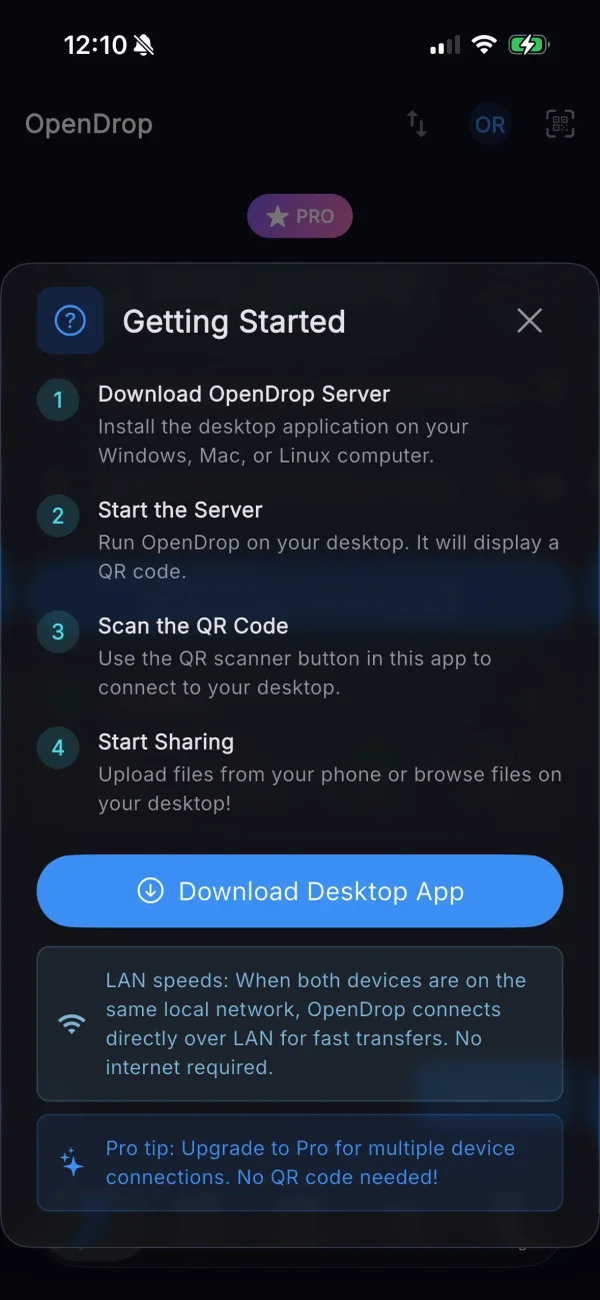
1) Download the OpenDrop Server on your PC or Mac.
2) Open the server to generate a secure QR code.
3) Scan the code with this app to create a temporary, encrypted tunnel.
4) Start uploading files immediately!
Download the Desktop Server today to get started: https://www.nfdgames.com/OpenDrop/
Privacy Policy: https://www.nfdgames.com/OpenDrop/PrivacyPolicy.html
Terms Of Service: https://www.nfdgames.com/OpenDrop/TermsOfService.html
Export Compliance: https://www.nfdgames.com/OpenDrop/docs/export-compliance/
What’s new
Version 1.0.2 · Oct 23, 2026
Security improvements for device to device request verification over LAN. Also some fixes to bluetooth to improve speed (pro users). Also some minor improvements to device syncing for pro users.
App privacy
What NFDGames LLC declares on the App Store about how this app handles data.
-
Data not collected
The developer does not collect any data from this app.
Privacy practices may vary, for example with the features you use or your age.
Information
- Seller
- NFDGames LLC
- Category
- Utilities
- Version
- 1.0.2
- Updated
- Oct 23, 2026
- Released
- Jan 29, 2026
- Size
- 66.4 MB
- Requires
- iOS 16.0 or later
- Age rating
- 4+
- Price
- Free
- In-app purchases
- Yes
- Languages
- English
- Copyright
- © 2026 NFDGames
You might also like
-
 trx-controlUtilities
-
 Smart Caller ID & Spam BlockerBlock Spam & Identify Callers
-
 Digi Axess MobileUtilities
-
 itel Energy C&I BSUtilities
-
 Image to PDF - PDF creator +Scan & Convert Photos to PDF
-
 ScanBox: Image to Text OCRCopy Text from Photo & Camera
-
 NETIO Mobile 2Utilities
-
 iZip Unzip Unrar ToolZip opener read RAR files
-
 SheetBox: Sheets to ShortcutsRead spreadsheets in Shortcuts
-
 CloudLogOfflineHAM Radio Logbook