OpenDrop
Seamlessly transfer files
Dirancang untuk iPhone, iPad
Gratis · Pembelian dalam aplikasi
- Batasan usia4+
- KategoriKegunaan
- PengembangNFDGames LLC
- BahasaInggris
- Ukuran66,4 MB
Tertaut ke halaman resmi App Store
Download.org tidak menyimpan file OpenDrop apa pun. Tombol ini membuka halaman aplikasi di App Store, tempat NFDGames LLC menerbitkannya. Halaman terakhir diperiksa pada 17/11/2026.
Tangkapan layar




Tentang
Pengembang belum menyediakan teks ini dalam bahasa Anda.
Your Personal Cloud, Zero Configuration.
OpenDrop makes getting files off your phone and onto your computer effortless. Forget emailing photos to yourself, hunting for USB cables, or trusting third-party cloud limits. With OpenDrop, your PC is the cloud.
IMPORTANT: Mac or PC COMPANION APP REQUIRED: To use this app, you must install the free OpenDrop Server on your computer.
For Mac users, you can download it from the app store.
Download it here for PC: https://www.nfdgames.com/OpenDrop/#download
Key Features
- Transfer From Anywhere: Unlike local file transfer apps, OpenDrop works whether you are on the same Wi-Fi or miles away on mobile data.
- Secure & Encrypted: We utilize industry-standard Cloudflare Tunnels to create a secure link directly to your PC.
- Zero Configuration: No port forwarding or complex network setup required. Just run the server and connect.
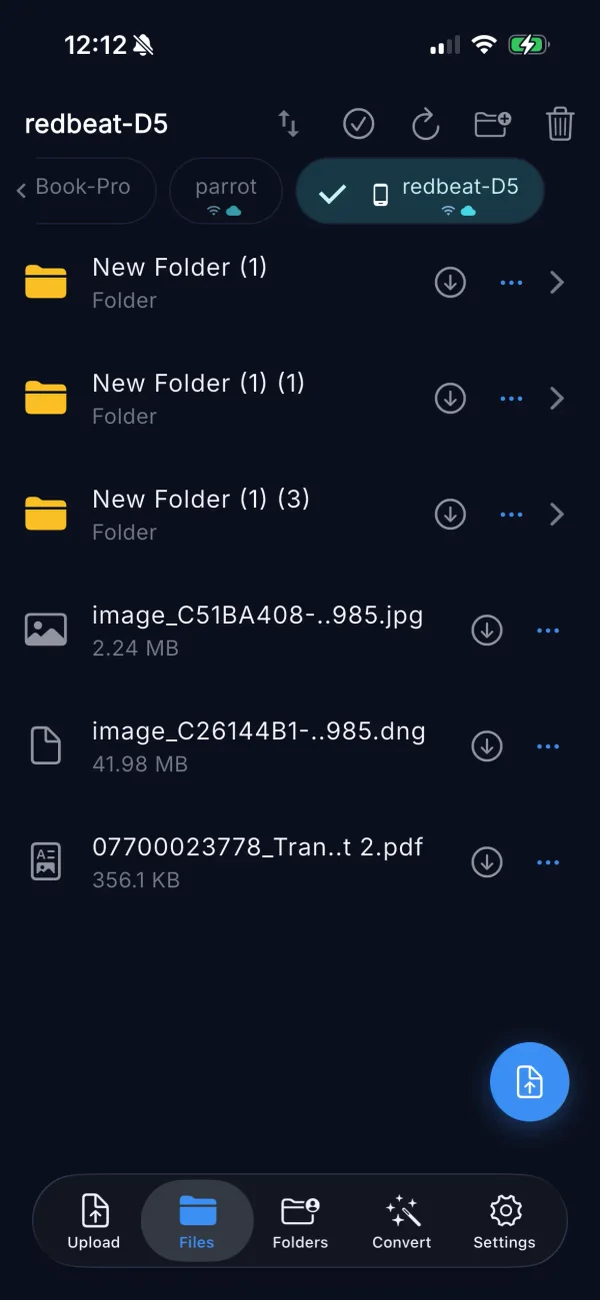
- Send Anything: Quickly upload photos, videos, documents, and more directly to your computer's storage.
OpenDrop Pro ($2.99/mo) Upgrade to Pro for the ultimate seamless experience:
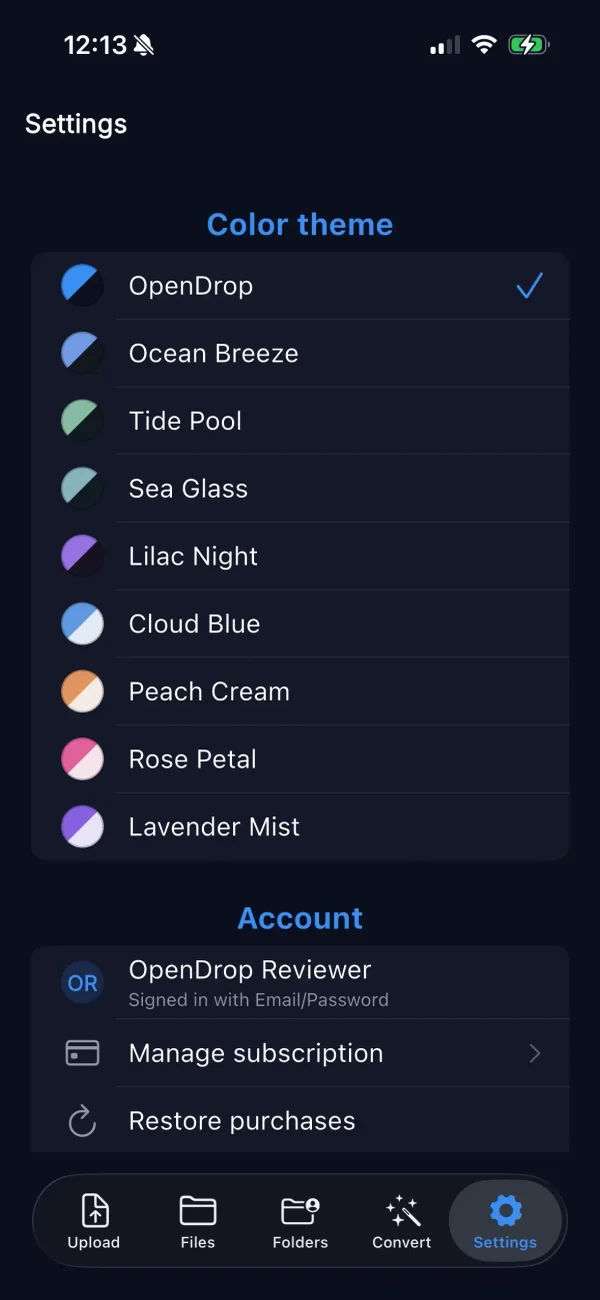
- Auto-Connect with cloud: Link your devices permanently using your online account.
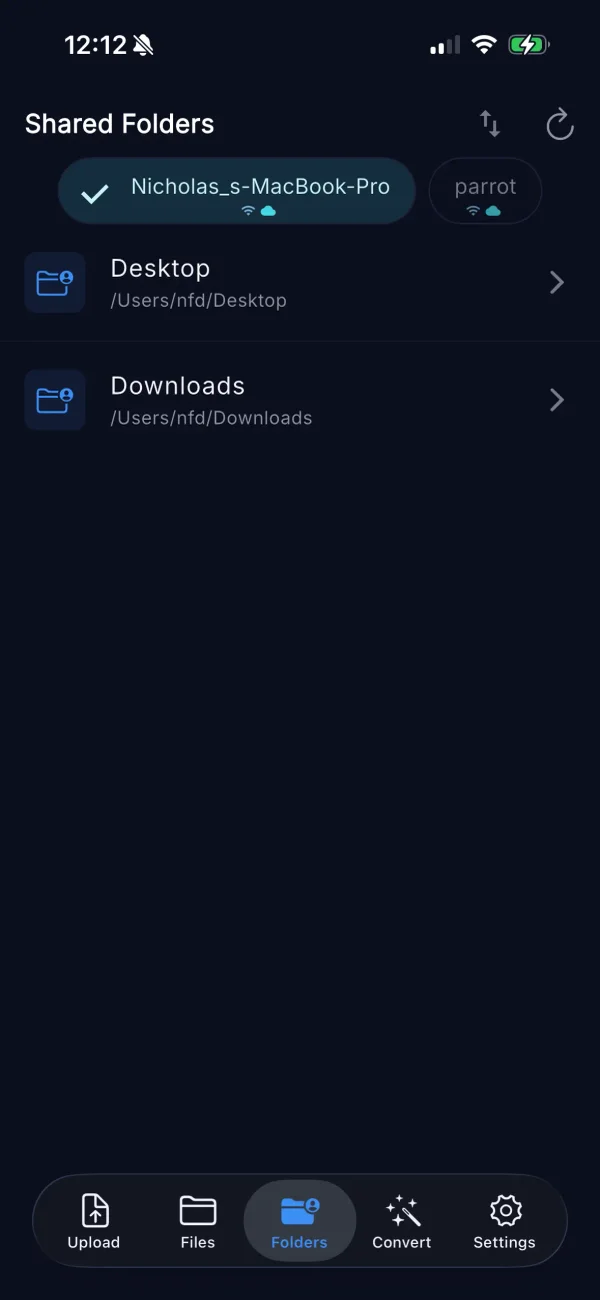
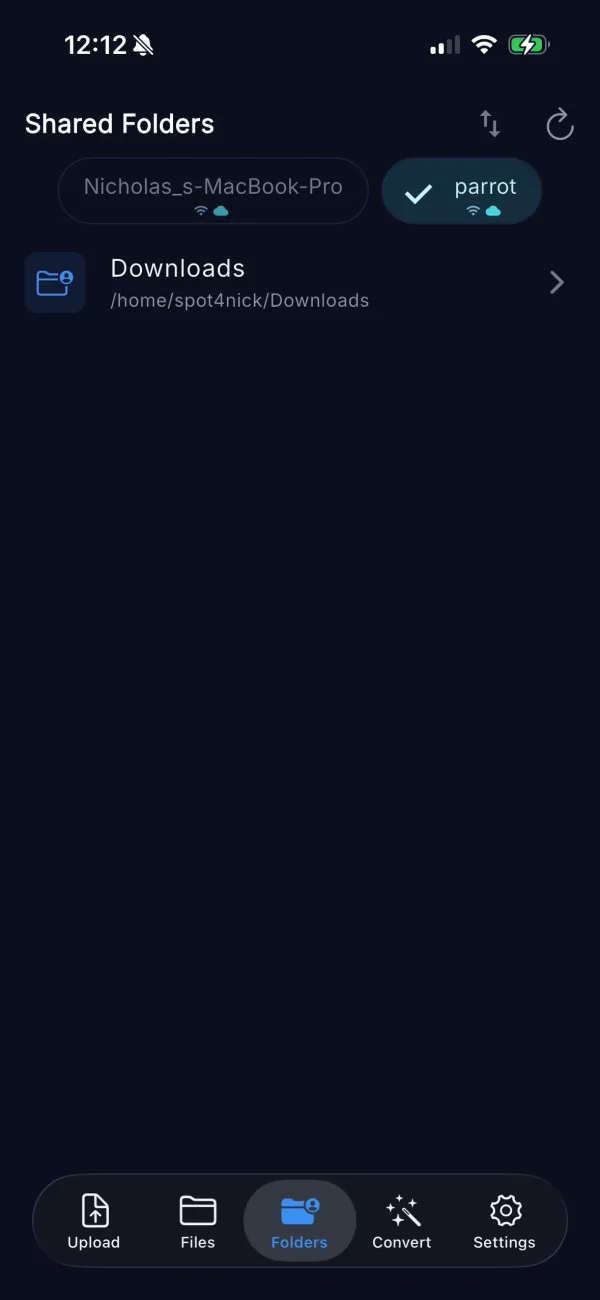
- Remote Folder Access: Securely browse and download files from specific shared folders on your PC.
- No More QR Codes: Your phone automatically discovers your computer whenever it's online.
- Instant Reconnect: Switch networks or restart your app without ever needing to re-scan.
How it Works (Free Version)
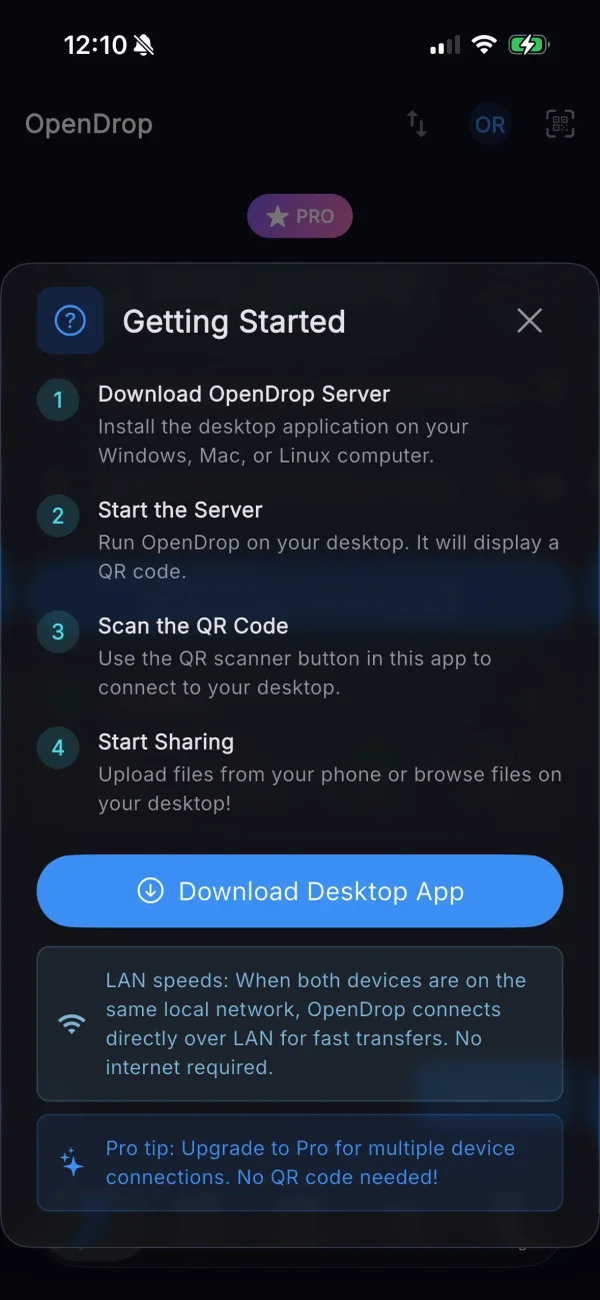
1) Download the OpenDrop Server on your PC or Mac.
2) Open the server to generate a secure QR code.
3) Scan the code with this app to create a temporary, encrypted tunnel.
4) Start uploading files immediately!
Download the Desktop Server today to get started: https://www.nfdgames.com/OpenDrop/
Privacy Policy: https://www.nfdgames.com/OpenDrop/PrivacyPolicy.html
Terms Of Service: https://www.nfdgames.com/OpenDrop/TermsOfService.html
Export Compliance: https://www.nfdgames.com/OpenDrop/docs/export-compliance/
Yang baru
Versi 1.0.2 · 23/10/2026
Security improvements for device to device request verification over LAN. Also some fixes to bluetooth to improve speed (pro users). Also some minor improvements to device syncing for pro users.
Privasi aplikasi
Yang dinyatakan NFDGames LLC di App Store tentang cara aplikasi ini menangani data.
-
Data tidak dikumpulkan
Pengembang tidak mengumpulkan data apa pun dari aplikasi ini.
Praktik privasi dapat bervariasi, misalnya berdasarkan fitur yang Anda gunakan atau usia Anda.
Informasi
- Penjual
- NFDGames LLC
- Kategori
- Kegunaan
- Versi
- 1.0.2
- Diperbarui
- 23/10/2026
- Dirilis
- 29/1/2026
- Ukuran
- 66,4 MB
- Memerlukan
- iOS 16.0 atau yang lebih baru
- Batasan usia
- 4+
- Harga
- Gratis
- Pembelian dalam aplikasi
- Ya
- Bahasa
- Inggris
- Hak cipta
- © 2026 NFDGames