PDF Projector
Show PDFs on external screens
Diseñada para iPhone, iPad, iPod touch
0,99 €
- Clasificación por edad4+
- CategoríaProductividad
- DesarrolladorBenjamin Burton
- IdiomasInglés
- Tamaño2,4 MB
Enlaza a la página oficial de App Store
Download.org no aloja ningún archivo de PDF Projector. El botón abre la página de la aplicación en App Store, donde la publica Benjamin Burton. Ficha comprobada por última vez el 12/11/2026.
Capturas de pantalla

Acerca de
El desarrollador no ha proporcionado este texto en tu idioma.
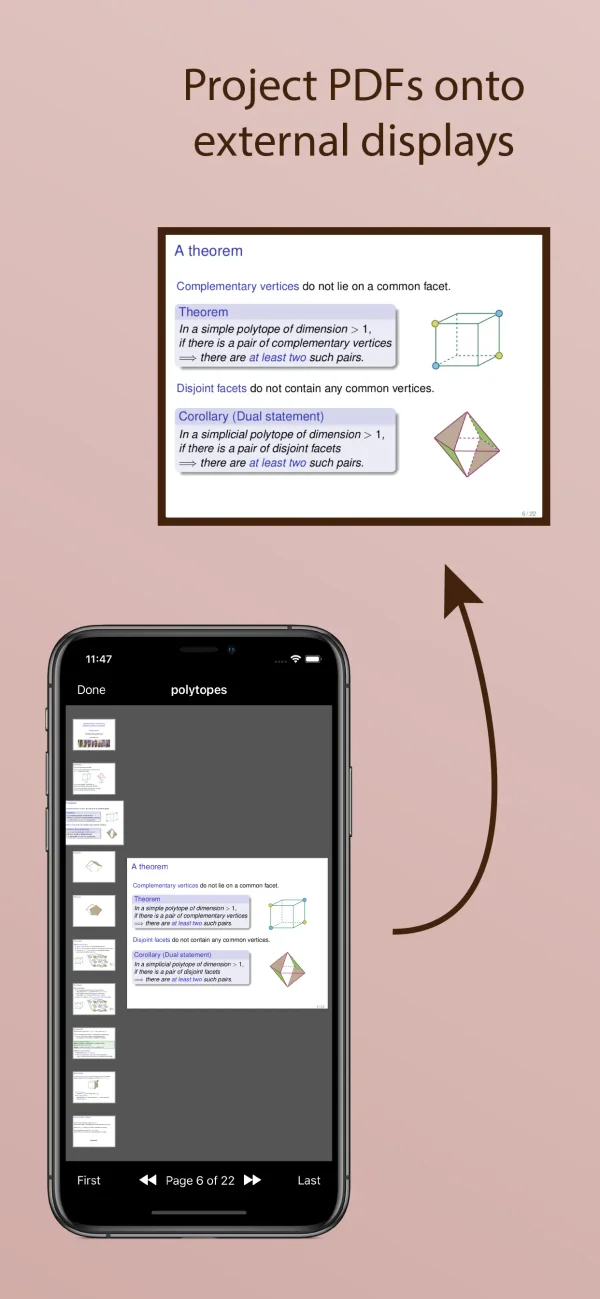
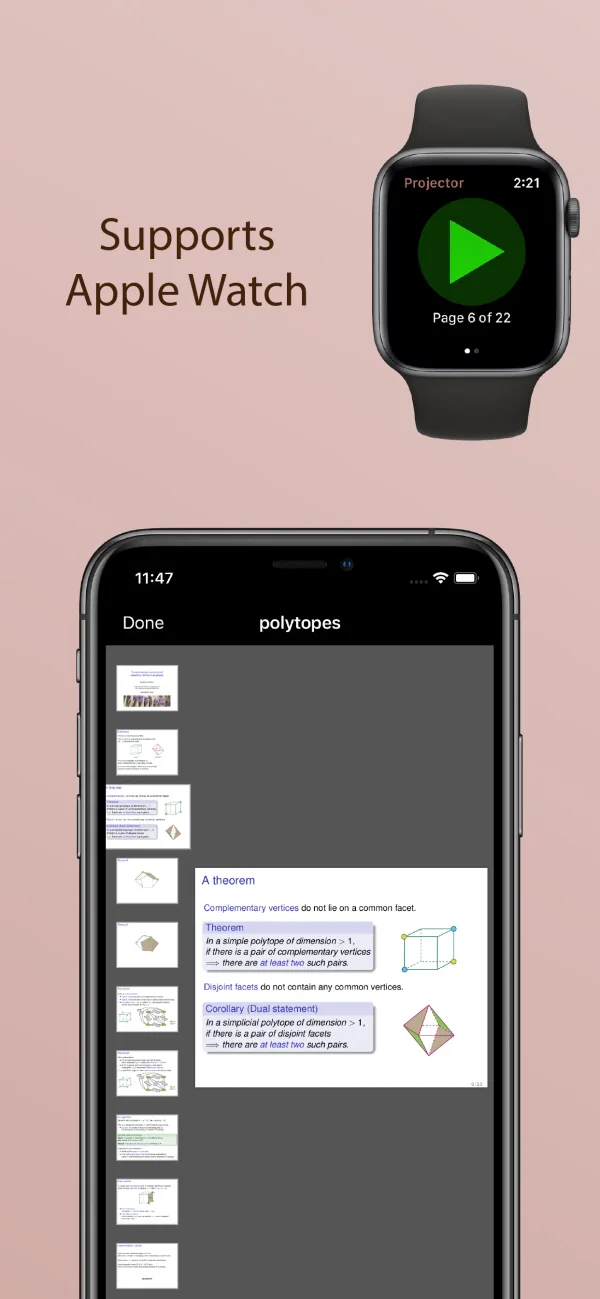
Projects PDF slideshows onto an external screen. If you have an Apple Watch, you can also use it as a remote control.
This app is useful if you write presentations using LaTeX Beamer, or LibreOffice Impress, or some other application that exports to PDF.
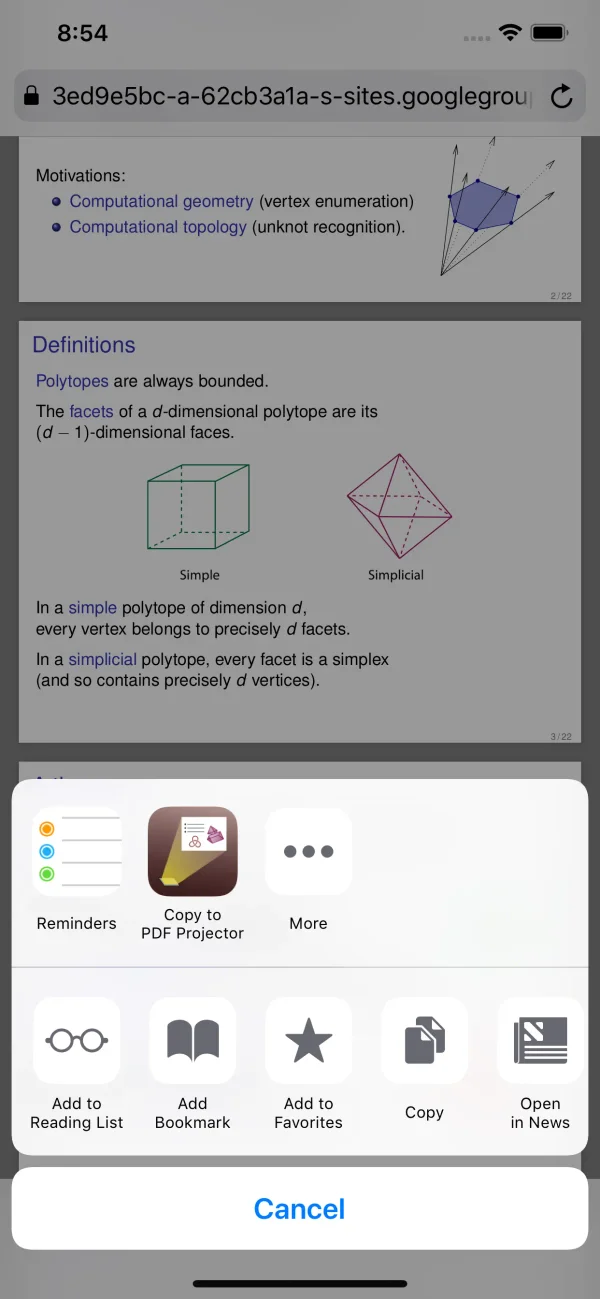
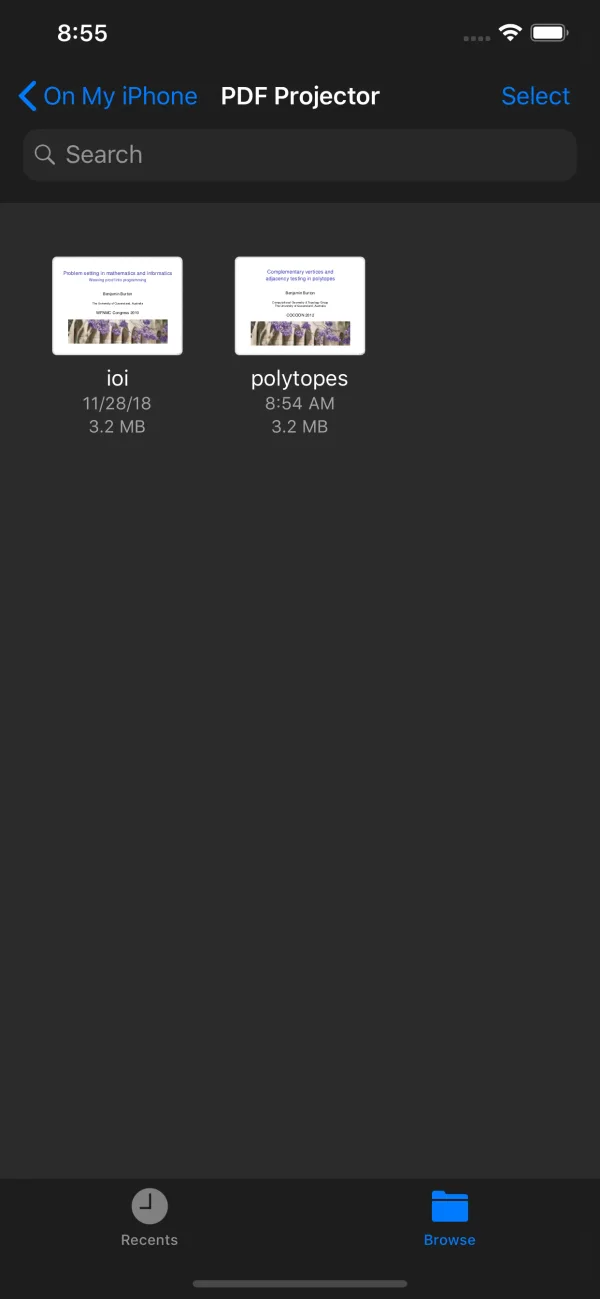
Simply open your PDF in the app and connect an external display (e.g., via VGA, HDMI, USB-C, or AirPlay). Your slides will be displayed full-screen on the external display, while the app provides additional navigation controls on your iPad or iPhone.
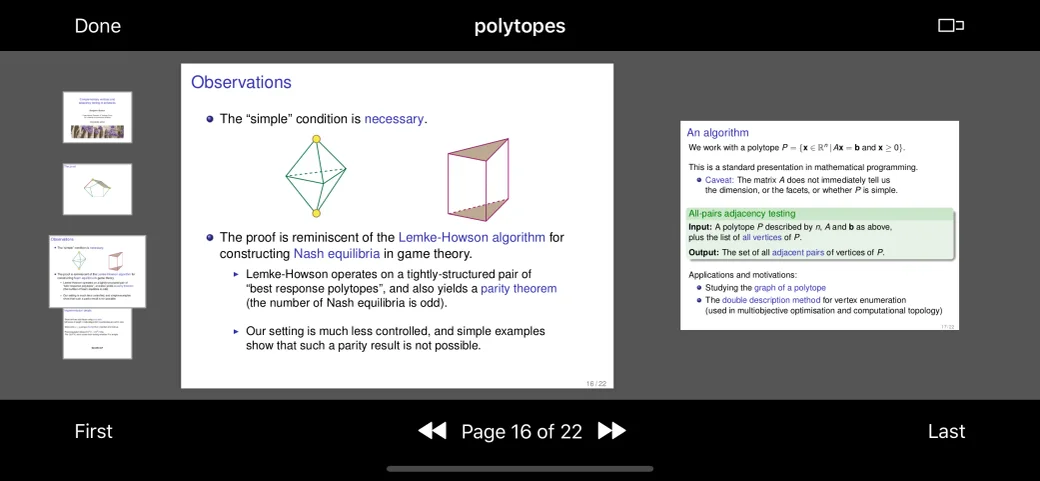
You can navigate on your iPad or iPhone by tapping and swiping, or using the buttons on the toolbar, or scrolling through the thumbnails, or using an external keyboard. When in landscape mode, you will also see a preview of the next page (which you can turn on/off using the button on the upper toolbar).
You can browse and open any of your iCloud documents, or you can share PDFs from your favourite app to open in PDF Projector.
WATCH REMOTE:
If you have an Apple Watch, you can use this as a remote control. Simply open a PDF document in the iPhone app and connect it to an external display, and then start the Watch app to use the remote control.
If you talk a lot between slides, try adding the "Next Page" complication to your clock face (requires watchOS 7). This will let you step through the slides without having to keep reopening the app. You can also configure Settings / General / Wake Screen (on any watchOS version) to keep the app on screen for longer while you present your talk.
Novedades
Versión 1.7 · 23/9/2024
This app has been updated by Apple to prepare for watchOS 27 compatibility. No new features are included.
Added dark and tinted icons for iOS 18.
Privacidad de la aplicación
Lo que Benjamin Burton declara en App Store sobre cómo esta aplicación gestiona los datos.
-
No se recopilan datos
El desarrollador no recopila ningún dato de esta aplicación.
Las prácticas de privacidad pueden variar, por ejemplo, según las funciones que uses o tu edad.
Información
- Vendedor
- Benjamin Burton
- Categoría
- Productividad
- Versión
- 1.7
- Actualizado
- 23/9/2024
- Publicado
- 28/11/2018
- Tamaño
- 2,4 MB
- Requiere
- iOS 12.0 o posterior
- Clasificación por edad
- 4+
- Precio
- 0,99 €
- Idiomas
- Inglés
- Copyright
- © 2018–2024 Benjamin Burton
Quizá también te guste
-
 Easy PDF ToolsEditor PDF sin conexión
-
 Traverse outliner mobileProductividad
-
 AnecnoteProductividad
-
 PDF AI: Apuntes y Test con IAEstudiar, firmar y editar
-
 Hilo - Personal CRMCRM para amigos y familia
-
 Blitztext – Voice KeyboardProductividad
-
 AI Summary - VideosEditor de vídeo -Perfect Video
-
 Cue to Cue Theatre EditionProductividad
-
 Simplify Notes: Cuaderno PDFCuadernos, escritura y estudio
-
 FSNotesProductividad