PDF Projector
Show PDFs on external screens
Được thiết kế cho iPhone, iPad, iPod touch
29.000đ
- Độ tuổi4+
- Danh mụcHiệu Suất
- Nhà phát triểnBenjamin Burton
- Ngôn ngữTiếng Anh
- Kích thước2,4 MB
Liên kết đến trang App Store chính thức
Download.org không lưu trữ tệp nào của PDF Projector. Nút này mở trang ứng dụng trên App Store, nơi Benjamin Burton phát hành ứng dụng. Trang được kiểm tra lần cuối: 12/11/2026.
Ảnh chụp màn hình

Giới thiệu
Nhà phát triển chưa cung cấp nội dung này bằng ngôn ngữ của bạn.
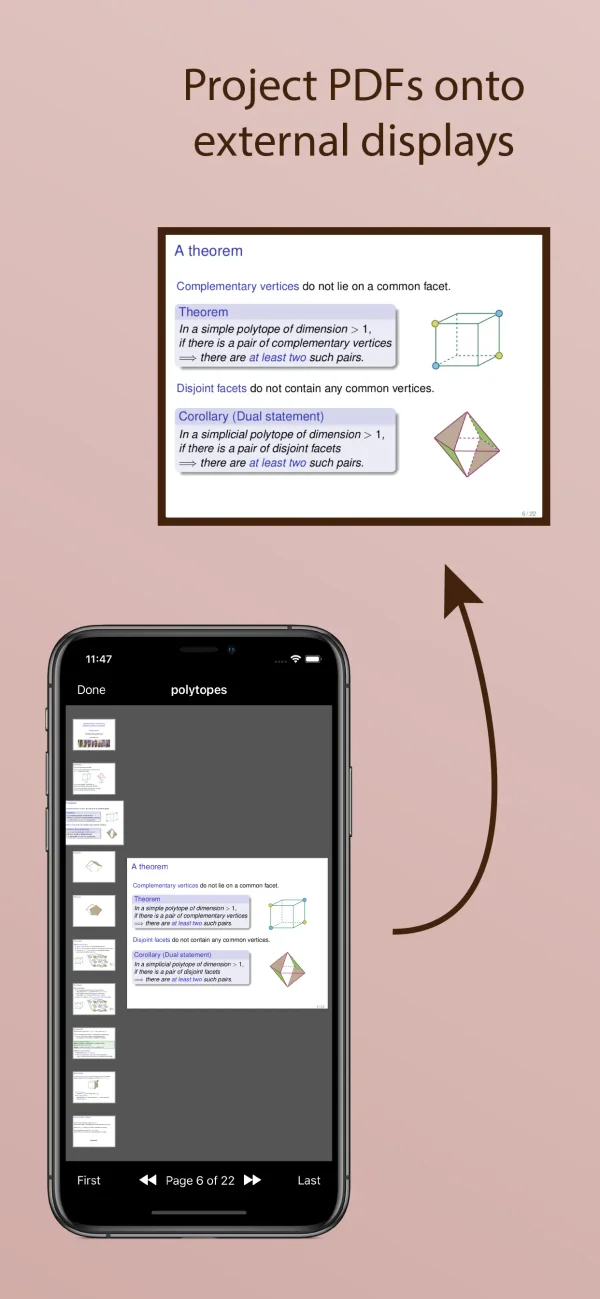
Projects PDF slideshows onto an external screen. If you have an Apple Watch, you can also use it as a remote control.
This app is useful if you write presentations using LaTeX Beamer, or LibreOffice Impress, or some other application that exports to PDF.
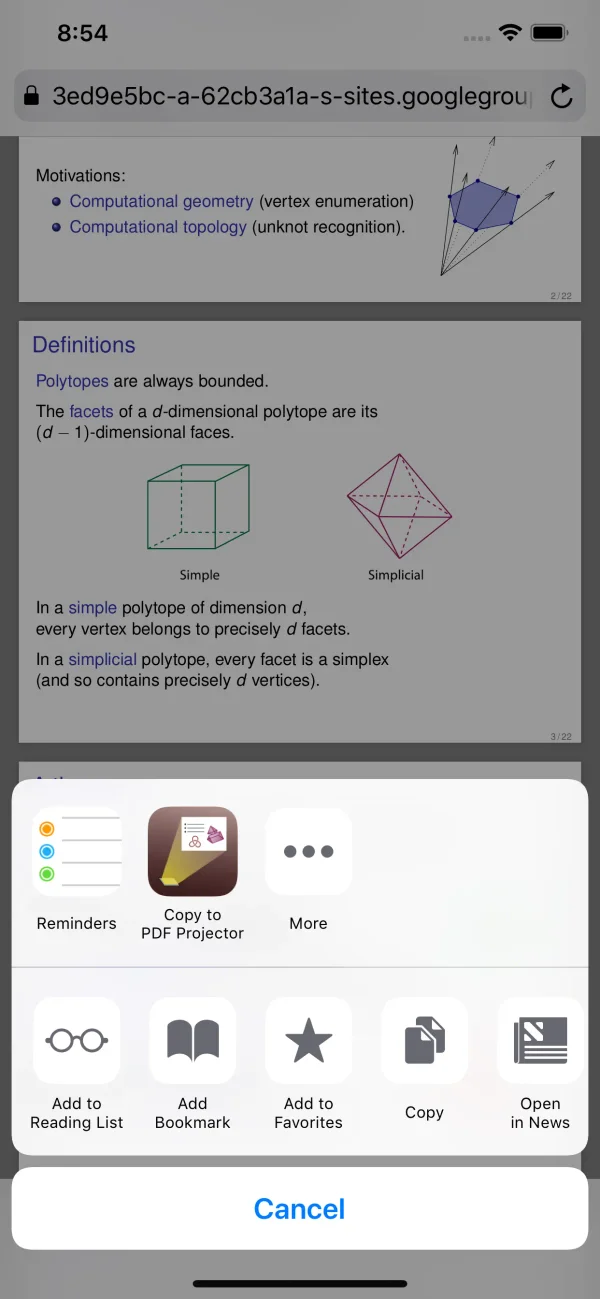
Simply open your PDF in the app and connect an external display (e.g., via VGA, HDMI, USB-C, or AirPlay). Your slides will be displayed full-screen on the external display, while the app provides additional navigation controls on your iPad or iPhone.
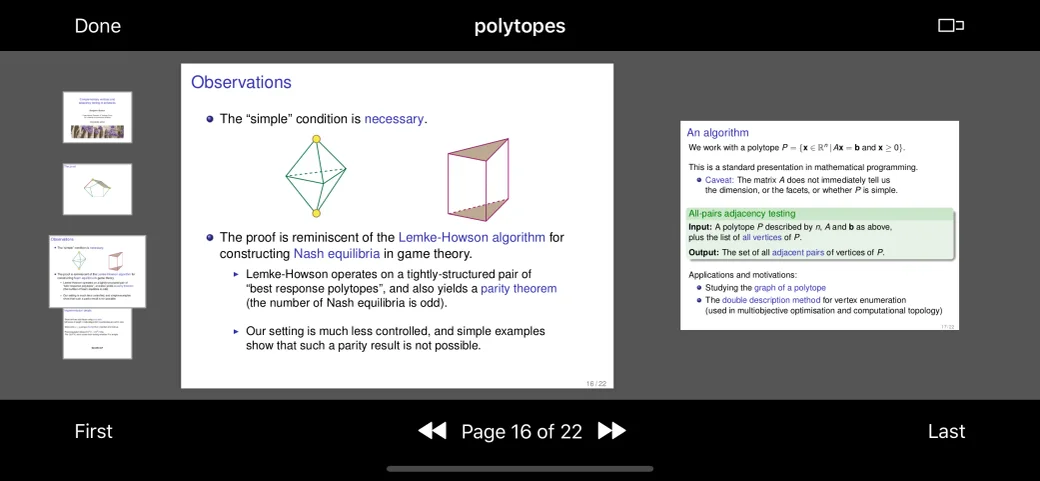
You can navigate on your iPad or iPhone by tapping and swiping, or using the buttons on the toolbar, or scrolling through the thumbnails, or using an external keyboard. When in landscape mode, you will also see a preview of the next page (which you can turn on/off using the button on the upper toolbar).
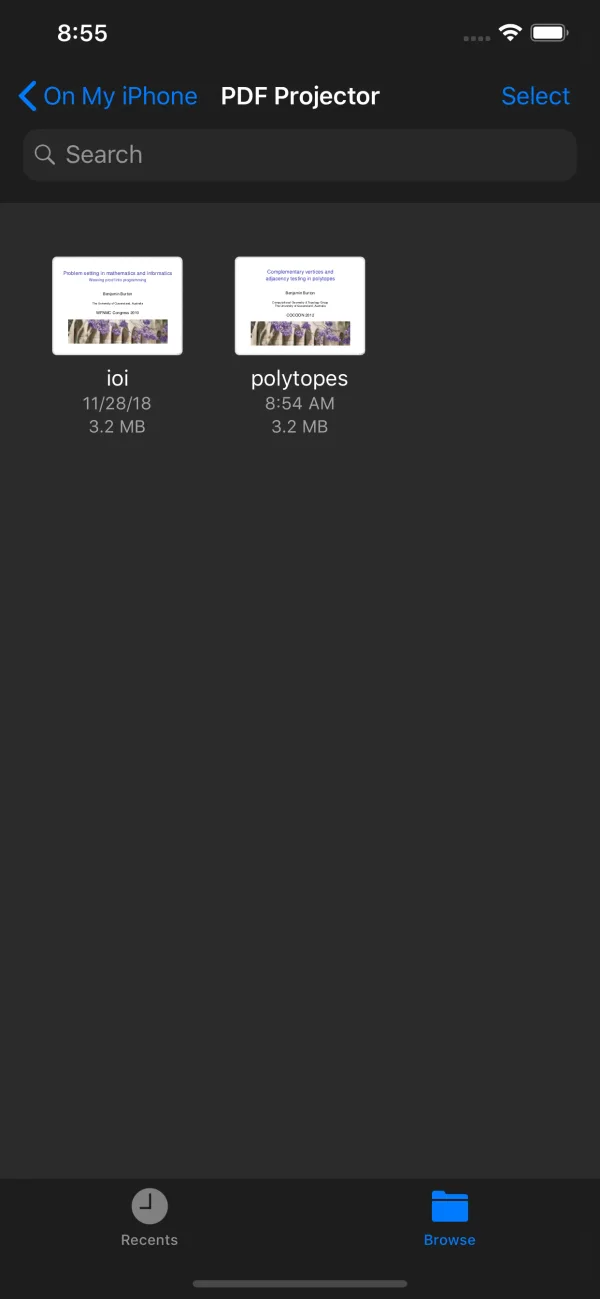
You can browse and open any of your iCloud documents, or you can share PDFs from your favourite app to open in PDF Projector.
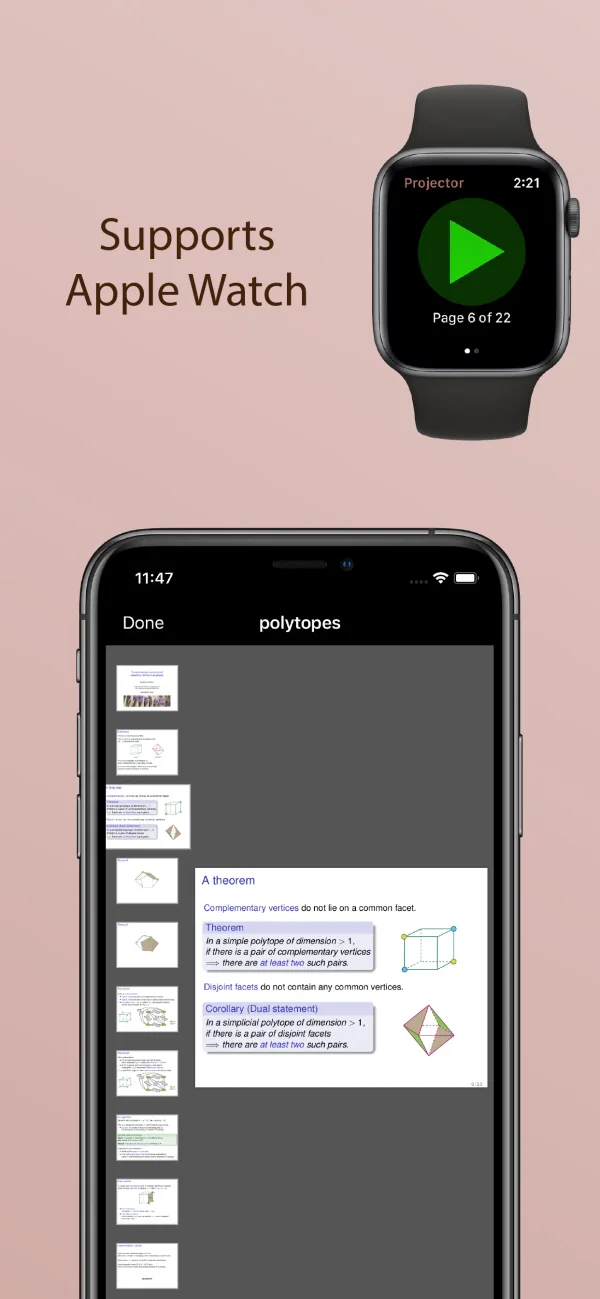
WATCH REMOTE:
If you have an Apple Watch, you can use this as a remote control. Simply open a PDF document in the iPhone app and connect it to an external display, and then start the Watch app to use the remote control.
If you talk a lot between slides, try adding the "Next Page" complication to your clock face (requires watchOS 7). This will let you step through the slides without having to keep reopening the app. You can also configure Settings / General / Wake Screen (on any watchOS version) to keep the app on screen for longer while you present your talk.
Có gì mới
Phiên bản 1.7 · 23/09/2024
This app has been updated by Apple to prepare for watchOS 27 compatibility. No new features are included.
Added dark and tinted icons for iOS 18.
Quyền riêng tư của ứng dụng
Những gì Benjamin Burton khai báo trên App Store về cách ứng dụng này xử lý dữ liệu.
-
Dữ liệu không được thu thập
Nhà phát triển không thu thập bất kỳ dữ liệu nào từ ứng dụng này.
Phương thức đảm bảo quyền riêng tư có thể khác nhau, chẳng hạn như tuỳ theo các tính năng bạn sử dụng hoặc độ tuổi của bạn.
Thông tin
- Người bán
- Benjamin Burton
- Danh mục
- Hiệu Suất
- Phiên bản
- 1.7
- Cập nhật
- 23/09/2024
- Phát hành
- 28/11/2018
- Kích thước
- 2,4 MB
- Yêu cầu
- iOS 12.0 trở lên
- Độ tuổi
- 4+
- Giá
- 29.000đ
- Ngôn ngữ
- Tiếng Anh
- Bản quyền
- © 2018–2024 Benjamin Burton
Có thể bạn cũng thích
-
 Easy PDF ToolsChỉnh sửa PDF ngoại tuyến
-
 Traverse outliner mobileHiệu Suất
-
 AnecnoteHiệu Suất
-
 PDF AI: Tóm tắt, trắc nghiệmThẻ ghi nhớ, ôn thi & ký tên
-
 Hilo - Personal CRMHiệu Suất
-
 Blitztext – Voice KeyboardHiệu Suất
-
 Video Summary - AI ChatHiệu Suất
-
 Cue to Cue Theatre EditionHiệu Suất
-
 Simplify Notes: PDF NotebookHiệu Suất
-
 FSNotesHiệu Suất