PDF Projector
Show PDFs on external screens
Designed for iPhone, iPad, iPod touch
$0.99
- Age rating4+
- CategoryProductivity
- DeveloperBenjamin Burton
- LanguagesEnglish
- Size2.4 MB
Links to the official App Store page
Download.org hosts no file of PDF Projector. The button opens its official App Store page, published by Benjamin Burton. Listing last checked on Nov 12, 2026.
Screenshots


About
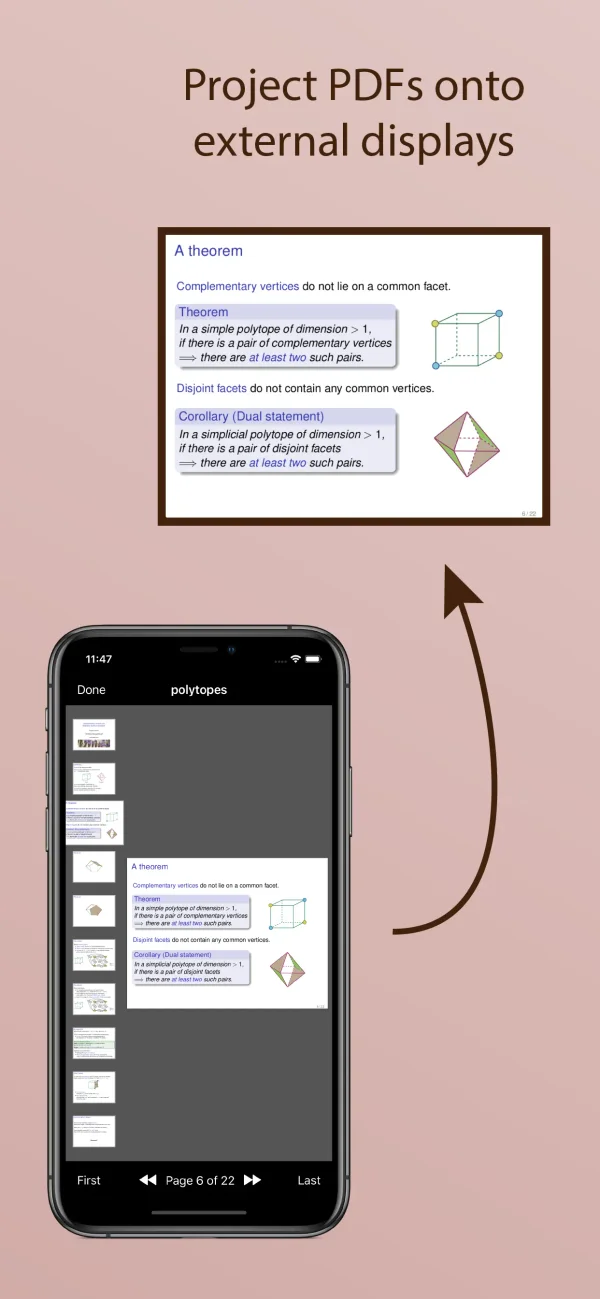
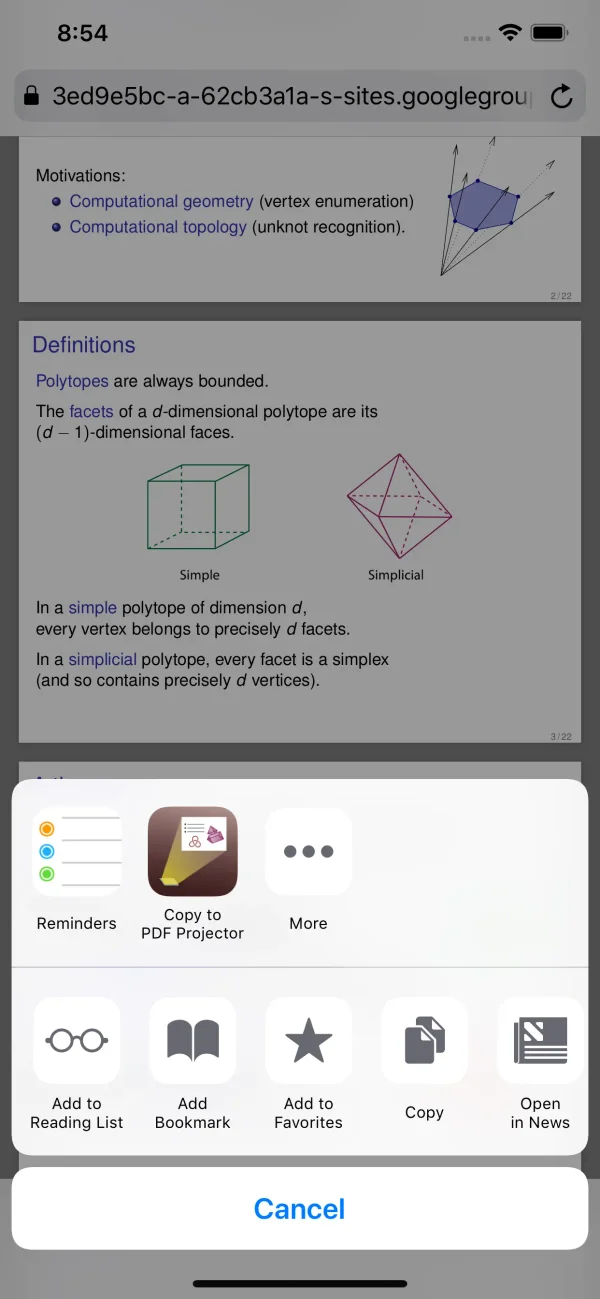
Projects PDF slideshows onto an external screen. If you have an Apple Watch, you can also use it as a remote control.
This app is useful if you write presentations using LaTeX Beamer, or LibreOffice Impress, or some other application that exports to PDF.
Simply open your PDF in the app and connect an external display (e.g., via VGA, HDMI, USB-C, or AirPlay). Your slides will be displayed full-screen on the external display, while the app provides additional navigation controls on your iPad or iPhone.
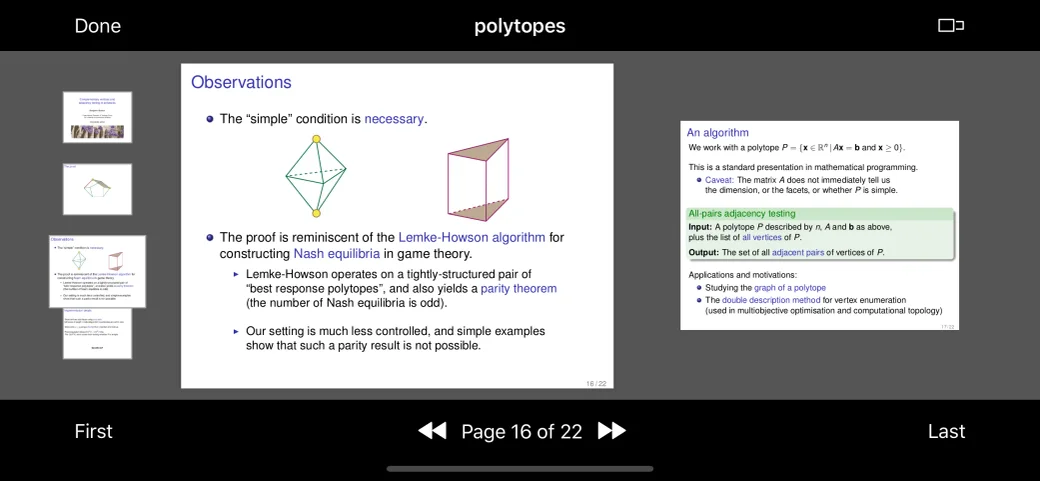
You can navigate on your iPad or iPhone by tapping and swiping, or using the buttons on the toolbar, or scrolling through the thumbnails, or using an external keyboard. When in landscape mode, you will also see a preview of the next page (which you can turn on/off using the button on the upper toolbar).
You can browse and open any of your iCloud documents, or you can share PDFs from your favourite app to open in PDF Projector.
WATCH REMOTE:
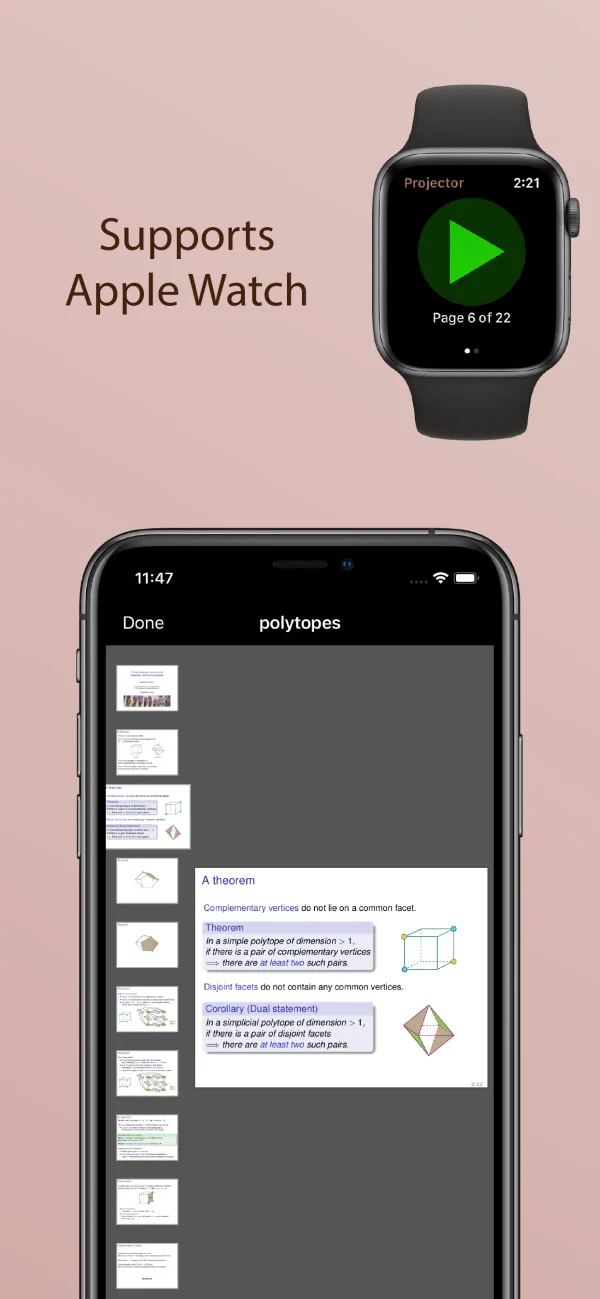
If you have an Apple Watch, you can use this as a remote control. Simply open a PDF document in the iPhone app and connect it to an external display, and then start the Watch app to use the remote control.
If you talk a lot between slides, try adding the "Next Page" complication to your clock face (requires watchOS 7). This will let you step through the slides without having to keep reopening the app. You can also configure Settings / General / Wake Screen (on any watchOS version) to keep the app on screen for longer while you present your talk.
What’s new
Version 1.7 · Sep 23, 2024
This app has been updated by Apple to prepare for watchOS 27 compatibility. No new features are included.
Added dark and tinted icons for iOS 18.
App privacy
What Benjamin Burton declares on the App Store about how this app handles data.
-
Data not collected
The developer does not collect any data from this app.
Privacy practices may vary, for example with the features you use or your age.
Information
- Seller
- Benjamin Burton
- Category
- Productivity
- Version
- 1.7
- Updated
- Sep 23, 2024
- Released
- Nov 28, 2018
- Size
- 2.4 MB
- Requires
- iOS 12.0 or later
- Age rating
- 4+
- Price
- $0.99
- Languages
- English
- Copyright
- © 2018–2024 Benjamin Burton
You might also like
-
 Easy PDF ToolsJPG to PDF & Combine PDFs
-
 Traverse outliner mobileStructured outlines on the go
-
 AnecnoteNote and memory manager
-
 PDF AI: Chat, Edit & SignSummary, Flashcards & Quiz
-
 Hilo - Personal CRMCRM for friends and family
-
 Blitztext – Voice KeyboardGerman Dictation in Any App
-
 Video Summary - AI ChatAI Summary & Video Insights
-
 Cue to Cue Theatre EditionYour Digital Prompt Book
-
 Simplify Notes: PDF NotebookHandwriting, Notes & Study
-
 FSNotesMarkdown & Plain Text Editor