PDF Projector
Show PDFs on external screens
Conçue pour iPhone, iPad, iPod touch
0,99 €
- Classification d’âge4+
- CatégorieProductivité
- DéveloppeurBenjamin Burton
- LanguesAnglais
- Taille2,4 Mo
Renvoie vers la page App Store officielle
Download.org n’héberge aucun fichier de PDF Projector. Le bouton ouvre la page de l’application sur App Store, où Benjamin Burton la publie. Fiche vérifiée pour la dernière fois le 12/11/2026.
Captures d’écran

À propos
Le développeur n’a pas fourni ce texte dans votre langue.
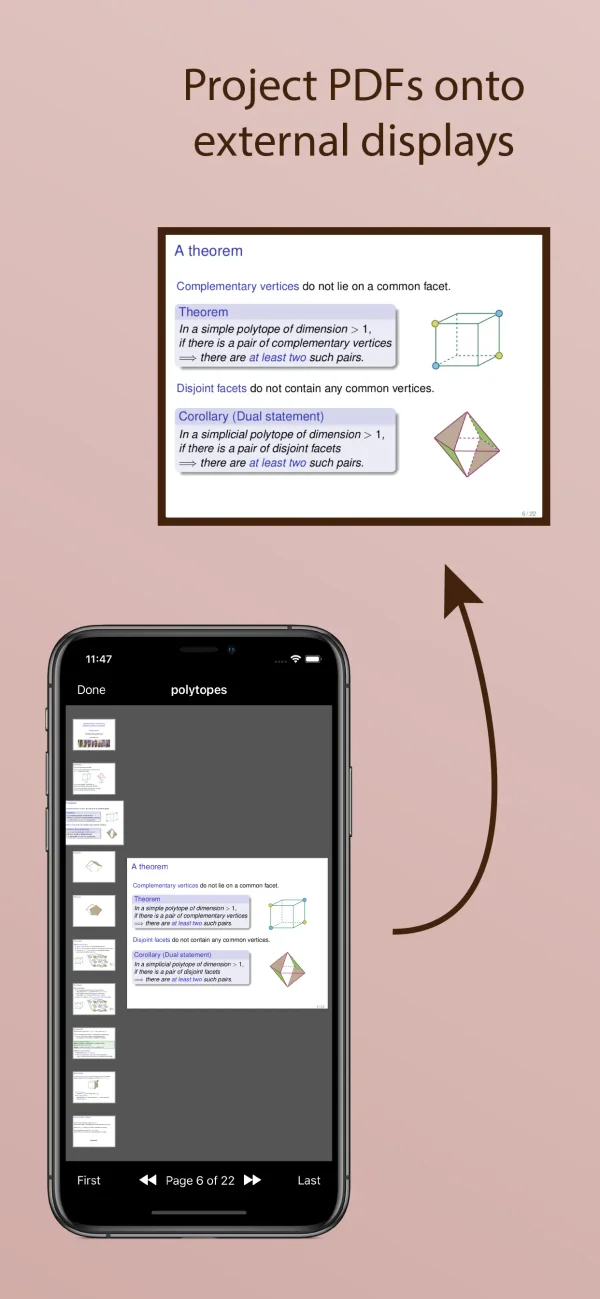
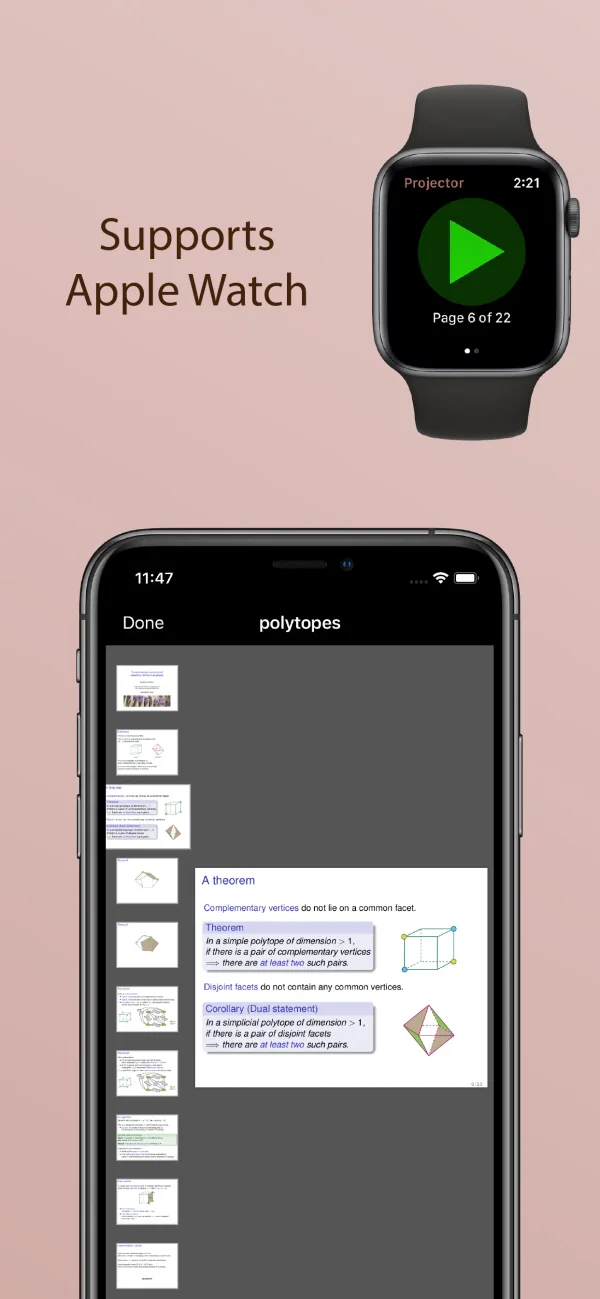
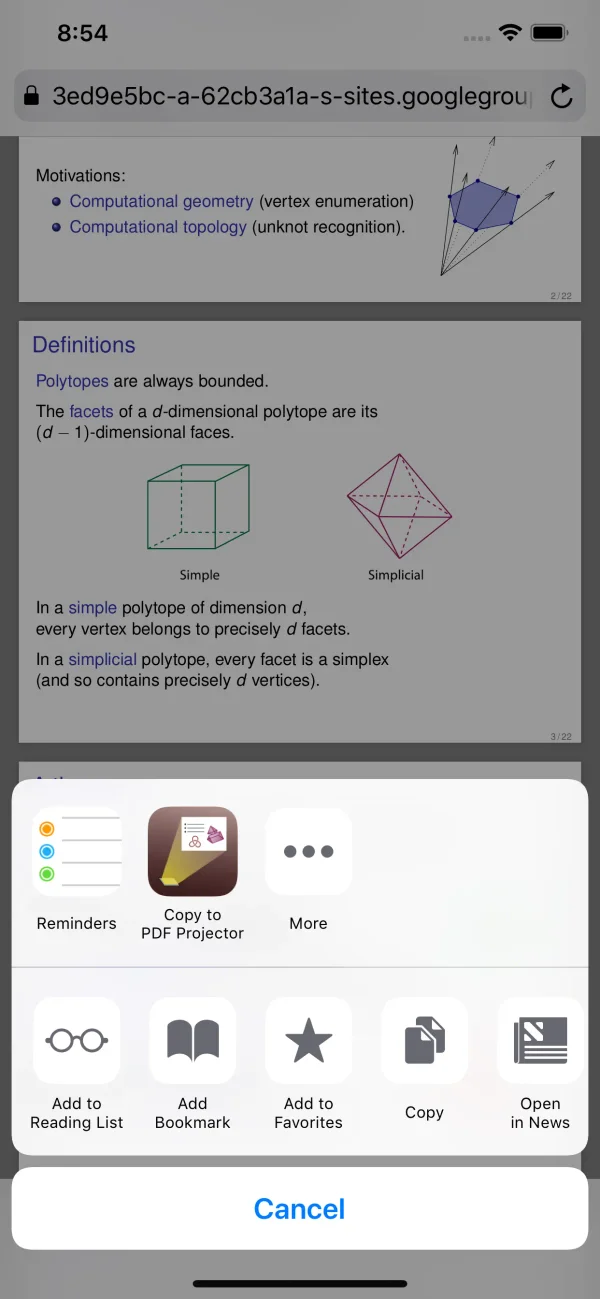
Projects PDF slideshows onto an external screen. If you have an Apple Watch, you can also use it as a remote control.
This app is useful if you write presentations using LaTeX Beamer, or LibreOffice Impress, or some other application that exports to PDF.
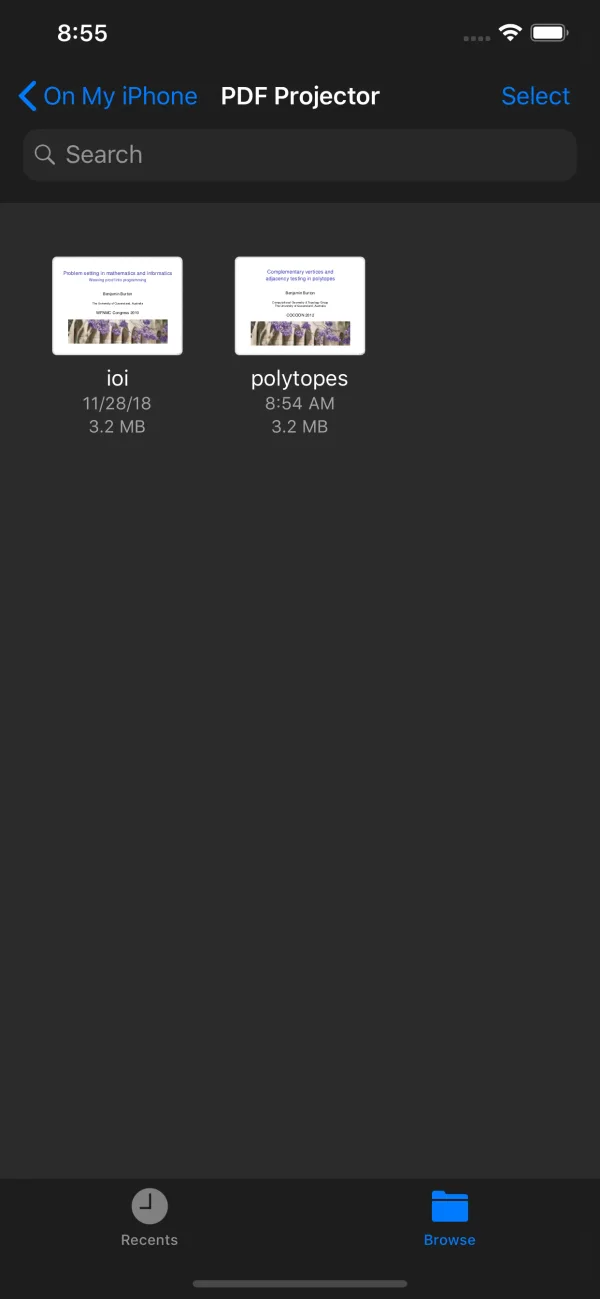
Simply open your PDF in the app and connect an external display (e.g., via VGA, HDMI, USB-C, or AirPlay). Your slides will be displayed full-screen on the external display, while the app provides additional navigation controls on your iPad or iPhone.
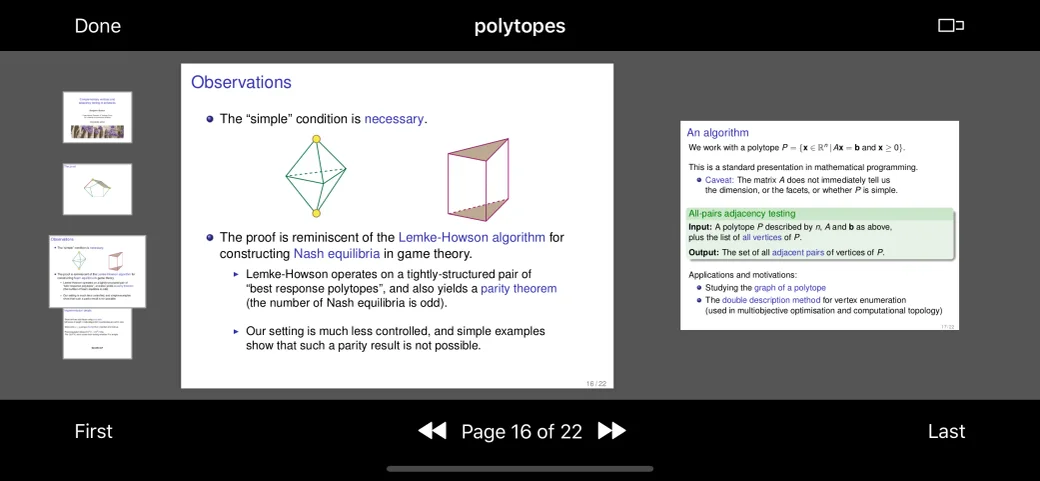
You can navigate on your iPad or iPhone by tapping and swiping, or using the buttons on the toolbar, or scrolling through the thumbnails, or using an external keyboard. When in landscape mode, you will also see a preview of the next page (which you can turn on/off using the button on the upper toolbar).
You can browse and open any of your iCloud documents, or you can share PDFs from your favourite app to open in PDF Projector.
WATCH REMOTE:
If you have an Apple Watch, you can use this as a remote control. Simply open a PDF document in the iPhone app and connect it to an external display, and then start the Watch app to use the remote control.
If you talk a lot between slides, try adding the "Next Page" complication to your clock face (requires watchOS 7). This will let you step through the slides without having to keep reopening the app. You can also configure Settings / General / Wake Screen (on any watchOS version) to keep the app on screen for longer while you present your talk.
Nouveautés
Version 1.7 · 23/09/2024
This app has been updated by Apple to prepare for watchOS 27 compatibility. No new features are included.
Added dark and tinted icons for iOS 18.
Confidentialité de l’application
Ce que Benjamin Burton déclare sur l’App Store au sujet du traitement des données par cette application.
-
Données non collectées
Le développeur ne collecte aucune donnée à partir de cette application.
Les pratiques en matière de confidentialité peuvent varier, notamment en fonction des fonctionnalités que vous utilisez ou de votre âge.
Informations
- Vendeur
- Benjamin Burton
- Catégorie
- Productivité
- Version
- 1.7
- Mis à jour
- 23/09/2024
- Publié
- 28/11/2018
- Taille
- 2,4 Mo
- Nécessite
- iOS 12.0 ou version ultérieure
- Classification d’âge
- 4+
- Prix
- 0,99 €
- Langues
- Anglais
- Copyright
- © 2018–2024 Benjamin Burton
Vous aimerez peut-être aussi
-
 Easy PDF ToolsÉditeur PDF hors ligne
-
 Traverse outliner mobileProductivité
-
 AnecnoteProductivité
-
 PDF AI: Fiches de révisionQCM par IA, modifier et signer
-
 Hilo - Personal CRMProductivité
-
 Blitztext – Voice KeyboardProductivité
-
 AI Video - Video EditorRésumé & analyse vidéo par IA
-
 Cue to Cue Theatre EditionProductivité
-
 Simplify Notes : Carnet PDFNotes, PDF et Apple Pencil
-
 FSNotesProductivité