
PocketVNC
Secure VNC Remote Desktop
Diseñada para iPhone, iPad
Gratis · Compras en la aplicación
- Clasificación por edad4+
- CategoríaUtilidades
- DesarrolladorBrett Chaborek
- IdiomasInglés
- Tamaño17,7 MB
Enlaza a la página oficial de App Store
Download.org no aloja ningún archivo de PocketVNC. El botón abre la página de la aplicación en App Store, donde la publica Brett Chaborek. Ficha comprobada por última vez el 12/11/2026.
Capturas de pantalla



Acerca de
El desarrollador no ha proporcionado este texto en tu idioma.
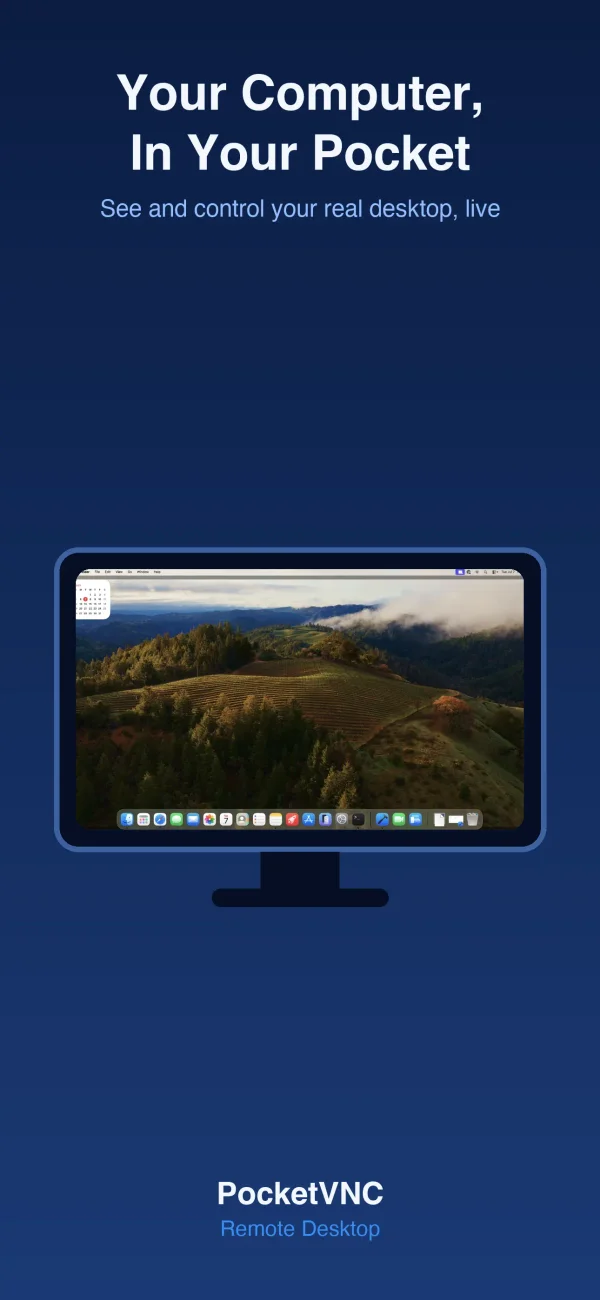
PocketVNC turns your iPhone or iPad into a remote control for any computer running a VNC server — your Mac, a Windows PC, a Linux box, or a Raspberry Pi.
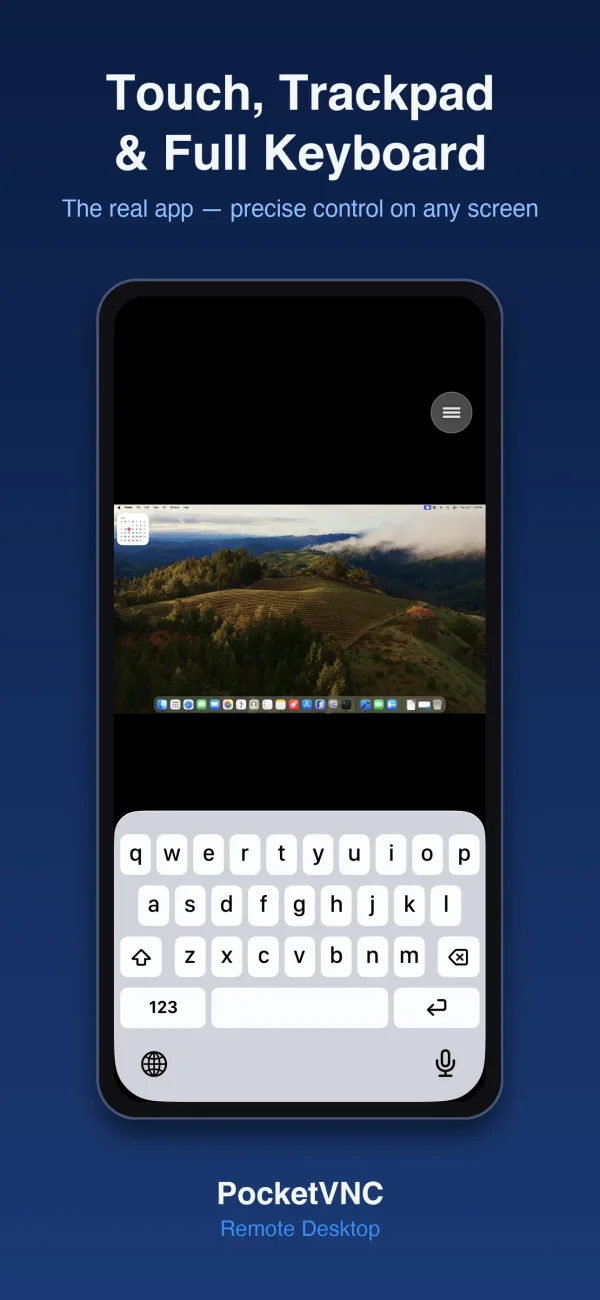
Connect over your home network or the internet and see your desktop live, with smooth pinch-to-zoom, precise touch, and a proper keyboard with modifier and function keys.
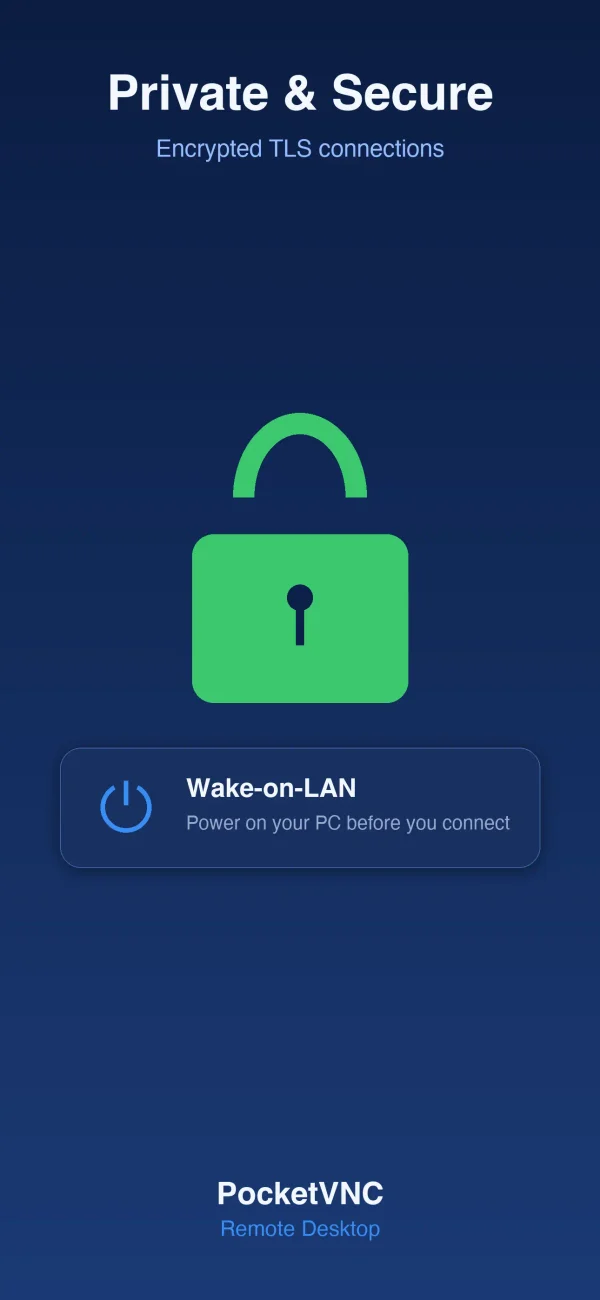
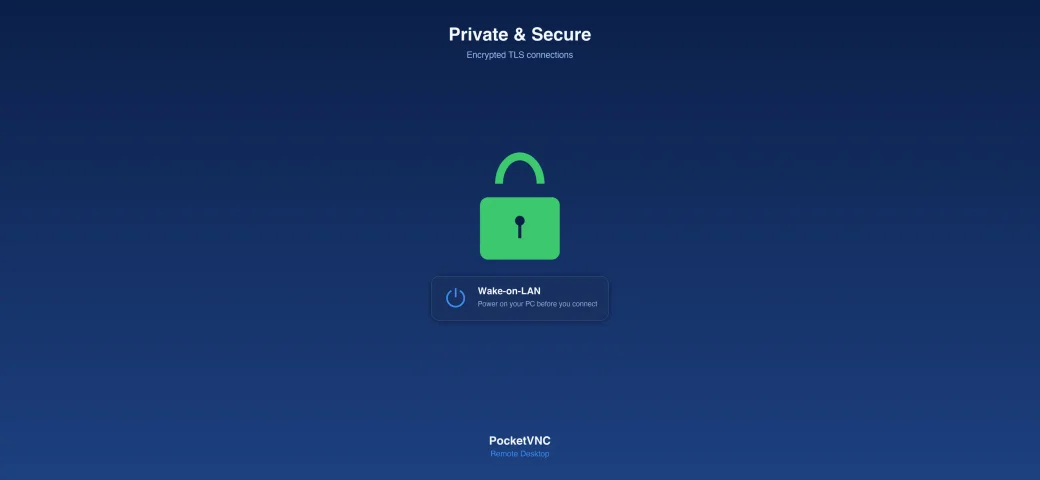
Secure by default. PocketVNC supports encrypted connections (VeNCrypt/TLS), including certificate-based servers with trust-on-first-use verification — so you can see exactly which machine you're connecting to. Saved server passwords are stored in the iOS Keychain, never on our servers.
Built for real use:
• Live remote desktop with pinch-to-zoom and pan
• Tap to click, long-press to right-click, two-finger scroll
• Full on-screen keyboard — Ctrl, Alt, Shift, Cmd, Esc, Tab, arrows, F1–F12
• Auto-reconnect if the network drops (Pro)
• ZRLE compression and quality presets for responsive control over slower links
• Light, dark, and system appearance • Works with standard VNC servers: macOS Screen Sharing, TigerVNC, RealVNC, TightVNC, x11vnc, and more
• VNC password and Apple Remote Desktop (ARD) authentication
Free includes one saved server and up to 30 minutes of connection time every 6 hours — plenty for a quick check-in. The free tier is ad-supported: a small banner appears in the app, and an occasional full-screen ad is shown while a connection is starting — never during an active session.
PocketVNC Pro (subscription) unlocks the full toolkit:
• Unlimited connection time and unlimited saved servers
• No ads
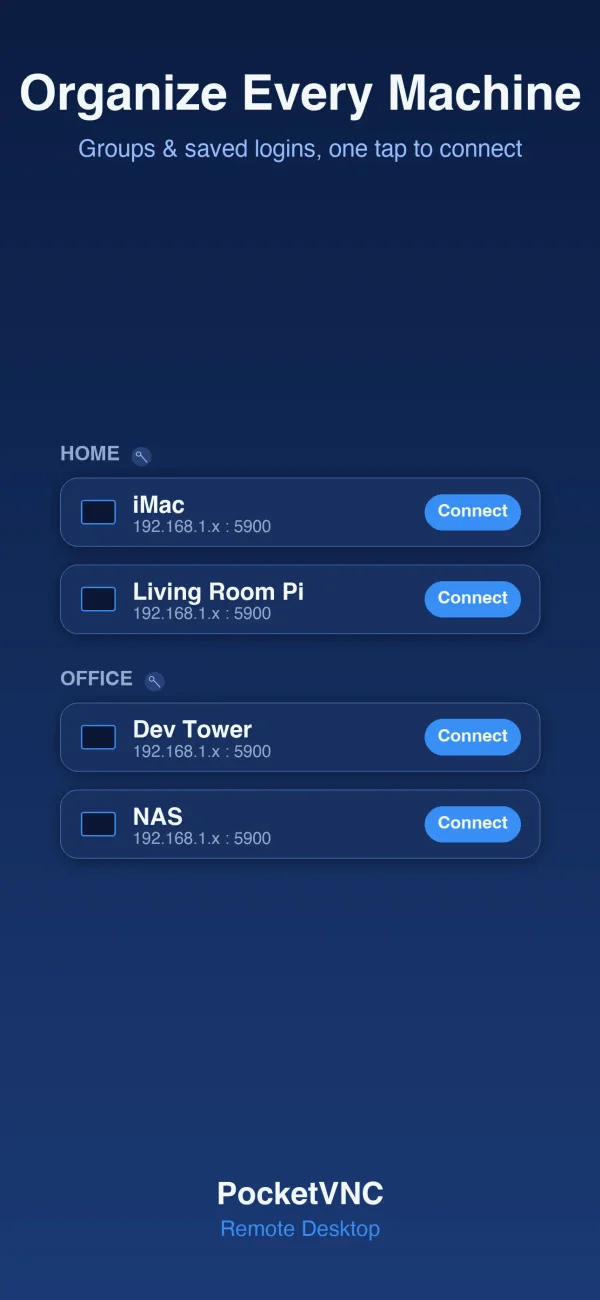
• Saved passwords for one-tap connect
• Server groups to organize your machines
• Reusable saved credentials — apply one login to a server or a whole group
• Wake-on-LAN — power on a sleeping computer before you connect
• Auto-reconnect after a dropped connection
• App Lock with Face ID, Touch ID, or your passcode
• Colour accents and per-server quality presets
• Trackpad mode — relative, laptop-style pointer control
• Clipboard sync between devices
Free to download. Subscribe any time (7-day free trial) for unlimited access and every Pro feature.
App Subscriptions and In-App Purchases bound by Apple's Standard End User License Agreement (EULA): https://www.apple.com/legal/internet-services/itunes/dev/stdeula/
Novedades
Versión 1.15 · 31/8/2026
• Ads are back on the free tier, from a new advertising partner. PocketVNC Pro removes them, as
it always has.
• You choose how ads work for you: the app asks permission before using your advertising ID, and
you can change your ad privacy choices any time in Settings.
Privacidad de la aplicación
Lo que Brett Chaborek declara en App Store sobre cómo esta aplicación gestiona los datos.
-
Datos usados para rastrearte
Pueden usarse para rastrearte en aplicaciones y sitios web propiedad de otras empresas.
- Identificadores
- Datos de uso
-
Datos no vinculados a ti
Pueden recopilarse, pero no se vinculan a tu identidad.
- Identificadores
- Datos de uso
- Diagnóstico
Las prácticas de privacidad pueden variar, por ejemplo, según las funciones que uses o tu edad.
Información
- Vendedor
- Brett Chaborek
- Categoría
- Utilidades
- Versión
- 1.15
- Actualizado
- 31/8/2026
- Publicado
- 2/7/2026
- Tamaño
- 17,7 MB
- Requiere
- iOS 18.2 o posterior
- Clasificación por edad
- 4+
- Precio
- Gratis
- Compras en la aplicación
- Sí
- Idiomas
- Inglés
- Copyright
- © 2026 MBNetworks
Quizá también te guste
-
 Mayúsculas Minúsculas TextoConvertidor camelCase y slug
-
 RenDeploy - DesplieguesRender y Vercel desde el móvil
-
 Remio Remote DesktopEscritorio remoto para tu PC
-
 Nanoswarm: OpenClaw AppUtilidades
-
 ClatScope (OSINT)Powerful OSINT tool
-
 Convertidor DDSConvierte archivos DDS
-
 Blur Info: difuminar y ocultarPixelar fotos, capturas y PDF
-
 DSLink: Código QR, Link en BioAcortador de enlaces y URL
-
 Remo: Mando TV UniversalControl remoto para Smart TV
-
 Screens 5: VNC EscritorioAcceso rápido y seguro