
- 対象年齢4+
- カテゴリユーティリティ
- 開発元Brett Chaborek
- 言語英語
- サイズ17.7 MB
App Storeの公式ページにリンクしています
Download.orgはPocketVNCのファイルを一切ホストしていません。ボタンを押すと、Brett Chaborekが公開しているApp Storeのアプリページが開きます。ページの最終確認:2026/11/12。
スクリーンショット



概要
開発元はこのテキストをお使いの言語で提供していません。
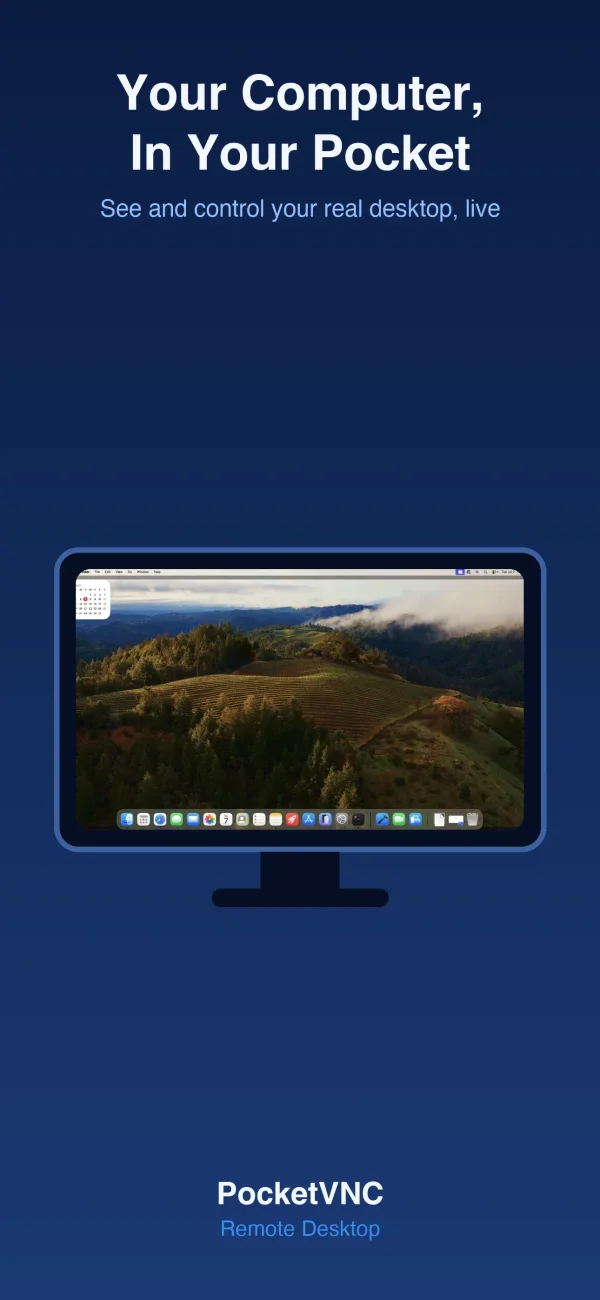
PocketVNC turns your iPhone or iPad into a remote control for any computer running a VNC server — your Mac, a Windows PC, a Linux box, or a Raspberry Pi.
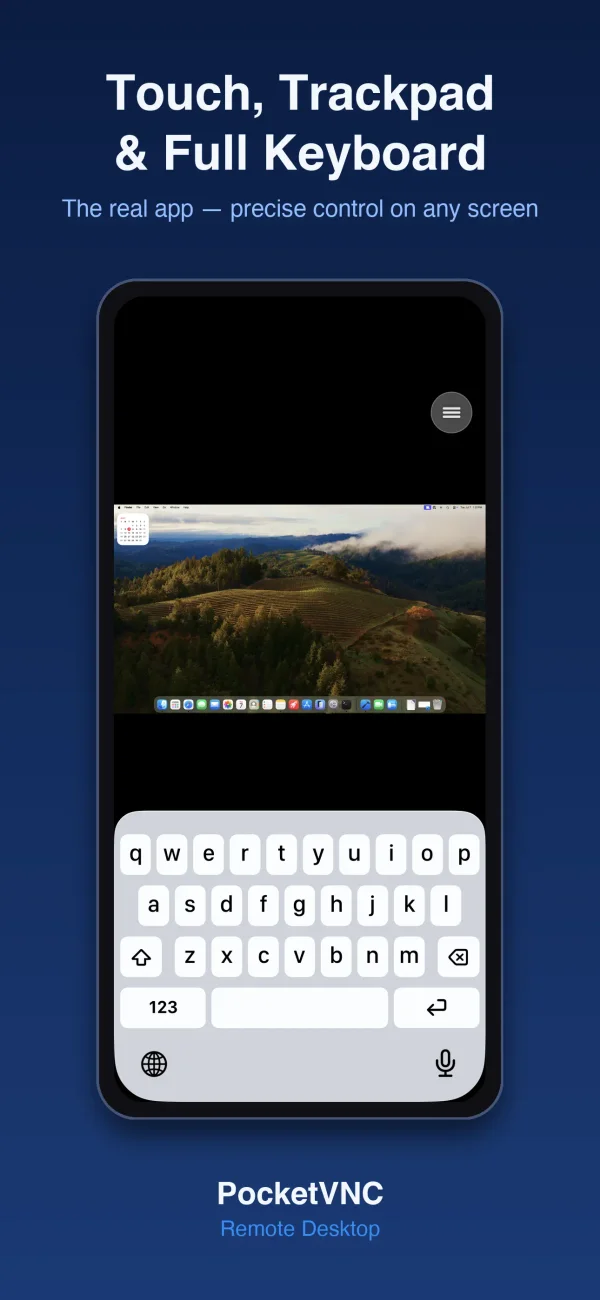
Connect over your home network or the internet and see your desktop live, with smooth pinch-to-zoom, precise touch, and a proper keyboard with modifier and function keys.
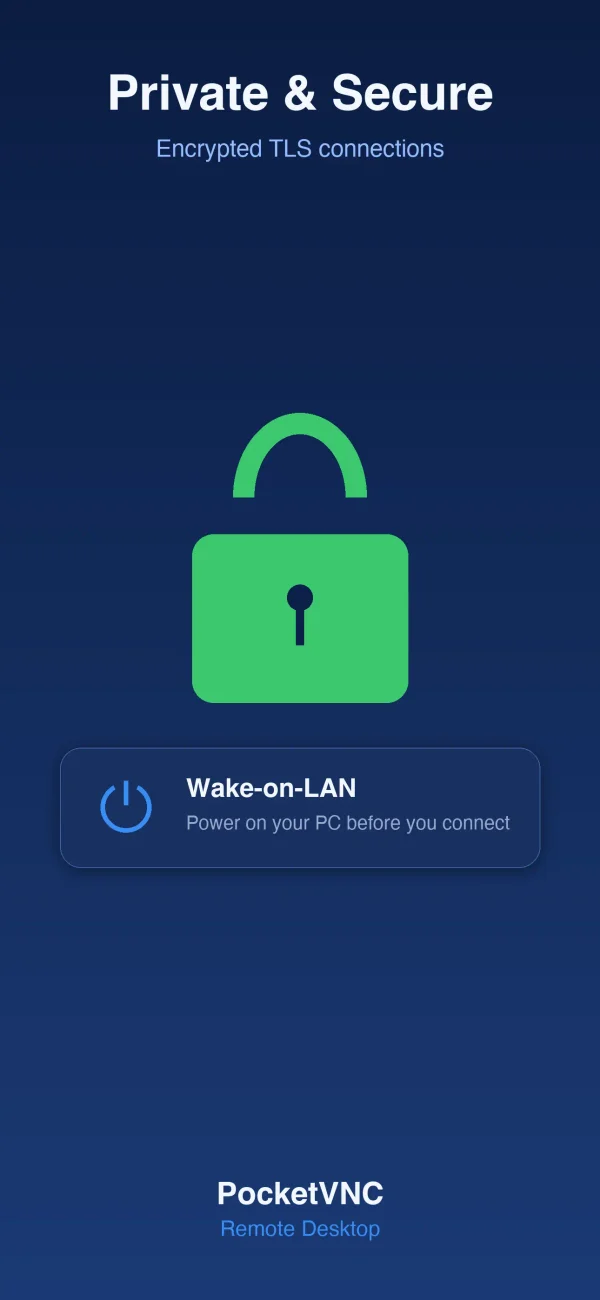
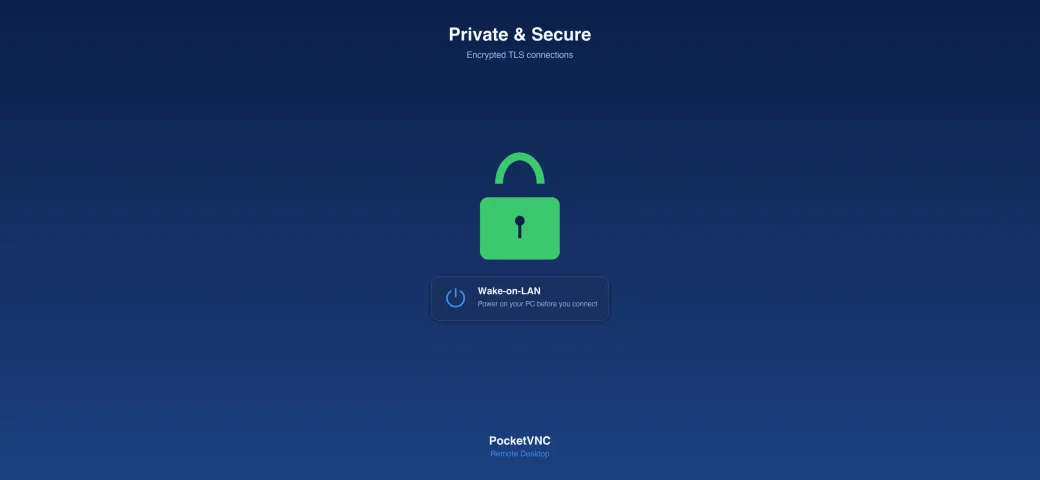
Secure by default. PocketVNC supports encrypted connections (VeNCrypt/TLS), including certificate-based servers with trust-on-first-use verification — so you can see exactly which machine you're connecting to. Saved server passwords are stored in the iOS Keychain, never on our servers.
Built for real use:
• Live remote desktop with pinch-to-zoom and pan
• Tap to click, long-press to right-click, two-finger scroll
• Full on-screen keyboard — Ctrl, Alt, Shift, Cmd, Esc, Tab, arrows, F1–F12
• Auto-reconnect if the network drops (Pro)
• ZRLE compression and quality presets for responsive control over slower links
• Light, dark, and system appearance • Works with standard VNC servers: macOS Screen Sharing, TigerVNC, RealVNC, TightVNC, x11vnc, and more
• VNC password and Apple Remote Desktop (ARD) authentication
Free includes one saved server and up to 30 minutes of connection time every 6 hours — plenty for a quick check-in. The free tier is ad-supported: a small banner appears in the app, and an occasional full-screen ad is shown while a connection is starting — never during an active session.
PocketVNC Pro (subscription) unlocks the full toolkit:
• Unlimited connection time and unlimited saved servers
• No ads
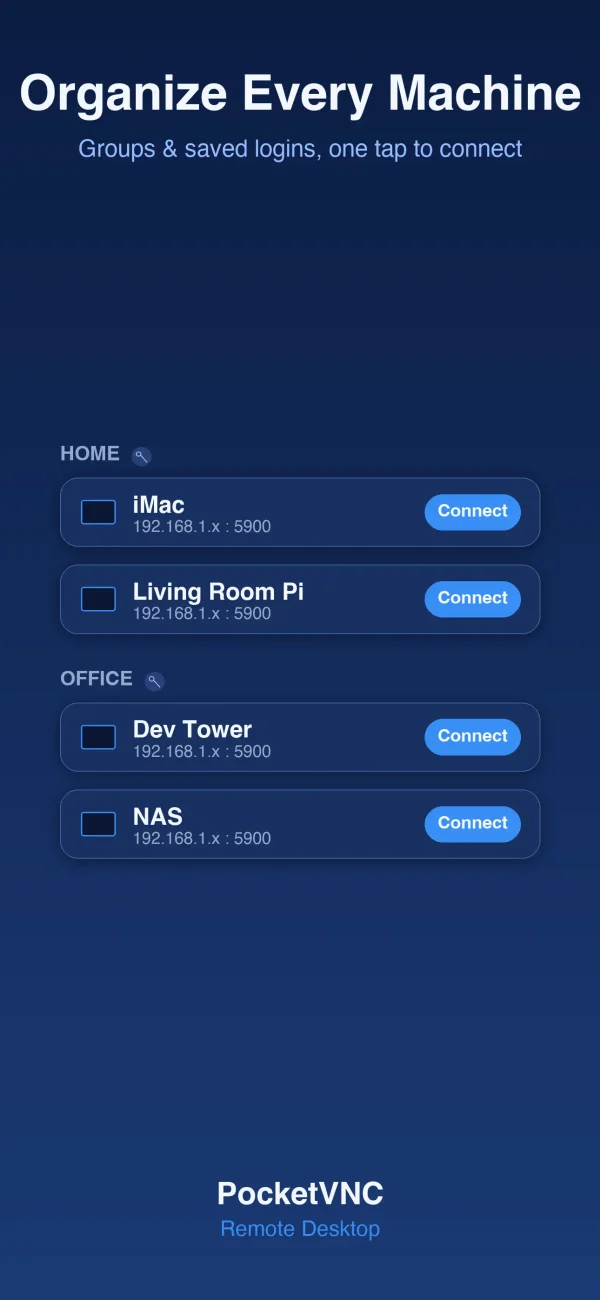
• Saved passwords for one-tap connect
• Server groups to organize your machines
• Reusable saved credentials — apply one login to a server or a whole group
• Wake-on-LAN — power on a sleeping computer before you connect
• Auto-reconnect after a dropped connection
• App Lock with Face ID, Touch ID, or your passcode
• Colour accents and per-server quality presets
• Trackpad mode — relative, laptop-style pointer control
• Clipboard sync between devices
Free to download. Subscribe any time (7-day free trial) for unlimited access and every Pro feature.
App Subscriptions and In-App Purchases bound by Apple's Standard End User License Agreement (EULA): https://www.apple.com/legal/internet-services/itunes/dev/stdeula/
新機能
バージョン 1.15 · 2026/8/31
• Ads are back on the free tier, from a new advertising partner. PocketVNC Pro removes them, as
it always has.
• You choose how ads work for you: the app asks permission before using your advertising ID, and
you can change your ad privacy choices any time in Settings.
アプリのプライバシー
このアプリのデータの取り扱いについて、Brett ChaborekがApp Storeで申告している内容です。
-
ユーザーのトラッキングに使用されるデータ
他社のアプリやウェブサイトを横断してユーザーをトラッキングする目的で使用される場合があります。
- ID
- 使用状況データ
-
ユーザーに関連付けられないデータ
収集される場合がありますが、ユーザーの識別情報には関連付けられません。
- ID
- 使用状況データ
- 診断
プライバシーの取り扱いは、ご利用の機能やお客様の年齢などに応じて異なる場合があります。
情報
- 販売元
- Brett Chaborek
- カテゴリ
- ユーティリティ
- バージョン
- 1.15
- 更新日
- 2026/8/31
- リリース
- 2026/7/2
- サイズ
- 17.7 MB
- 必要条件
- iOS 18.2以降
- 対象年齢
- 4+
- 価格
- 無料
- アプリ内課金
- あり
- 言語
- 英語
- 著作権
- © 2026 MBNetworks
こちらもおすすめ
-
 大文字小文字変換 命名規則 変数名 テキスト整形ツールcamelCase snake_case slug 表記統一
-
 RenDeploy - デプロイメントセンターRender・Netlify・Vercel
-
 Remio Remote Desktopリモートデスクトップ・遠隔操作・リモート操作・画面共有
-
 Nanoswarm: OpenClaw AppClaude・GPT・Kimi AIエージェント
-
 ClatScope (OSINT)ユーティリティ
-
 DDS変換器DDSファイル変換
-
 Blur Info:画像モザイク・ぼかし・黒塗り加工共有前にスクショや写真、PDFの個人情報を隠す
-
 DSLink: Link Shortener & QRユーティリティ
-
 Remo - テレビリモコン・TV RemoteスマートテレビをiPhoneで簡単操作
-
 Screens 5: VNCリモートデスクトップ高速で安全なコンピュータアクセス