
PocketVNC
Secure VNC Remote Desktop
Conçue pour iPhone, iPad
Gratuit · Achats intégrés
- Classification d’âge4+
- CatégorieUtilitaires
- DéveloppeurBrett Chaborek
- LanguesAnglais
- Taille17,7 Mo
Renvoie vers la page App Store officielle
Download.org n’héberge aucun fichier de PocketVNC. Le bouton ouvre la page de l’application sur App Store, où Brett Chaborek la publie. Fiche vérifiée pour la dernière fois le 12/11/2026.
Captures d’écran



À propos
Le développeur n’a pas fourni ce texte dans votre langue.
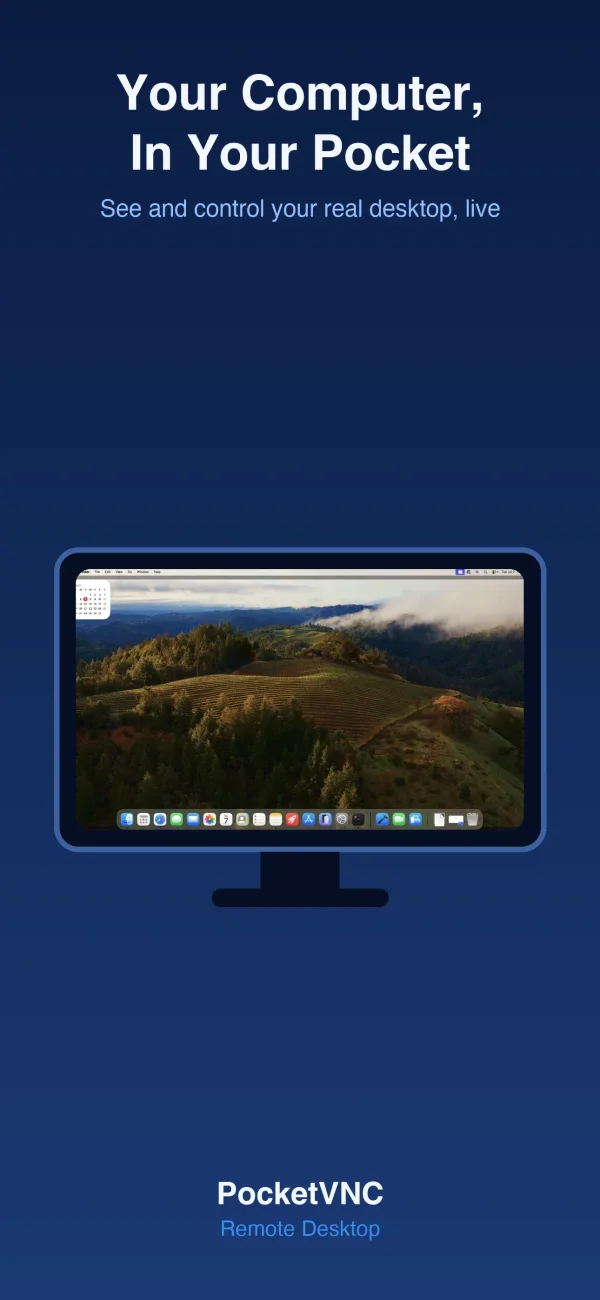
PocketVNC turns your iPhone or iPad into a remote control for any computer running a VNC server — your Mac, a Windows PC, a Linux box, or a Raspberry Pi.
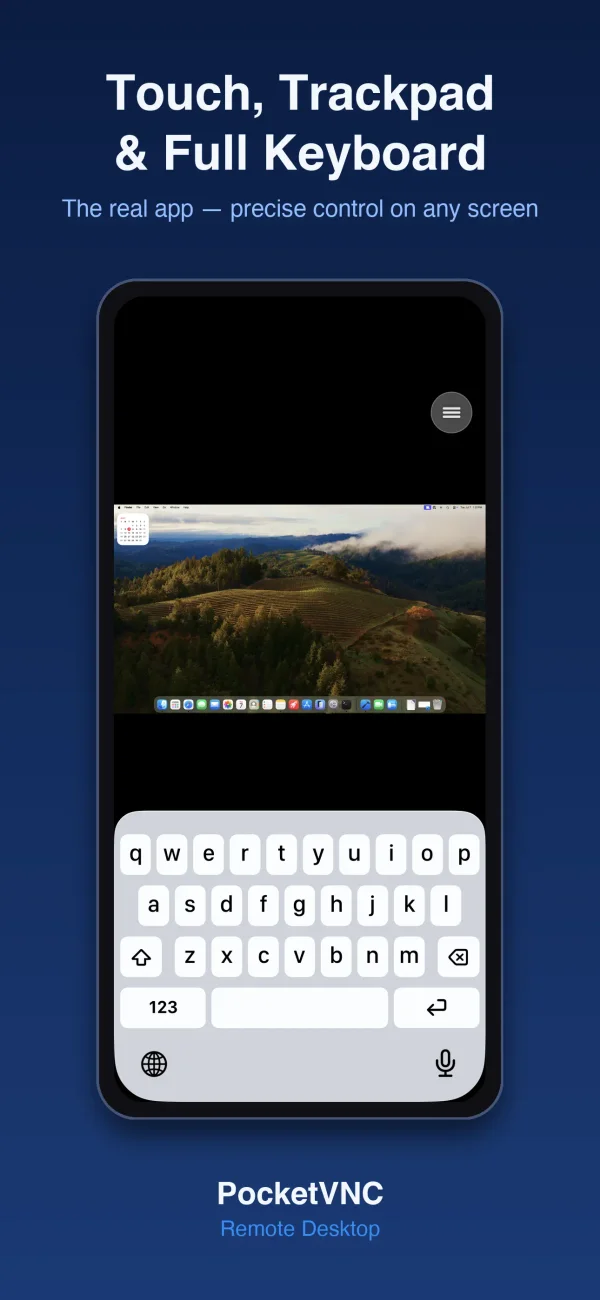
Connect over your home network or the internet and see your desktop live, with smooth pinch-to-zoom, precise touch, and a proper keyboard with modifier and function keys.
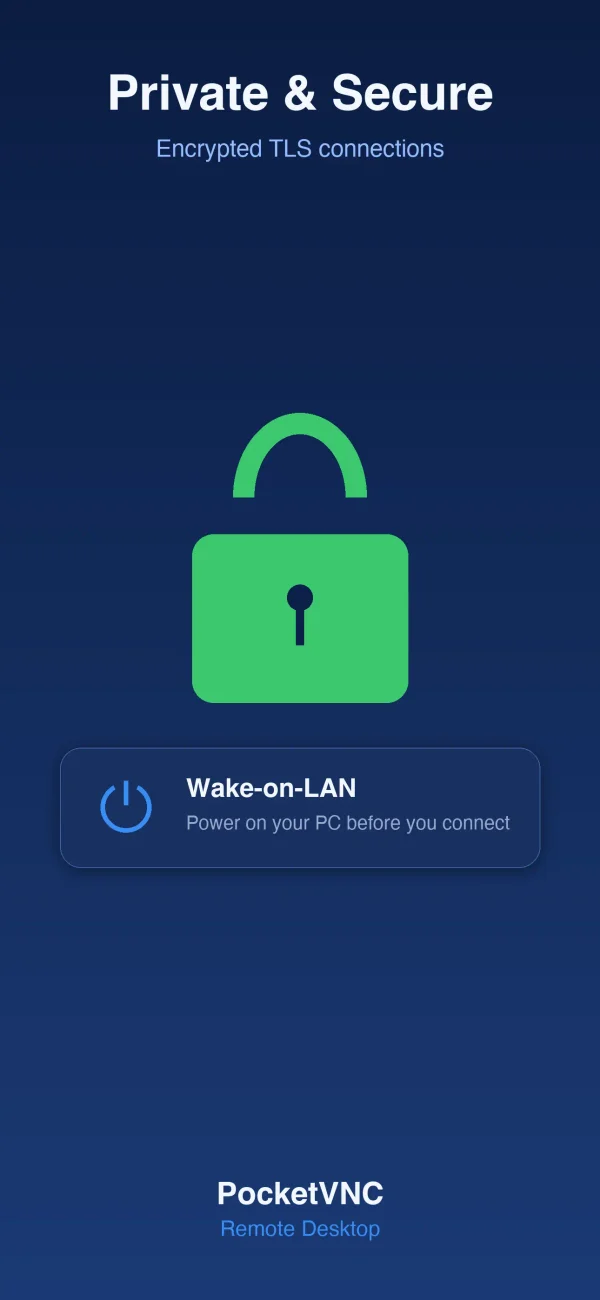
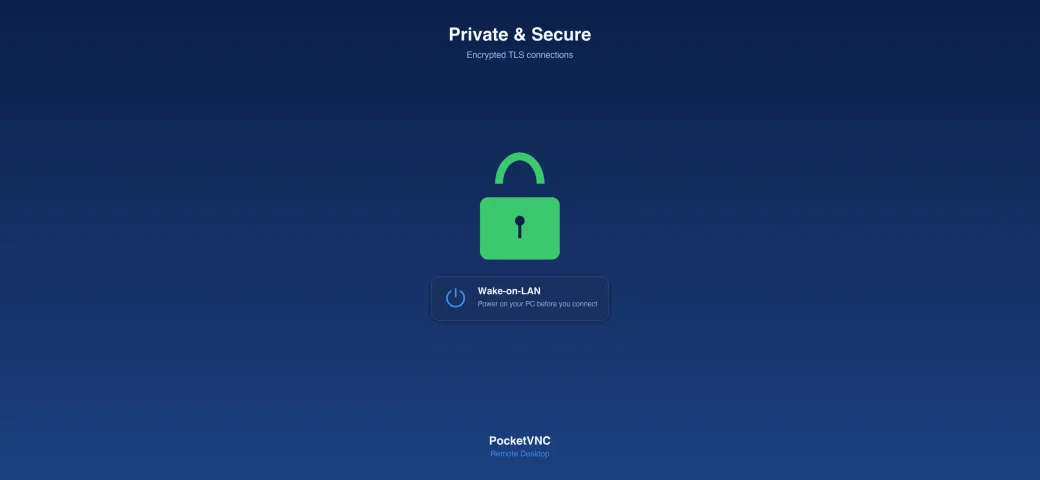
Secure by default. PocketVNC supports encrypted connections (VeNCrypt/TLS), including certificate-based servers with trust-on-first-use verification — so you can see exactly which machine you're connecting to. Saved server passwords are stored in the iOS Keychain, never on our servers.
Built for real use:
• Live remote desktop with pinch-to-zoom and pan
• Tap to click, long-press to right-click, two-finger scroll
• Full on-screen keyboard — Ctrl, Alt, Shift, Cmd, Esc, Tab, arrows, F1–F12
• Auto-reconnect if the network drops (Pro)
• ZRLE compression and quality presets for responsive control over slower links
• Light, dark, and system appearance • Works with standard VNC servers: macOS Screen Sharing, TigerVNC, RealVNC, TightVNC, x11vnc, and more
• VNC password and Apple Remote Desktop (ARD) authentication
Free includes one saved server and up to 30 minutes of connection time every 6 hours — plenty for a quick check-in. The free tier is ad-supported: a small banner appears in the app, and an occasional full-screen ad is shown while a connection is starting — never during an active session.
PocketVNC Pro (subscription) unlocks the full toolkit:
• Unlimited connection time and unlimited saved servers
• No ads
• Saved passwords for one-tap connect
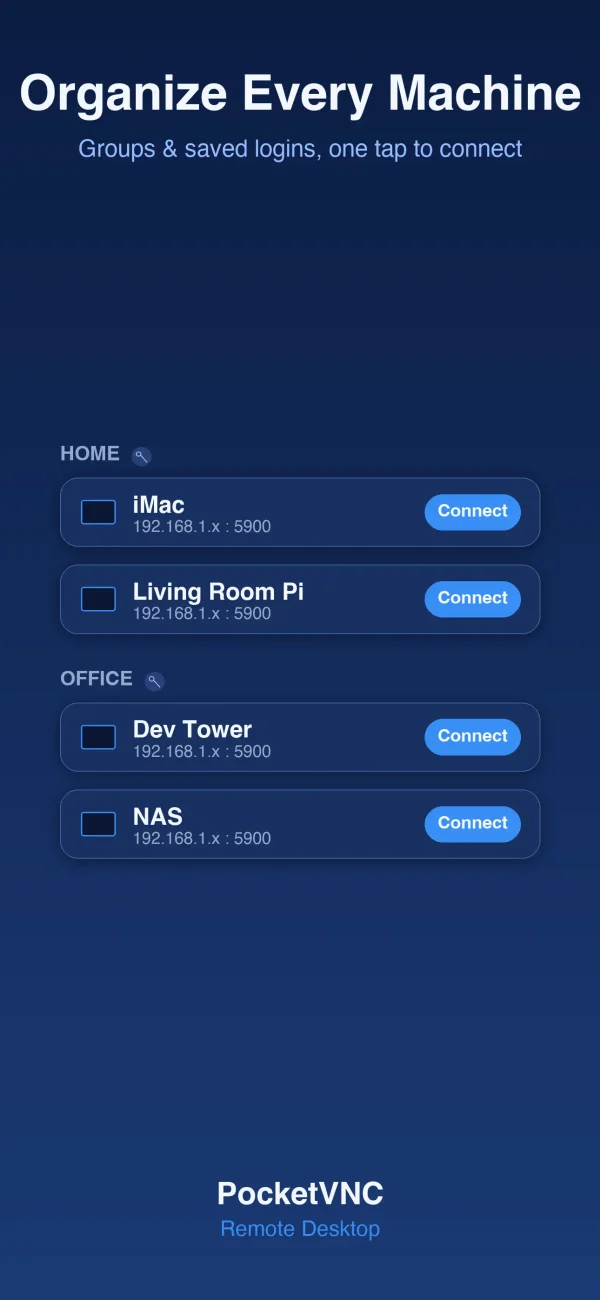
• Server groups to organize your machines
• Reusable saved credentials — apply one login to a server or a whole group
• Wake-on-LAN — power on a sleeping computer before you connect
• Auto-reconnect after a dropped connection
• App Lock with Face ID, Touch ID, or your passcode
• Colour accents and per-server quality presets
• Trackpad mode — relative, laptop-style pointer control
• Clipboard sync between devices
Free to download. Subscribe any time (7-day free trial) for unlimited access and every Pro feature.
App Subscriptions and In-App Purchases bound by Apple's Standard End User License Agreement (EULA): https://www.apple.com/legal/internet-services/itunes/dev/stdeula/
Nouveautés
Version 1.15 · 31/08/2026
• Ads are back on the free tier, from a new advertising partner. PocketVNC Pro removes them, as
it always has.
• You choose how ads work for you: the app asks permission before using your advertising ID, and
you can change your ad privacy choices any time in Settings.
Confidentialité de l’application
Ce que Brett Chaborek déclare sur l’App Store au sujet du traitement des données par cette application.
-
Données utilisées pour vous suivre
Peuvent être utilisées pour vous suivre sur des applications et des sites web appartenant à d’autres sociétés.
- Identifiants
- Données d’utilisation
-
Données n’établissant aucun lien avec vous
Peuvent être collectées, mais ne sont pas liées à votre identité.
- Identifiants
- Données d’utilisation
- Diagnostic
Les pratiques en matière de confidentialité peuvent varier, notamment en fonction des fonctionnalités que vous utilisez ou de votre âge.
Informations
- Vendeur
- Brett Chaborek
- Catégorie
- Utilitaires
- Version
- 1.15
- Mis à jour
- 31/08/2026
- Publié
- 02/07/2026
- Taille
- 17,7 Mo
- Nécessite
- iOS 18.2 ou version ultérieure
- Classification d’âge
- 4+
- Prix
- Gratuit
- Achats intégrés
- Oui
- Langues
- Anglais
- Copyright
- © 2026 MBNetworks
Vous aimerez peut-être aussi
-
 Majuscules Minuscules CasseConvertisseur camelCase, slug
-
 RenDeploy - DéploiementRender et Vercel en mobilité
-
 Remio Remote DesktopBureau à distance & contrôle
-
 Nanoswarm: OpenClaw AppAgents IA Claude, GPT & Kimi
-
 ClatScope (OSINT)Utilitaires
-
 Convertisseur DDSConvertir fichiers DDS
-
 Blur Info : flouter et masquerCensurer photos et captures
-
 DSLink: Deep Link et QR CodeLiens courts, lien en bio
-
 Remo: Télécommande UniversellePour votre Smart TV, en Wi‑Fi
-
 Screens 5: VNC à distanceAccès rapide et sécurisé