
PocketVNC
Secure VNC Remote Desktop
Dirancang untuk iPhone, iPad
Gratis · Pembelian dalam aplikasi
- Batasan usia4+
- KategoriKegunaan
- PengembangBrett Chaborek
- BahasaInggris
- Ukuran17,7 MB
Tertaut ke halaman resmi App Store
Download.org tidak menyimpan file PocketVNC apa pun. Tombol ini membuka halaman aplikasi di App Store, tempat Brett Chaborek menerbitkannya. Halaman terakhir diperiksa pada 12/11/2026.
Tangkapan layar



Tentang
Pengembang belum menyediakan teks ini dalam bahasa Anda.
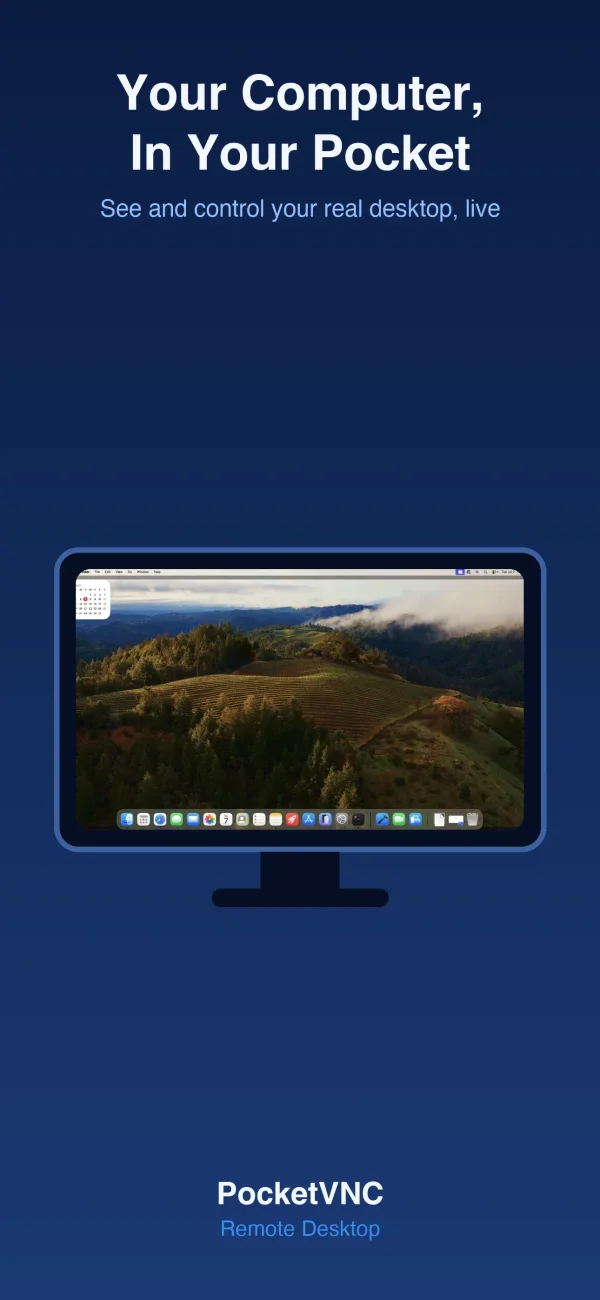
PocketVNC turns your iPhone or iPad into a remote control for any computer running a VNC server — your Mac, a Windows PC, a Linux box, or a Raspberry Pi.
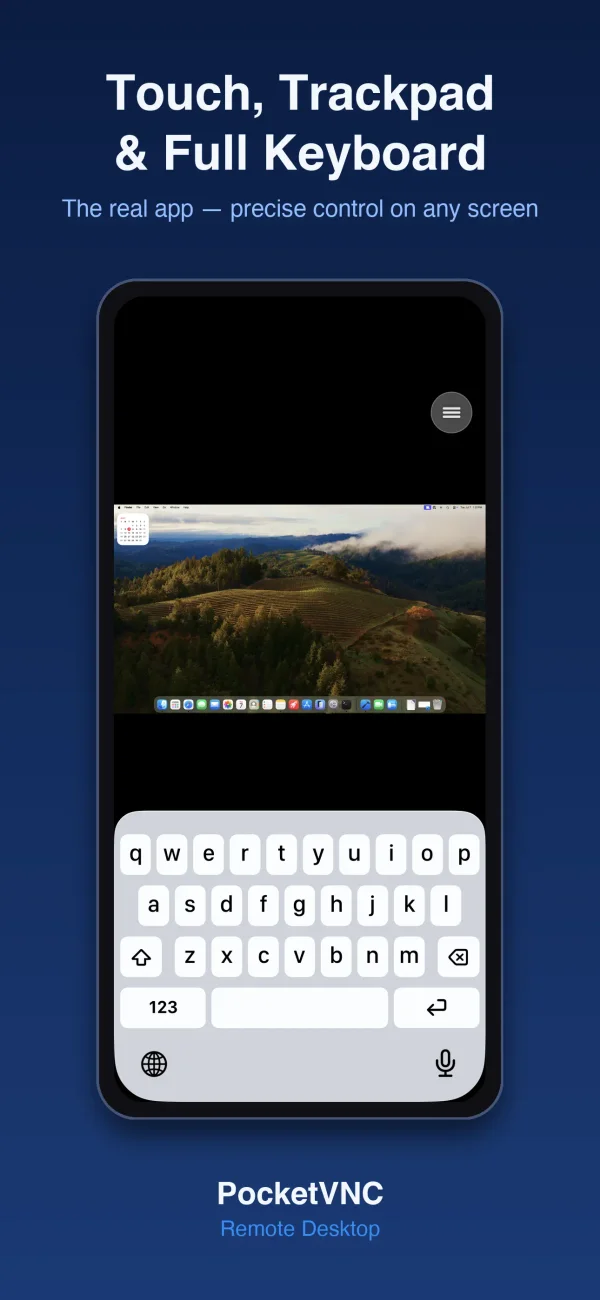
Connect over your home network or the internet and see your desktop live, with smooth pinch-to-zoom, precise touch, and a proper keyboard with modifier and function keys.
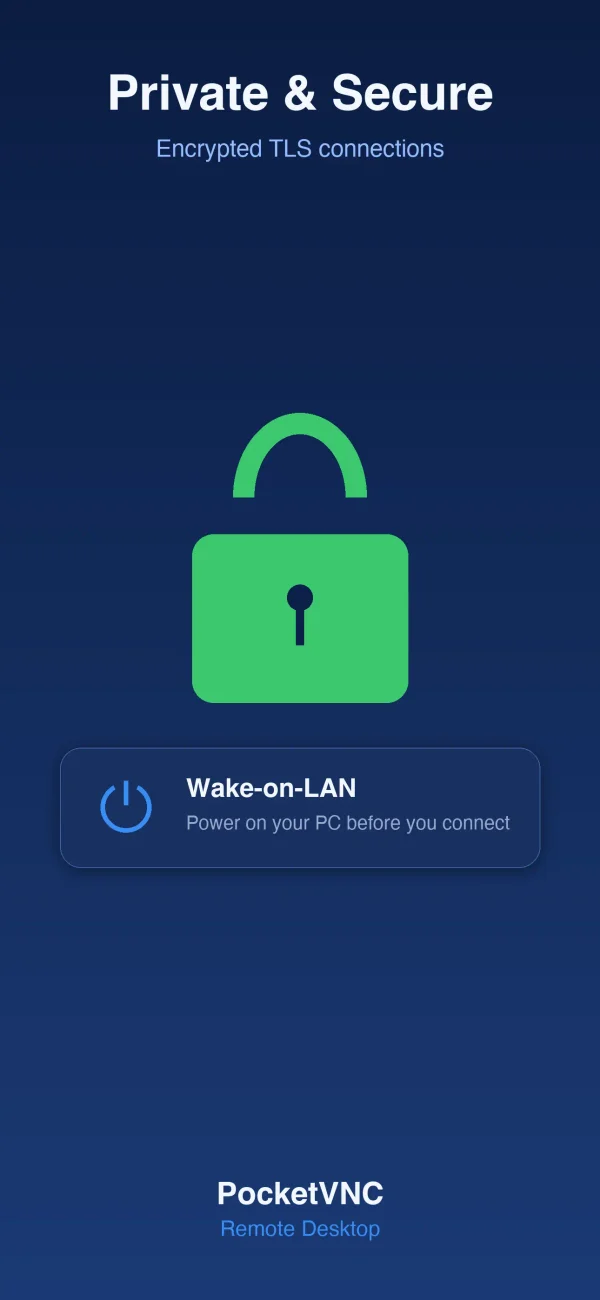
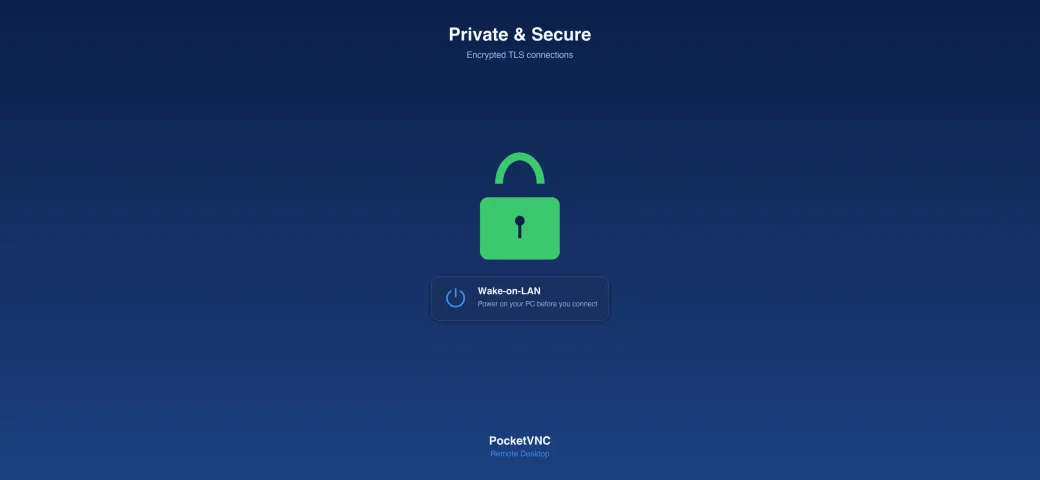
Secure by default. PocketVNC supports encrypted connections (VeNCrypt/TLS), including certificate-based servers with trust-on-first-use verification — so you can see exactly which machine you're connecting to. Saved server passwords are stored in the iOS Keychain, never on our servers.
Built for real use:
• Live remote desktop with pinch-to-zoom and pan
• Tap to click, long-press to right-click, two-finger scroll
• Full on-screen keyboard — Ctrl, Alt, Shift, Cmd, Esc, Tab, arrows, F1–F12
• Auto-reconnect if the network drops (Pro)
• ZRLE compression and quality presets for responsive control over slower links
• Light, dark, and system appearance • Works with standard VNC servers: macOS Screen Sharing, TigerVNC, RealVNC, TightVNC, x11vnc, and more
• VNC password and Apple Remote Desktop (ARD) authentication
Free includes one saved server and up to 30 minutes of connection time every 6 hours — plenty for a quick check-in. The free tier is ad-supported: a small banner appears in the app, and an occasional full-screen ad is shown while a connection is starting — never during an active session.
PocketVNC Pro (subscription) unlocks the full toolkit:
• Unlimited connection time and unlimited saved servers
• No ads
• Saved passwords for one-tap connect
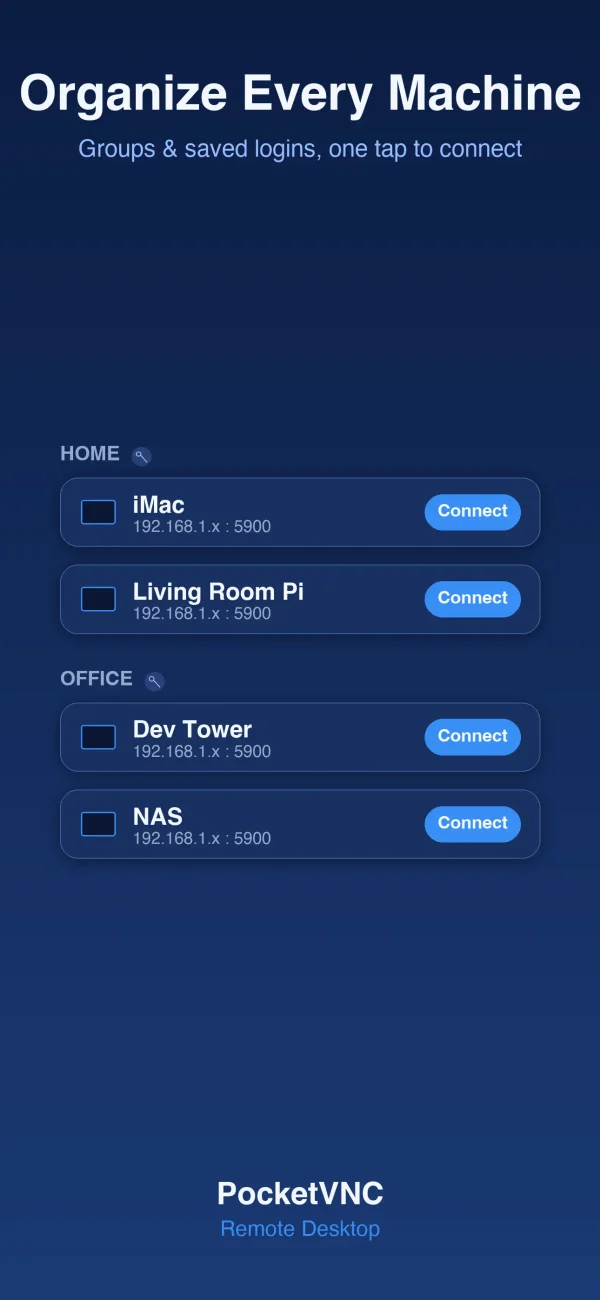
• Server groups to organize your machines
• Reusable saved credentials — apply one login to a server or a whole group
• Wake-on-LAN — power on a sleeping computer before you connect
• Auto-reconnect after a dropped connection
• App Lock with Face ID, Touch ID, or your passcode
• Colour accents and per-server quality presets
• Trackpad mode — relative, laptop-style pointer control
• Clipboard sync between devices
Free to download. Subscribe any time (7-day free trial) for unlimited access and every Pro feature.
App Subscriptions and In-App Purchases bound by Apple's Standard End User License Agreement (EULA): https://www.apple.com/legal/internet-services/itunes/dev/stdeula/
Yang baru
Versi 1.15 · 31/8/2026
• Ads are back on the free tier, from a new advertising partner. PocketVNC Pro removes them, as
it always has.
• You choose how ads work for you: the app asks permission before using your advertising ID, and
you can change your ad privacy choices any time in Settings.
Privasi aplikasi
Yang dinyatakan Brett Chaborek di App Store tentang cara aplikasi ini menangani data.
-
Data yang digunakan untuk melacak Anda
Dapat digunakan untuk melacak Anda di aplikasi dan situs web milik perusahaan lain.
- Pengenal
- Data penggunaan
-
Data yang tidak ditautkan dengan Anda
Dapat dikumpulkan, tetapi tidak ditautkan dengan identitas Anda.
- Pengenal
- Data penggunaan
- Diagnostik
Praktik privasi dapat bervariasi, misalnya berdasarkan fitur yang Anda gunakan atau usia Anda.
Informasi
- Penjual
- Brett Chaborek
- Kategori
- Kegunaan
- Versi
- 1.15
- Diperbarui
- 31/8/2026
- Dirilis
- 2/7/2026
- Ukuran
- 17,7 MB
- Memerlukan
- iOS 18.2 atau yang lebih baru
- Batasan usia
- 4+
- Harga
- Gratis
- Pembelian dalam aplikasi
- Ya
- Bahasa
- Inggris
- Hak cipta
- © 2026 MBNetworks
Mungkin Anda juga suka
-
 Ubah Huruf Besar Kecil TekscamelCase, slug, hitung kata
-
 RenDeploy - Pusat DeploymentAlat server web Render
-
 Remio Remote DesktopKendali PC & Laptop Jarak Jauh
-
 Nanoswarm: OpenClaw AppKegunaan
-
 ClatScope (OSINT)Kegunaan
-
 DDS Converter, DDS ke PNGKonversi file DDS
-
 Blur Info: Sensor Foto & PDFTutupi data pribadi & rekening
-
 DSLink: Link Shortener & QRKegunaan
-
 Remo: Universal TV RemoteKegunaan
-
 Screens 5: VNC Remote DesktopKegunaan