
PocketVNC
Secure VNC Remote Desktop
Designed for iPhone, iPad
Free · In-app purchases
- Age rating4+
- CategoryUtilities
- DeveloperBrett Chaborek
- LanguagesEnglish
- Size17.7 MB
Links to the official App Store page
Download.org hosts no file of PocketVNC. The button opens its official App Store page, published by Brett Chaborek. Listing last checked on Nov 12, 2026.
Screenshots


About
PocketVNC turns your iPhone or iPad into a remote control for any computer running a VNC server — your Mac, a Windows PC, a Linux box, or a Raspberry Pi.
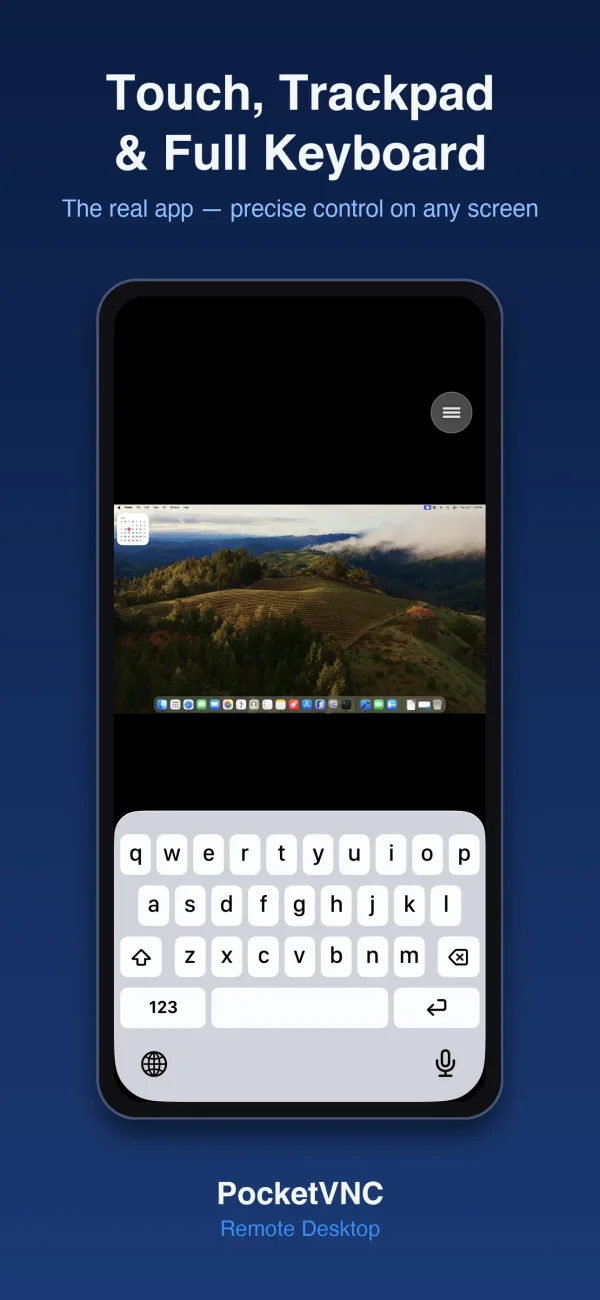
Connect over your home network or the internet and see your desktop live, with smooth pinch-to-zoom, precise touch, and a proper keyboard with modifier and function keys.
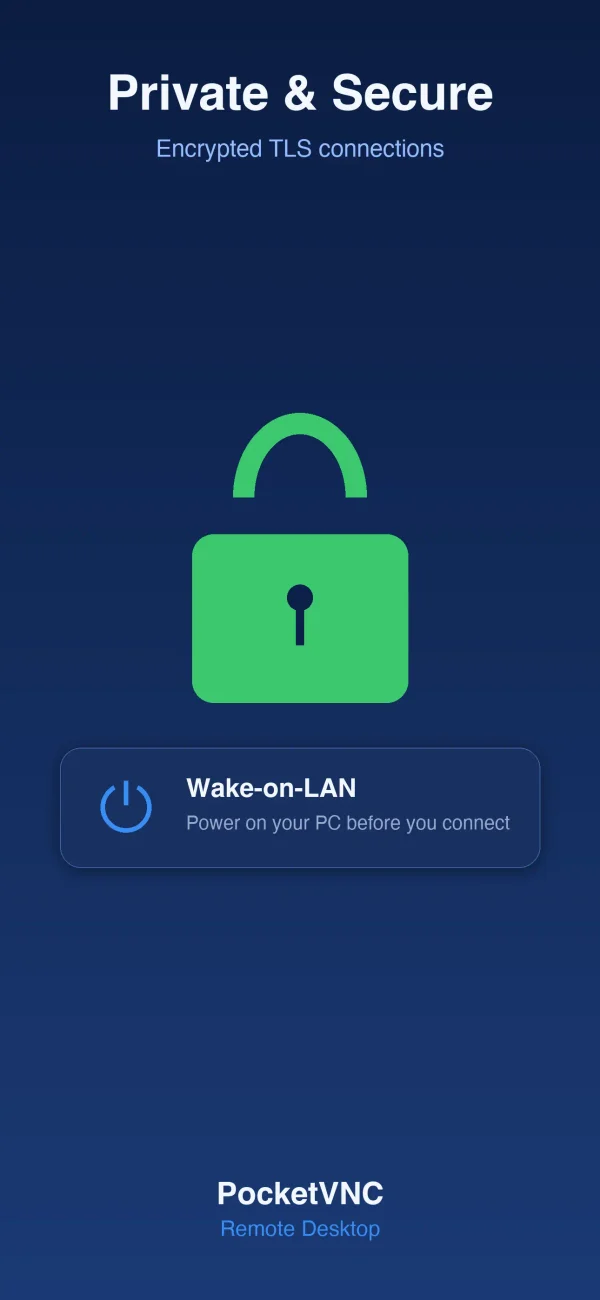
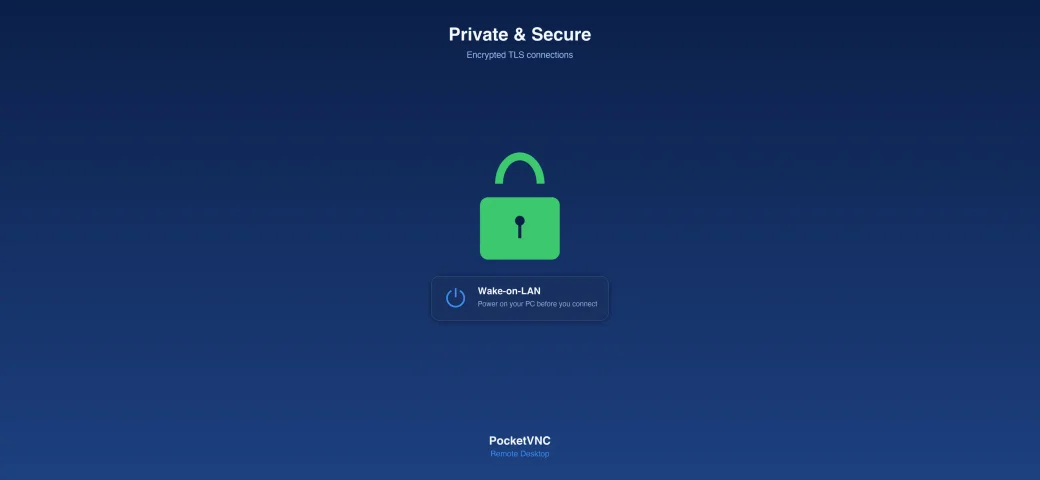
Secure by default. PocketVNC supports encrypted connections (VeNCrypt/TLS), including certificate-based servers with trust-on-first-use verification — so you can see exactly which machine you're connecting to. Saved server passwords are stored in the iOS Keychain, never on our servers.
Built for real use:
• Live remote desktop with pinch-to-zoom and pan
• Tap to click, long-press to right-click, two-finger scroll
• Full on-screen keyboard — Ctrl, Alt, Shift, Cmd, Esc, Tab, arrows, F1–F12
• Auto-reconnect if the network drops (Pro)
• ZRLE compression and quality presets for responsive control over slower links
• Light, dark, and system appearance • Works with standard VNC servers: macOS Screen Sharing, TigerVNC, RealVNC, TightVNC, x11vnc, and more
• VNC password and Apple Remote Desktop (ARD) authentication
Free includes one saved server and up to 30 minutes of connection time every 6 hours — plenty for a quick check-in. The free tier is ad-supported: a small banner appears in the app, and an occasional full-screen ad is shown while a connection is starting — never during an active session.
PocketVNC Pro (subscription) unlocks the full toolkit:
• Unlimited connection time and unlimited saved servers
• No ads
• Saved passwords for one-tap connect
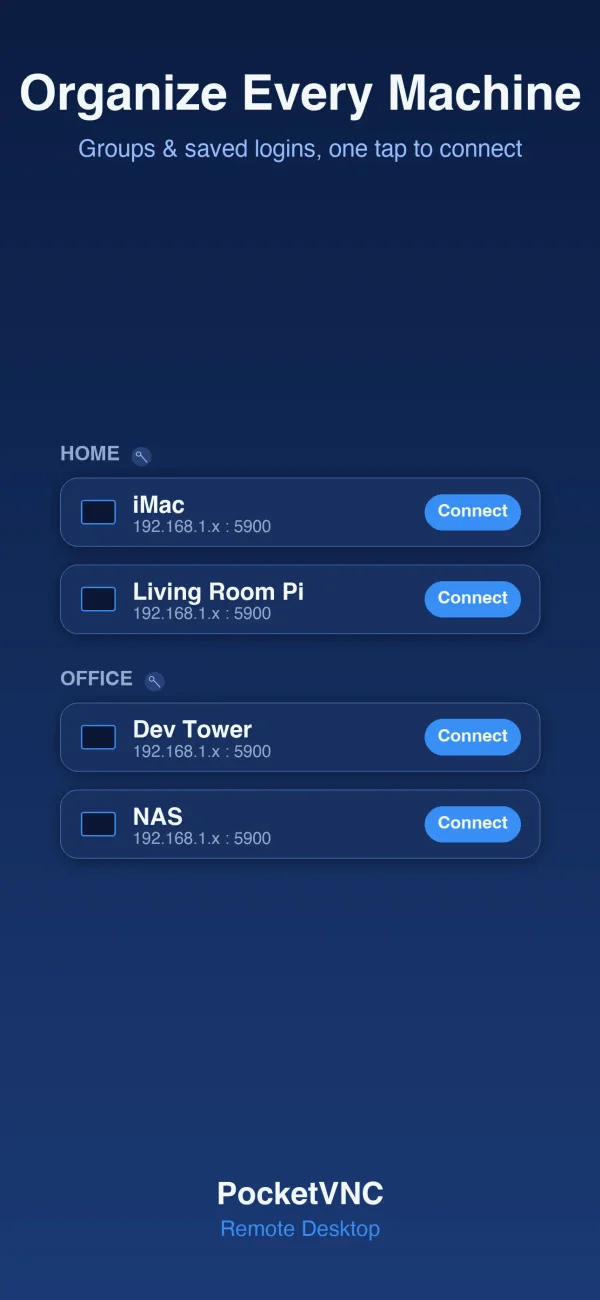
• Server groups to organize your machines
• Reusable saved credentials — apply one login to a server or a whole group
• Wake-on-LAN — power on a sleeping computer before you connect
• Auto-reconnect after a dropped connection
• App Lock with Face ID, Touch ID, or your passcode
• Colour accents and per-server quality presets
• Trackpad mode — relative, laptop-style pointer control
• Clipboard sync between devices
Free to download. Subscribe any time (7-day free trial) for unlimited access and every Pro feature.
App Subscriptions and In-App Purchases bound by Apple's Standard End User License Agreement (EULA): https://www.apple.com/legal/internet-services/itunes/dev/stdeula/
What’s new
Version 1.15 · Aug 31, 2026
• Ads are back on the free tier, from a new advertising partner. PocketVNC Pro removes them, as
it always has.
• You choose how ads work for you: the app asks permission before using your advertising ID, and
you can change your ad privacy choices any time in Settings.
App privacy
What Brett Chaborek declares on the App Store about how this app handles data.
-
Data used to track you
May be used to track you across apps and websites owned by other companies.
- Identifiers
- Usage data
-
Data not linked to you
May be collected but is not linked to your identity.
- Identifiers
- Usage data
- Diagnostics
Privacy practices may vary, for example with the features you use or your age.
Information
- Seller
- Brett Chaborek
- Category
- Utilities
- Version
- 1.15
- Updated
- Aug 31, 2026
- Released
- Jul 2, 2026
- Size
- 17.7 MB
- Requires
- iOS 18.2 or later
- Age rating
- 4+
- Price
- Free
- In-app purchases
- Yes
- Languages
- English
- Copyright
- © 2026 MBNetworks
You might also like
-
 Text Case ConvertercamelCase, snake, kebab, slug
-
 RenDeploy - Deployment CenterRender, Netlify & Vercel
-
 Remio Remote DesktopAccess & Control PC or Laptop
-
 Nanoswarm: OpenClaw AppClaude, GPT & Kimi AI agents
-
 ClatScope (OSINT)Powerful OSINT tool
-
 DDS Converter, DDS to PNGConvert DDS files
-
 Blur Info: Redact Photos & PDFHide ID & censor screenshots
-
 DSLink: Link Shortener & QRDeep Links, URL & Bio Creator
-
 Remo: Universal TV RemoteControl Smart TVs over Wi‑Fi
-
 Screens 5: VNC Remote DesktopFast & Secure Computer Access