
Screenshot AI: Memory & Notes
Extract Text, Receipts & Codes
Diseñada para iPhone
Gratis · Compras en la aplicación
- Clasificación por edad4+
- CategoríaProductividad
- DesarrolladorPetar Perkovski
- IdiomasInglés
- Tamaño42,2 MB
Enlaza a la página oficial de App Store
Download.org no aloja ningún archivo de Screenshot AI: Memory & Notes. El botón abre la página de la aplicación en App Store, donde la publica Petar Perkovski. Ficha comprobada por última vez el 15/11/2026.
Capturas de pantalla
Acerca de
El desarrollador no ha proporcionado este texto en tu idioma.
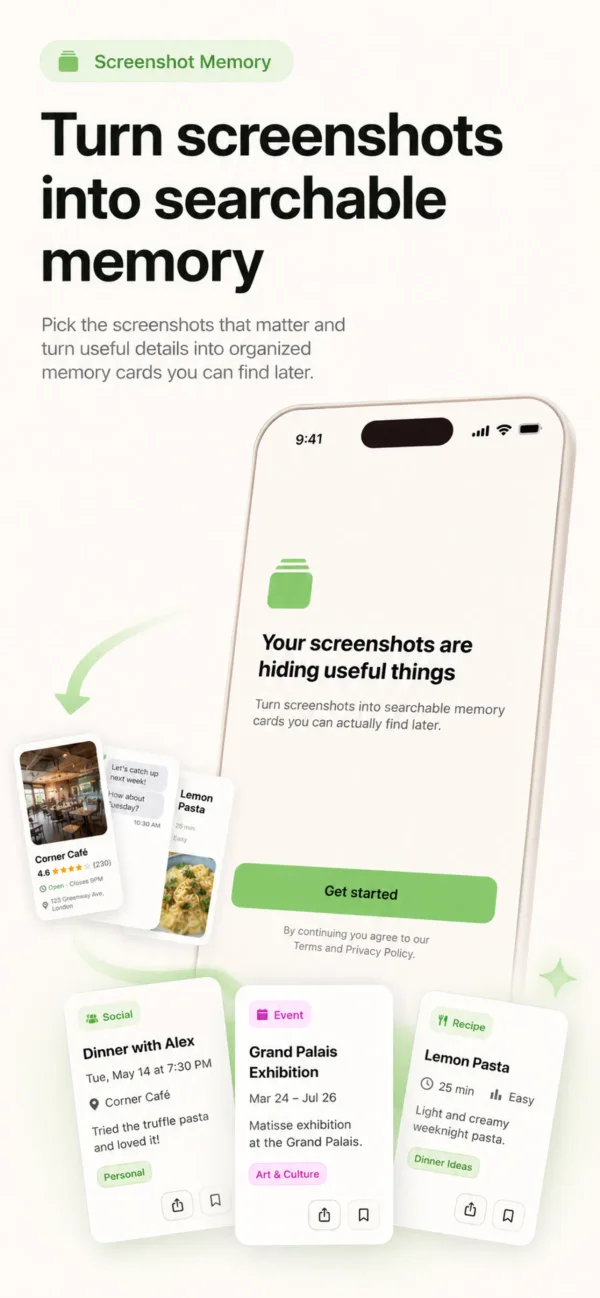
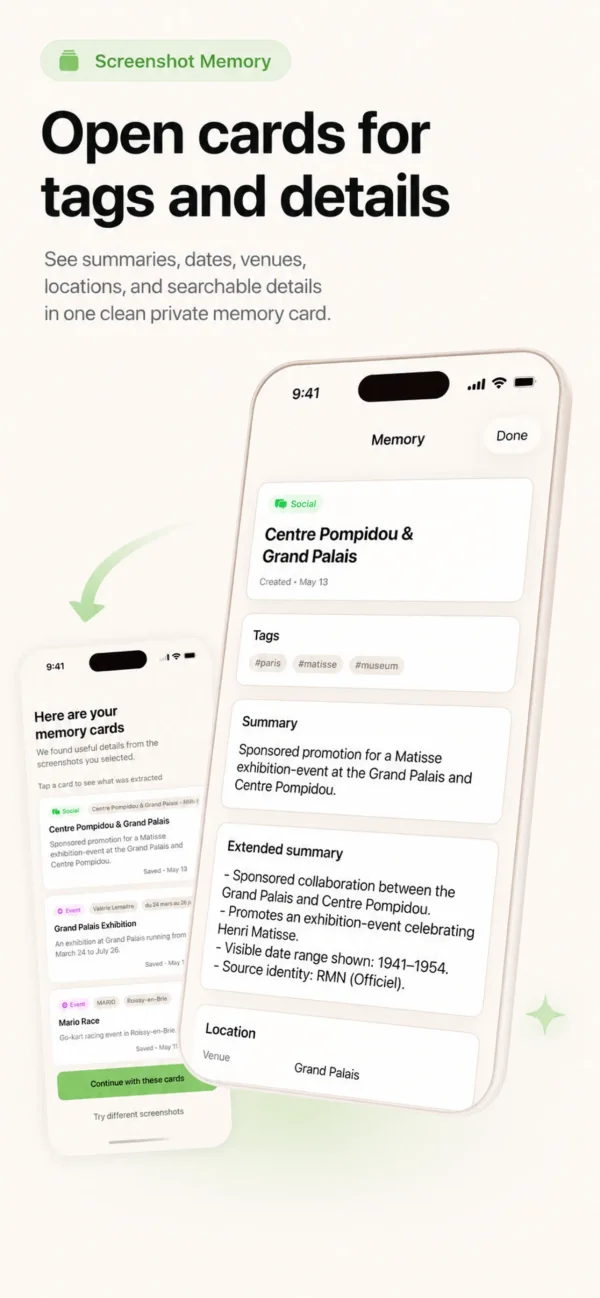
You've saved thousands of screenshots: receipts, bookings,
recipes, codes, and places. Finding any of them later means
scrolling through hundreds of images hoping to spot the right one.
Screenshot AI changes that.
It reads every screenshot you select, pulls out what matters, and
builds a searchable library you can actually use. Dates, prices,
addresses, venues — surfaced automatically and saved as a clean
card you can find in seconds.
WHAT YOU CAN DO
- Search across every saved screenshot. Type a keyword and find
the right card instantly, without scrolling.
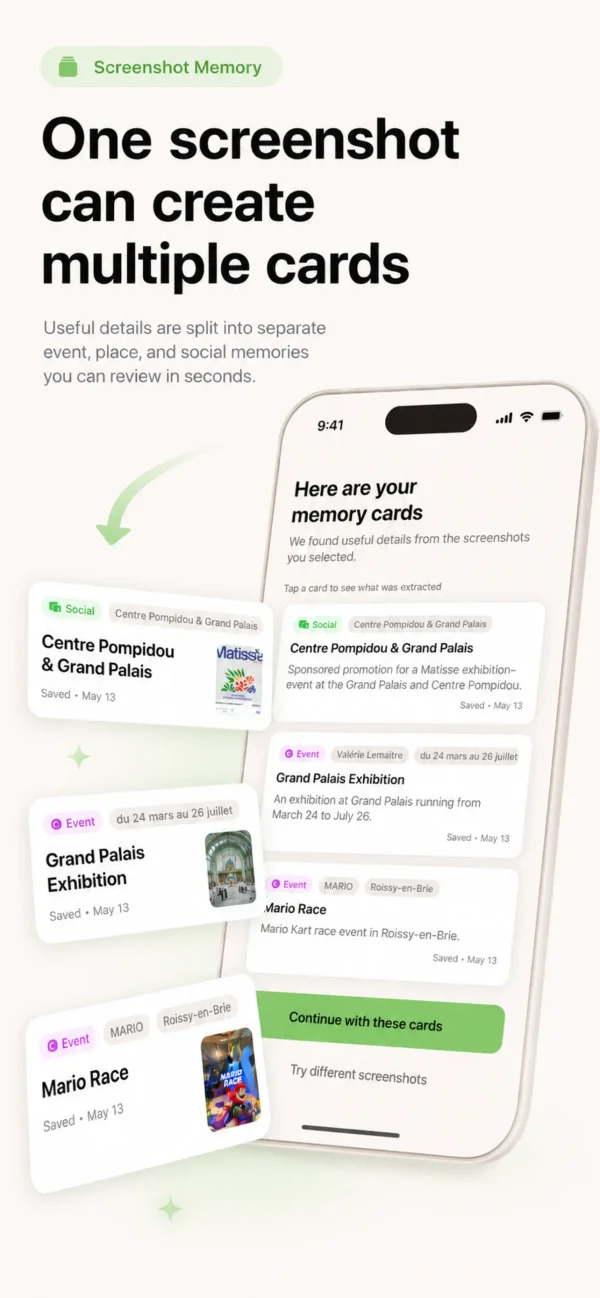
- Get an AI summary of each screenshot. Dates, prices, contacts,
and key details extracted automatically.
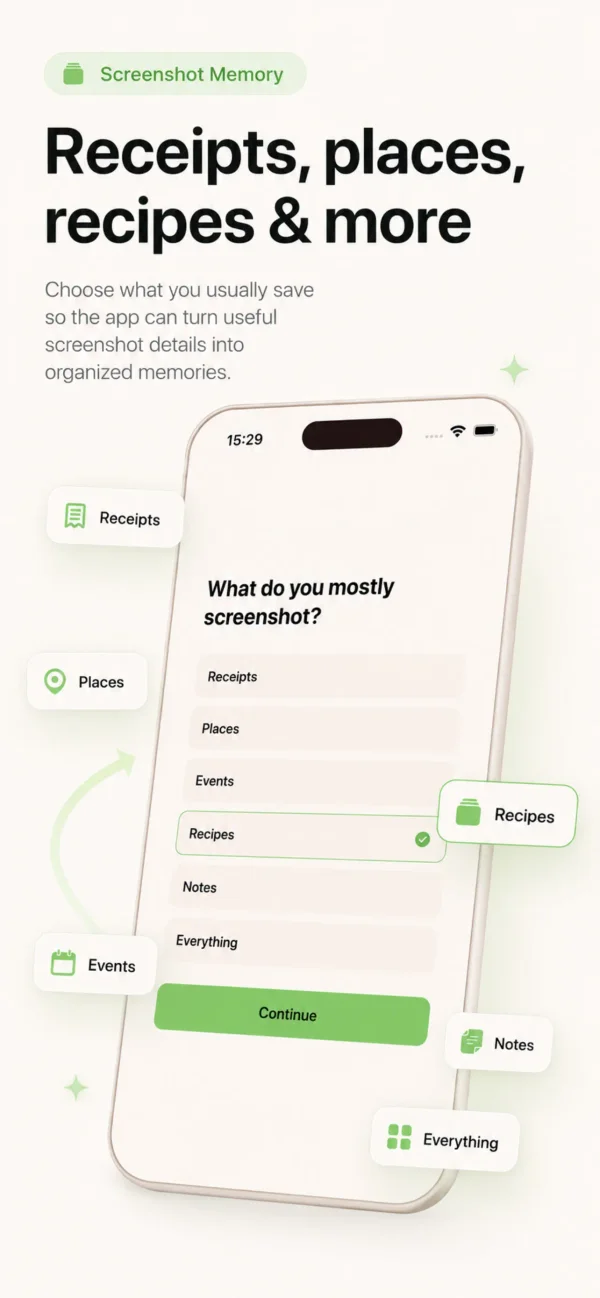
- Organize by category. Receipts, bookings, notes, places,
recipes, messages, tasks, documents — sorted the way you think.
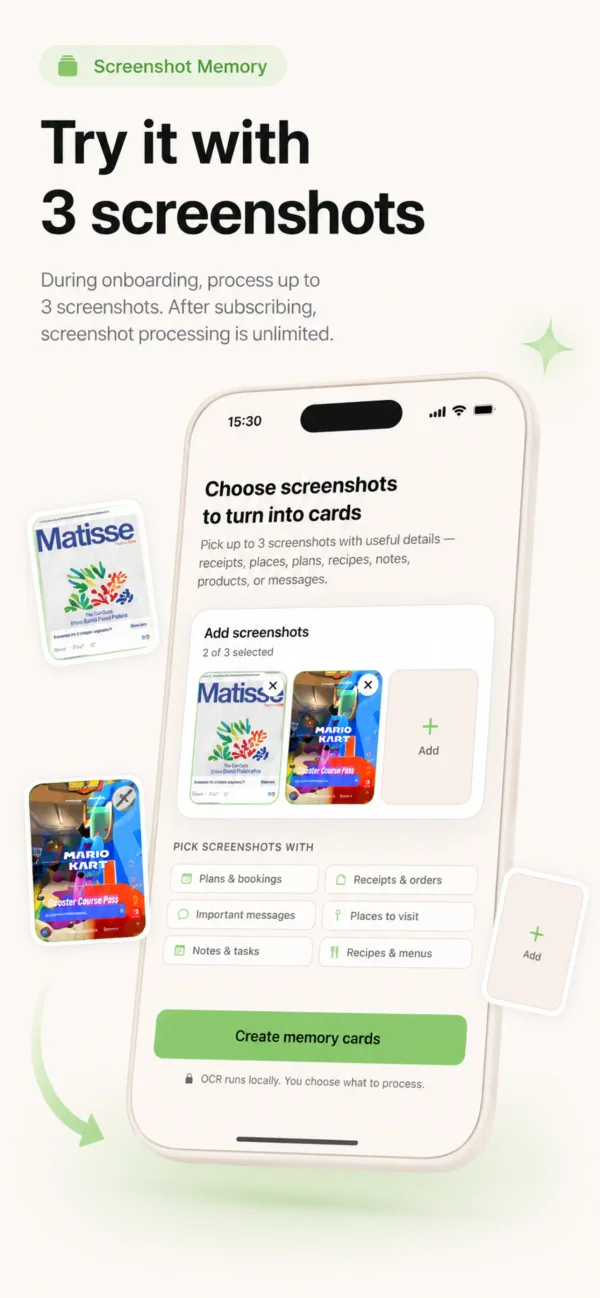
- Review before saving. Nothing is kept without your approval.
You stay in control of what gets kept and what gets deleted.
- Keep your originals. Extracted details are saved separately —
your original screenshots stay in your library unless you choose
to delete them.
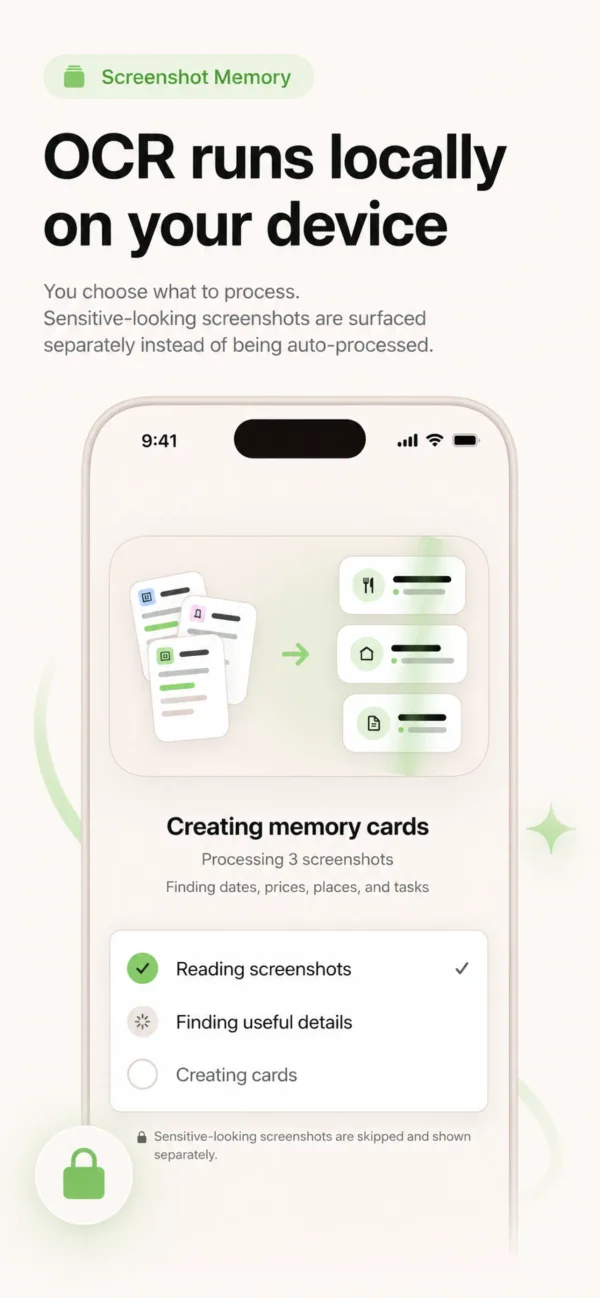
- Flag sensitive content. Screenshots that look private are
surfaced separately so you can decide how to handle them.
BUILT FOR PRIVACY
Everything runs on your device. No screenshots are uploaded. No
account required. You choose what gets processed — sensitive
content stays completely private.
DESIGNED FOR
People who screenshot useful information but later can't find it.
The receipt you need to return something. The booking you need to
check. The recipe you want to cook. The code you need to use. The
address you want to revisit.
Screenshot AI turns those screenshots into a library that works
for you — not against you.
Terms of Use: https://nuuki.app/ocp/terms.html
Privacy Policy: https://nuuki.app/ocp/privacy.html
Novedades
Versión 1.3 · 28/5/2026
We’ve refreshed the app experience with an updated onboarding flow and improved UI design.
This update includes:
A smoother and clearer onboarding experience
Refined screens and visual improvements
General UI polish for a cleaner, more intuitive ap
Privacidad de la aplicación
Lo que Petar Perkovski declara en App Store sobre cómo esta aplicación gestiona los datos.
-
Datos no vinculados a ti
Pueden recopilarse, pero no se vinculan a tu identidad.
- Compras
- Contenido del usuario
- Identificadores
- Datos de uso
- Diagnóstico
Las prácticas de privacidad pueden variar, por ejemplo, según las funciones que uses o tu edad.
Información
- Vendedor
- Petar Perkovski
- Categoría
- Productividad
- Versión
- 1.3
- Actualizado
- 28/5/2026
- Publicado
- 18/5/2026
- Tamaño
- 42,2 MB
- Requiere
- iOS 17 o posterior
- Clasificación por edad
- 4+
- Precio
- Gratis
- Compras en la aplicación
- Sí
- Idiomas
- Inglés
- Copyright
- © 2026 Petar Perkovski
Quizá también te guste
-
 SnapAction: Screenshot AIProductividad
-
 Shotbox: Screenshot OrganizerProductividad
-
 QuietimeProductividad
-
 Screenary - Screenshot AlbumProductividad
-
 Hey To Do: Calendar,HashtagProductividad
-
 Calendar Remix: Daily ScheduleProductividad
-
 Screenshot Search: CaptureMindProductividad
-
 Screenshot AI: Gallery CleanerEspacio libre con búsqueda IA
-
 SnapStash - AI Screenshot orgProductividad
-
 Bigdata.com: Finance InsightsProductividad