
Screenshot AI: Memory & Notes
Extract Text, Receipts & Codes
Được thiết kế cho iPhone
Miễn phí · Mua hàng trong ứng dụng
- Độ tuổi4+
- Danh mụcHiệu Suất
- Nhà phát triểnPetar Perkovski
- Ngôn ngữTiếng Anh
- Kích thước42,2 MB
Liên kết đến trang App Store chính thức
Download.org không lưu trữ tệp nào của Screenshot AI: Memory & Notes. Nút này mở trang ứng dụng trên App Store, nơi Petar Perkovski phát hành ứng dụng. Trang được kiểm tra lần cuối: 15/11/2026.
Ảnh chụp màn hình
Giới thiệu
Nhà phát triển chưa cung cấp nội dung này bằng ngôn ngữ của bạn.
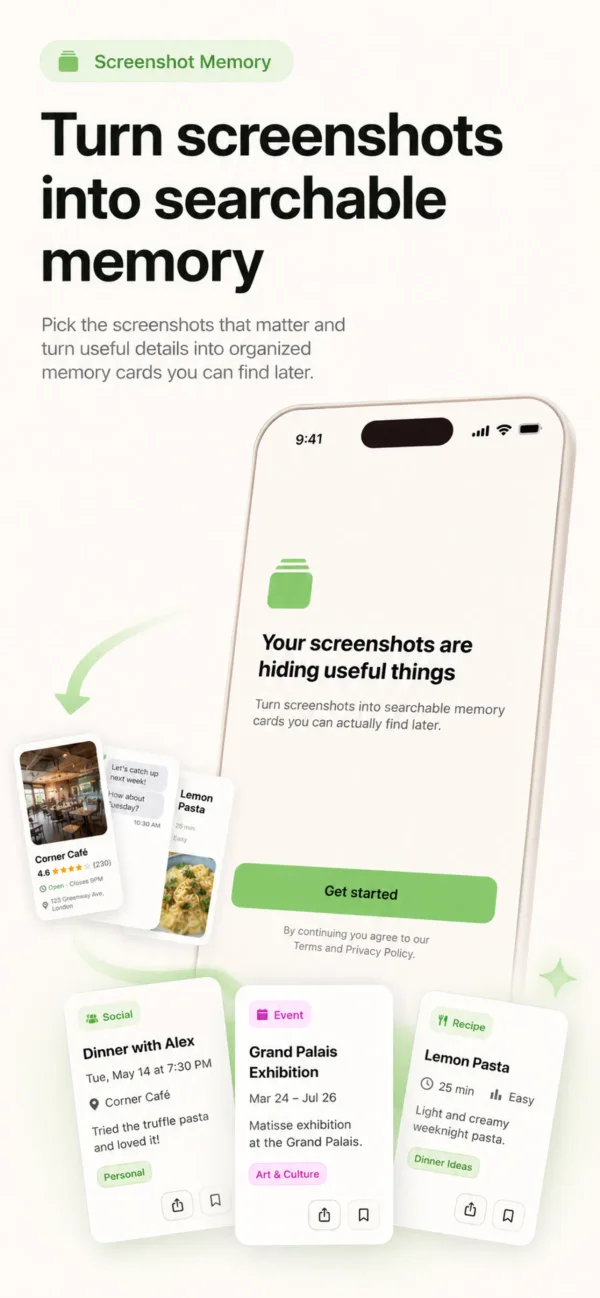
You've saved thousands of screenshots: receipts, bookings,
recipes, codes, and places. Finding any of them later means
scrolling through hundreds of images hoping to spot the right one.
Screenshot AI changes that.
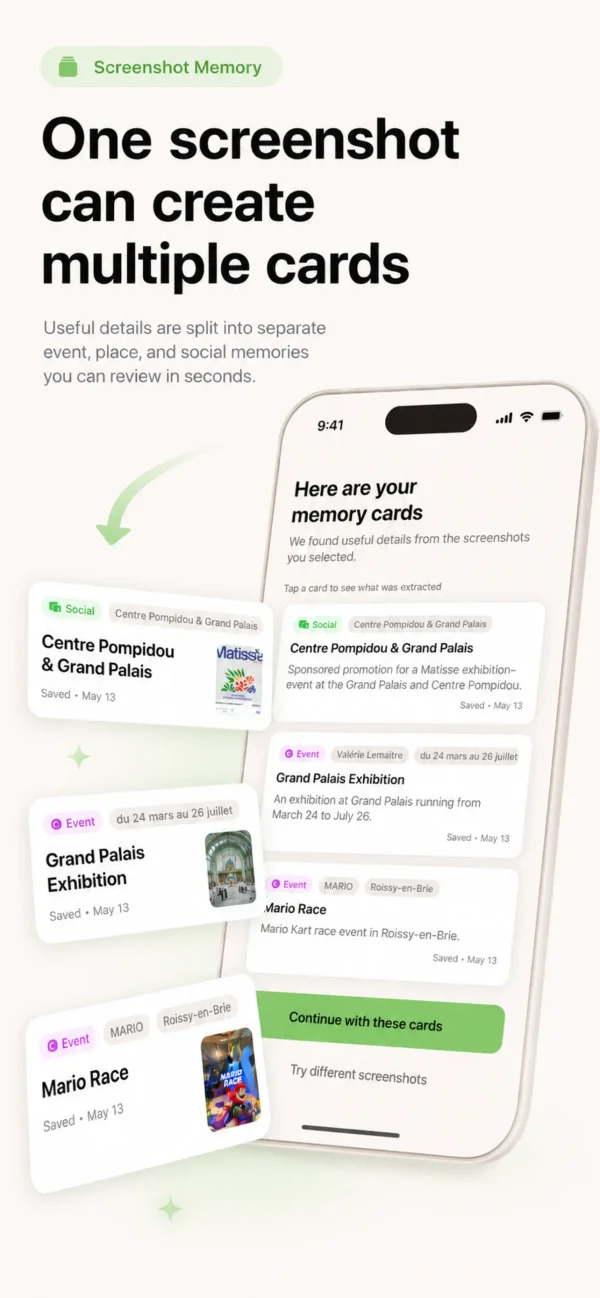
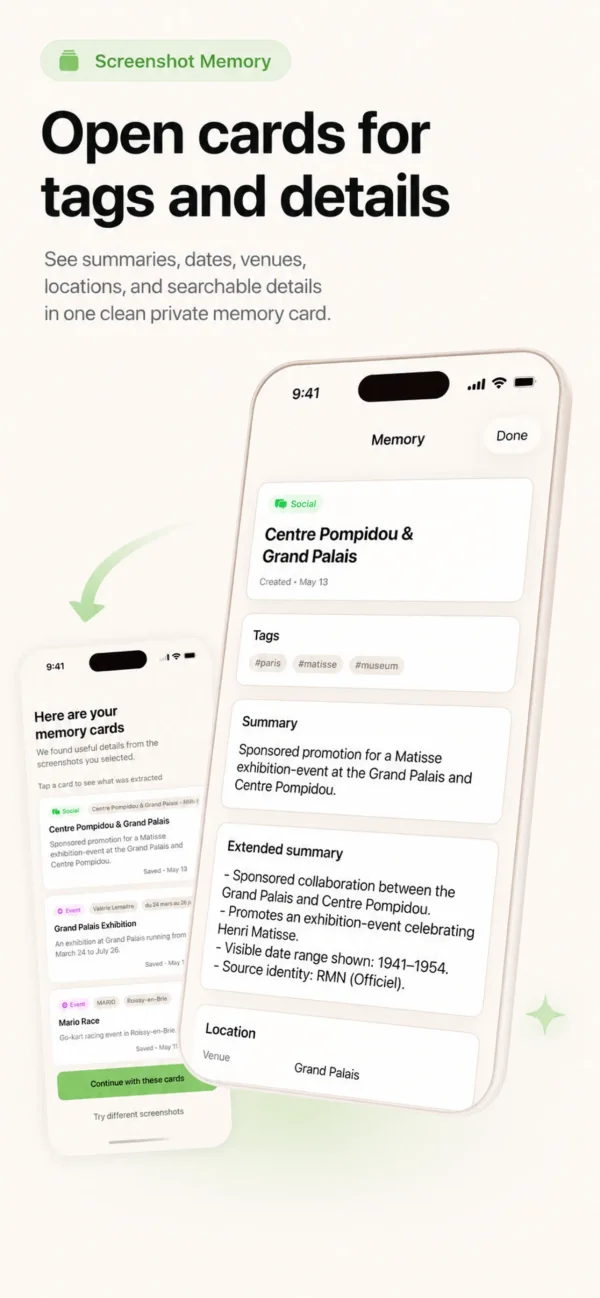
It reads every screenshot you select, pulls out what matters, and
builds a searchable library you can actually use. Dates, prices,
addresses, venues — surfaced automatically and saved as a clean
card you can find in seconds.
WHAT YOU CAN DO
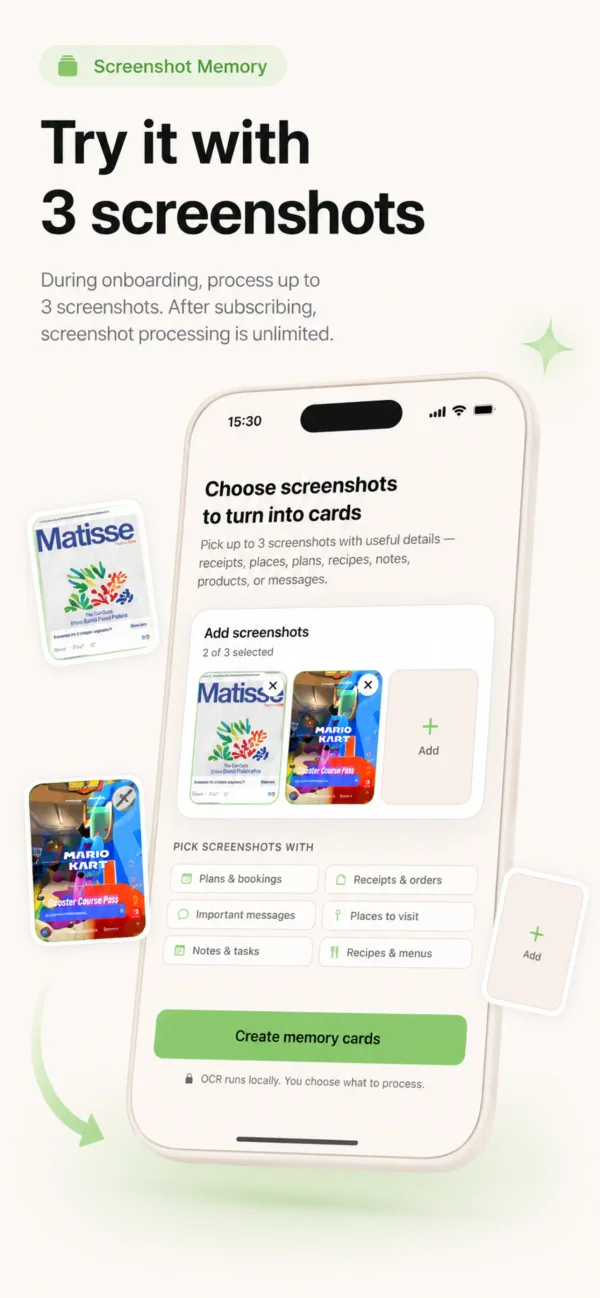
- Search across every saved screenshot. Type a keyword and find
the right card instantly, without scrolling.
- Get an AI summary of each screenshot. Dates, prices, contacts,
and key details extracted automatically.
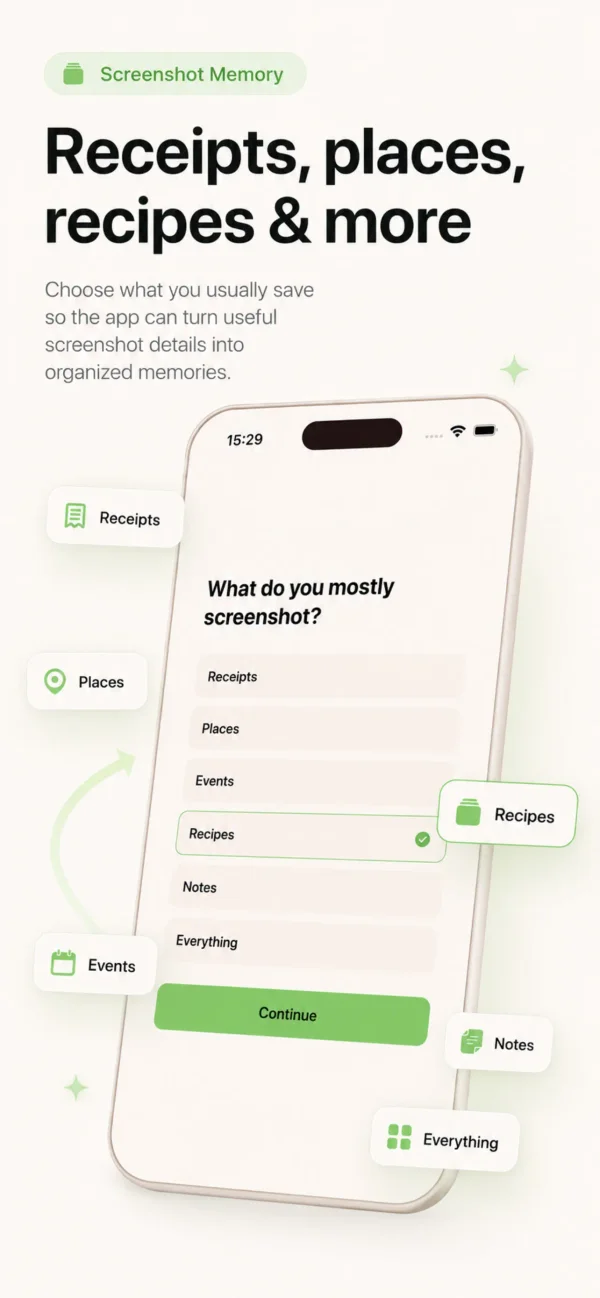
- Organize by category. Receipts, bookings, notes, places,
recipes, messages, tasks, documents — sorted the way you think.
- Review before saving. Nothing is kept without your approval.
You stay in control of what gets kept and what gets deleted.
- Keep your originals. Extracted details are saved separately —
your original screenshots stay in your library unless you choose
to delete them.
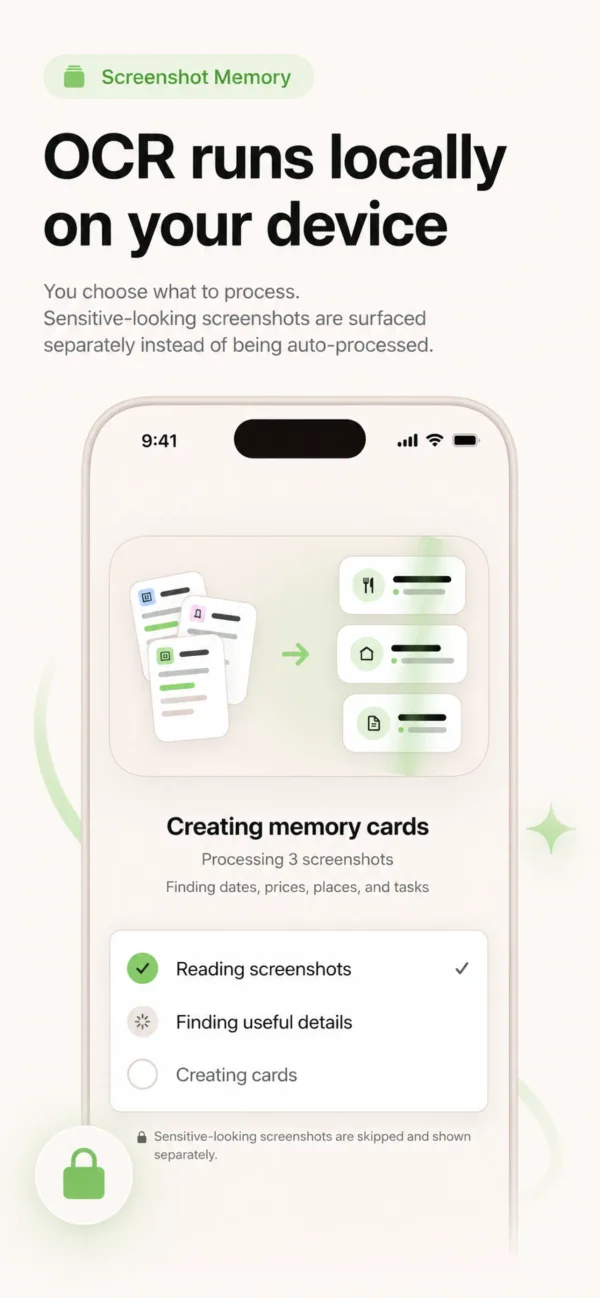
- Flag sensitive content. Screenshots that look private are
surfaced separately so you can decide how to handle them.
BUILT FOR PRIVACY
Everything runs on your device. No screenshots are uploaded. No
account required. You choose what gets processed — sensitive
content stays completely private.
DESIGNED FOR
People who screenshot useful information but later can't find it.
The receipt you need to return something. The booking you need to
check. The recipe you want to cook. The code you need to use. The
address you want to revisit.
Screenshot AI turns those screenshots into a library that works
for you — not against you.
Terms of Use: https://nuuki.app/ocp/terms.html
Privacy Policy: https://nuuki.app/ocp/privacy.html
Có gì mới
Phiên bản 1.3 · 28/05/2026
We’ve refreshed the app experience with an updated onboarding flow and improved UI design.
This update includes:
A smoother and clearer onboarding experience
Refined screens and visual improvements
General UI polish for a cleaner, more intuitive ap
Quyền riêng tư của ứng dụng
Những gì Petar Perkovski khai báo trên App Store về cách ứng dụng này xử lý dữ liệu.
-
Dữ liệu không liên kết với bạn
Có thể được thu thập nhưng không liên kết với danh tính của bạn.
- Mục mua
- Nội dung của người dùng
- Mã định danh
- Dữ liệu sử dụng
- Chẩn đoán
Phương thức đảm bảo quyền riêng tư có thể khác nhau, chẳng hạn như tuỳ theo các tính năng bạn sử dụng hoặc độ tuổi của bạn.
Thông tin
- Người bán
- Petar Perkovski
- Danh mục
- Hiệu Suất
- Phiên bản
- 1.3
- Cập nhật
- 28/05/2026
- Phát hành
- 18/05/2026
- Kích thước
- 42,2 MB
- Yêu cầu
- iOS 17 trở lên
- Độ tuổi
- 4+
- Giá
- Miễn phí
- Mua hàng trong ứng dụng
- Có
- Ngôn ngữ
- Tiếng Anh
- Bản quyền
- © 2026 Petar Perkovski
Có thể bạn cũng thích
-
 SnapAction: Screenshot AIHiệu Suất
-
 Shotbox: Screenshot OrganizerHiệu Suất
-
 QuietimeHiệu Suất
-
 Screenary - Screenshot AlbumHiệu Suất
-
 Hey To Do: Calendar,HashtagHiệu Suất
-
 Calendar Remix: Daily ScheduleHiệu Suất
-
 Screenshot Search: CaptureMindHiệu Suất
-
 Screenshot AI: Gallery CleanerHiệu Suất
-
 SnapStash - AI Screenshot orgHiệu Suất
-
 Bigdata.com: Finance InsightsHiệu Suất