
Screenshot AI: Memory & Notes
Extract Text, Receipts & Codes
Dirancang untuk iPhone
Gratis · Pembelian dalam aplikasi
- Batasan usia4+
- KategoriProduktivitas
- PengembangPetar Perkovski
- BahasaInggris
- Ukuran42,2 MB
Tertaut ke halaman resmi App Store
Download.org tidak menyimpan file Screenshot AI: Memory & Notes apa pun. Tombol ini membuka halaman aplikasi di App Store, tempat Petar Perkovski menerbitkannya. Halaman terakhir diperiksa pada 15/11/2026.
Tangkapan layar
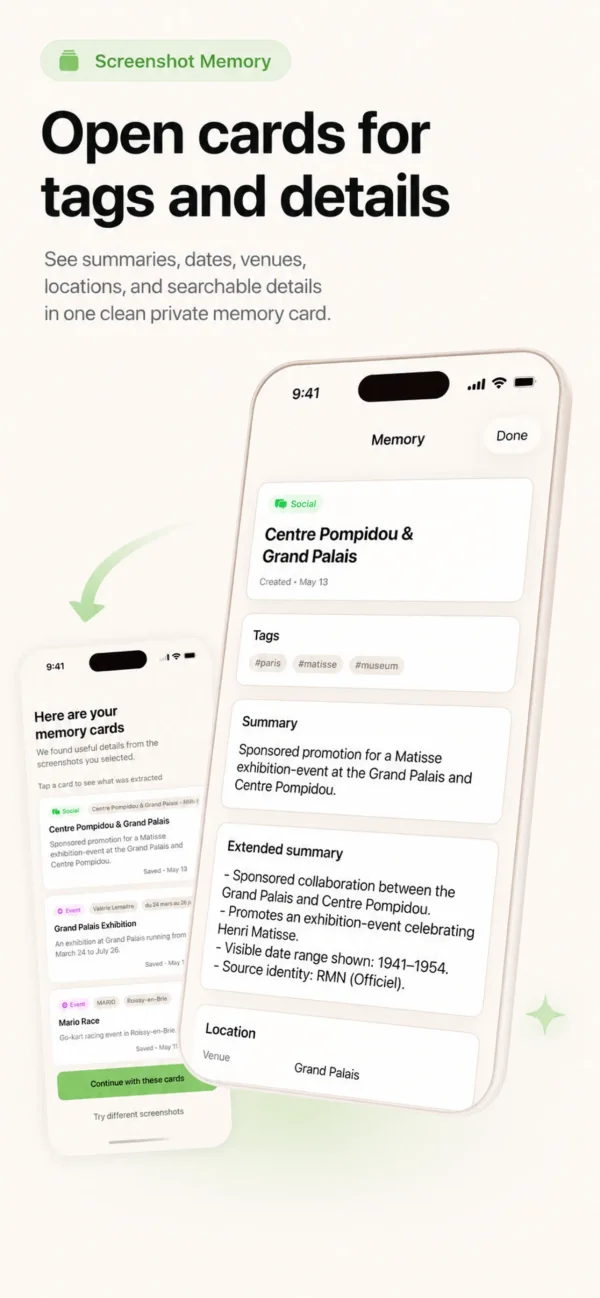
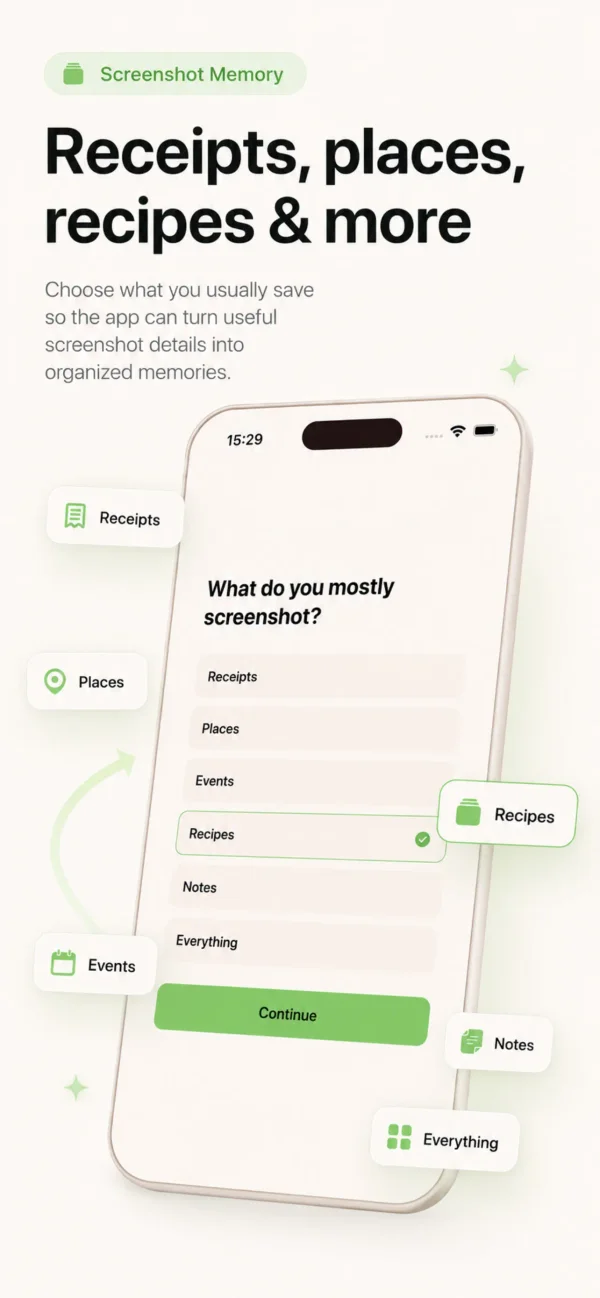
Tentang
Pengembang belum menyediakan teks ini dalam bahasa Anda.
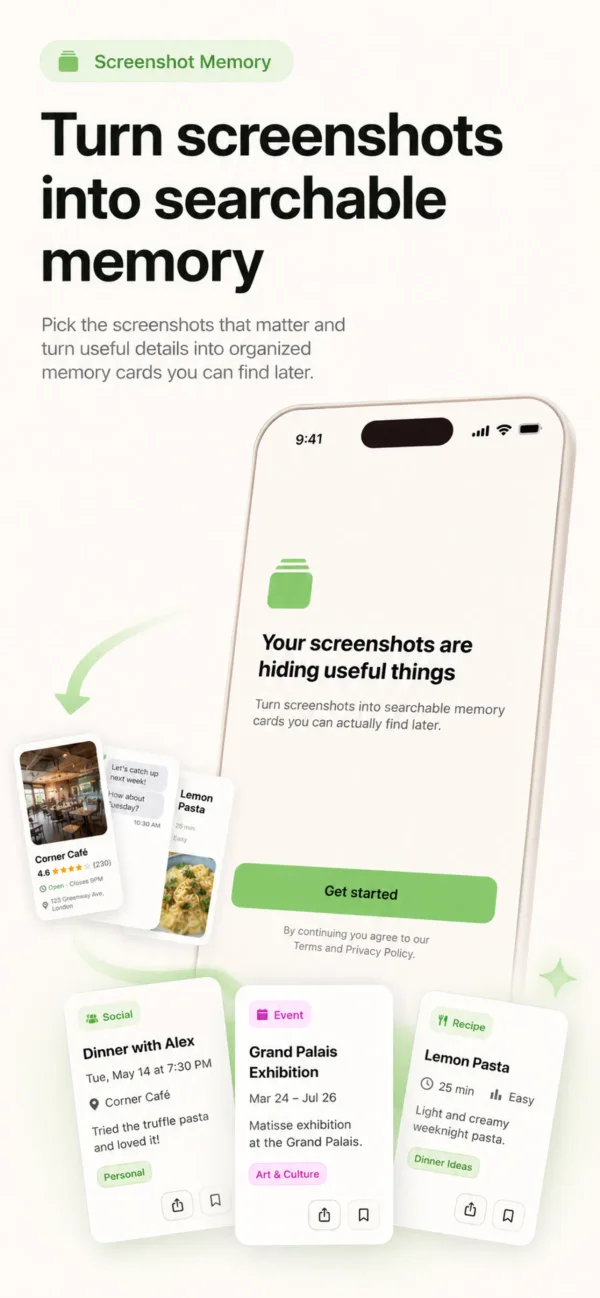
You've saved thousands of screenshots: receipts, bookings,
recipes, codes, and places. Finding any of them later means
scrolling through hundreds of images hoping to spot the right one.
Screenshot AI changes that.
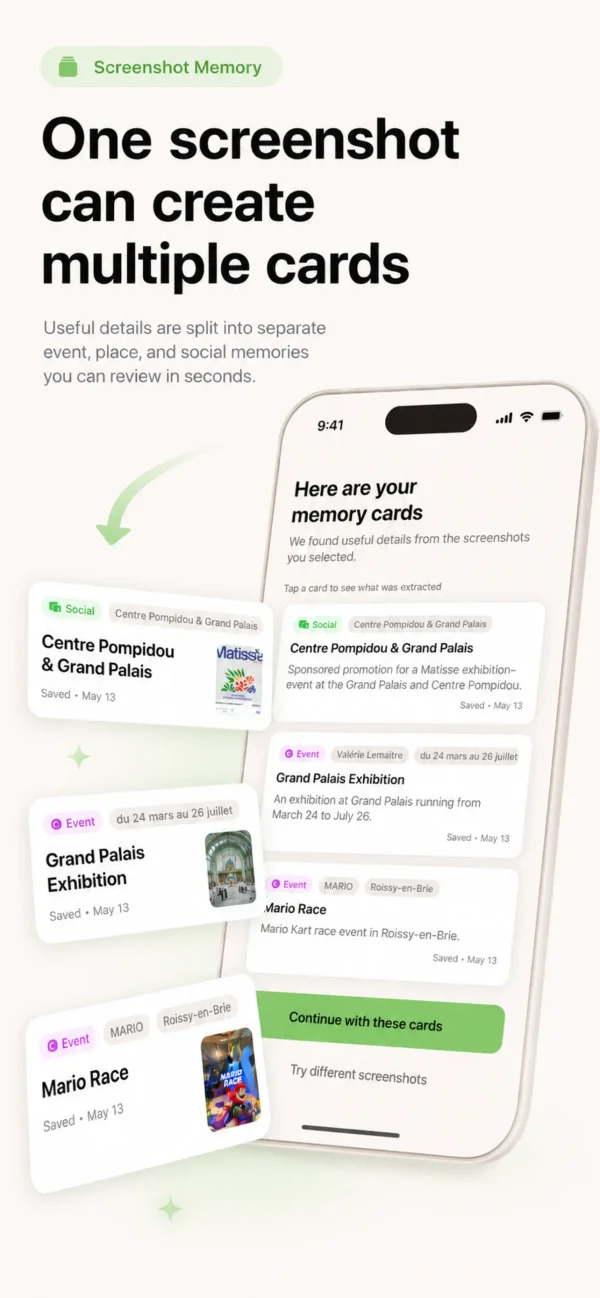
It reads every screenshot you select, pulls out what matters, and
builds a searchable library you can actually use. Dates, prices,
addresses, venues — surfaced automatically and saved as a clean
card you can find in seconds.
WHAT YOU CAN DO
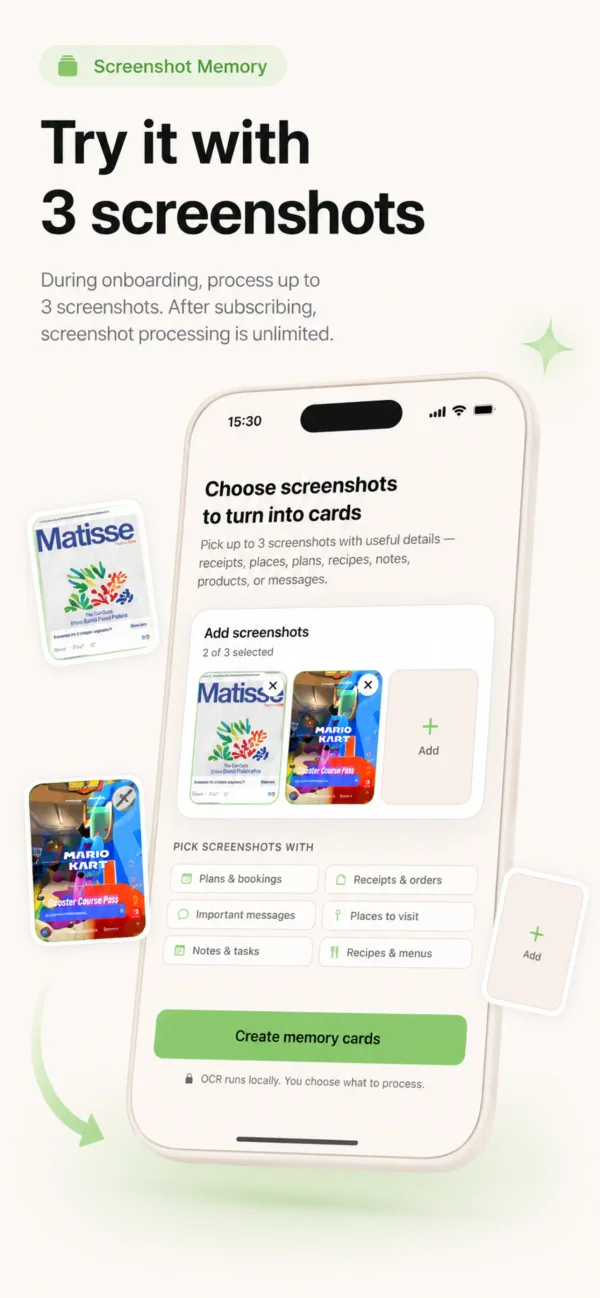
- Search across every saved screenshot. Type a keyword and find
the right card instantly, without scrolling.
- Get an AI summary of each screenshot. Dates, prices, contacts,
and key details extracted automatically.
- Organize by category. Receipts, bookings, notes, places,
recipes, messages, tasks, documents — sorted the way you think.
- Review before saving. Nothing is kept without your approval.
You stay in control of what gets kept and what gets deleted.
- Keep your originals. Extracted details are saved separately —
your original screenshots stay in your library unless you choose
to delete them.
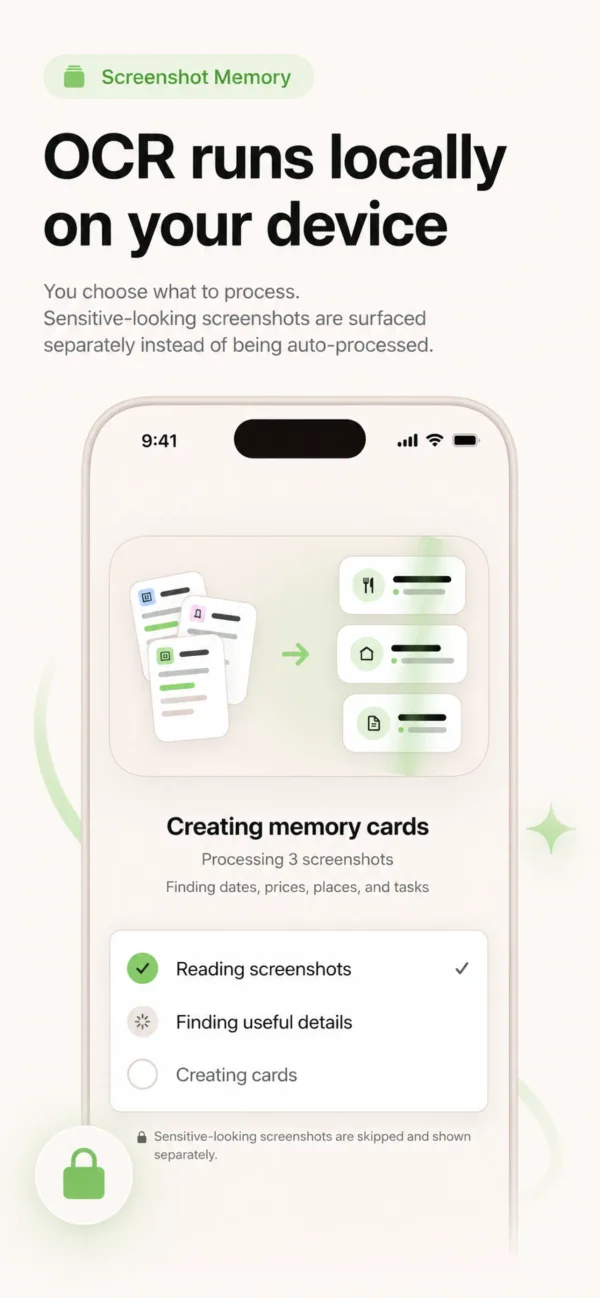
- Flag sensitive content. Screenshots that look private are
surfaced separately so you can decide how to handle them.
BUILT FOR PRIVACY
Everything runs on your device. No screenshots are uploaded. No
account required. You choose what gets processed — sensitive
content stays completely private.
DESIGNED FOR
People who screenshot useful information but later can't find it.
The receipt you need to return something. The booking you need to
check. The recipe you want to cook. The code you need to use. The
address you want to revisit.
Screenshot AI turns those screenshots into a library that works
for you — not against you.
Terms of Use: https://nuuki.app/ocp/terms.html
Privacy Policy: https://nuuki.app/ocp/privacy.html
Yang baru
Versi 1.3 · 28/5/2026
We’ve refreshed the app experience with an updated onboarding flow and improved UI design.
This update includes:
A smoother and clearer onboarding experience
Refined screens and visual improvements
General UI polish for a cleaner, more intuitive ap
Privasi aplikasi
Yang dinyatakan Petar Perkovski di App Store tentang cara aplikasi ini menangani data.
-
Data yang tidak ditautkan dengan Anda
Dapat dikumpulkan, tetapi tidak ditautkan dengan identitas Anda.
- Pembelian
- Konten pengguna
- Pengenal
- Data penggunaan
- Diagnostik
Praktik privasi dapat bervariasi, misalnya berdasarkan fitur yang Anda gunakan atau usia Anda.
Informasi
- Penjual
- Petar Perkovski
- Kategori
- Produktivitas
- Versi
- 1.3
- Diperbarui
- 28/5/2026
- Dirilis
- 18/5/2026
- Ukuran
- 42,2 MB
- Memerlukan
- iOS 17 atau yang lebih baru
- Batasan usia
- 4+
- Harga
- Gratis
- Pembelian dalam aplikasi
- Ya
- Bahasa
- Inggris
- Hak cipta
- © 2026 Petar Perkovski
Mungkin Anda juga suka
-
 SnapAction: Screenshot AIProduktivitas
-
 Shotbox: Screenshot OrganizerProduktivitas
-
 QuietimeProduktivitas
-
 Screenary - Screenshot AlbumProduktivitas
-
 Hey To Do: Calendar,HashtagProduktivitas
-
 Calendar Remix: Daily ScheduleProduktivitas
-
 Screenshot Search: CaptureMindProduktivitas
-
 Screenshot AI: Gallery CleanerProduktivitas
-
 SnapStash - AI Screenshot orgProduktivitas
-
 Bigdata.com: Finance InsightsProduktivitas