
Screenshot AI: Memory & Notes
Extract Text, Receipts & Codes
Conçue pour iPhone
Gratuit · Achats intégrés
- Classification d’âge4+
- CatégorieProductivité
- DéveloppeurPetar Perkovski
- LanguesAnglais
- Taille42,2 Mo
Renvoie vers la page App Store officielle
Download.org n’héberge aucun fichier de Screenshot AI: Memory & Notes. Le bouton ouvre la page de l’application sur App Store, où Petar Perkovski la publie. Fiche vérifiée pour la dernière fois le 15/11/2026.
Captures d’écran
À propos
Le développeur n’a pas fourni ce texte dans votre langue.
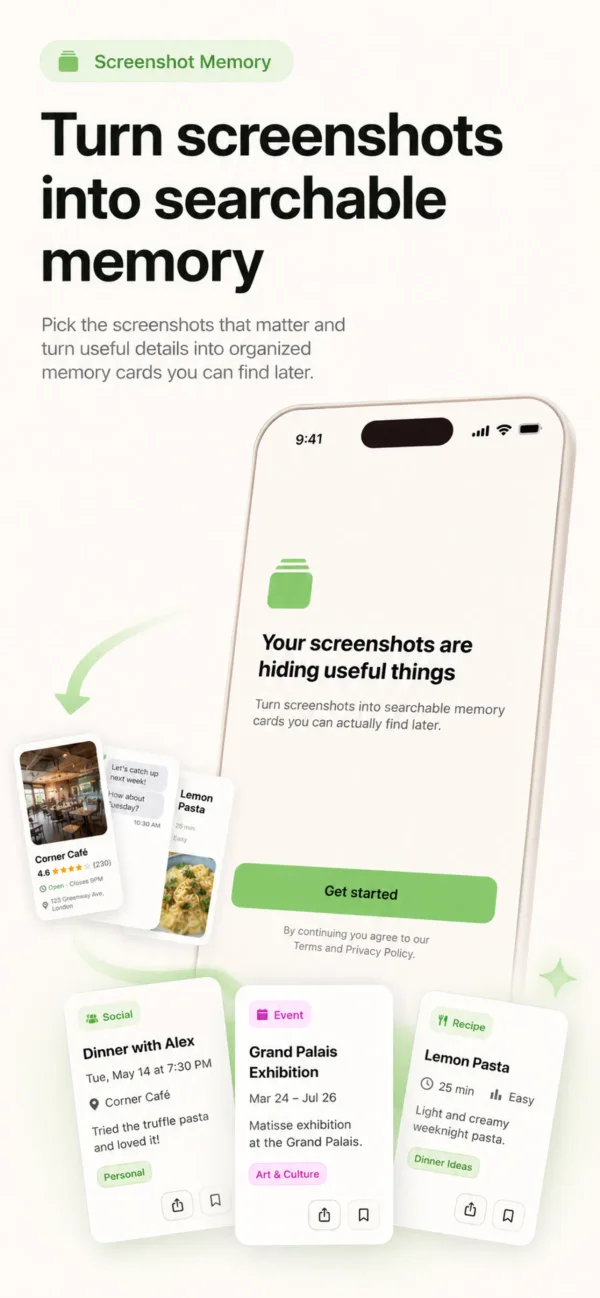
You've saved thousands of screenshots: receipts, bookings,
recipes, codes, and places. Finding any of them later means
scrolling through hundreds of images hoping to spot the right one.
Screenshot AI changes that.
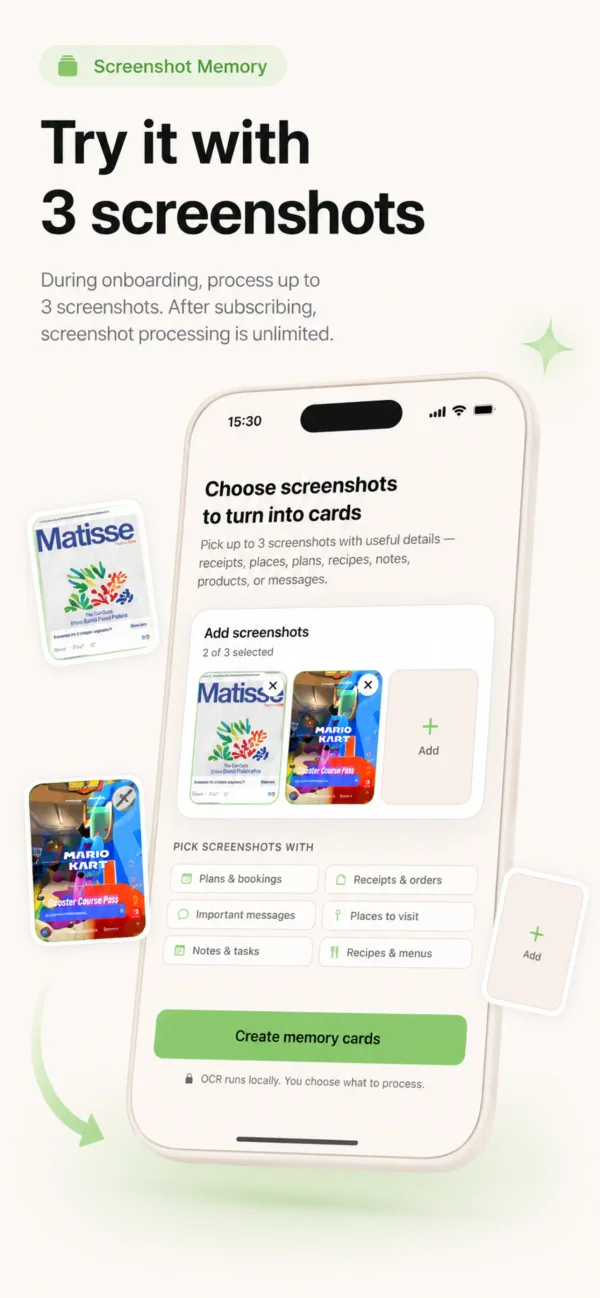
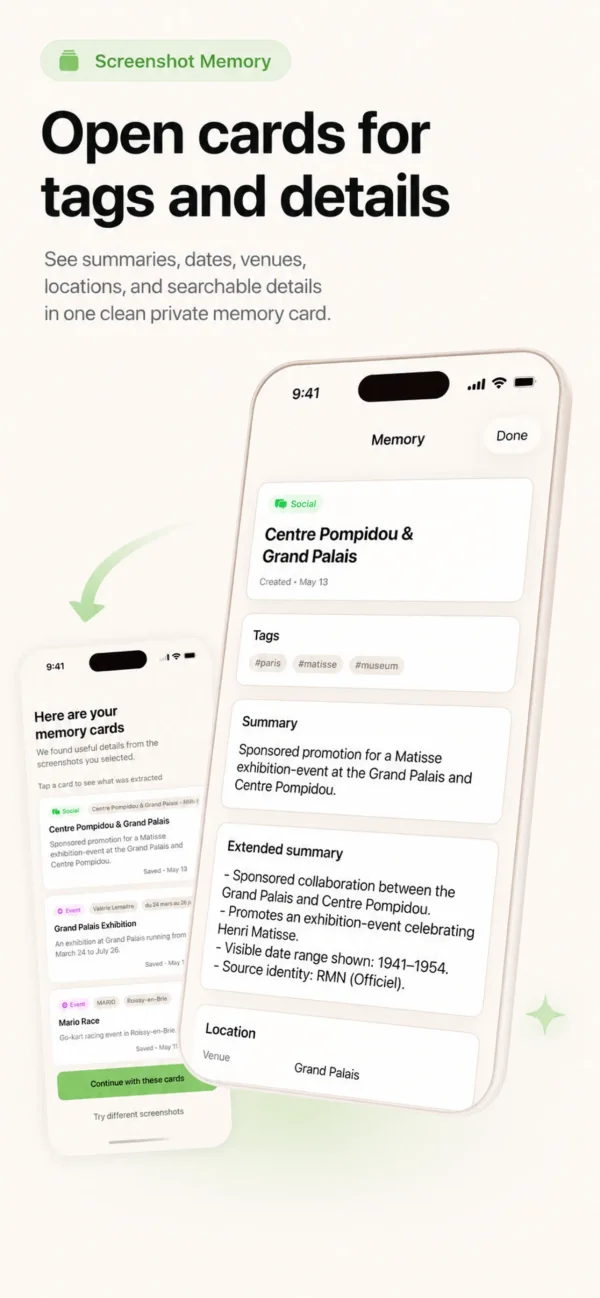
It reads every screenshot you select, pulls out what matters, and
builds a searchable library you can actually use. Dates, prices,
addresses, venues — surfaced automatically and saved as a clean
card you can find in seconds.
WHAT YOU CAN DO
- Search across every saved screenshot. Type a keyword and find
the right card instantly, without scrolling.
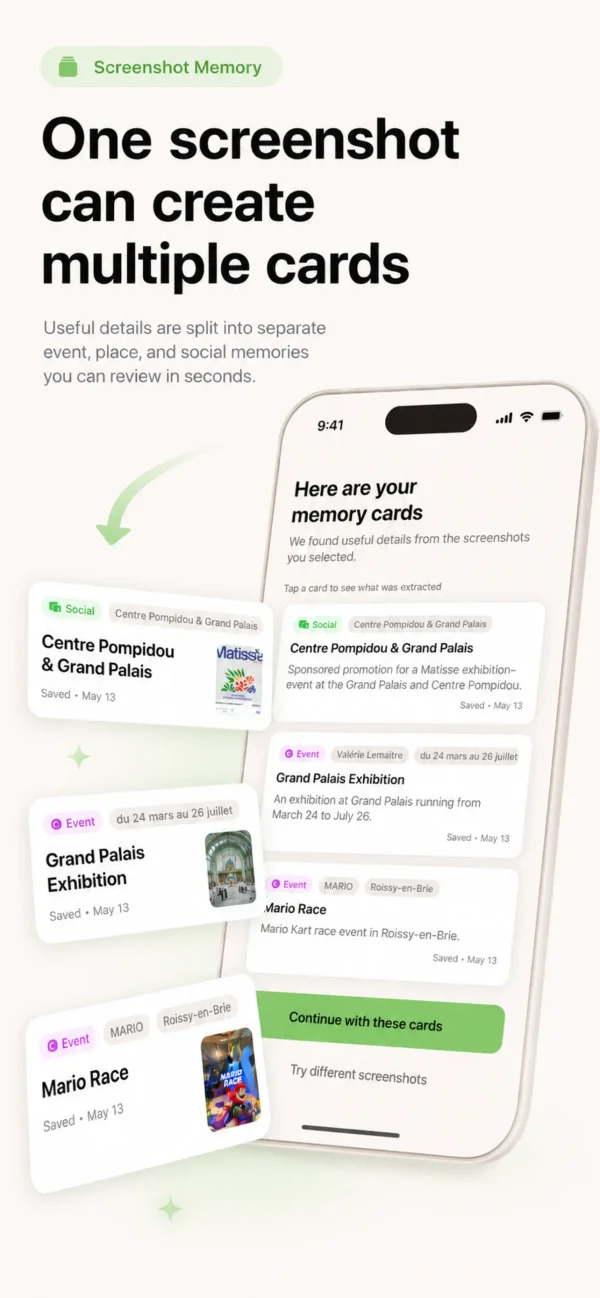
- Get an AI summary of each screenshot. Dates, prices, contacts,
and key details extracted automatically.
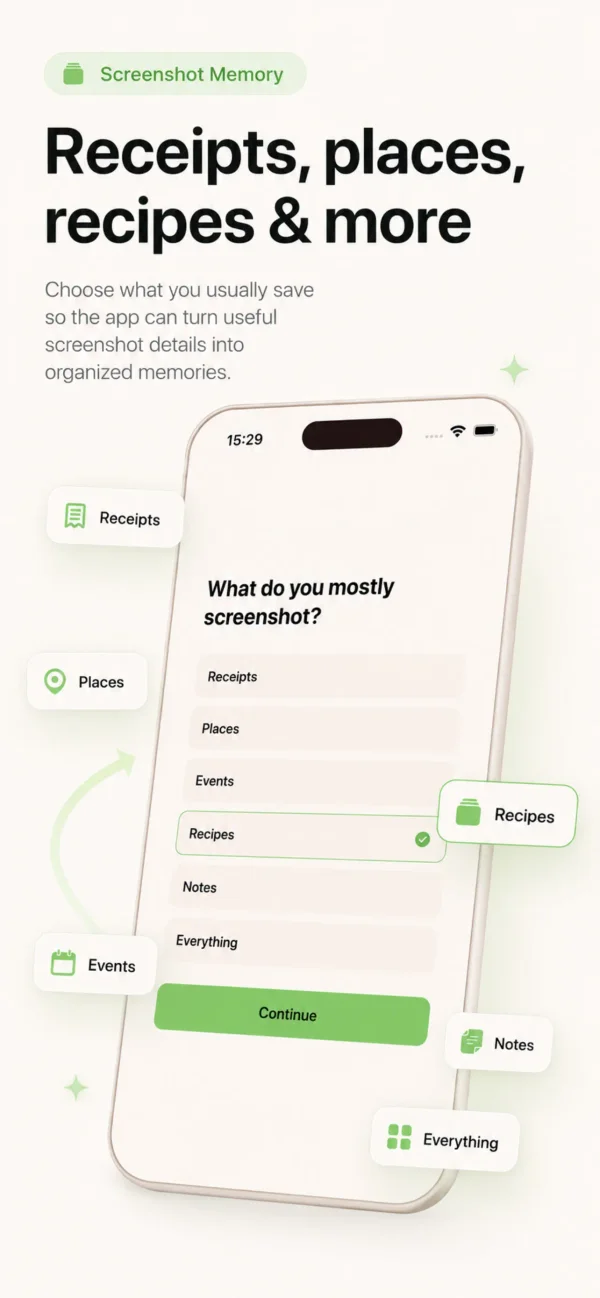
- Organize by category. Receipts, bookings, notes, places,
recipes, messages, tasks, documents — sorted the way you think.
- Review before saving. Nothing is kept without your approval.
You stay in control of what gets kept and what gets deleted.
- Keep your originals. Extracted details are saved separately —
your original screenshots stay in your library unless you choose
to delete them.
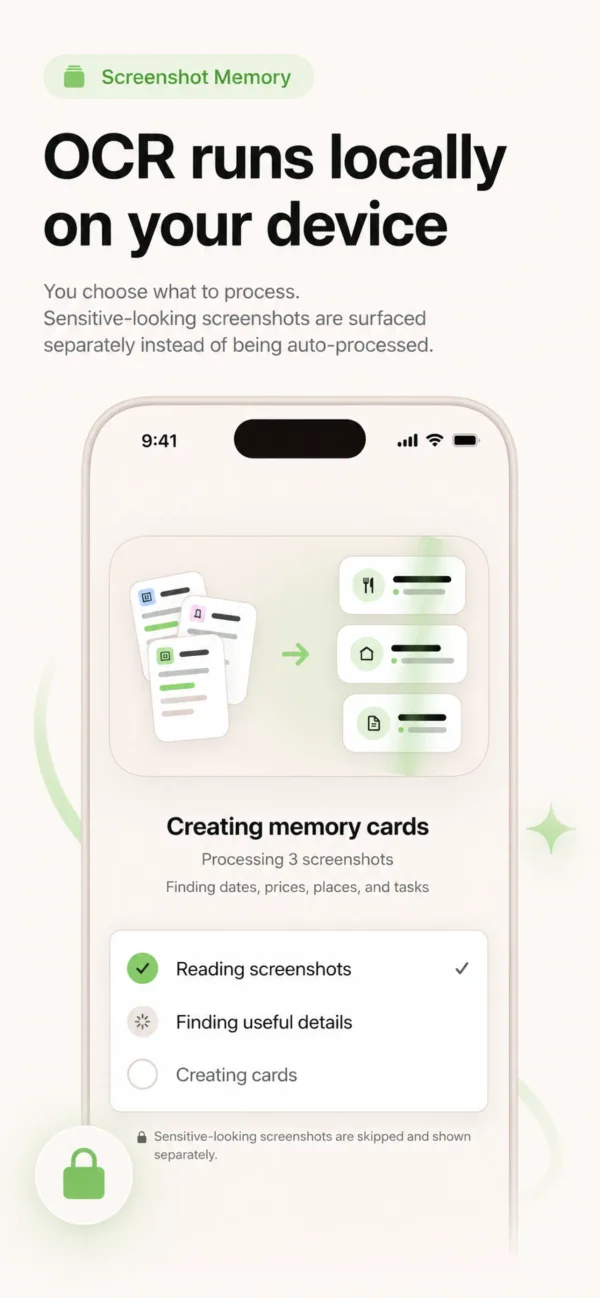
- Flag sensitive content. Screenshots that look private are
surfaced separately so you can decide how to handle them.
BUILT FOR PRIVACY
Everything runs on your device. No screenshots are uploaded. No
account required. You choose what gets processed — sensitive
content stays completely private.
DESIGNED FOR
People who screenshot useful information but later can't find it.
The receipt you need to return something. The booking you need to
check. The recipe you want to cook. The code you need to use. The
address you want to revisit.
Screenshot AI turns those screenshots into a library that works
for you — not against you.
Terms of Use: https://nuuki.app/ocp/terms.html
Privacy Policy: https://nuuki.app/ocp/privacy.html
Nouveautés
Version 1.3 · 28/05/2026
We’ve refreshed the app experience with an updated onboarding flow and improved UI design.
This update includes:
A smoother and clearer onboarding experience
Refined screens and visual improvements
General UI polish for a cleaner, more intuitive ap
Confidentialité de l’application
Ce que Petar Perkovski déclare sur l’App Store au sujet du traitement des données par cette application.
-
Données n’établissant aucun lien avec vous
Peuvent être collectées, mais ne sont pas liées à votre identité.
- Achats
- Contenu utilisateur
- Identifiants
- Données d’utilisation
- Diagnostic
Les pratiques en matière de confidentialité peuvent varier, notamment en fonction des fonctionnalités que vous utilisez ou de votre âge.
Informations
- Vendeur
- Petar Perkovski
- Catégorie
- Productivité
- Version
- 1.3
- Mis à jour
- 28/05/2026
- Publié
- 18/05/2026
- Taille
- 42,2 Mo
- Nécessite
- iOS 17 ou version ultérieure
- Classification d’âge
- 4+
- Prix
- Gratuit
- Achats intégrés
- Oui
- Langues
- Anglais
- Copyright
- © 2026 Petar Perkovski
Vous aimerez peut-être aussi
-
 SnapAction: Screenshot AIProductivité
-
 Shotbox: Screenshot OrganizerProductivité
-
 QuietimeProductivité
-
 Screenary - Screenshot AlbumProductivité
-
 Hey To Do: Calendar,HashtagProductivité
-
 Calendar Remix: Daily ScheduleProductivité
-
 Screenshot Search: CaptureMindProductivité
-
 Screenshot AI: Gallery CleanerPlace libre avec recherche IA
-
 SnapStash - AI Screenshot orgProductivité
-
 Bigdata.com: Finance InsightsProductivité