
- 対象年齢4+
- カテゴリ仕事効率化
- 開発元Petar Perkovski
- 言語英語
- サイズ42.2 MB
App Storeの公式ページにリンクしています
Download.orgはScreenshot AI: Memory & Notesのファイルを一切ホストしていません。ボタンを押すと、Petar Perkovskiが公開しているApp Storeのアプリページが開きます。ページの最終確認:2026/11/15。
スクリーンショット
概要
開発元はこのテキストをお使いの言語で提供していません。
You've saved thousands of screenshots: receipts, bookings,
recipes, codes, and places. Finding any of them later means
scrolling through hundreds of images hoping to spot the right one.
Screenshot AI changes that.
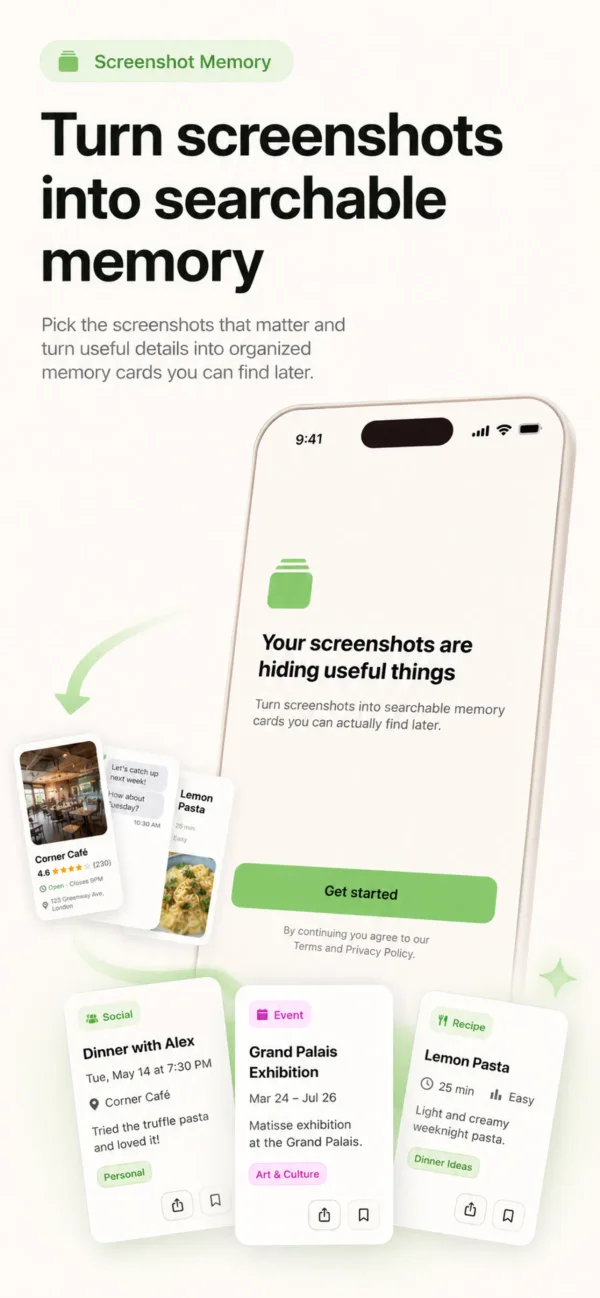
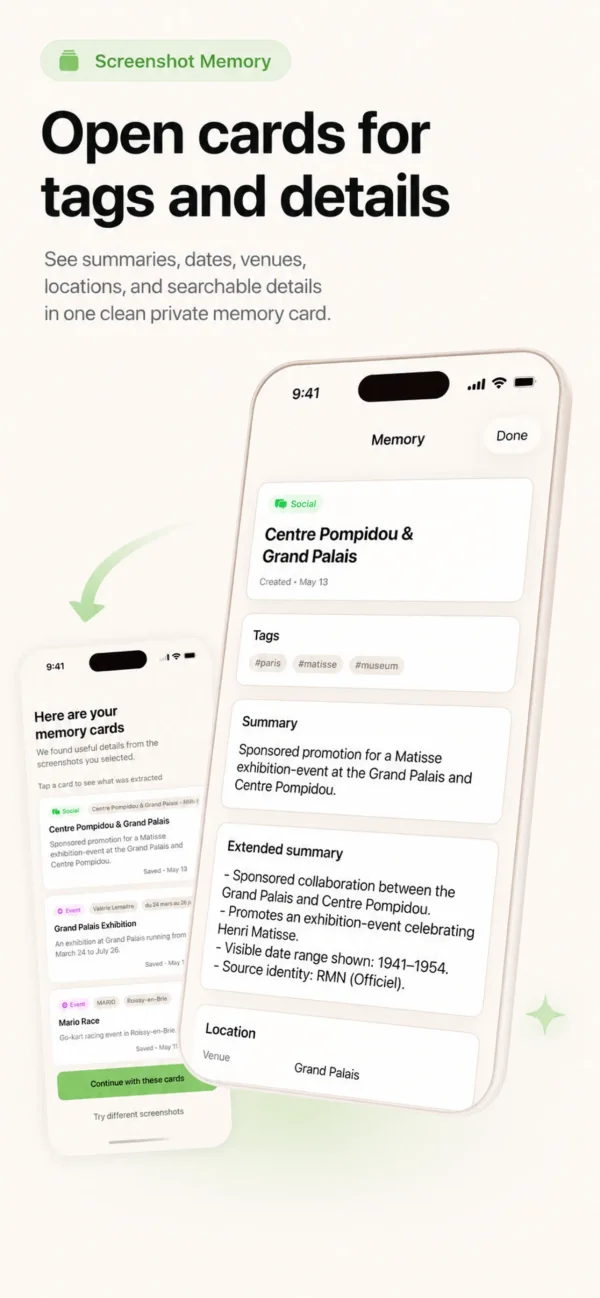
It reads every screenshot you select, pulls out what matters, and
builds a searchable library you can actually use. Dates, prices,
addresses, venues — surfaced automatically and saved as a clean
card you can find in seconds.
WHAT YOU CAN DO
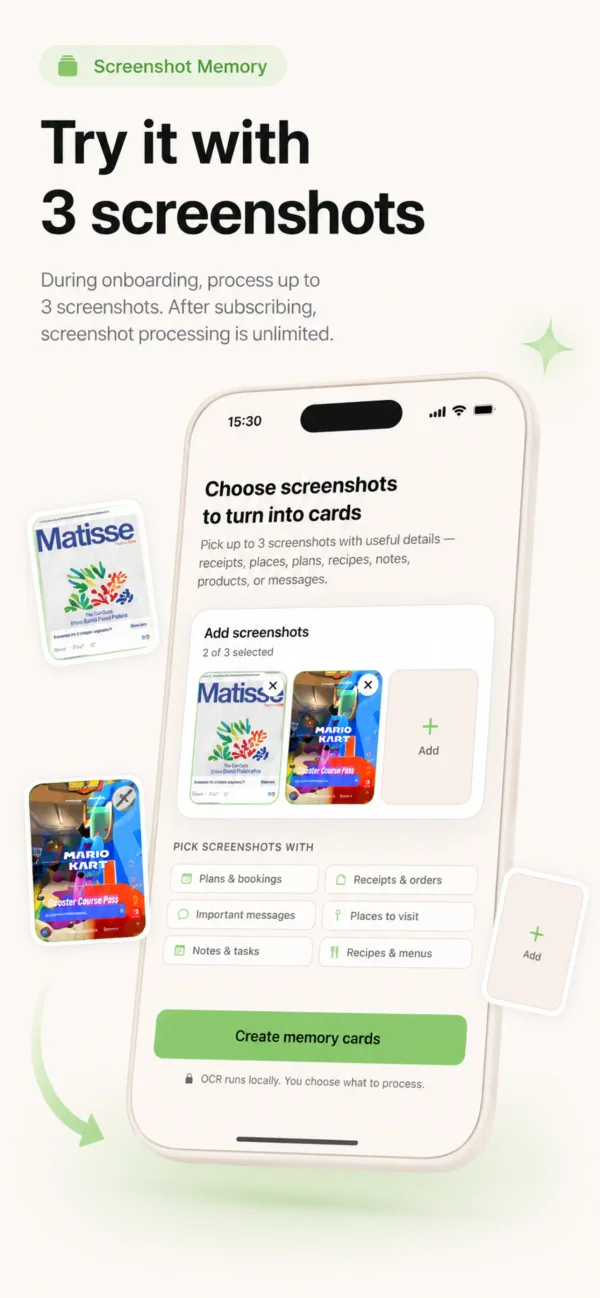
- Search across every saved screenshot. Type a keyword and find
the right card instantly, without scrolling.
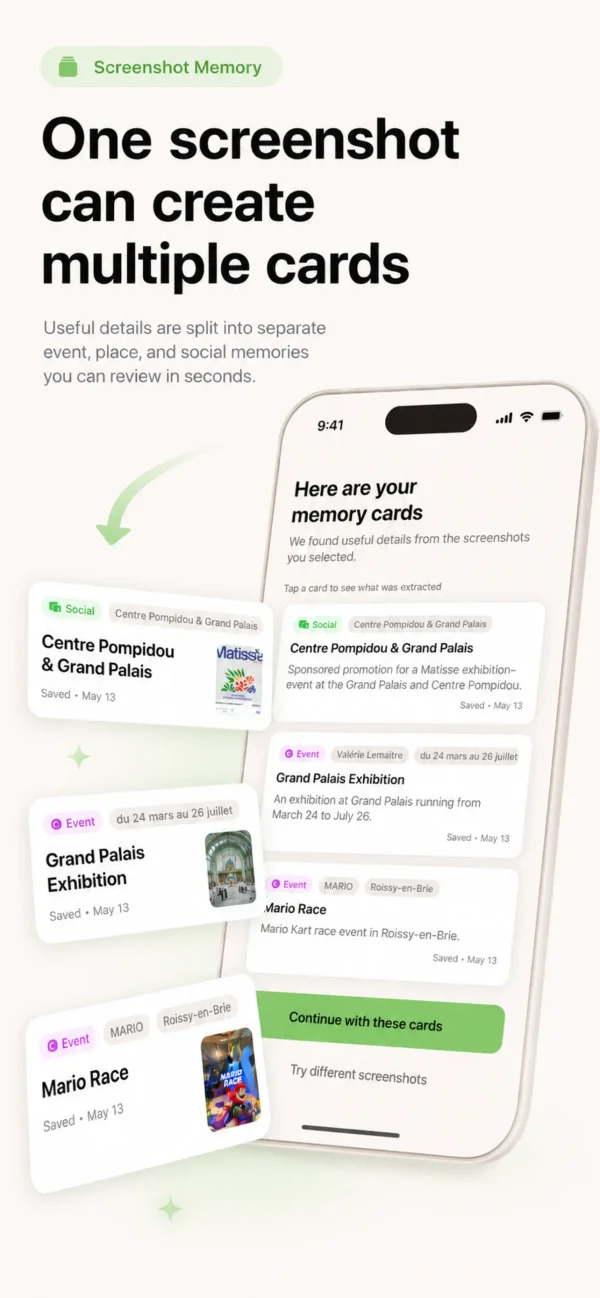
- Get an AI summary of each screenshot. Dates, prices, contacts,
and key details extracted automatically.
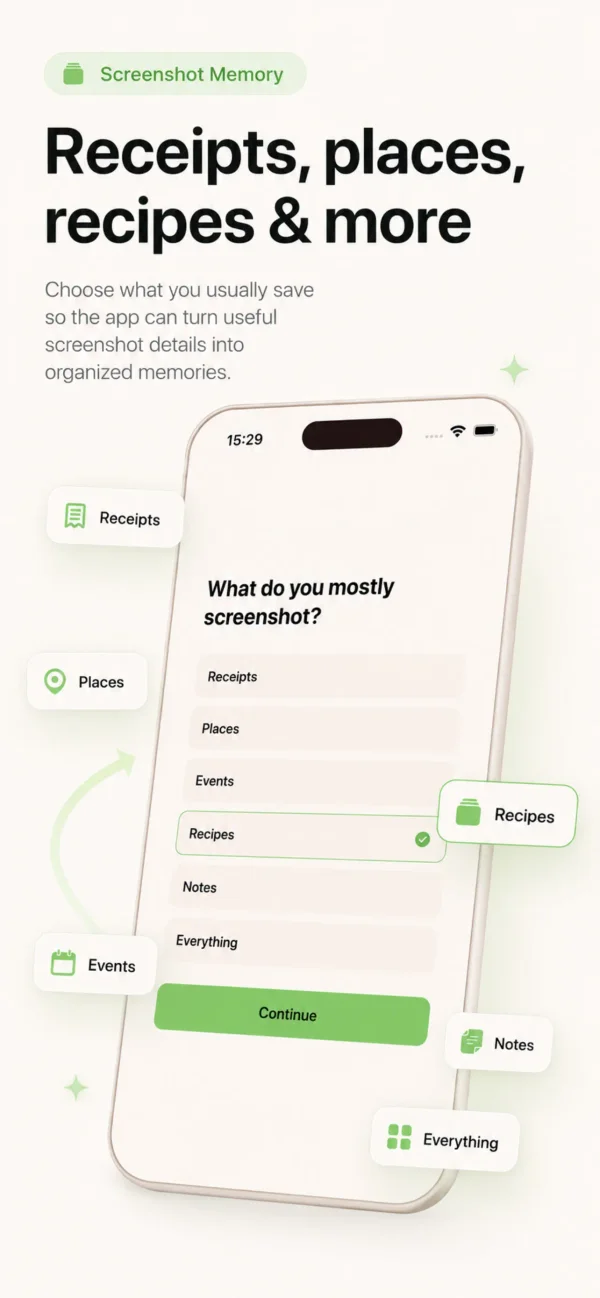
- Organize by category. Receipts, bookings, notes, places,
recipes, messages, tasks, documents — sorted the way you think.
- Review before saving. Nothing is kept without your approval.
You stay in control of what gets kept and what gets deleted.
- Keep your originals. Extracted details are saved separately —
your original screenshots stay in your library unless you choose
to delete them.
- Flag sensitive content. Screenshots that look private are
surfaced separately so you can decide how to handle them.
BUILT FOR PRIVACY
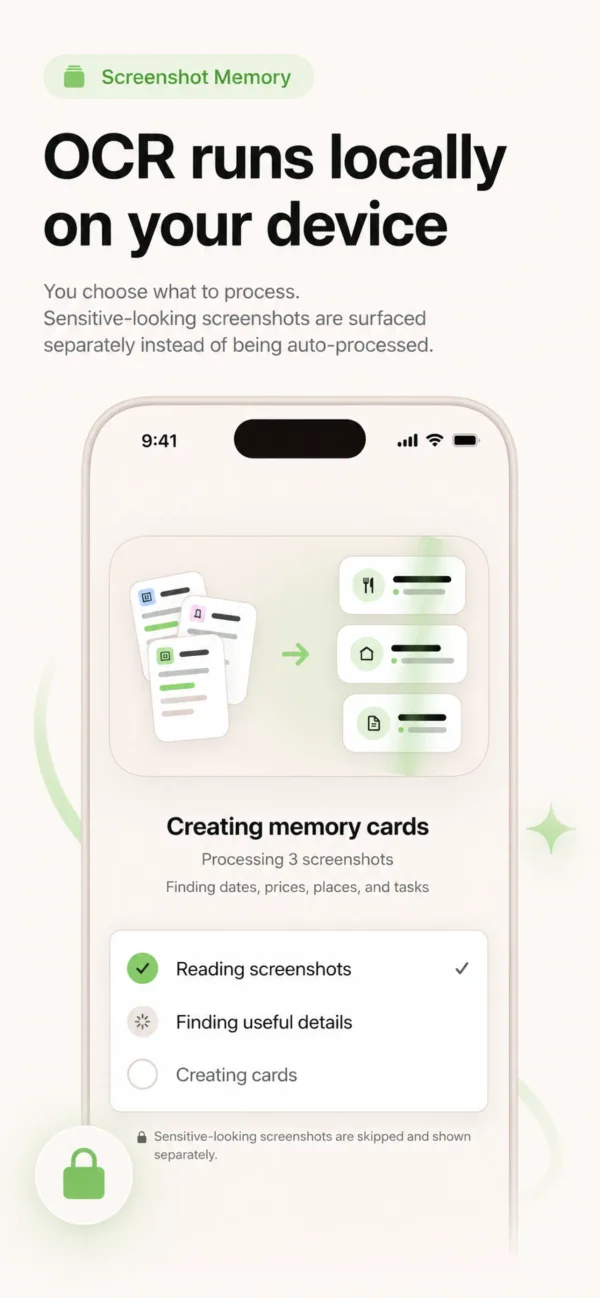
Everything runs on your device. No screenshots are uploaded. No
account required. You choose what gets processed — sensitive
content stays completely private.
DESIGNED FOR
People who screenshot useful information but later can't find it.
The receipt you need to return something. The booking you need to
check. The recipe you want to cook. The code you need to use. The
address you want to revisit.
Screenshot AI turns those screenshots into a library that works
for you — not against you.
Terms of Use: https://nuuki.app/ocp/terms.html
Privacy Policy: https://nuuki.app/ocp/privacy.html
新機能
バージョン 1.3 · 2026/5/28
We’ve refreshed the app experience with an updated onboarding flow and improved UI design.
This update includes:
A smoother and clearer onboarding experience
Refined screens and visual improvements
General UI polish for a cleaner, more intuitive ap
アプリのプライバシー
このアプリのデータの取り扱いについて、Petar PerkovskiがApp Storeで申告している内容です。
-
ユーザーに関連付けられないデータ
収集される場合がありますが、ユーザーの識別情報には関連付けられません。
- 購入
- ユーザーコンテンツ
- ID
- 使用状況データ
- 診断
プライバシーの取り扱いは、ご利用の機能やお客様の年齢などに応じて異なる場合があります。
情報
- 販売元
- Petar Perkovski
- カテゴリ
- 仕事効率化
- バージョン
- 1.3
- 更新日
- 2026/5/28
- リリース
- 2026/5/18
- サイズ
- 42.2 MB
- 必要条件
- iOS 17以降
- 対象年齢
- 4+
- 価格
- 無料
- アプリ内課金
- あり
- 言語
- 英語
- 著作権
- © 2026 Petar Perkovski
こちらもおすすめ
-
 SnapAction: Screenshot AI仕事効率化
-
 Shotbox: スクリーンショット整理レシート・メモ・カレンダーをワンタップで
-
 Quietime仕事効率化
-
 Screenary - Screenshot Album仕事効率化
-
 Hey To Do: Calendar,Hashtag仕事効率化
-
 Calendar Remix: Daily Schedule仕事効率化
-
 Screenshot Search: CaptureMind仕事効率化
-
 Screenshot AI: Gallery Cleanerスマート検索で容量確保
-
 SnapStash - AI Screenshot org仕事効率化
-
 Bigdata.com: Finance Insights仕事効率化