Spanscreen: Second Display
Extend & mirror your Mac
Diseñada para iPhone, iPad
Gratis
- Clasificación por edad4+
- CategoríaProductividad
- DesarrolladorCodext GmbH
- IdiomasInglés+ 1 más
- Tamaño952,0 KB
Enlaza a la página oficial de App Store
Download.org no aloja ningún archivo de Spanscreen: Second Display. El botón abre la página de la aplicación en App Store, donde la publica Codext GmbH. Ficha comprobada por última vez el 13/11/2026.
Capturas de pantalla

Acerca de
El desarrollador no ha proporcionado este texto en tu idioma.
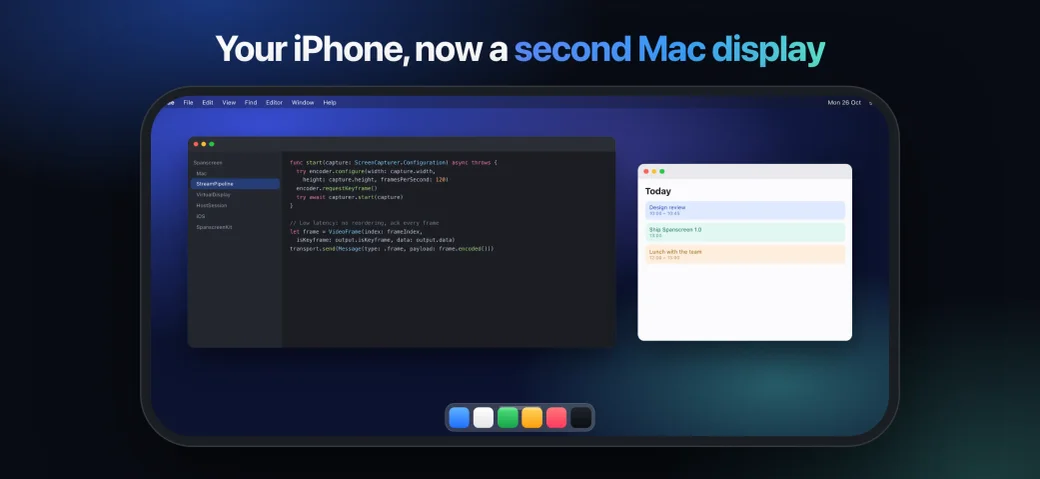
Spanscreen turns your iPhone or iPad into a real second display for your Mac. Drag windows over, keep chat or music on the side, or mirror your screen to show something. It works over Wi-Fi, without any network, or with a USB cable.
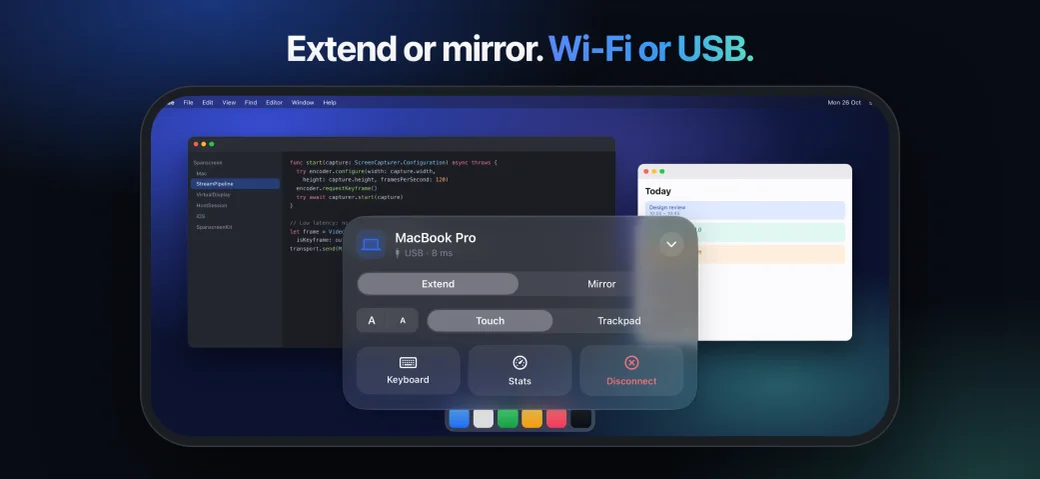
EXTEND OR MIRROR
Spanscreen adds a real display to macOS. Arrange it in System Settings like any monitor, move windows onto it and use it all day. Or switch to Mirror to show your main screen on the iPhone.
SHARP AND FAST
The display matches your iPhone pixel for pixel, so text is crisp. Pick Larger, Default, More Space or Most Space. Video is encoded and decoded in hardware with no buffering, and the bitrate adapts to your connection. Up to 120 Hz on ProMotion iPhones.
WI-FI OR CABLE
Use the same Wi-Fi, a direct peer-to-peer link when there is no network, or a USB cable for the lowest latency. Plug in while streaming over Wi-Fi and Spanscreen moves to the cable by itself.
MADE FOR IPHONE DUO
Fold or unfold and your Mac follows: the cover screen and the large inner screen each get their own native resolution. Rotate any iPhone for a portrait display.
TOUCH, TRACKPAD AND KEYBOARD
Tap to click, touch and hold to right-click, drag to move windows, scroll with two fingers. Switch to trackpad mode for precise pointer control, type with the on-screen keyboard or a hardware keyboard.
PRIVATE BY DESIGN
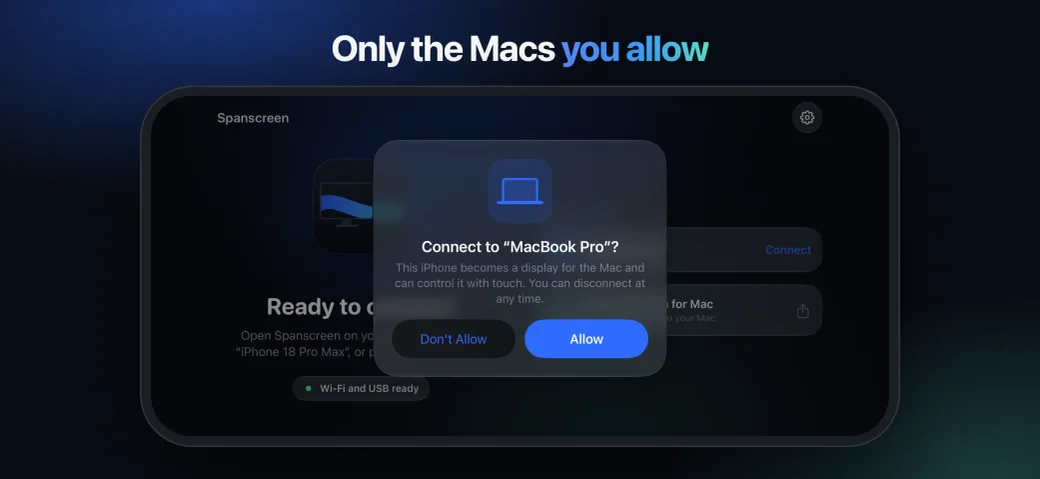
No account, no cloud, no tracking. The picture travels only between your own devices. Every Mac must be approved once on the iPhone, and paired devices verify each other on every connection.
FREE AND OPEN SOURCE
Spanscreen is free, has no ads and no in-app purchases. The code is on GitHub.
HOW TO START
1. Get the free Spanscreen app for Mac at codextde.github.io/spanscreen (macOS 14 or later).
2. Open Spanscreen on your iPhone on the same Wi-Fi or connect the cable.
3. Click Connect next to your iPhone in the Mac menu bar. Done.
Privacidad de la aplicación
Lo que Codext GmbH declara en App Store sobre cómo esta aplicación gestiona los datos.
-
No se recopilan datos
El desarrollador no recopila ningún dato de esta aplicación.
Las prácticas de privacidad pueden variar, por ejemplo, según las funciones que uses o tu edad.
Información
- Vendedor
- Codext GmbH
- Categoría
- Productividad
- Versión
- 1.0.1
- Actualizado
- 31/10/2026
- Publicado
- 31/10/2026
- Tamaño
- 952,0 KB
- Requiere
- iOS 17.0 o posterior
- Clasificación por edad
- 4+
- Precio
- Gratis
- Idiomas
- Inglés, Alemán
- Copyright
- © 2026 Codext GmbH
Quizá también te guste
-
 SideFlipProductividad
-
 Kite – Segundo monitorTableta de dibujo y Deck
-
 Flex Extend DisplayUsa el iPad como monitor Mac
-
 Remote TrackpadControla tu PC desde el móvil
-
 Meshman 3D ViewerSTL OBJ DXF 3MF USDZ DAE 3DS
-
 Oriveo: Chat IA multimodeloVoz e imágenes, sin clave API
-
 DeskStateModo escritorio en tu pantalla
-
 InfiniteX2P Pro — Desktop ModeProductividad
-
 Pocket Mac LabProductividad
-
 PXS External Screen DesktopProductividad