Spanscreen: Second Display
Extend & mirror your Mac
iPhone, iPad için tasarlandı
Ücretsiz
- Yaş sınırı4+
- KategoriÜretkenlik
- GeliştiriciCodext GmbH
- Dillerİngilizce+ 1 dil daha
- Boyut952,0 KB
Resmi App Store sayfasına bağlanır
Download.org, Spanscreen: Second Display için hiçbir dosya barındırmaz. Düğme, uygulamanın App Store üzerindeki sayfasını açar; uygulamayı orada Codext GmbH yayınlar. Sayfanın son kontrolü: 13.11.2026.
Ekran görüntüleri

Hakkında
Geliştirici bu metni dilinizde sunmamış.
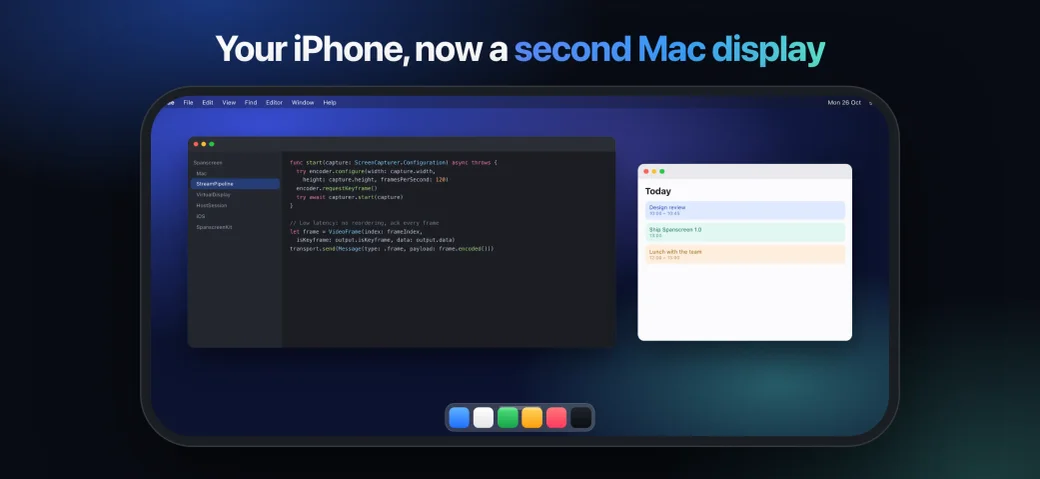
Spanscreen turns your iPhone or iPad into a real second display for your Mac. Drag windows over, keep chat or music on the side, or mirror your screen to show something. It works over Wi-Fi, without any network, or with a USB cable.
EXTEND OR MIRROR
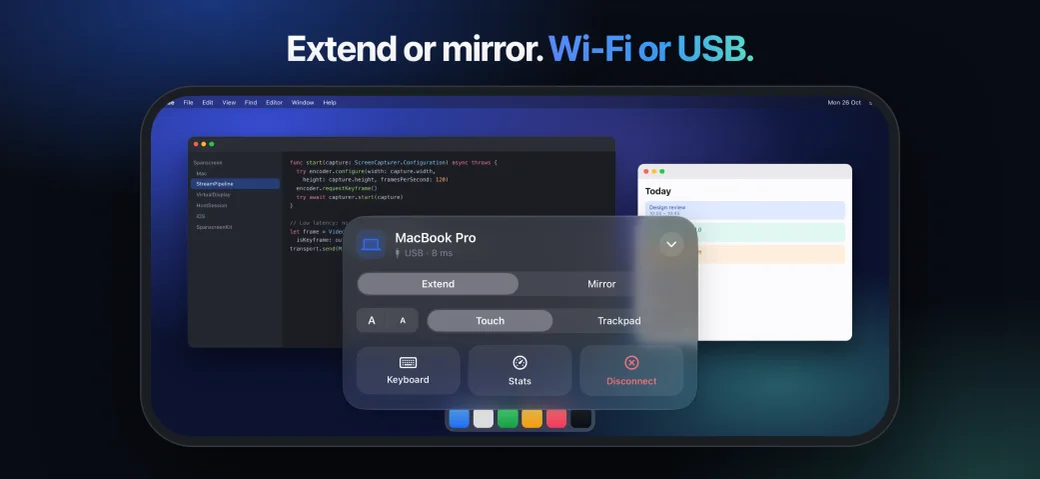
Spanscreen adds a real display to macOS. Arrange it in System Settings like any monitor, move windows onto it and use it all day. Or switch to Mirror to show your main screen on the iPhone.
SHARP AND FAST
The display matches your iPhone pixel for pixel, so text is crisp. Pick Larger, Default, More Space or Most Space. Video is encoded and decoded in hardware with no buffering, and the bitrate adapts to your connection. Up to 120 Hz on ProMotion iPhones.
WI-FI OR CABLE
Use the same Wi-Fi, a direct peer-to-peer link when there is no network, or a USB cable for the lowest latency. Plug in while streaming over Wi-Fi and Spanscreen moves to the cable by itself.
MADE FOR IPHONE DUO
Fold or unfold and your Mac follows: the cover screen and the large inner screen each get their own native resolution. Rotate any iPhone for a portrait display.
TOUCH, TRACKPAD AND KEYBOARD
Tap to click, touch and hold to right-click, drag to move windows, scroll with two fingers. Switch to trackpad mode for precise pointer control, type with the on-screen keyboard or a hardware keyboard.
PRIVATE BY DESIGN
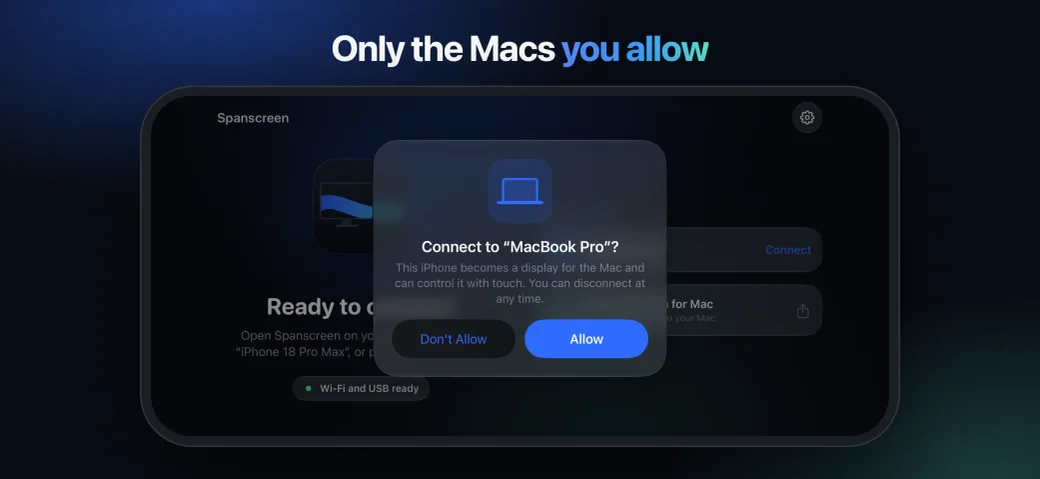
No account, no cloud, no tracking. The picture travels only between your own devices. Every Mac must be approved once on the iPhone, and paired devices verify each other on every connection.
FREE AND OPEN SOURCE
Spanscreen is free, has no ads and no in-app purchases. The code is on GitHub.
HOW TO START
1. Get the free Spanscreen app for Mac at codextde.github.io/spanscreen (macOS 14 or later).
2. Open Spanscreen on your iPhone on the same Wi-Fi or connect the cable.
3. Click Connect next to your iPhone in the Mac menu bar. Done.
Uygulama gizliliği
Bu uygulamanın verileri nasıl işlediği hakkında Codext GmbH tarafından App Store üzerinde yapılan beyan.
-
Veri toplanmıyor
Geliştirici bu uygulamadan hiçbir veri toplamıyor.
Gizlilik uygulamaları, örneğin kullandığınız özelliklere veya yaşınıza göre değişiklik gösterebilir.
Bilgiler
- Satıcı
- Codext GmbH
- Kategori
- Üretkenlik
- Sürüm
- 1.0.1
- Güncellendi
- 31.10.2026
- Yayın tarihi
- 31.10.2026
- Boyut
- 952,0 KB
- Gereksinim
- iOS 17.0 veya sonrası
- Yaş sınırı
- 4+
- Fiyat
- Ücretsiz
- Diller
- İngilizce, Almanca
- Telif hakkı
- © 2026 Codext GmbH
Bunları da beğenebilirsiniz
-
 SideFlipÜretkenlik
-
 Kite – Second MonitorÜretkenlik
-
 Flex Extend DisplayÜretkenlik
-
 Remote TrackpadÜretkenlik
-
 Meshman 3D ViewerÜretkenlik
-
 Oriveo: Çok Modelli AI SohbetSes, görsel, API anahtarı yok
-
 DeskStateÜretkenlik
-
 InfiniteX2P Pro — Desktop ModeÜretkenlik
-
 Pocket Mac LabÜretkenlik
-
 PXS External Screen DesktopÜretkenlik