Spanscreen: Second Display
Extend & mirror your Mac
Được thiết kế cho iPhone, iPad
Miễn phí
- Độ tuổi4+
- Danh mụcHiệu Suất
- Nhà phát triểnCodext GmbH
- Ngôn ngữTiếng Anh+ 1 ngôn ngữ khác
- Kích thước952,0 KB
Liên kết đến trang App Store chính thức
Download.org không lưu trữ tệp nào của Spanscreen: Second Display. Nút này mở trang ứng dụng trên App Store, nơi Codext GmbH phát hành ứng dụng. Trang được kiểm tra lần cuối: 13/11/2026.
Ảnh chụp màn hình

Giới thiệu
Nhà phát triển chưa cung cấp nội dung này bằng ngôn ngữ của bạn.
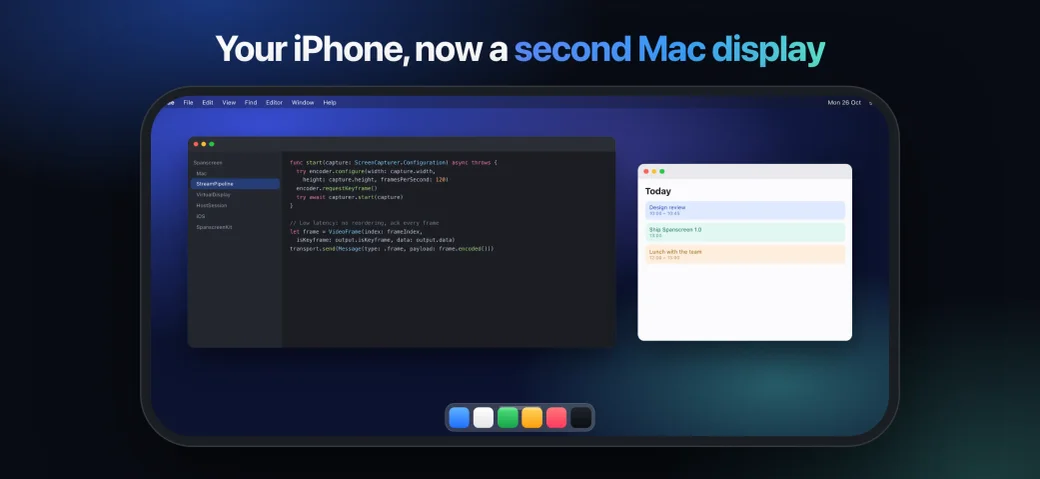
Spanscreen turns your iPhone or iPad into a real second display for your Mac. Drag windows over, keep chat or music on the side, or mirror your screen to show something. It works over Wi-Fi, without any network, or with a USB cable.
EXTEND OR MIRROR
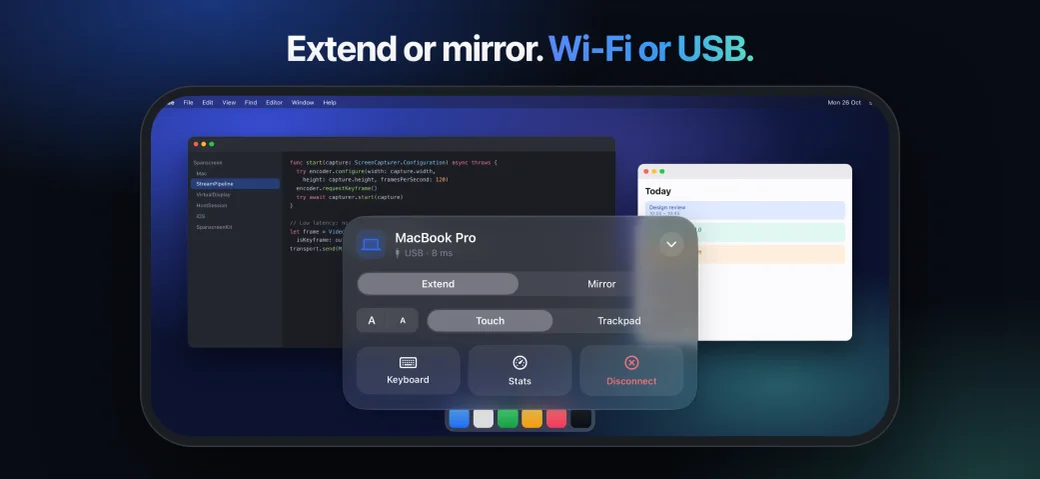
Spanscreen adds a real display to macOS. Arrange it in System Settings like any monitor, move windows onto it and use it all day. Or switch to Mirror to show your main screen on the iPhone.
SHARP AND FAST
The display matches your iPhone pixel for pixel, so text is crisp. Pick Larger, Default, More Space or Most Space. Video is encoded and decoded in hardware with no buffering, and the bitrate adapts to your connection. Up to 120 Hz on ProMotion iPhones.
WI-FI OR CABLE
Use the same Wi-Fi, a direct peer-to-peer link when there is no network, or a USB cable for the lowest latency. Plug in while streaming over Wi-Fi and Spanscreen moves to the cable by itself.
MADE FOR IPHONE DUO
Fold or unfold and your Mac follows: the cover screen and the large inner screen each get their own native resolution. Rotate any iPhone for a portrait display.
TOUCH, TRACKPAD AND KEYBOARD
Tap to click, touch and hold to right-click, drag to move windows, scroll with two fingers. Switch to trackpad mode for precise pointer control, type with the on-screen keyboard or a hardware keyboard.
PRIVATE BY DESIGN
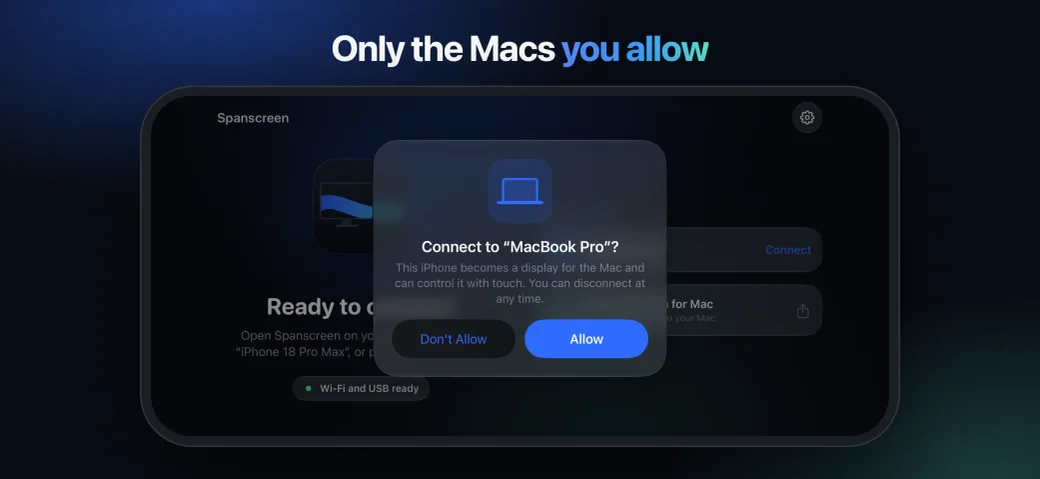
No account, no cloud, no tracking. The picture travels only between your own devices. Every Mac must be approved once on the iPhone, and paired devices verify each other on every connection.
FREE AND OPEN SOURCE
Spanscreen is free, has no ads and no in-app purchases. The code is on GitHub.
HOW TO START
1. Get the free Spanscreen app for Mac at codextde.github.io/spanscreen (macOS 14 or later).
2. Open Spanscreen on your iPhone on the same Wi-Fi or connect the cable.
3. Click Connect next to your iPhone in the Mac menu bar. Done.
Quyền riêng tư của ứng dụng
Những gì Codext GmbH khai báo trên App Store về cách ứng dụng này xử lý dữ liệu.
-
Dữ liệu không được thu thập
Nhà phát triển không thu thập bất kỳ dữ liệu nào từ ứng dụng này.
Phương thức đảm bảo quyền riêng tư có thể khác nhau, chẳng hạn như tuỳ theo các tính năng bạn sử dụng hoặc độ tuổi của bạn.
Thông tin
- Người bán
- Codext GmbH
- Danh mục
- Hiệu Suất
- Phiên bản
- 1.0.1
- Cập nhật
- 31/10/2026
- Phát hành
- 31/10/2026
- Kích thước
- 952,0 KB
- Yêu cầu
- iOS 17.0 trở lên
- Độ tuổi
- 4+
- Giá
- Miễn phí
- Ngôn ngữ
- Tiếng Anh, Tiếng Đức
- Bản quyền
- © 2026 Codext GmbH
Có thể bạn cũng thích
-
 SideFlipHiệu Suất
-
 Kite – Second MonitorHiệu Suất
-
 Flex Extend DisplayHiệu Suất
-
 Remote TrackpadHiệu Suất
-
 Meshman 3D ViewerHiệu Suất
-
 Oriveo: Chat AI đa mô hìnhNói, vẽ ảnh, không cần API key
-
 DeskStateHiệu Suất
-
 InfiniteX2P Pro — Desktop ModeHiệu Suất
-
 Pocket Mac LabHiệu Suất
-
 PXS External Screen DesktopHiệu Suất