- 対象年齢4+
- カテゴリ仕事効率化
- 開発元Codext GmbH
- 言語英語ほか1言語
- サイズ952.0 KB
App Storeの公式ページにリンクしています
Download.orgはSpanscreen: Second Displayのファイルを一切ホストしていません。ボタンを押すと、Codext GmbHが公開しているApp Storeのアプリページが開きます。ページの最終確認:2026/11/13。
スクリーンショット

概要
開発元はこのテキストをお使いの言語で提供していません。
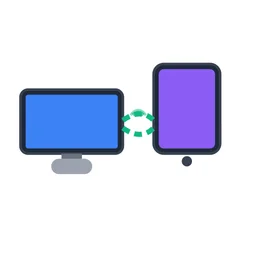
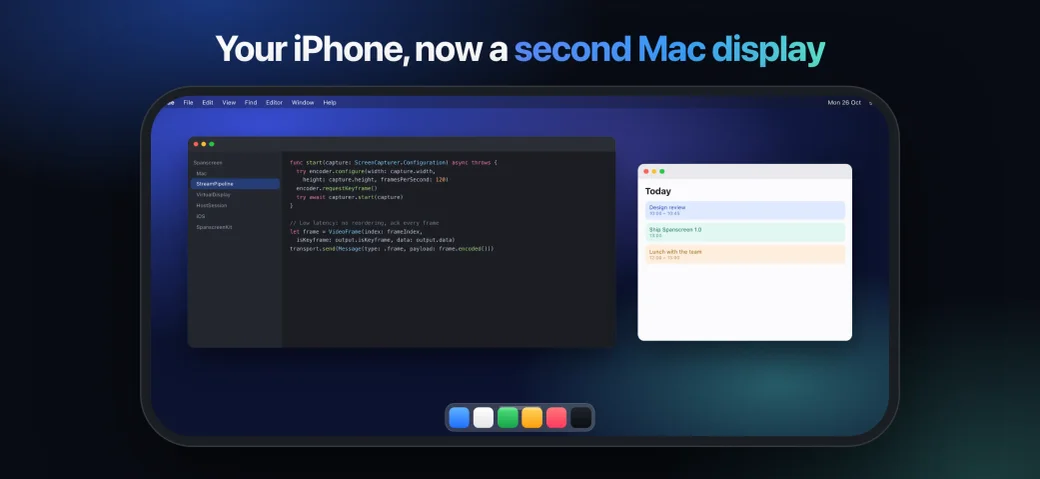
Spanscreen turns your iPhone or iPad into a real second display for your Mac. Drag windows over, keep chat or music on the side, or mirror your screen to show something. It works over Wi-Fi, without any network, or with a USB cable.
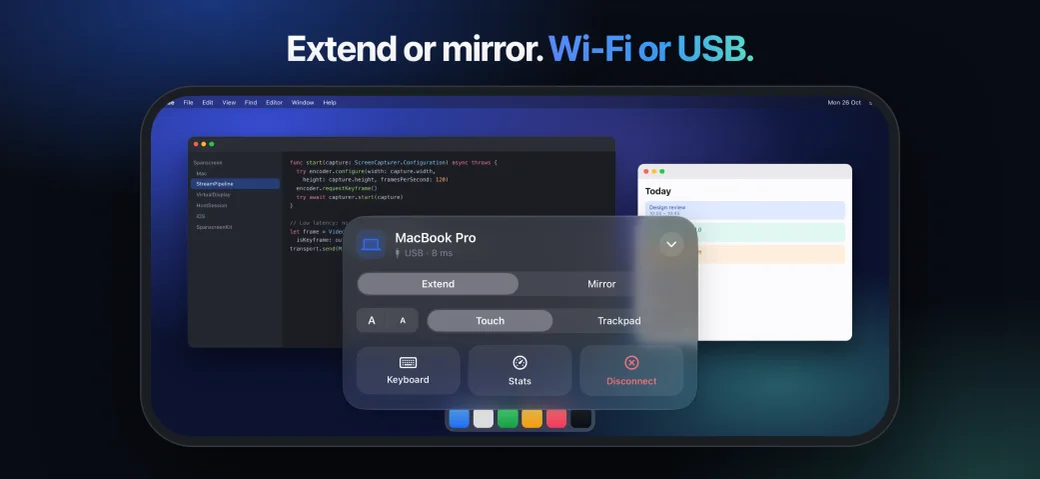
EXTEND OR MIRROR
Spanscreen adds a real display to macOS. Arrange it in System Settings like any monitor, move windows onto it and use it all day. Or switch to Mirror to show your main screen on the iPhone.
SHARP AND FAST
The display matches your iPhone pixel for pixel, so text is crisp. Pick Larger, Default, More Space or Most Space. Video is encoded and decoded in hardware with no buffering, and the bitrate adapts to your connection. Up to 120 Hz on ProMotion iPhones.
WI-FI OR CABLE
Use the same Wi-Fi, a direct peer-to-peer link when there is no network, or a USB cable for the lowest latency. Plug in while streaming over Wi-Fi and Spanscreen moves to the cable by itself.
MADE FOR IPHONE DUO
Fold or unfold and your Mac follows: the cover screen and the large inner screen each get their own native resolution. Rotate any iPhone for a portrait display.
TOUCH, TRACKPAD AND KEYBOARD
Tap to click, touch and hold to right-click, drag to move windows, scroll with two fingers. Switch to trackpad mode for precise pointer control, type with the on-screen keyboard or a hardware keyboard.
PRIVATE BY DESIGN
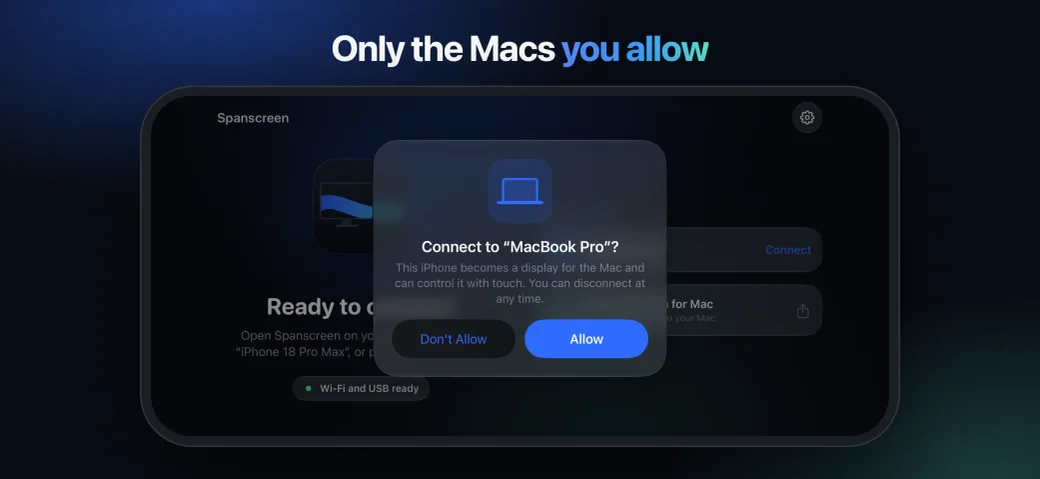
No account, no cloud, no tracking. The picture travels only between your own devices. Every Mac must be approved once on the iPhone, and paired devices verify each other on every connection.
FREE AND OPEN SOURCE
Spanscreen is free, has no ads and no in-app purchases. The code is on GitHub.
HOW TO START
1. Get the free Spanscreen app for Mac at codextde.github.io/spanscreen (macOS 14 or later).
2. Open Spanscreen on your iPhone on the same Wi-Fi or connect the cable.
3. Click Connect next to your iPhone in the Mac menu bar. Done.
アプリのプライバシー
このアプリのデータの取り扱いについて、Codext GmbHがApp Storeで申告している内容です。
-
データの収集なし
開発元はこのアプリからデータを収集しません。
プライバシーの取り扱いは、ご利用の機能やお客様の年齢などに応じて異なる場合があります。
情報
- 販売元
- Codext GmbH
- カテゴリ
- 仕事効率化
- バージョン
- 1.0.1
- 更新日
- 2026/10/31
- リリース
- 2026/10/31
- サイズ
- 952.0 KB
- 必要条件
- iOS 17.0以降
- 対象年齢
- 4+
- 価格
- 無料
- 言語
- 英語, ドイツ語
- 著作権
- © 2026 Codext GmbH