
- Clasificación por edad4+
- CategoríaDiseño gráfico
- DesarrolladorToolKaiser
- IdiomasInglés
- Tamaño10,5 MB
Enlaza a la página oficial de App Store
Download.org no aloja ningún archivo de toolKaiser. El botón abre la página de la aplicación en App Store, donde la publica ToolKaiser. Ficha comprobada por última vez el 15/11/2026.
Capturas de pantalla

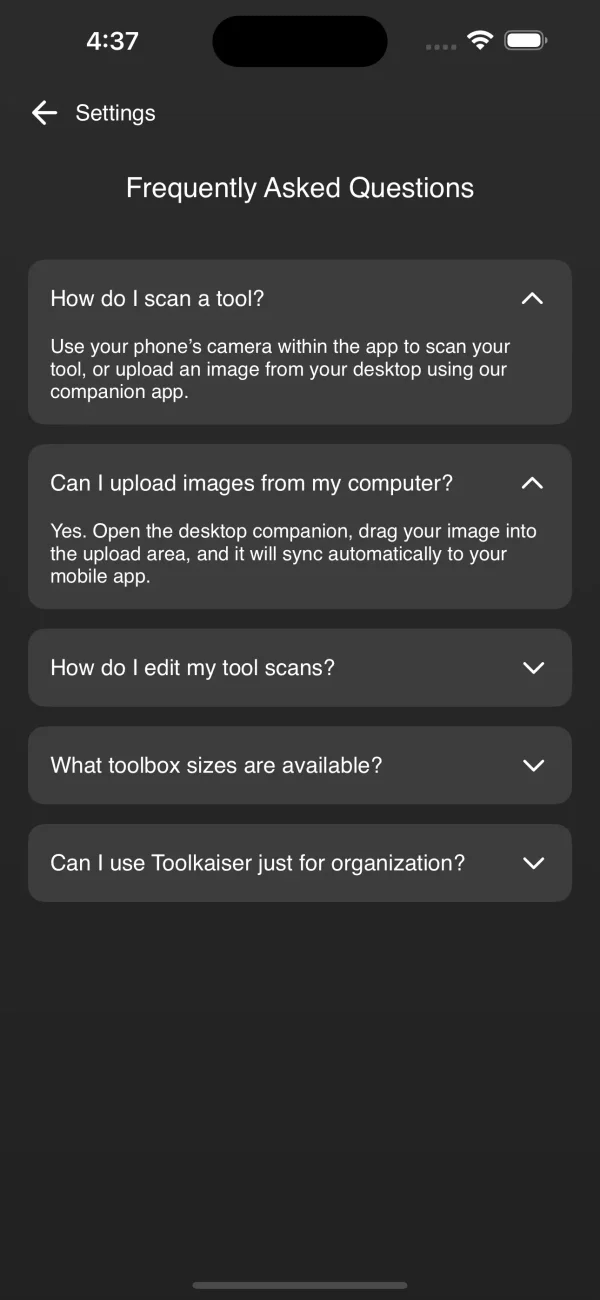
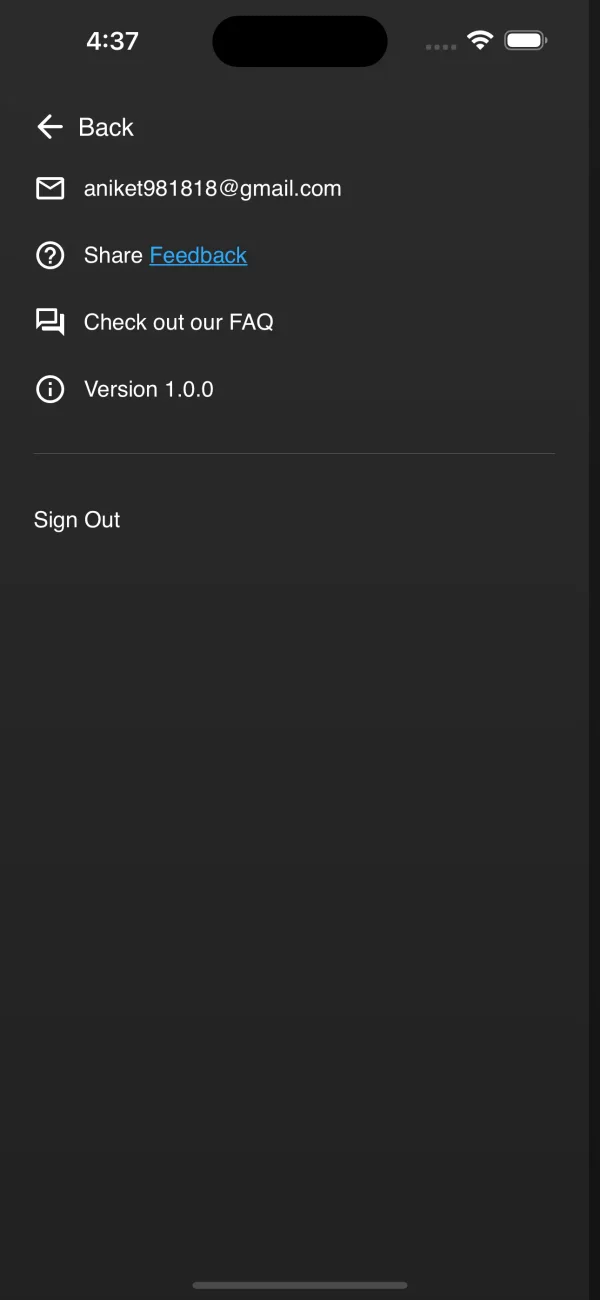
Acerca de
El desarrollador no ha proporcionado este texto en tu idioma.
The simple way to get organized. Professional-looking foam inserts made easy.
toolKaiser makes it a breeze to generate professional-looking foam inserts without the usual hassle. No tracing of tools and no fussing with manual layouts. Take a few photos and let toolKaiser do all the hard work, recognizing tool shapes and finding a pleasing and compact layout.
toolKaiser is simple and intuitive to use. In just 3 simple steps you can get a nice layout for all your tools. Step 1 'Photos': take pictures of your all your tools. Step 2 'Check': check the tool outlines generated automatically. Press 'Paper' to change the size of the background white paper to any of the given standard sizes: Letter, Tabloid, Legal, A4, A3, A2. Have a look at the help video to see how you can stick two Letter-sized papers to create a Tabloid-sized paper etc.
Step 3: 'Editor': head over to the toolKaiser editor (link also provided at
https://www.toolkaiser.com/) and import your tools in a few seconds. Your tools will automatically appear sorted, grouped together and compactly laid out. The toolKaiser editor is very easy to use and has many powerful features which allow you to edit and place your tool outlines. Sit back, relax and let toolKaiser do all the hard work for you. Once you have found your favorite layout, you can export your digital toolbox in various formats including SVG and DXF, suitable for laser-cutting or take a PDF printout and stick on a foam and cut it yourself.
Use toolKaiser to organize other objects as well. All you need is a white printing paper of known size and the toolKaiser app!
Please visit https://www.toolkaiser.com/ for more details, FAQs and access to the toolKaiser editor. And don't forget to leave a comment about your experience with toolKaiser!
Novedades
Versión 2.2 · 17/10/2026
• Camera Flash Mode: Now with Auto flash by default (plus On and Off modes) for clearer tool captures in any lighting.
• Tool Cutout Preview: High-resolution tool detail screen with edge contour hugging the tool just like on the web.
• Smarter Scanning: Pre-scan checklist, dynamic paper canvas sizes, and instant scan quality review.
• Web Editor Integration: One-tap "Continue on Web" to refine outlines on a larger screen.
• Fast Search: Search across your Tools, Toolboxes, and Outlines with instant responsive results.
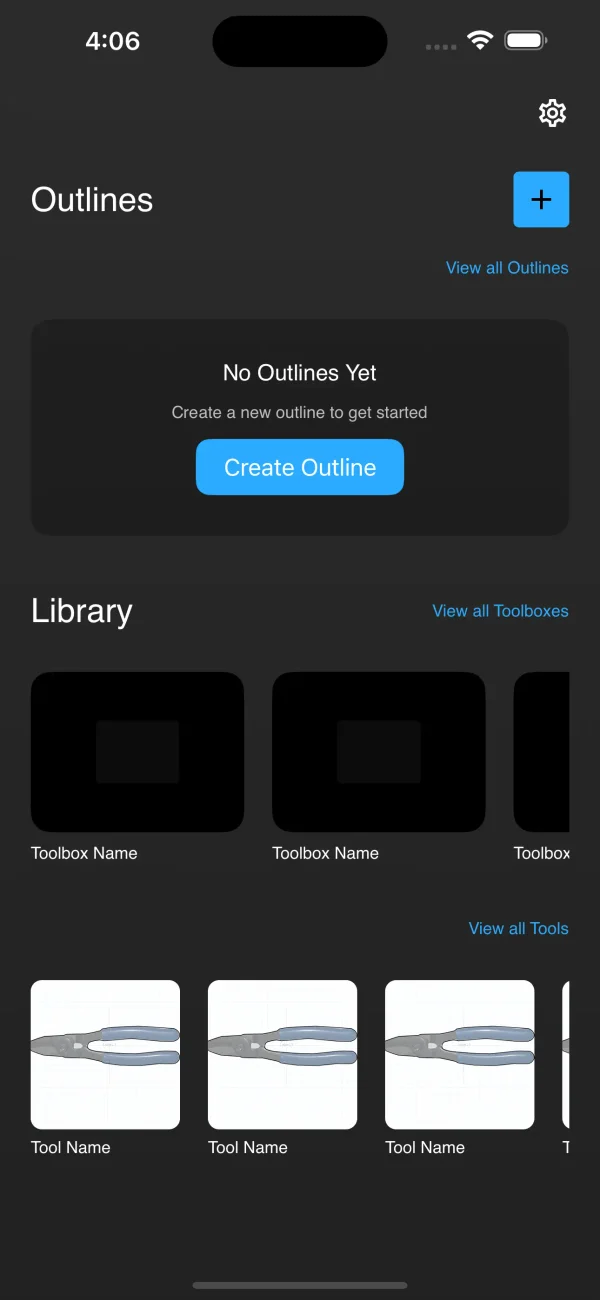
• Visual Outlines Gallery: New grid layout to view and manage all your outlines at a glance.
• Password Reset: Self-service Forgot Password feature directly from the sign-in screen.
• Performance improvements, faster image loading, and bug fixes.
Privacidad de la aplicación
Lo que ToolKaiser declara en App Store sobre cómo esta aplicación gestiona los datos.
-
Datos no vinculados a ti
Pueden recopilarse, pero no se vinculan a tu identidad.
- Información de contacto
- Contenido del usuario
- Identificadores
Las prácticas de privacidad pueden variar, por ejemplo, según las funciones que uses o tu edad.
Información
- Vendedor
- Rogers Rivera Designs LLC
- Categoría
- Diseño gráfico
- Versión
- 2.2
- Actualizado
- 17/10/2026
- Publicado
- 26/8/2020
- Tamaño
- 10,5 MB
- Requiere
- iOS 16.6 o posterior
- Clasificación por edad
- 4+
- Precio
- Gratis
- Idiomas
- Inglés
- Copyright
- © 2020 Aiterate, LLC
Quizá también te guste
-
 PhotoCatchDiseño gráfico
-
 Vinilo CraftingDiseño gráfico
-
 TimberLab: Woodworking ModelerDiseño gráfico
-
 SvgTrace ClassicDiseño gráfico
-
 Print To 3DDe diseño a G-code
-
 InkpadDiseño vectorial
-
 Convertir Imagen a SVG,Png,PdfVectornator: Convertir HEIC
-
 CutLabXDiseño gráfico
-
 Feather: Dibuja en 3DBosqueja, pinta en todo ángulo
-
 Generador 3D con IA - ImgTo3DFoto a GLB, STL y OBJ