
- Độ tuổi4+
- Danh mụcĐồ Họa & Thiết Kế
- Nhà phát triểnToolKaiser
- Ngôn ngữTiếng Anh
- Kích thước10,5 MB
Liên kết đến trang App Store chính thức
Download.org không lưu trữ tệp nào của toolKaiser. Nút này mở trang ứng dụng trên App Store, nơi ToolKaiser phát hành ứng dụng. Trang được kiểm tra lần cuối: 15/11/2026.
Ảnh chụp màn hình
Giới thiệu
Nhà phát triển chưa cung cấp nội dung này bằng ngôn ngữ của bạn.
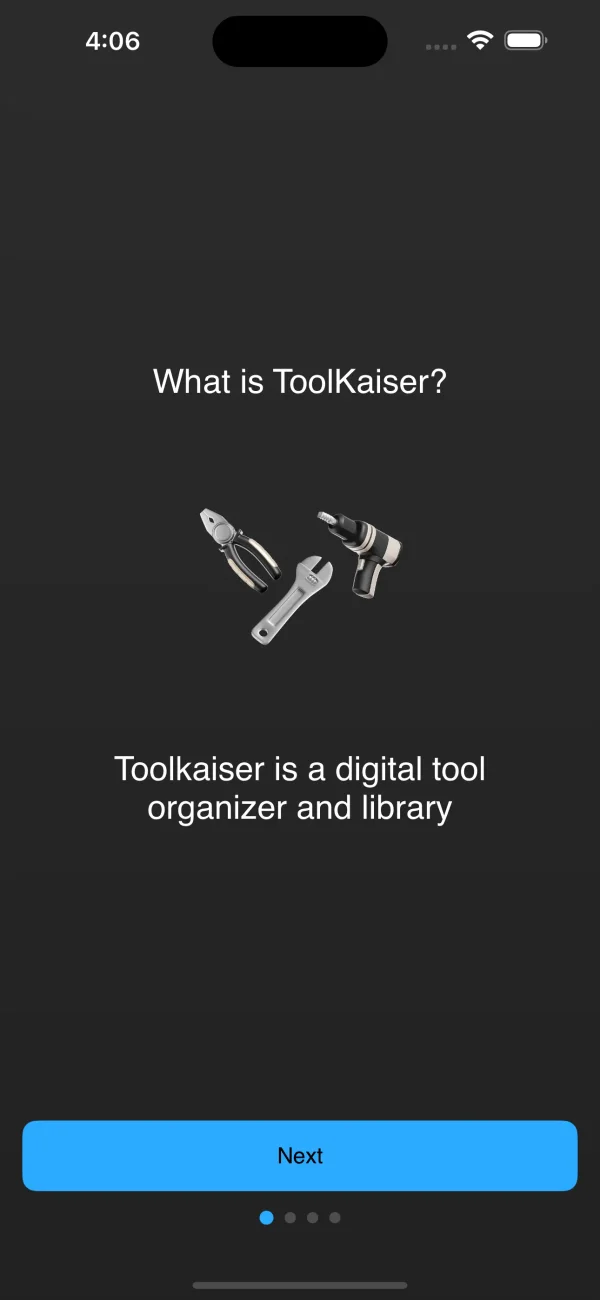
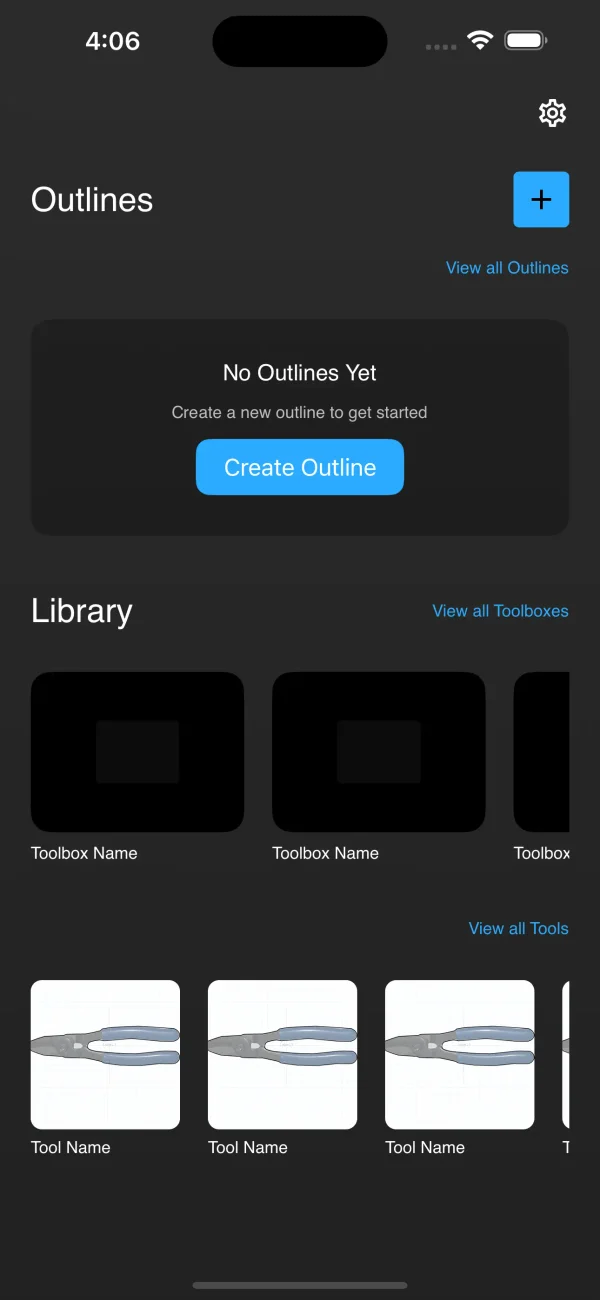
The simple way to get organized. Professional-looking foam inserts made easy.
toolKaiser makes it a breeze to generate professional-looking foam inserts without the usual hassle. No tracing of tools and no fussing with manual layouts. Take a few photos and let toolKaiser do all the hard work, recognizing tool shapes and finding a pleasing and compact layout.
toolKaiser is simple and intuitive to use. In just 3 simple steps you can get a nice layout for all your tools. Step 1 'Photos': take pictures of your all your tools. Step 2 'Check': check the tool outlines generated automatically. Press 'Paper' to change the size of the background white paper to any of the given standard sizes: Letter, Tabloid, Legal, A4, A3, A2. Have a look at the help video to see how you can stick two Letter-sized papers to create a Tabloid-sized paper etc.
Step 3: 'Editor': head over to the toolKaiser editor (link also provided at
https://www.toolkaiser.com/) and import your tools in a few seconds. Your tools will automatically appear sorted, grouped together and compactly laid out. The toolKaiser editor is very easy to use and has many powerful features which allow you to edit and place your tool outlines. Sit back, relax and let toolKaiser do all the hard work for you. Once you have found your favorite layout, you can export your digital toolbox in various formats including SVG and DXF, suitable for laser-cutting or take a PDF printout and stick on a foam and cut it yourself.
Use toolKaiser to organize other objects as well. All you need is a white printing paper of known size and the toolKaiser app!
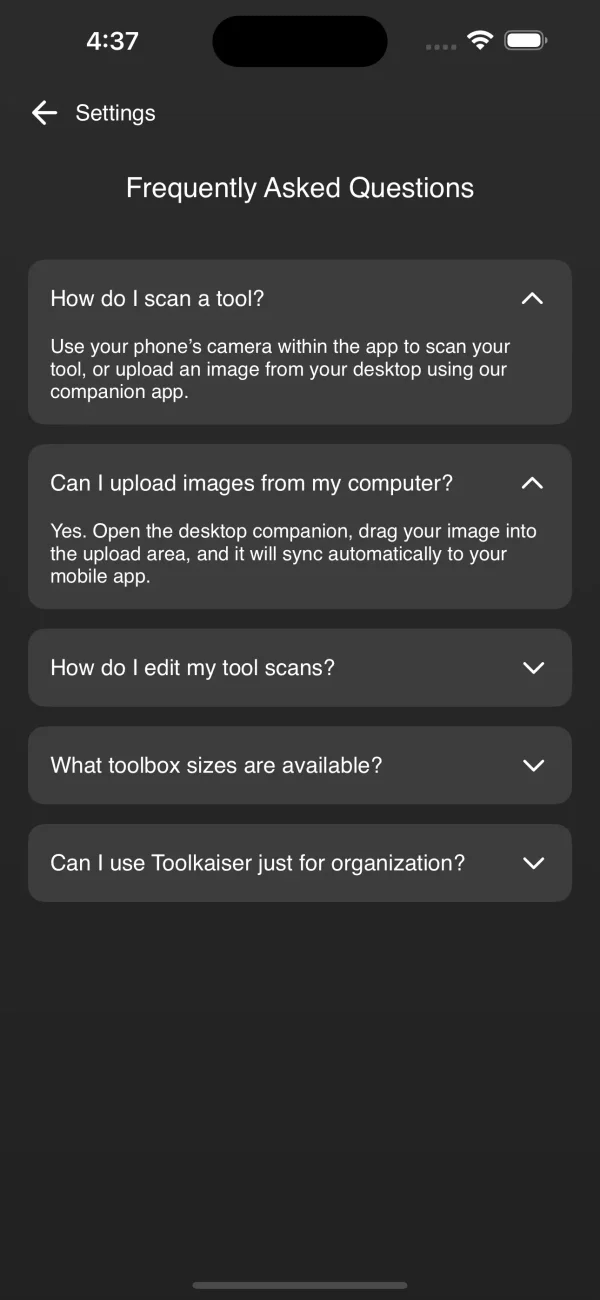
Please visit https://www.toolkaiser.com/ for more details, FAQs and access to the toolKaiser editor. And don't forget to leave a comment about your experience with toolKaiser!
Có gì mới
Phiên bản 2.2 · 17/10/2026
• Camera Flash Mode: Now with Auto flash by default (plus On and Off modes) for clearer tool captures in any lighting.
• Tool Cutout Preview: High-resolution tool detail screen with edge contour hugging the tool just like on the web.
• Smarter Scanning: Pre-scan checklist, dynamic paper canvas sizes, and instant scan quality review.
• Web Editor Integration: One-tap "Continue on Web" to refine outlines on a larger screen.
• Fast Search: Search across your Tools, Toolboxes, and Outlines with instant responsive results.
• Visual Outlines Gallery: New grid layout to view and manage all your outlines at a glance.
• Password Reset: Self-service Forgot Password feature directly from the sign-in screen.
• Performance improvements, faster image loading, and bug fixes.
Quyền riêng tư của ứng dụng
Những gì ToolKaiser khai báo trên App Store về cách ứng dụng này xử lý dữ liệu.
-
Dữ liệu không liên kết với bạn
Có thể được thu thập nhưng không liên kết với danh tính của bạn.
- Thông tin liên hệ
- Nội dung của người dùng
- Mã định danh
Phương thức đảm bảo quyền riêng tư có thể khác nhau, chẳng hạn như tuỳ theo các tính năng bạn sử dụng hoặc độ tuổi của bạn.
Thông tin
- Người bán
- Rogers Rivera Designs LLC
- Danh mục
- Đồ Họa & Thiết Kế
- Phiên bản
- 2.2
- Cập nhật
- 17/10/2026
- Phát hành
- 26/08/2020
- Kích thước
- 10,5 MB
- Yêu cầu
- iOS 16.6 trở lên
- Độ tuổi
- 4+
- Giá
- Miễn phí
- Ngôn ngữ
- Tiếng Anh
- Bản quyền
- © 2020 Aiterate, LLC
Có thể bạn cũng thích
-
 PhotoCatchĐồ Họa & Thiết Kế
-
 Vinilo CraftingĐồ Họa & Thiết Kế
-
 TimberLab: Woodworking ModelerĐồ Họa & Thiết Kế
-
 SvgTrace ClassicĐồ Họa & Thiết Kế
-
 Print To 3DĐồ Họa & Thiết Kế
-
 Inkpad - Graphic DesignĐồ Họa & Thiết Kế
-
 AI Chuyển Đổi SVGJPG PNG thành vector
-
 CutLabXĐồ Họa & Thiết Kế
-
 Feather: Draw in 3DĐồ Họa & Thiết Kế
-
 3D Model Maker: ImgTo3DĐồ Họa & Thiết Kế