
- 対象年齢4+
- カテゴリグラフィック/デザイン
- 開発元ToolKaiser
- 言語英語
- サイズ10.5 MB
App Storeの公式ページにリンクしています
Download.orgはtoolKaiserのファイルを一切ホストしていません。ボタンを押すと、ToolKaiserが公開しているApp Storeのアプリページが開きます。ページの最終確認:2026/11/15。
スクリーンショット
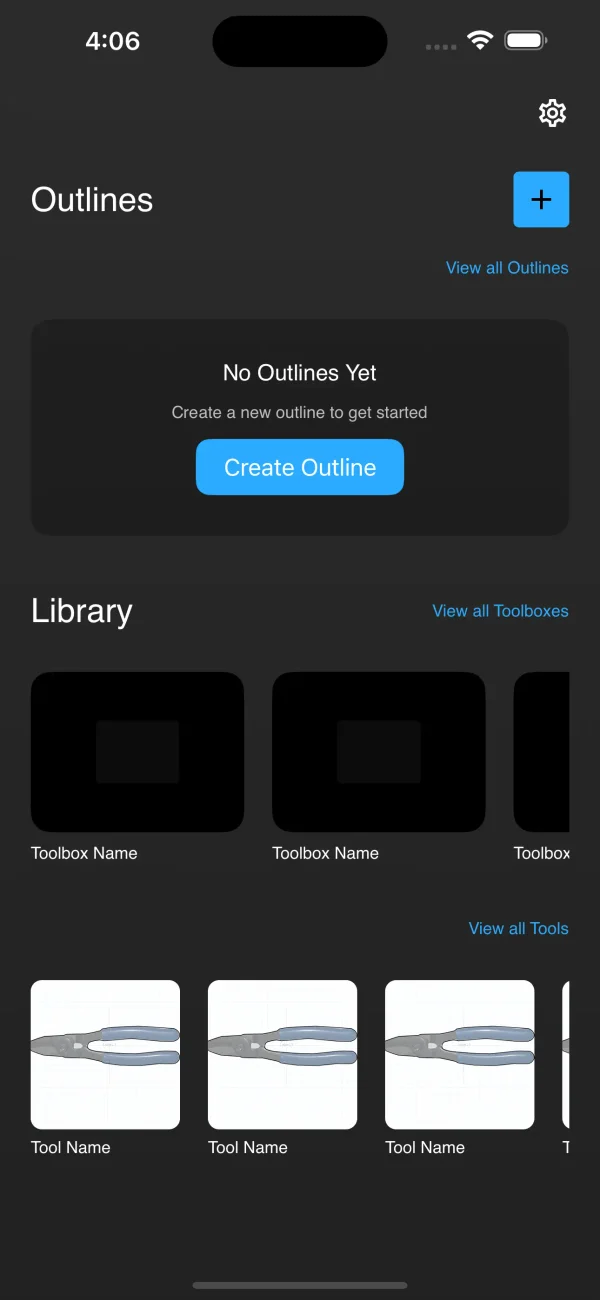
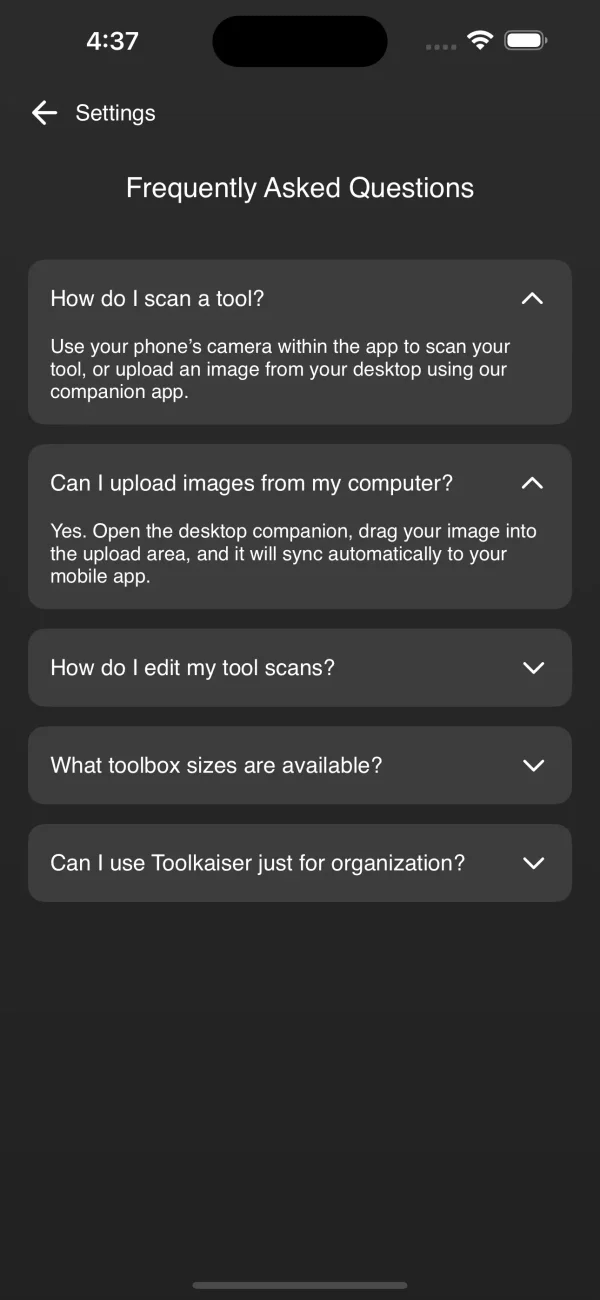
概要
開発元はこのテキストをお使いの言語で提供していません。
The simple way to get organized. Professional-looking foam inserts made easy.
toolKaiser makes it a breeze to generate professional-looking foam inserts without the usual hassle. No tracing of tools and no fussing with manual layouts. Take a few photos and let toolKaiser do all the hard work, recognizing tool shapes and finding a pleasing and compact layout.
toolKaiser is simple and intuitive to use. In just 3 simple steps you can get a nice layout for all your tools. Step 1 'Photos': take pictures of your all your tools. Step 2 'Check': check the tool outlines generated automatically. Press 'Paper' to change the size of the background white paper to any of the given standard sizes: Letter, Tabloid, Legal, A4, A3, A2. Have a look at the help video to see how you can stick two Letter-sized papers to create a Tabloid-sized paper etc.
Step 3: 'Editor': head over to the toolKaiser editor (link also provided at
https://www.toolkaiser.com/) and import your tools in a few seconds. Your tools will automatically appear sorted, grouped together and compactly laid out. The toolKaiser editor is very easy to use and has many powerful features which allow you to edit and place your tool outlines. Sit back, relax and let toolKaiser do all the hard work for you. Once you have found your favorite layout, you can export your digital toolbox in various formats including SVG and DXF, suitable for laser-cutting or take a PDF printout and stick on a foam and cut it yourself.
Use toolKaiser to organize other objects as well. All you need is a white printing paper of known size and the toolKaiser app!
Please visit https://www.toolkaiser.com/ for more details, FAQs and access to the toolKaiser editor. And don't forget to leave a comment about your experience with toolKaiser!
新機能
バージョン 2.2 · 2026/10/17
• Camera Flash Mode: Now with Auto flash by default (plus On and Off modes) for clearer tool captures in any lighting.
• Tool Cutout Preview: High-resolution tool detail screen with edge contour hugging the tool just like on the web.
• Smarter Scanning: Pre-scan checklist, dynamic paper canvas sizes, and instant scan quality review.
• Web Editor Integration: One-tap "Continue on Web" to refine outlines on a larger screen.
• Fast Search: Search across your Tools, Toolboxes, and Outlines with instant responsive results.
• Visual Outlines Gallery: New grid layout to view and manage all your outlines at a glance.
• Password Reset: Self-service Forgot Password feature directly from the sign-in screen.
• Performance improvements, faster image loading, and bug fixes.
アプリのプライバシー
このアプリのデータの取り扱いについて、ToolKaiserがApp Storeで申告している内容です。
-
ユーザーに関連付けられないデータ
収集される場合がありますが、ユーザーの識別情報には関連付けられません。
- 連絡先情報
- ユーザーコンテンツ
- ID
プライバシーの取り扱いは、ご利用の機能やお客様の年齢などに応じて異なる場合があります。
情報
- 販売元
- Rogers Rivera Designs LLC
- カテゴリ
- グラフィック/デザイン
- バージョン
- 2.2
- 更新日
- 2026/10/17
- リリース
- 2020/8/26
- サイズ
- 10.5 MB
- 必要条件
- iOS 16.6以降
- 対象年齢
- 4+
- 価格
- 無料
- 言語
- 英語
- 著作権
- © 2020 Aiterate, LLC
こちらもおすすめ
-
 PhotoCatchグラフィック/デザイン
-
 Vinilo Craftingグラフィック/デザイン
-
 TimberLab: Woodworking Modelerグラフィック/デザイン
-
 SvgTrace Classicグラフィック/デザイン
-
 Print To 3Dグラフィック/デザイン
-
 Inkpad - Graphic Designグラフィック/デザイン
-
 AI SVG変換 - SVGメーカーJPG/PNG画像をベクター化
-
 CutLabXグラフィック/デザイン
-
 Feather: 3Dお絵かきどんな角度でもスケッチ、ペイント
-
 AI 3Dモデル生成 - ImgTo3D画像からGLB・STL・OBJへ変換