
- Classification d’âge4+
- CatégorieGraphisme et design
- DéveloppeurToolKaiser
- LanguesAnglais
- Taille10,5 Mo
Renvoie vers la page App Store officielle
Download.org n’héberge aucun fichier de toolKaiser. Le bouton ouvre la page de l’application sur App Store, où ToolKaiser la publie. Fiche vérifiée pour la dernière fois le 15/11/2026.
Captures d’écran


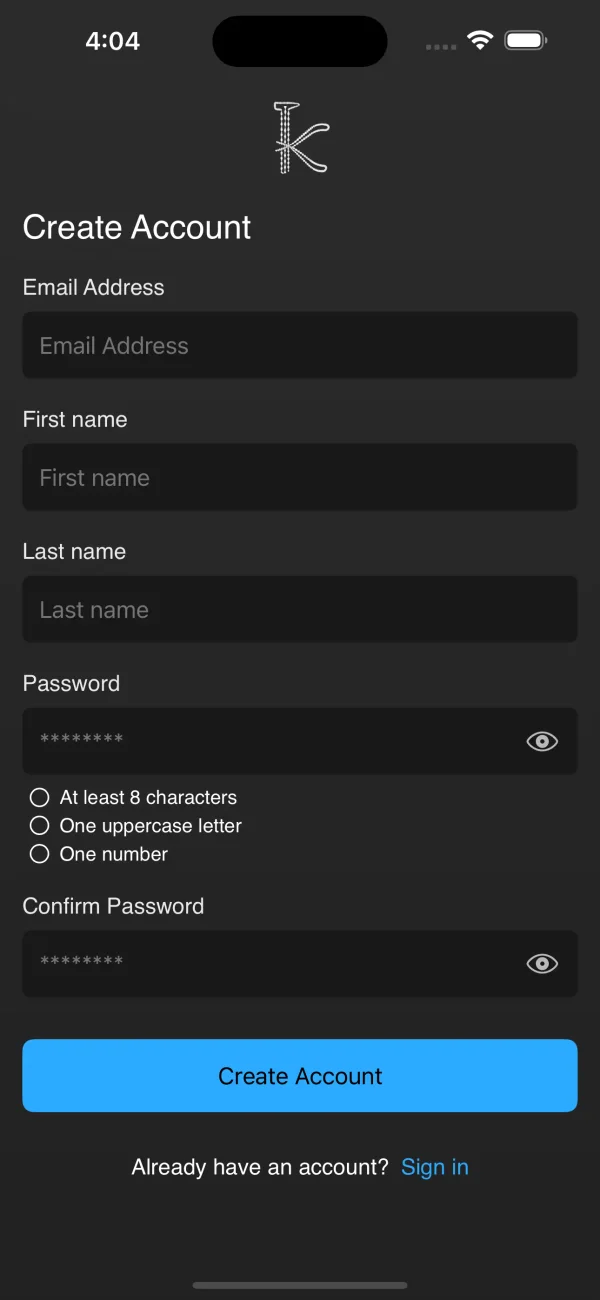
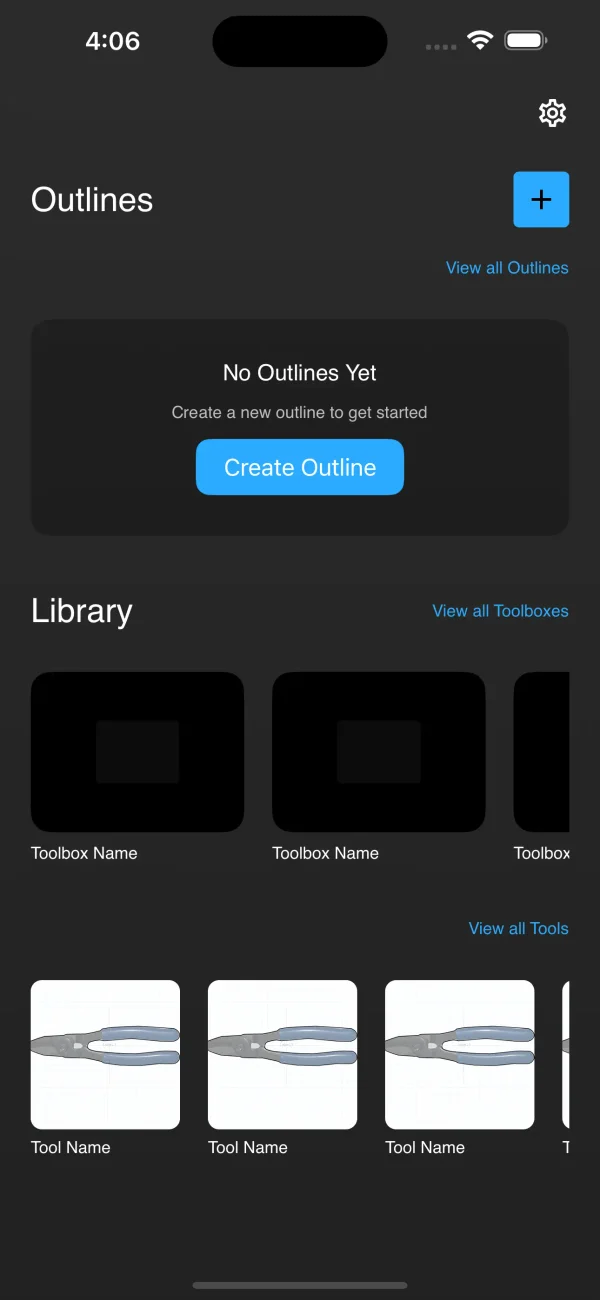
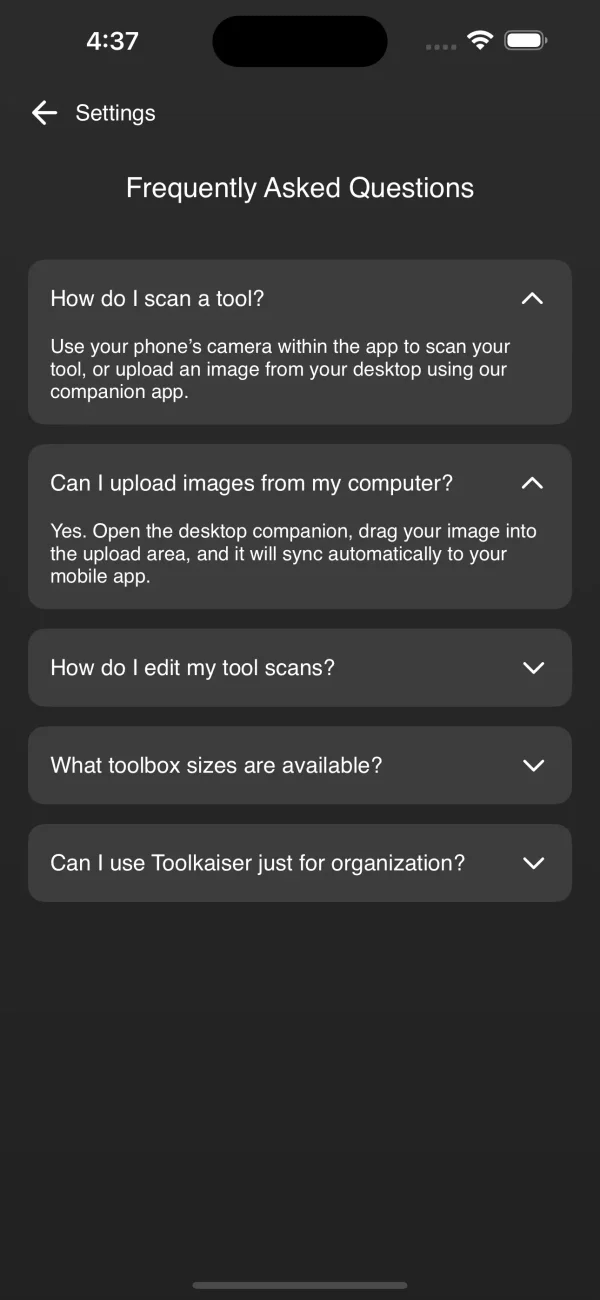

À propos
Le développeur n’a pas fourni ce texte dans votre langue.
The simple way to get organized. Professional-looking foam inserts made easy.
toolKaiser makes it a breeze to generate professional-looking foam inserts without the usual hassle. No tracing of tools and no fussing with manual layouts. Take a few photos and let toolKaiser do all the hard work, recognizing tool shapes and finding a pleasing and compact layout.
toolKaiser is simple and intuitive to use. In just 3 simple steps you can get a nice layout for all your tools. Step 1 'Photos': take pictures of your all your tools. Step 2 'Check': check the tool outlines generated automatically. Press 'Paper' to change the size of the background white paper to any of the given standard sizes: Letter, Tabloid, Legal, A4, A3, A2. Have a look at the help video to see how you can stick two Letter-sized papers to create a Tabloid-sized paper etc.
Step 3: 'Editor': head over to the toolKaiser editor (link also provided at
https://www.toolkaiser.com/) and import your tools in a few seconds. Your tools will automatically appear sorted, grouped together and compactly laid out. The toolKaiser editor is very easy to use and has many powerful features which allow you to edit and place your tool outlines. Sit back, relax and let toolKaiser do all the hard work for you. Once you have found your favorite layout, you can export your digital toolbox in various formats including SVG and DXF, suitable for laser-cutting or take a PDF printout and stick on a foam and cut it yourself.
Use toolKaiser to organize other objects as well. All you need is a white printing paper of known size and the toolKaiser app!
Please visit https://www.toolkaiser.com/ for more details, FAQs and access to the toolKaiser editor. And don't forget to leave a comment about your experience with toolKaiser!
Nouveautés
Version 2.2 · 17/10/2026
• Camera Flash Mode: Now with Auto flash by default (plus On and Off modes) for clearer tool captures in any lighting.
• Tool Cutout Preview: High-resolution tool detail screen with edge contour hugging the tool just like on the web.
• Smarter Scanning: Pre-scan checklist, dynamic paper canvas sizes, and instant scan quality review.
• Web Editor Integration: One-tap "Continue on Web" to refine outlines on a larger screen.
• Fast Search: Search across your Tools, Toolboxes, and Outlines with instant responsive results.
• Visual Outlines Gallery: New grid layout to view and manage all your outlines at a glance.
• Password Reset: Self-service Forgot Password feature directly from the sign-in screen.
• Performance improvements, faster image loading, and bug fixes.
Confidentialité de l’application
Ce que ToolKaiser déclare sur l’App Store au sujet du traitement des données par cette application.
-
Données n’établissant aucun lien avec vous
Peuvent être collectées, mais ne sont pas liées à votre identité.
- Coordonnées
- Contenu utilisateur
- Identifiants
Les pratiques en matière de confidentialité peuvent varier, notamment en fonction des fonctionnalités que vous utilisez ou de votre âge.
Informations
- Vendeur
- Rogers Rivera Designs LLC
- Catégorie
- Graphisme et design
- Version
- 2.2
- Mis à jour
- 17/10/2026
- Publié
- 26/08/2020
- Taille
- 10,5 Mo
- Nécessite
- iOS 16.6 ou version ultérieure
- Classification d’âge
- 4+
- Prix
- Gratuit
- Langues
- Anglais
- Copyright
- © 2020 Aiterate, LLC
Vous aimerez peut-être aussi
-
 PhotoCatchGraphisme et design
-
 Vinilo CraftingGraphisme et design
-
 TimberLab: Woodworking ModelerGraphisme et design
-
 SvgTrace ClassicGraphisme et design
-
 Print To 3DConvertissez en G-code
-
 InkpadVector Graphic Design
-
 Convertisseur SVG IAJPG, PNG en vecteurs
-
 CutLabXGraphisme et design
-
 Feather: Draw in 3DGraphisme et design
-
 Générateur 3D IA - ImgTo3DPhoto en GLB, STL et OBJ