
- Classificação etária4+
- CategoriaArtes gráficas e design
- DesenvolvedorToolKaiser
- IdiomasInglês
- Tamanho10,5 MB
Leva à página oficial na App Store
O Download.org não hospeda nenhum arquivo de toolKaiser. O botão abre a página do app na App Store, onde ToolKaiser o publica. Página verificada pela última vez em 15/11/2026.
Capturas de tela


Sobre
O desenvolvedor não forneceu este texto no seu idioma.
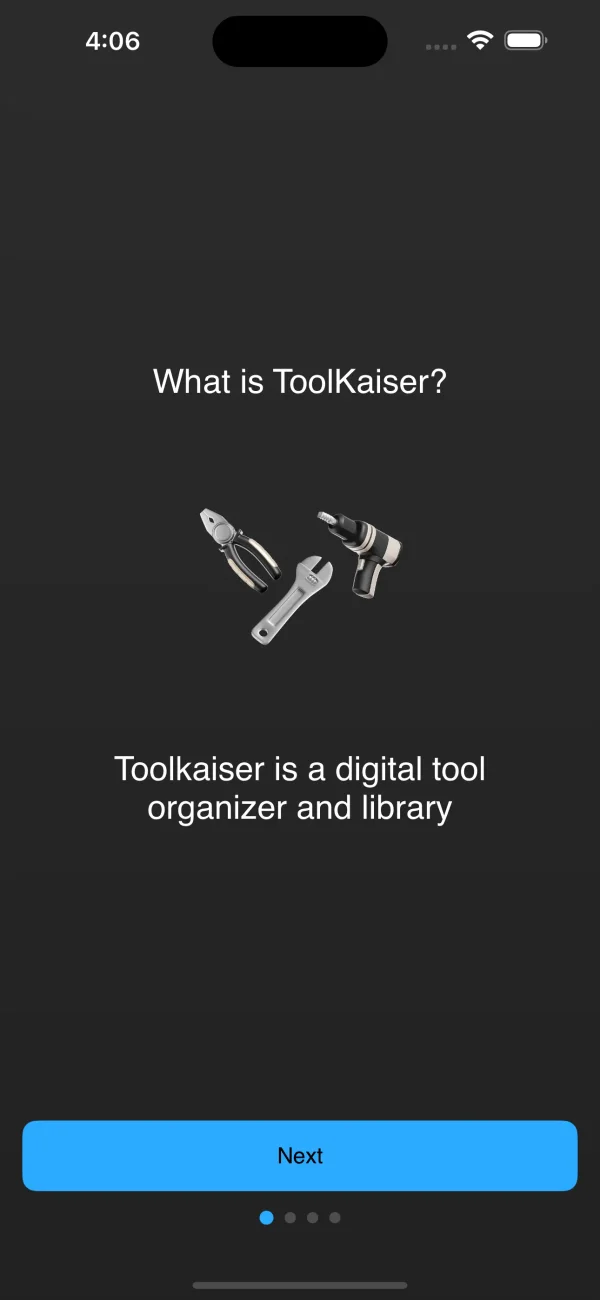
The simple way to get organized. Professional-looking foam inserts made easy.
toolKaiser makes it a breeze to generate professional-looking foam inserts without the usual hassle. No tracing of tools and no fussing with manual layouts. Take a few photos and let toolKaiser do all the hard work, recognizing tool shapes and finding a pleasing and compact layout.
toolKaiser is simple and intuitive to use. In just 3 simple steps you can get a nice layout for all your tools. Step 1 'Photos': take pictures of your all your tools. Step 2 'Check': check the tool outlines generated automatically. Press 'Paper' to change the size of the background white paper to any of the given standard sizes: Letter, Tabloid, Legal, A4, A3, A2. Have a look at the help video to see how you can stick two Letter-sized papers to create a Tabloid-sized paper etc.
Step 3: 'Editor': head over to the toolKaiser editor (link also provided at
https://www.toolkaiser.com/) and import your tools in a few seconds. Your tools will automatically appear sorted, grouped together and compactly laid out. The toolKaiser editor is very easy to use and has many powerful features which allow you to edit and place your tool outlines. Sit back, relax and let toolKaiser do all the hard work for you. Once you have found your favorite layout, you can export your digital toolbox in various formats including SVG and DXF, suitable for laser-cutting or take a PDF printout and stick on a foam and cut it yourself.
Use toolKaiser to organize other objects as well. All you need is a white printing paper of known size and the toolKaiser app!
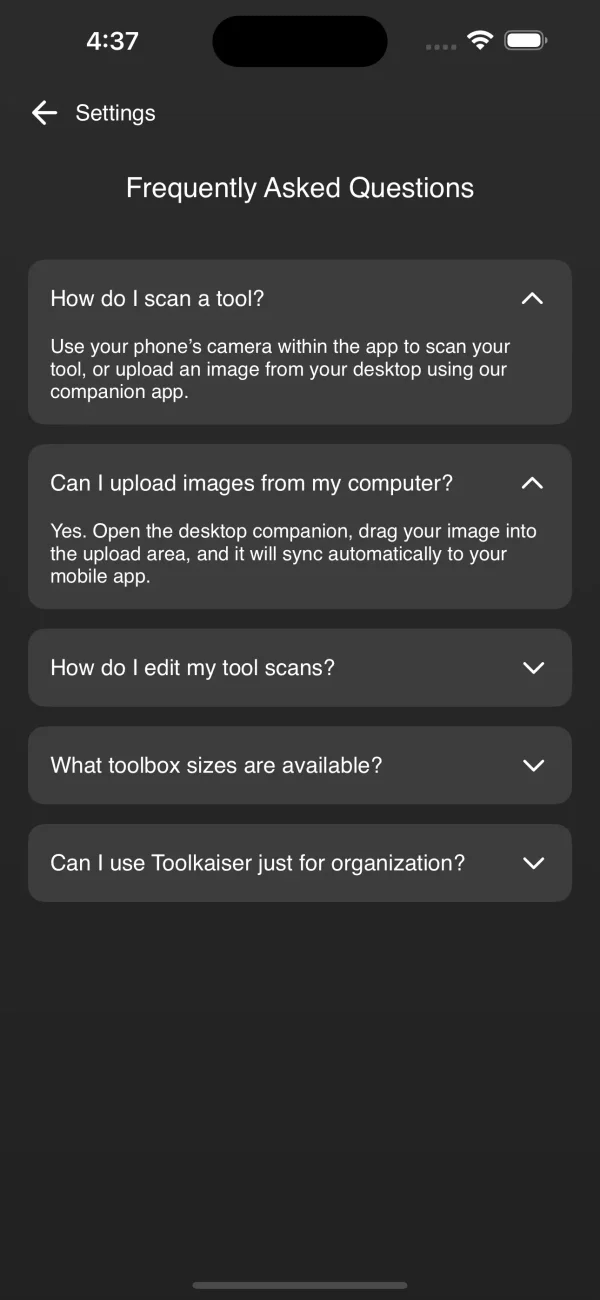
Please visit https://www.toolkaiser.com/ for more details, FAQs and access to the toolKaiser editor. And don't forget to leave a comment about your experience with toolKaiser!
Novidades
Versão 2.2 · 17/10/2026
• Camera Flash Mode: Now with Auto flash by default (plus On and Off modes) for clearer tool captures in any lighting.
• Tool Cutout Preview: High-resolution tool detail screen with edge contour hugging the tool just like on the web.
• Smarter Scanning: Pre-scan checklist, dynamic paper canvas sizes, and instant scan quality review.
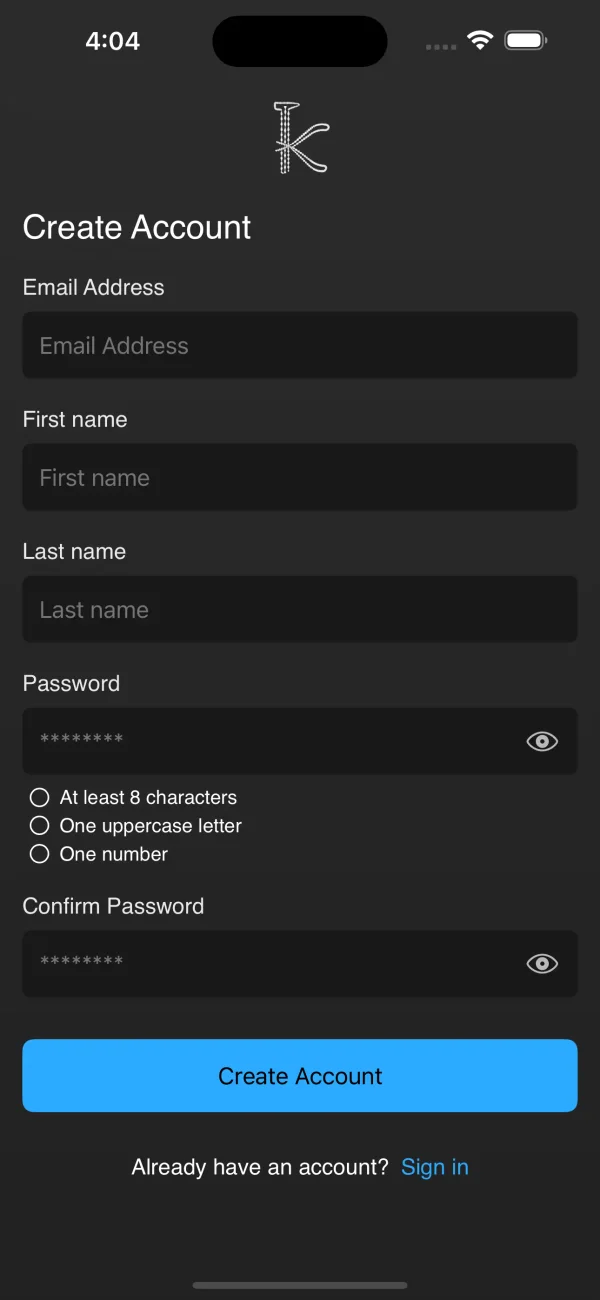
• Web Editor Integration: One-tap "Continue on Web" to refine outlines on a larger screen.
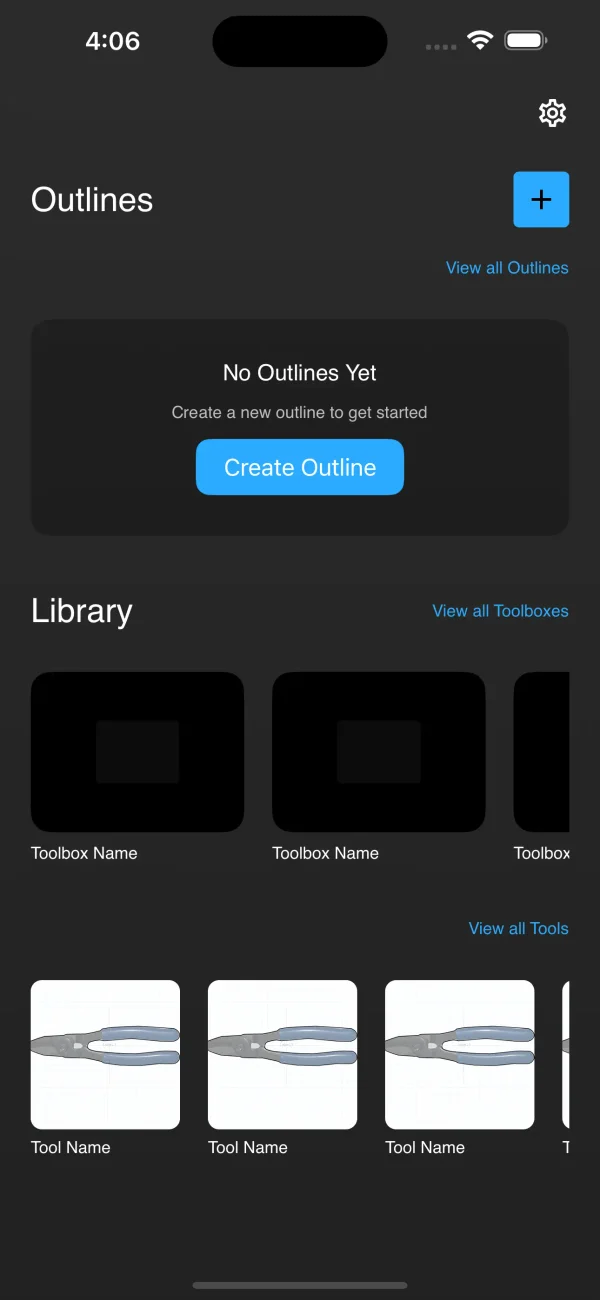
• Fast Search: Search across your Tools, Toolboxes, and Outlines with instant responsive results.
• Visual Outlines Gallery: New grid layout to view and manage all your outlines at a glance.
• Password Reset: Self-service Forgot Password feature directly from the sign-in screen.
• Performance improvements, faster image loading, and bug fixes.
Privacidade do app
O que ToolKaiser declara na App Store sobre como este app lida com os dados.
-
Dados não vinculados a você
Podem ser coletados, mas não são vinculados à sua identidade.
- Informações de contato
- Conteúdo do usuário
- Identificadores
As práticas de privacidade podem variar, por exemplo, com base nos recursos que você usa ou na sua idade.
Informações
- Vendedor
- Rogers Rivera Designs LLC
- Categoria
- Artes gráficas e design
- Versão
- 2.2
- Atualizado
- 17/10/2026
- Lançamento
- 26/08/2020
- Tamanho
- 10,5 MB
- Requer
- iOS 16.6 ou posterior
- Classificação etária
- 4+
- Preço
- Grátis
- Idiomas
- Inglês
- Copyright
- © 2020 Aiterate, LLC
Você também pode gostar
-
 PhotoCatchArtes gráficas e design
-
 Vinilo CraftingArtes gráficas e design
-
 TimberLab: Woodworking ModelerArtes gráficas e design
-
 SvgTrace ClassicArtes gráficas e design
-
 Print To 3DG-code do seu modelo
-
 Inkpad - Graphic DesignArtes gráficas e design
-
 Conversor de PDF para SVG fotoConverter SVG imagem PNG, HEIC
-
 CutLabXArtes gráficas e design
-
 Feather: Draw in 3DArtes gráficas e design
-
 Gerador 3D com IA - ImgTo3DFoto para GLB, STL e OBJ