
- Clasificación por edad4+
- CategoríaEducación
- DesarrolladorLeon Ambrosio Shimizu
- IdiomasInglés
- Tamaño83,5 MB
Enlaza a la página oficial de App Store
Download.org no aloja ningún archivo de TraceBuddy GU. El botón abre la página de la aplicación en App Store, donde la publica Leon Ambrosio Shimizu. Ficha comprobada por última vez el 29/11/2026.
Capturas de pantalla

Acerca de
El desarrollador no ha proporcionado este texto en tu idioma.
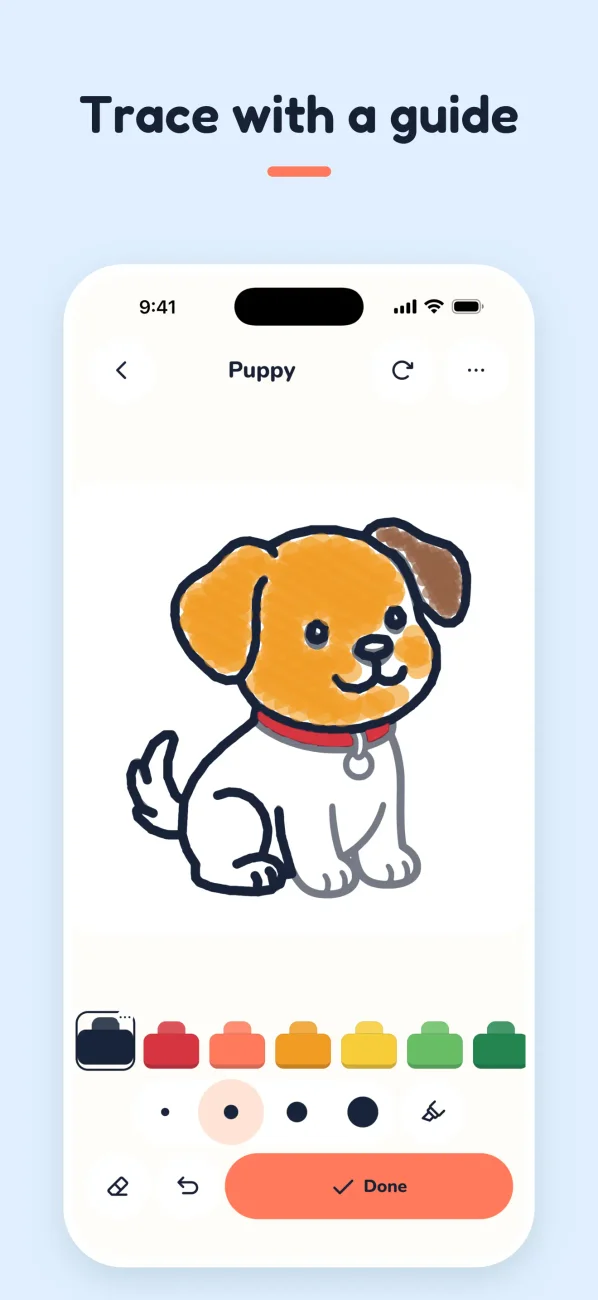
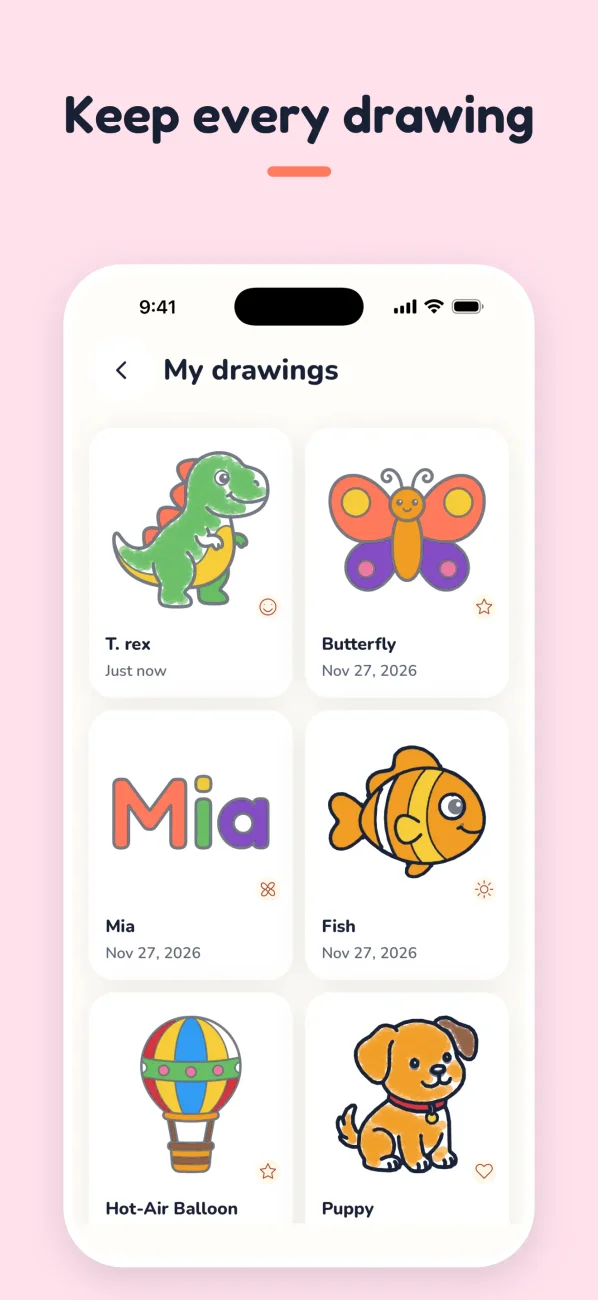
TraceBuddy GU gives families a place to draw together. Pick a picture and choose Simple for bold, friendly lines or Detailed for more to trace. You’ll find animals, ocean life, vehicles, and pictures from Guam.
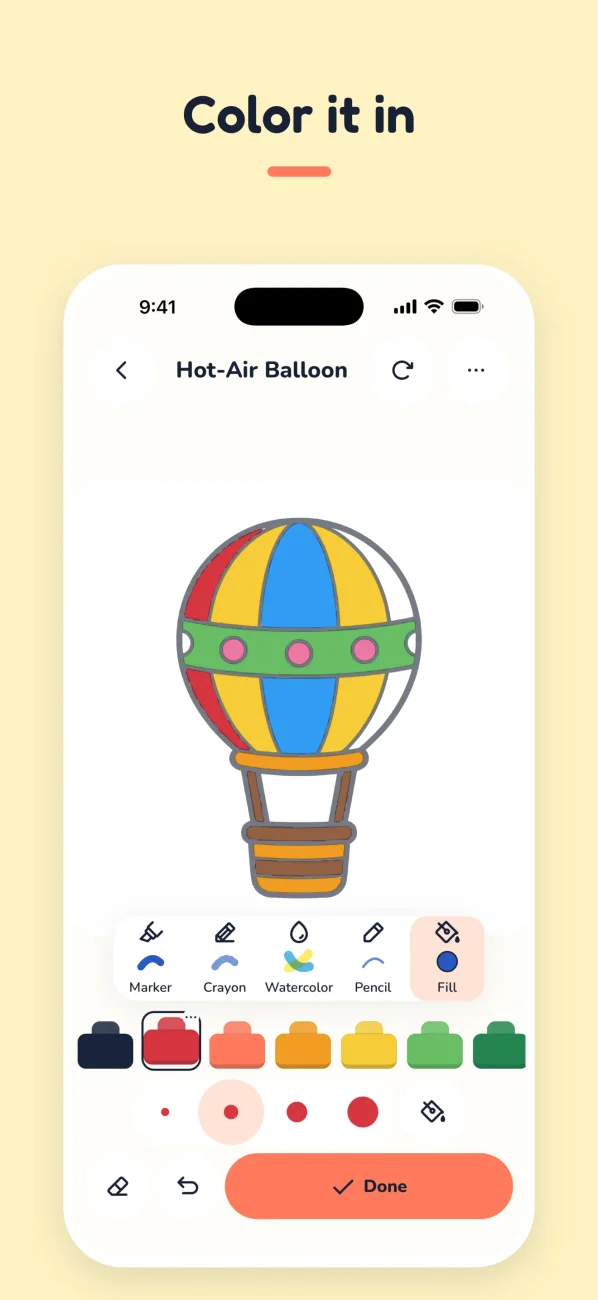
Draw right on your iPhone or iPad. Try a pencil, crayon, marker, or watercolor. Fill a space with one tap or use the Huge brush to color a big area. Pick a shade, undo a mark, and zoom in for small details. When you’re done, add a stamp and find your work again in My drawings.
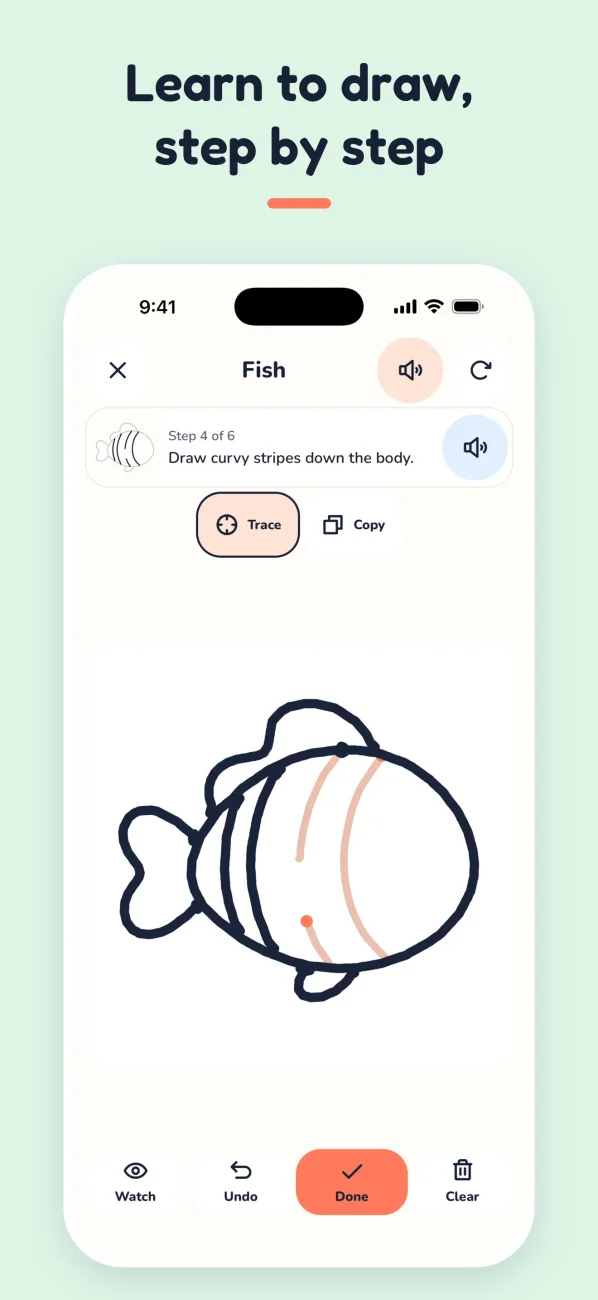
In Learn to draw, watch a picture take shape one step at a time, then trace or copy each step. You can listen to the directions as you go. Practice letters and numbers, type a name or phrase in My words, or choose a photo of your own to draw from.
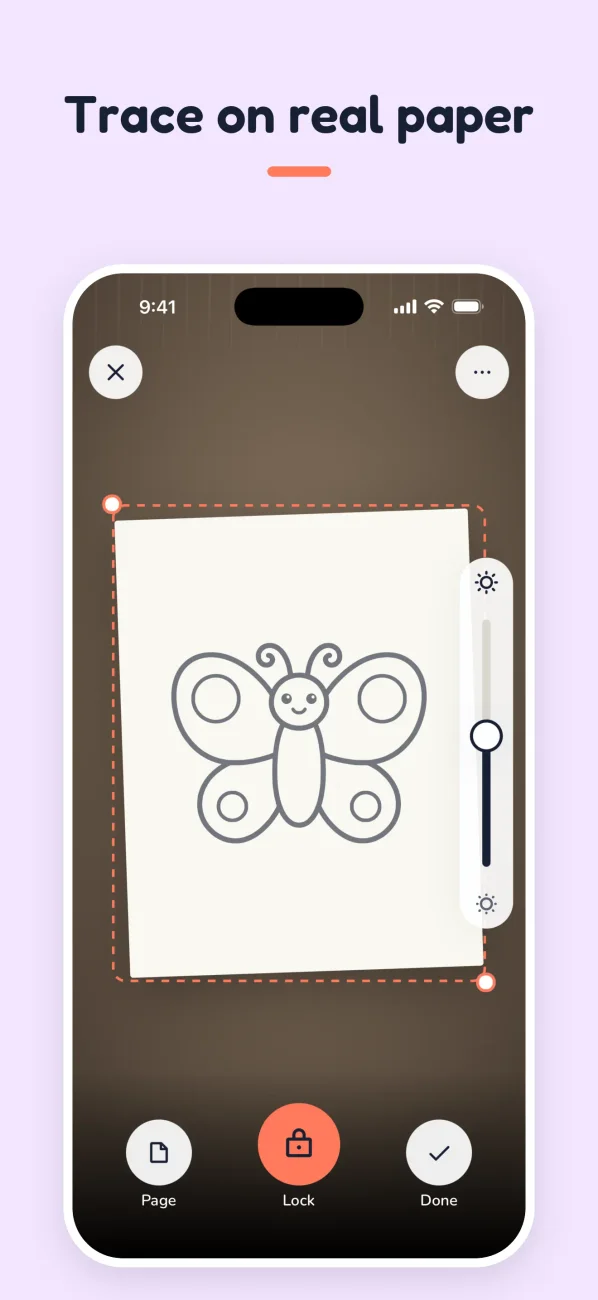
To trace on real paper, use On paper. Prop up your iPhone or iPad above the page, line up the guide over the live camera view, and draw with a real pencil. When you’re finished, tap Done and choose Snap your drawing to keep a photo of it in My drawings.
Come back to a drawing later or choose Save to Photos to keep a copy. Grown-ups can use the protected settings to back up drawings, lesson progress, and favorites to a file and restore them later.
Drawing, tracing, and lessons work offline. Your work is stored on your device, and you can choose where to save or share copies. There’s no account, no ads, and no tracking.
Novedades
Versión 2.0 · 28/11/2026
• Find pictures in new groups and switch between Simple and Detailed art.
• Draw and color with new brushes, shades, and tap-to-fill. Finish with a stamp and pick up where you left off in My drawings.
• Follow read-aloud drawing lessons, practice letters and numbers, or draw a name or phrase with My words.
• Trace on paper with the camera, then snap a photo of your finished drawing.
• Back up and restore drawings, lesson progress, and favorites in Grown-ups.
Privacidad de la aplicación
Lo que Leon Ambrosio Shimizu declara en App Store sobre cómo esta aplicación gestiona los datos.
-
No se recopilan datos
El desarrollador no recopila ningún dato de esta aplicación.
Las prácticas de privacidad pueden variar, por ejemplo, según las funciones que uses o tu edad.
Información
- Vendedor
- Leon Ambrosio Shimizu
- Categoría
- Educación
- Versión
- 2.0
- Actualizado
- 28/11/2026
- Publicado
- 18/6/2026
- Tamaño
- 83,5 MB
- Requiere
- iOS 16.4 o posterior
- Clasificación por edad
- 4+
- Precio
- Gratis
- Idiomas
- Inglés
- Copyright
- © 2026 Shimizu Technology
Quizá también te guste
-
 Simply TraceEducación
-
 Tune Handbook: ECU TuningEducación
-
 Squigglings: How to DrawEducación
-
 Southwest Tech Center, OKEducación
-
 Trace Letters, Numbers&JuniorEducación
-
 Custom Boards EliteApoyos visuales y tableros CAA
-
 WilliStudyAplicación de estudio
-
 Kids Activities: RaisePlayEducación
-
 Rounding-Educación
-
 DriveitHOMEEducación