
- Age rating4+
- CategoryEducation
- DeveloperLeon Ambrosio Shimizu
- LanguagesEnglish
- Size83.5 MB
Links to the official App Store page
Download.org hosts no file of TraceBuddy GU. The button opens its official App Store page, published by Leon Ambrosio Shimizu. Listing last checked on Nov 29, 2026.
Screenshots

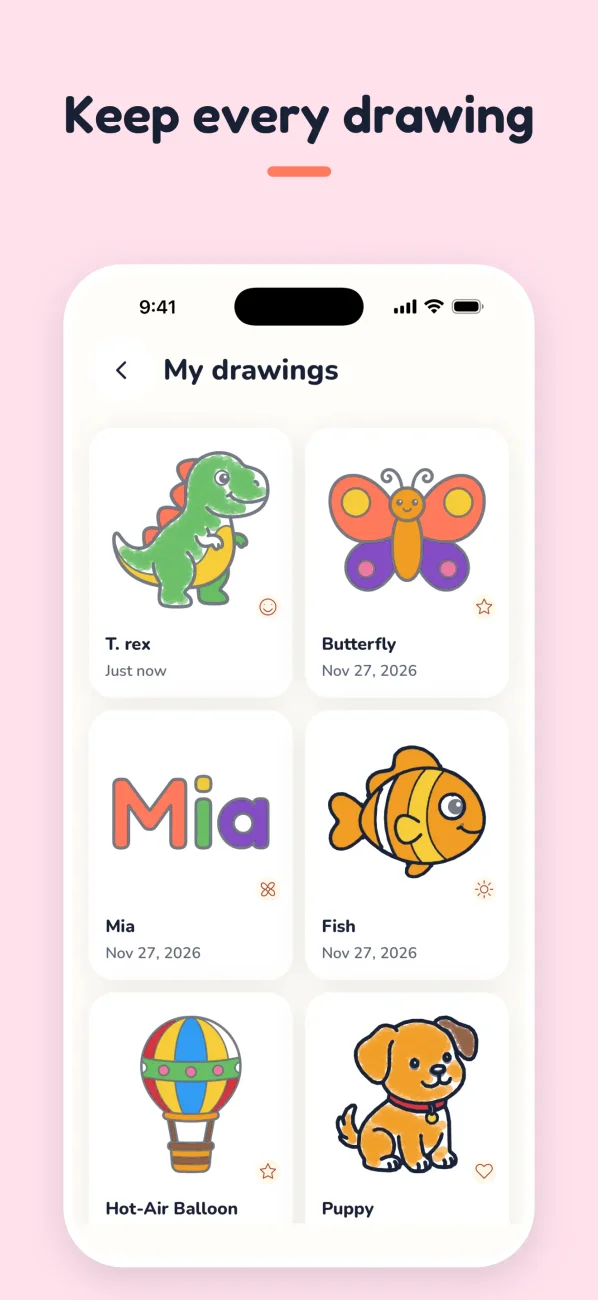
About
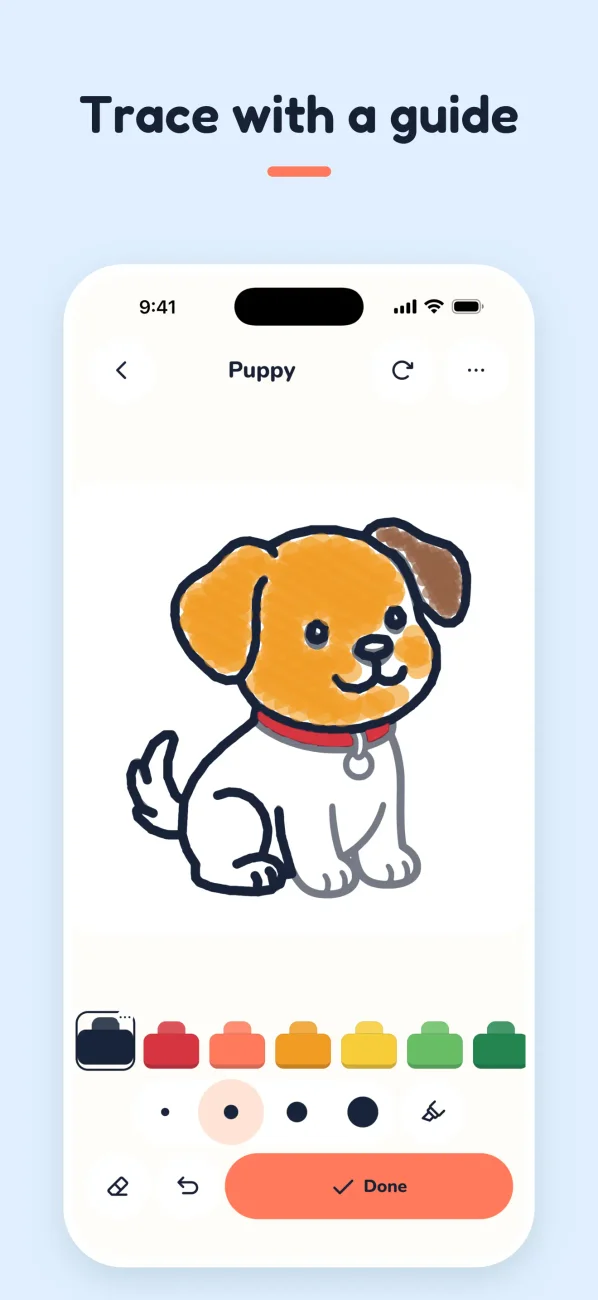
TraceBuddy GU gives families a place to draw together. Pick a picture and choose Simple for bold, friendly lines or Detailed for more to trace. You’ll find animals, ocean life, vehicles, and pictures from Guam.
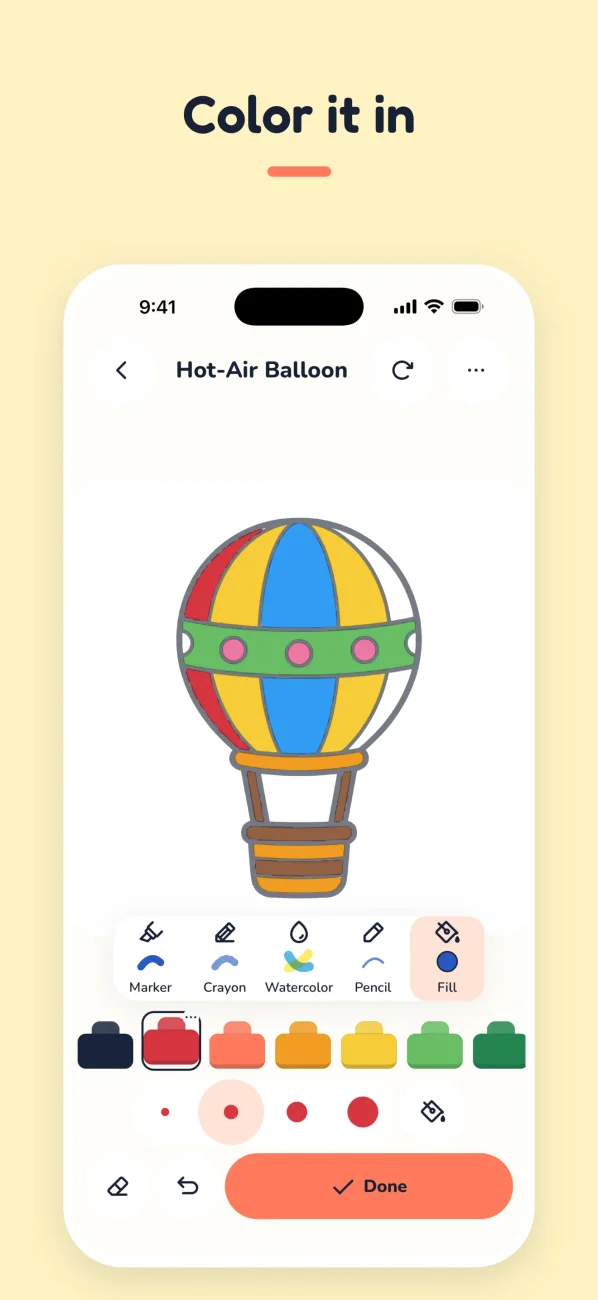
Draw right on your iPhone or iPad. Try a pencil, crayon, marker, or watercolor. Fill a space with one tap or use the Huge brush to color a big area. Pick a shade, undo a mark, and zoom in for small details. When you’re done, add a stamp and find your work again in My drawings.
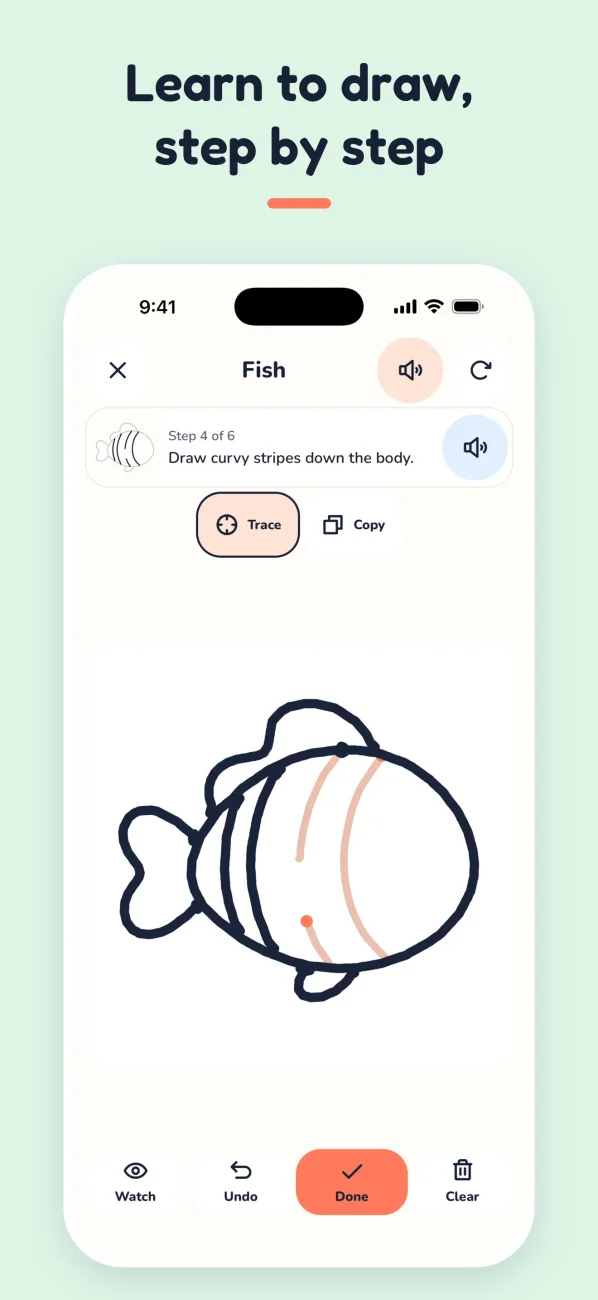
In Learn to draw, watch a picture take shape one step at a time, then trace or copy each step. You can listen to the directions as you go. Practice letters and numbers, type a name or phrase in My words, or choose a photo of your own to draw from.
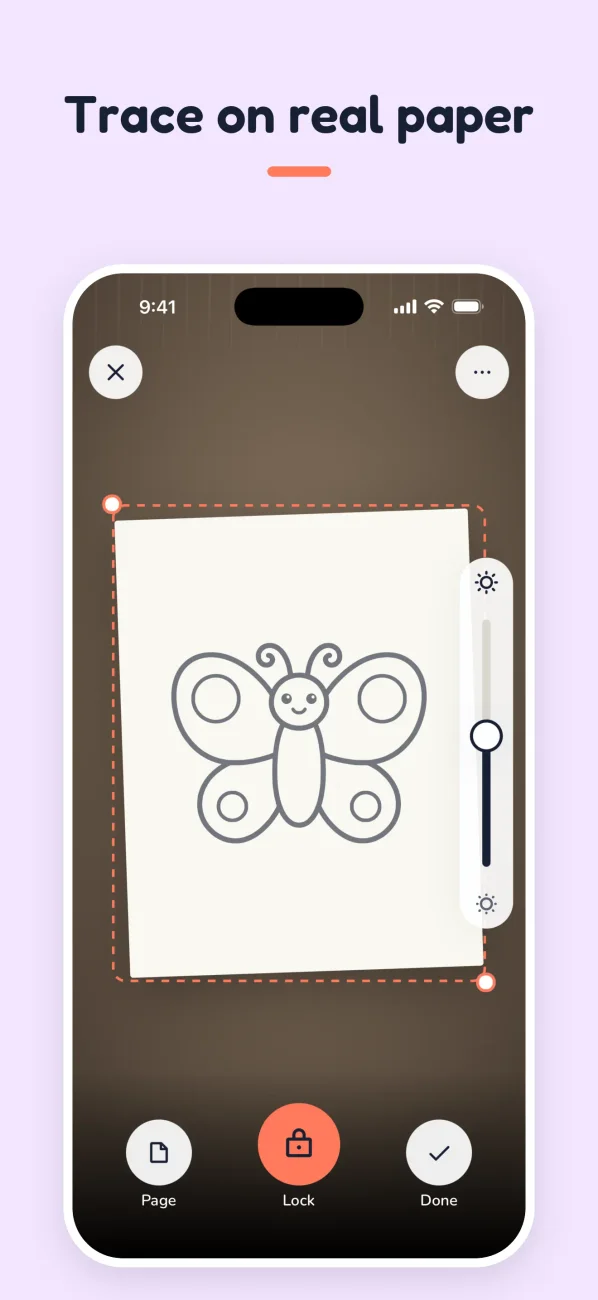
To trace on real paper, use On paper. Prop up your iPhone or iPad above the page, line up the guide over the live camera view, and draw with a real pencil. When you’re finished, tap Done and choose Snap your drawing to keep a photo of it in My drawings.
Come back to a drawing later or choose Save to Photos to keep a copy. Grown-ups can use the protected settings to back up drawings, lesson progress, and favorites to a file and restore them later.
Drawing, tracing, and lessons work offline. Your work is stored on your device, and you can choose where to save or share copies. There’s no account, no ads, and no tracking.
What’s new
Version 2.0 · Nov 28, 2026
• Find pictures in new groups and switch between Simple and Detailed art.
• Draw and color with new brushes, shades, and tap-to-fill. Finish with a stamp and pick up where you left off in My drawings.
• Follow read-aloud drawing lessons, practice letters and numbers, or draw a name or phrase with My words.
• Trace on paper with the camera, then snap a photo of your finished drawing.
• Back up and restore drawings, lesson progress, and favorites in Grown-ups.
App privacy
What Leon Ambrosio Shimizu declares on the App Store about how this app handles data.
-
Data not collected
The developer does not collect any data from this app.
Privacy practices may vary, for example with the features you use or your age.
Information
- Seller
- Leon Ambrosio Shimizu
- Category
- Education
- Version
- 2.0
- Updated
- Nov 28, 2026
- Released
- Jun 18, 2026
- Size
- 83.5 MB
- Requires
- iOS 16.4 or later
- Age rating
- 4+
- Price
- Free
- Languages
- English
- Copyright
- © 2026 Shimizu Technology
You might also like
-
 Simply TraceFun Tracing for Little Hands
-
 Tune Handbook: ECU TuningLearn ECU tuning, step by step
-
 Squigglings: How to DrawEasy drawing, line by line
-
 Southwest Tech Center, OKEducation
-
 Trace Letters, Numbers&JuniorSchool Fonts Handwriting Style
-
 Custom Boards EliteVisual supports & AAC boards
-
 WilliStudyThe Best Studying App
-
 Kids Activities: RaisePlayBaby, PreK, Toddler, Preschool
-
 Rounding-Education
-
 DriveitHOMEEducation