- Yaş sınırı4+
- KategoriEğitim
- GeliştiriciLeon Ambrosio Shimizu
- Dillerİngilizce
- Boyut83,5 MB
Resmi App Store sayfasına bağlanır
Download.org, TraceBuddy GU için hiçbir dosya barındırmaz. Düğme, uygulamanın App Store üzerindeki sayfasını açar; uygulamayı orada Leon Ambrosio Shimizu yayınlar. Sayfanın son kontrolü: 29.11.2026.
Ekran görüntüleri

Hakkında
Geliştirici bu metni dilinizde sunmamış.
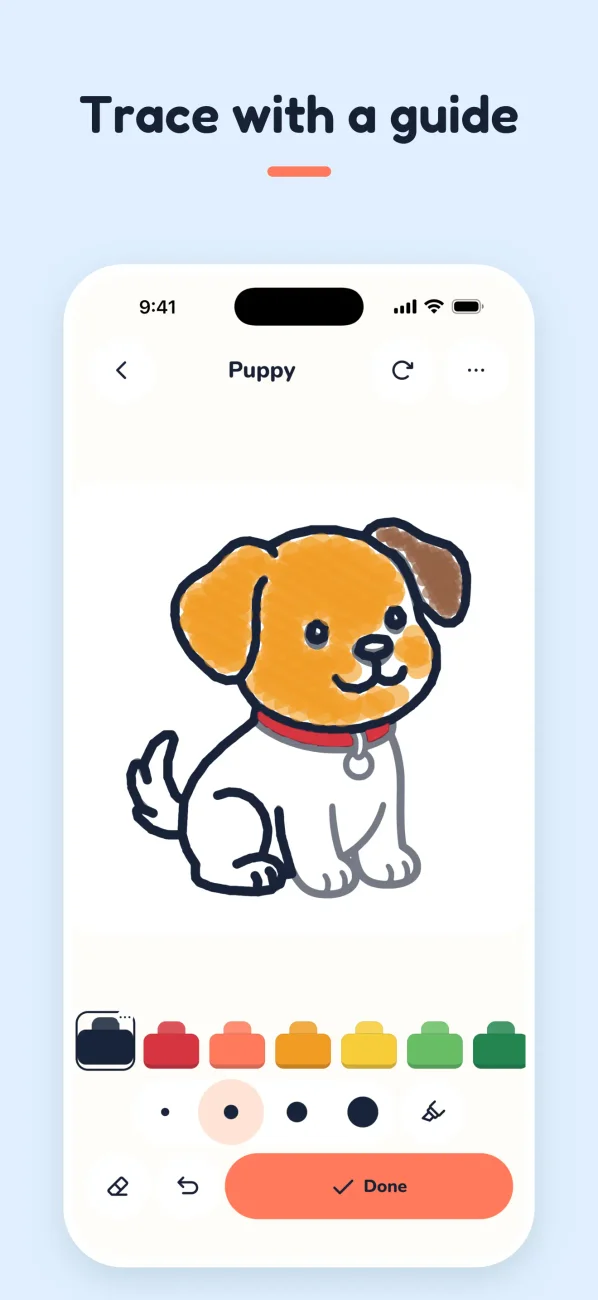
TraceBuddy GU gives families a place to draw together. Pick a picture and choose Simple for bold, friendly lines or Detailed for more to trace. You’ll find animals, ocean life, vehicles, and pictures from Guam.
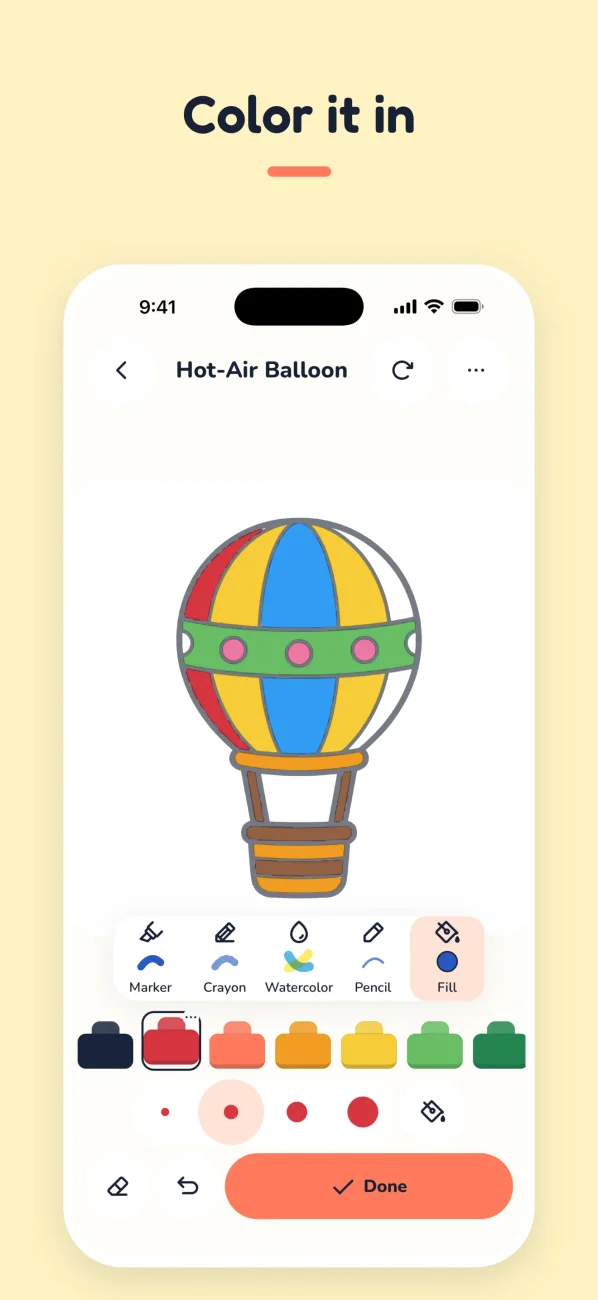
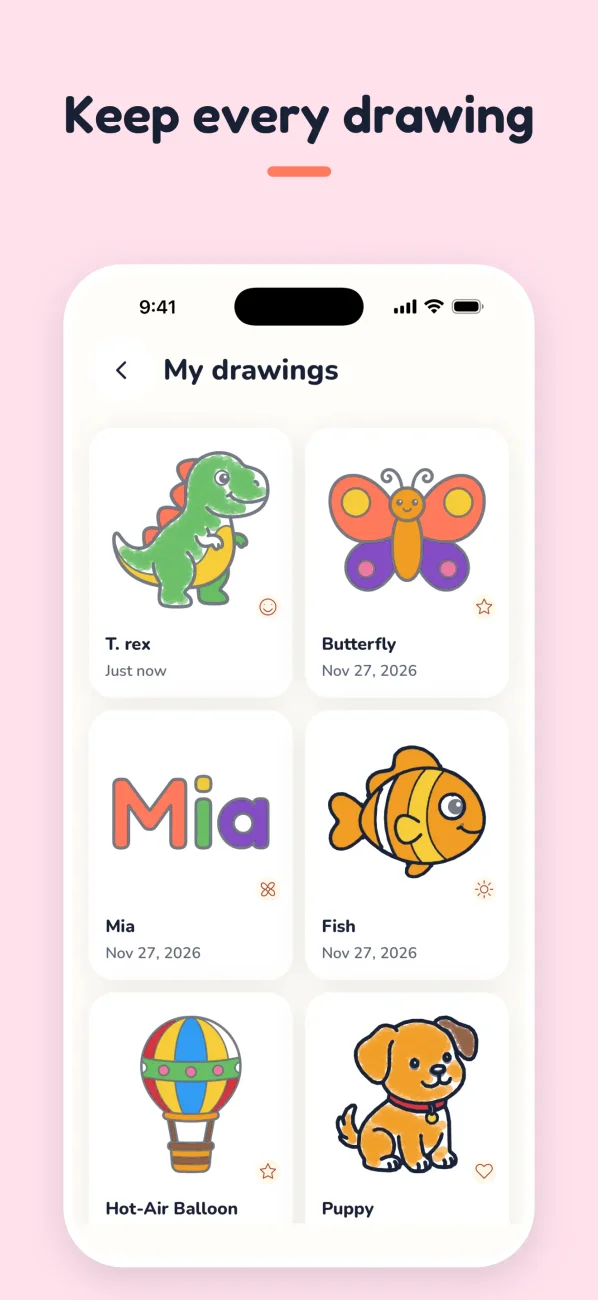
Draw right on your iPhone or iPad. Try a pencil, crayon, marker, or watercolor. Fill a space with one tap or use the Huge brush to color a big area. Pick a shade, undo a mark, and zoom in for small details. When you’re done, add a stamp and find your work again in My drawings.
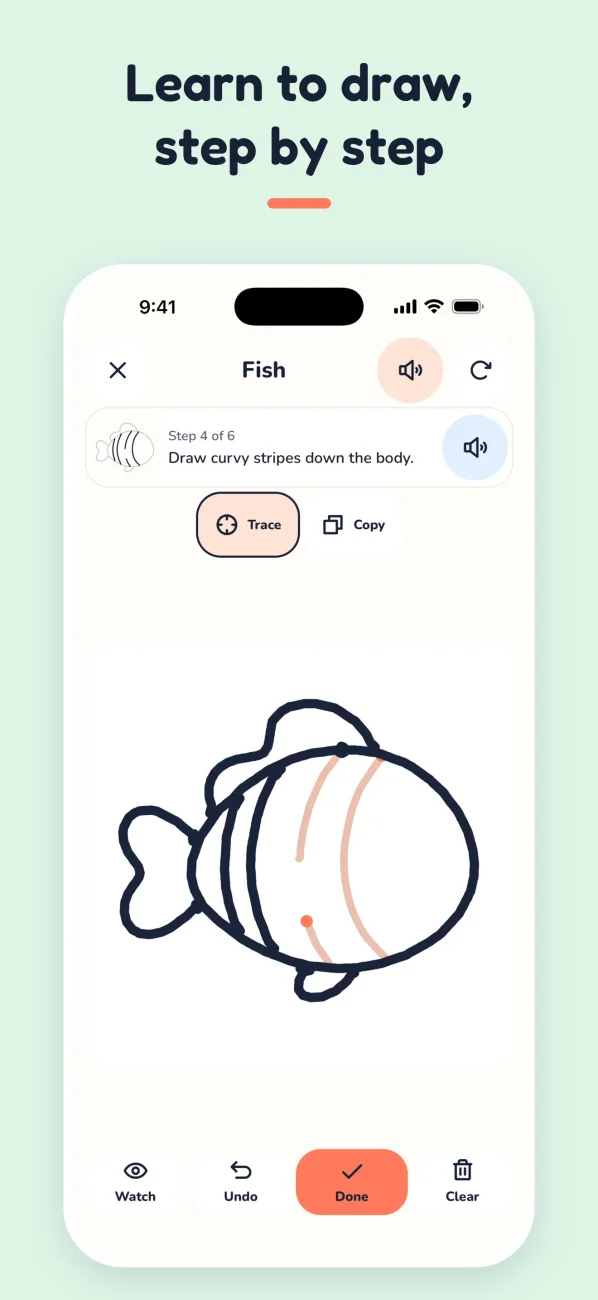
In Learn to draw, watch a picture take shape one step at a time, then trace or copy each step. You can listen to the directions as you go. Practice letters and numbers, type a name or phrase in My words, or choose a photo of your own to draw from.
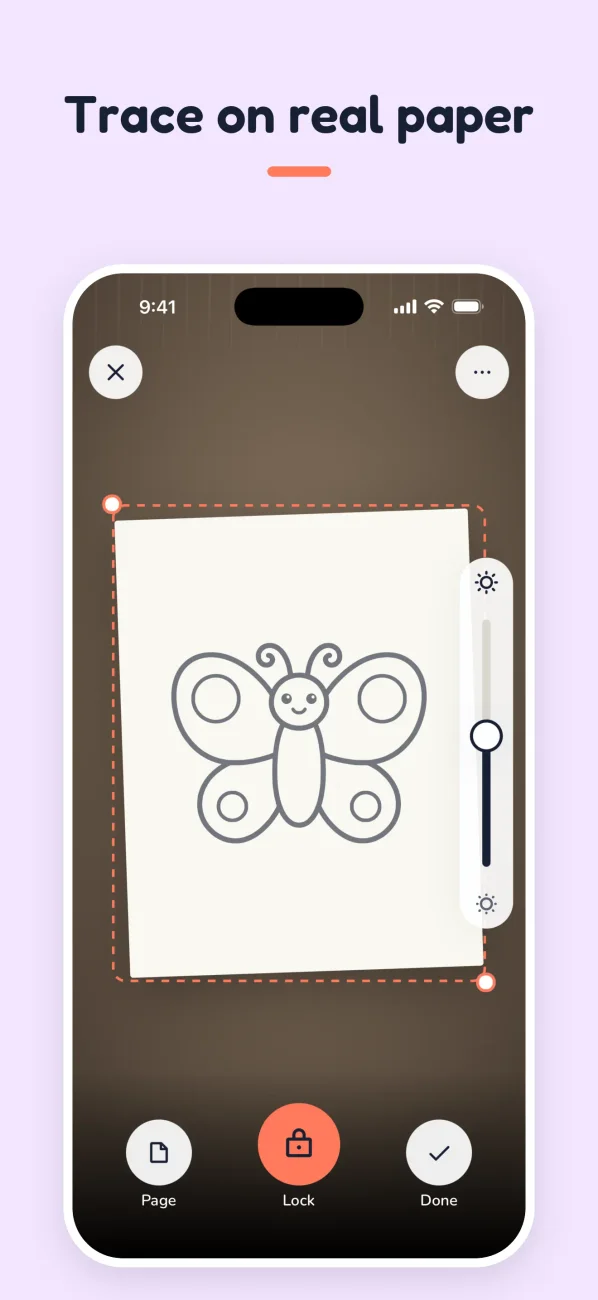
To trace on real paper, use On paper. Prop up your iPhone or iPad above the page, line up the guide over the live camera view, and draw with a real pencil. When you’re finished, tap Done and choose Snap your drawing to keep a photo of it in My drawings.
Come back to a drawing later or choose Save to Photos to keep a copy. Grown-ups can use the protected settings to back up drawings, lesson progress, and favorites to a file and restore them later.
Drawing, tracing, and lessons work offline. Your work is stored on your device, and you can choose where to save or share copies. There’s no account, no ads, and no tracking.
Yenilikler
Sürüm 2.0 · 28.11.2026
• Find pictures in new groups and switch between Simple and Detailed art.
• Draw and color with new brushes, shades, and tap-to-fill. Finish with a stamp and pick up where you left off in My drawings.
• Follow read-aloud drawing lessons, practice letters and numbers, or draw a name or phrase with My words.
• Trace on paper with the camera, then snap a photo of your finished drawing.
• Back up and restore drawings, lesson progress, and favorites in Grown-ups.
Uygulama gizliliği
Bu uygulamanın verileri nasıl işlediği hakkında Leon Ambrosio Shimizu tarafından App Store üzerinde yapılan beyan.
-
Veri toplanmıyor
Geliştirici bu uygulamadan hiçbir veri toplamıyor.
Gizlilik uygulamaları, örneğin kullandığınız özelliklere veya yaşınıza göre değişiklik gösterebilir.
Bilgiler
- Satıcı
- Leon Ambrosio Shimizu
- Kategori
- Eğitim
- Sürüm
- 2.0
- Güncellendi
- 28.11.2026
- Yayın tarihi
- 18.06.2026
- Boyut
- 83,5 MB
- Gereksinim
- iOS 16.4 veya sonrası
- Yaş sınırı
- 4+
- Fiyat
- Ücretsiz
- Diller
- İngilizce
- Telif hakkı
- © 2026 Shimizu Technology