- Độ tuổi4+
- Danh mụcGiáo Dục
- Nhà phát triểnLeon Ambrosio Shimizu
- Ngôn ngữTiếng Anh
- Kích thước83,5 MB
Liên kết đến trang App Store chính thức
Download.org không lưu trữ tệp nào của TraceBuddy GU. Nút này mở trang ứng dụng trên App Store, nơi Leon Ambrosio Shimizu phát hành ứng dụng. Trang được kiểm tra lần cuối: 29/11/2026.
Ảnh chụp màn hình

Giới thiệu
Nhà phát triển chưa cung cấp nội dung này bằng ngôn ngữ của bạn.
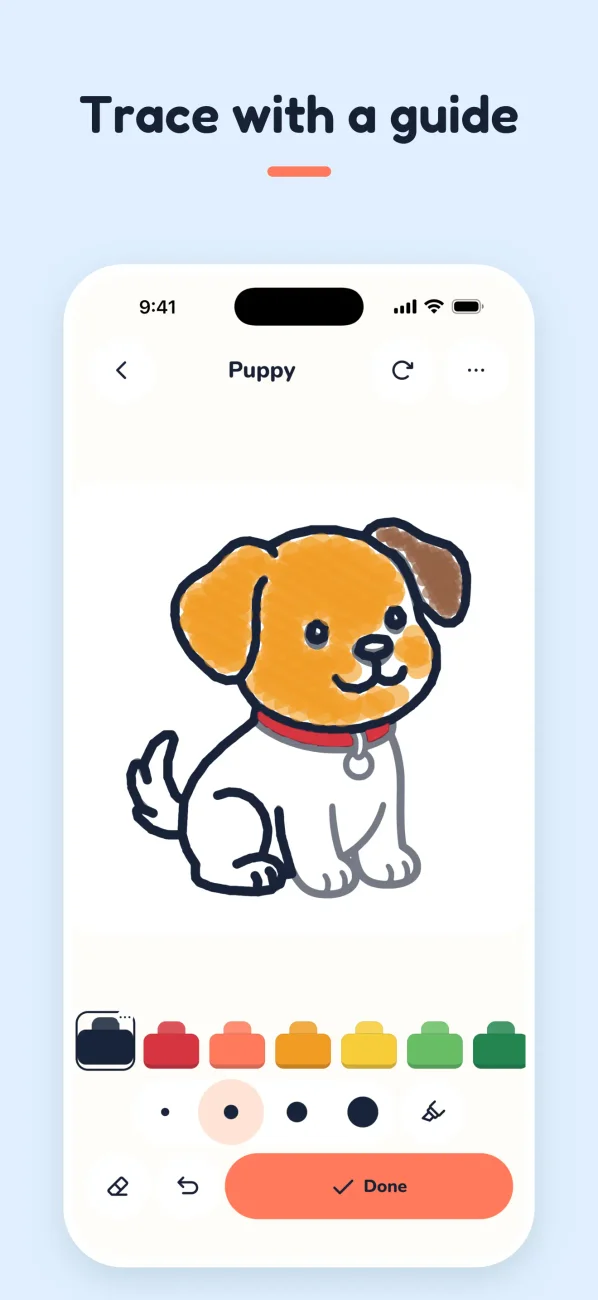
TraceBuddy GU gives families a place to draw together. Pick a picture and choose Simple for bold, friendly lines or Detailed for more to trace. You’ll find animals, ocean life, vehicles, and pictures from Guam.
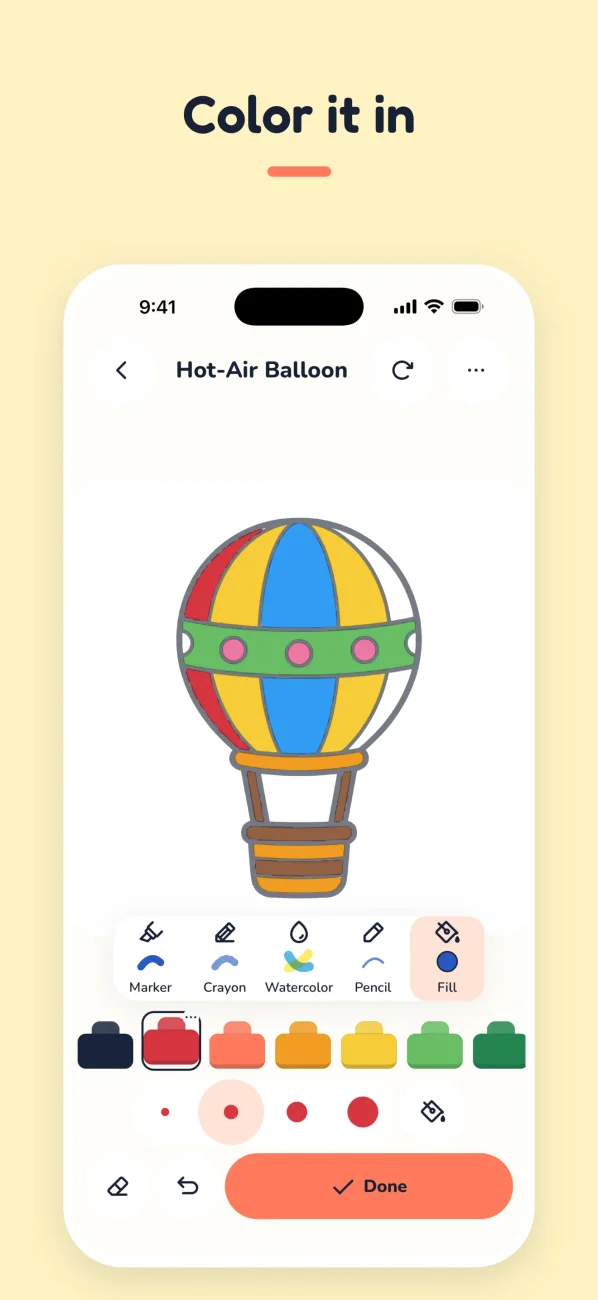
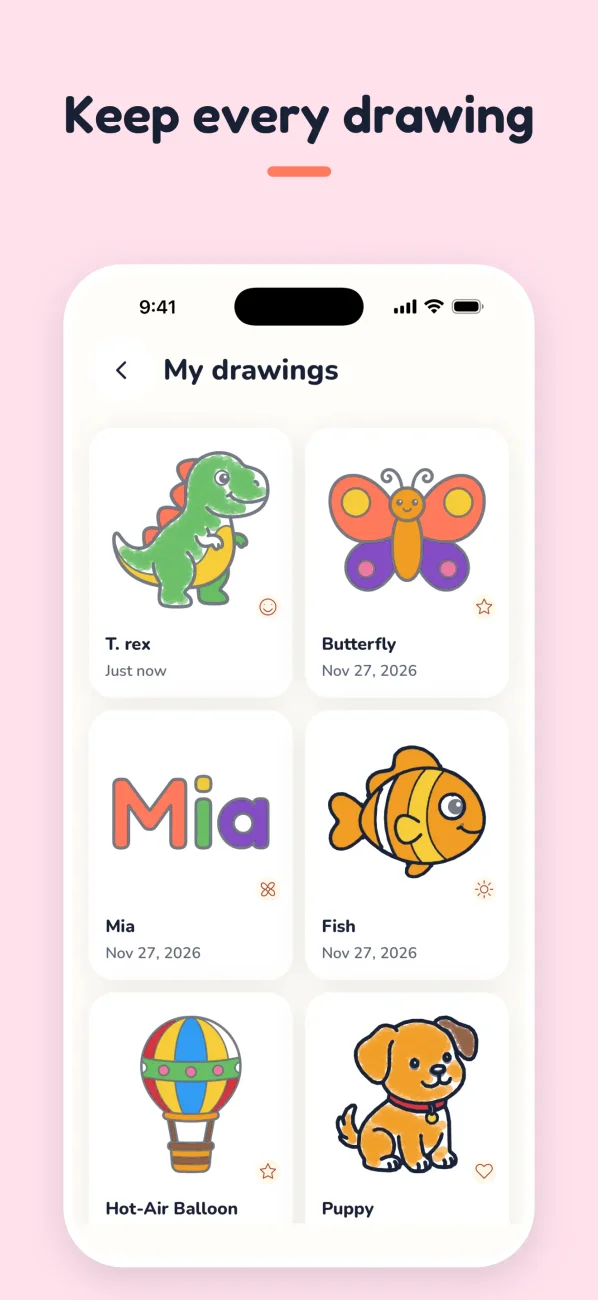
Draw right on your iPhone or iPad. Try a pencil, crayon, marker, or watercolor. Fill a space with one tap or use the Huge brush to color a big area. Pick a shade, undo a mark, and zoom in for small details. When you’re done, add a stamp and find your work again in My drawings.
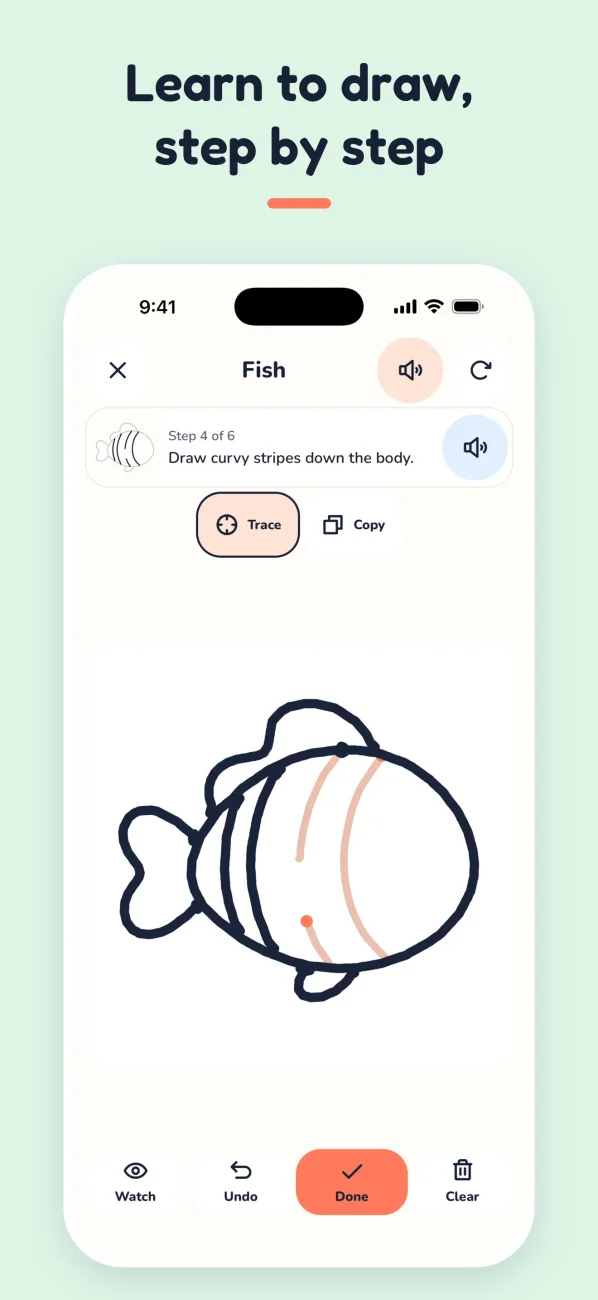
In Learn to draw, watch a picture take shape one step at a time, then trace or copy each step. You can listen to the directions as you go. Practice letters and numbers, type a name or phrase in My words, or choose a photo of your own to draw from.
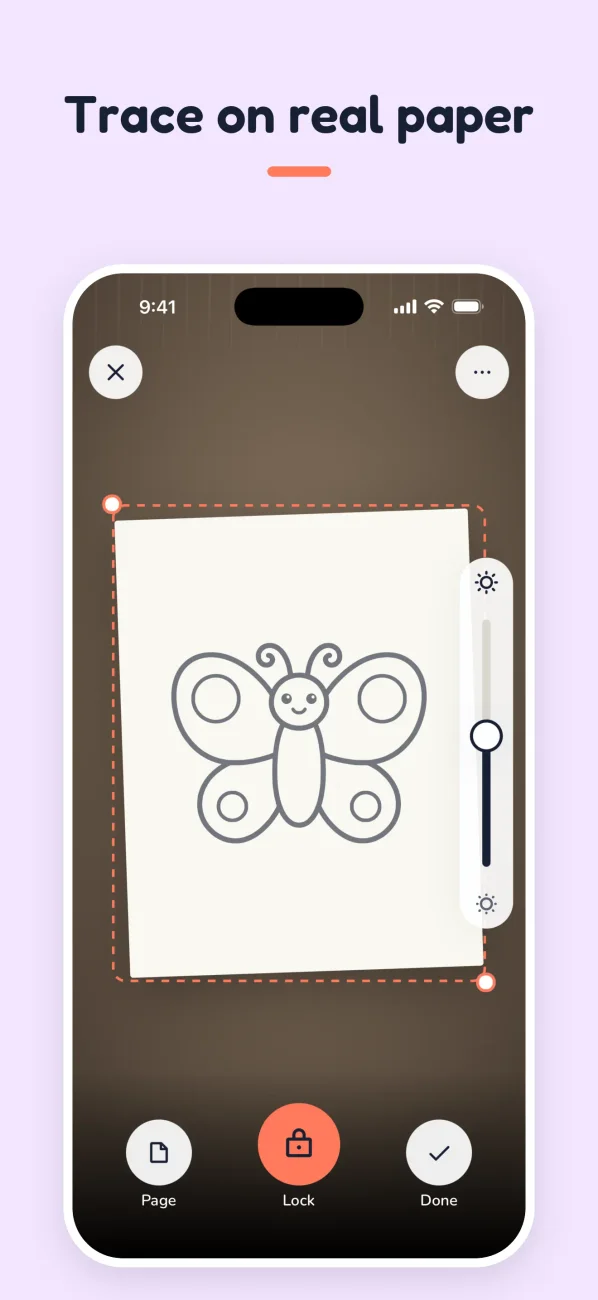
To trace on real paper, use On paper. Prop up your iPhone or iPad above the page, line up the guide over the live camera view, and draw with a real pencil. When you’re finished, tap Done and choose Snap your drawing to keep a photo of it in My drawings.
Come back to a drawing later or choose Save to Photos to keep a copy. Grown-ups can use the protected settings to back up drawings, lesson progress, and favorites to a file and restore them later.
Drawing, tracing, and lessons work offline. Your work is stored on your device, and you can choose where to save or share copies. There’s no account, no ads, and no tracking.
Có gì mới
Phiên bản 2.0 · 28/11/2026
• Find pictures in new groups and switch between Simple and Detailed art.
• Draw and color with new brushes, shades, and tap-to-fill. Finish with a stamp and pick up where you left off in My drawings.
• Follow read-aloud drawing lessons, practice letters and numbers, or draw a name or phrase with My words.
• Trace on paper with the camera, then snap a photo of your finished drawing.
• Back up and restore drawings, lesson progress, and favorites in Grown-ups.
Quyền riêng tư của ứng dụng
Những gì Leon Ambrosio Shimizu khai báo trên App Store về cách ứng dụng này xử lý dữ liệu.
-
Dữ liệu không được thu thập
Nhà phát triển không thu thập bất kỳ dữ liệu nào từ ứng dụng này.
Phương thức đảm bảo quyền riêng tư có thể khác nhau, chẳng hạn như tuỳ theo các tính năng bạn sử dụng hoặc độ tuổi của bạn.
Thông tin
- Người bán
- Leon Ambrosio Shimizu
- Danh mục
- Giáo Dục
- Phiên bản
- 2.0
- Cập nhật
- 28/11/2026
- Phát hành
- 18/06/2026
- Kích thước
- 83,5 MB
- Yêu cầu
- iOS 16.4 trở lên
- Độ tuổi
- 4+
- Giá
- Miễn phí
- Ngôn ngữ
- Tiếng Anh
- Bản quyền
- © 2026 Shimizu Technology