- 対象年齢4+
- カテゴリ教育
- 開発元Leon Ambrosio Shimizu
- 言語英語
- サイズ83.5 MB
App Storeの公式ページにリンクしています
Download.orgはTraceBuddy GUのファイルを一切ホストしていません。ボタンを押すと、Leon Ambrosio Shimizuが公開しているApp Storeのアプリページが開きます。ページの最終確認:2026/11/29。
スクリーンショット

概要
開発元はこのテキストをお使いの言語で提供していません。
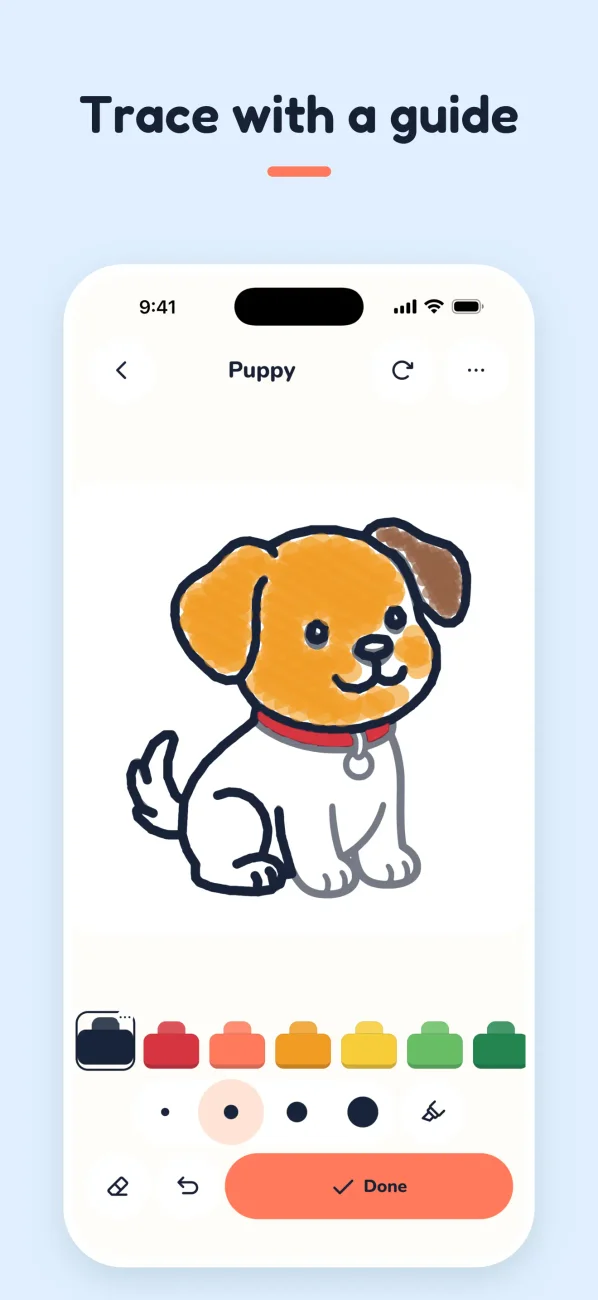
TraceBuddy GU gives families a place to draw together. Pick a picture and choose Simple for bold, friendly lines or Detailed for more to trace. You’ll find animals, ocean life, vehicles, and pictures from Guam.
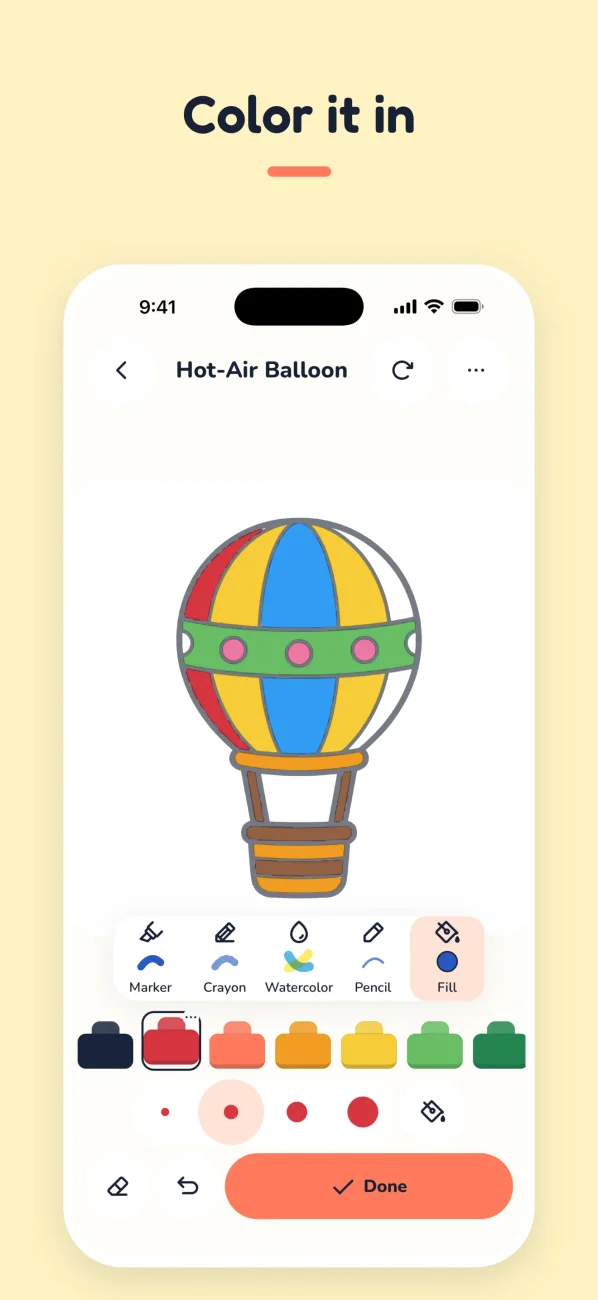
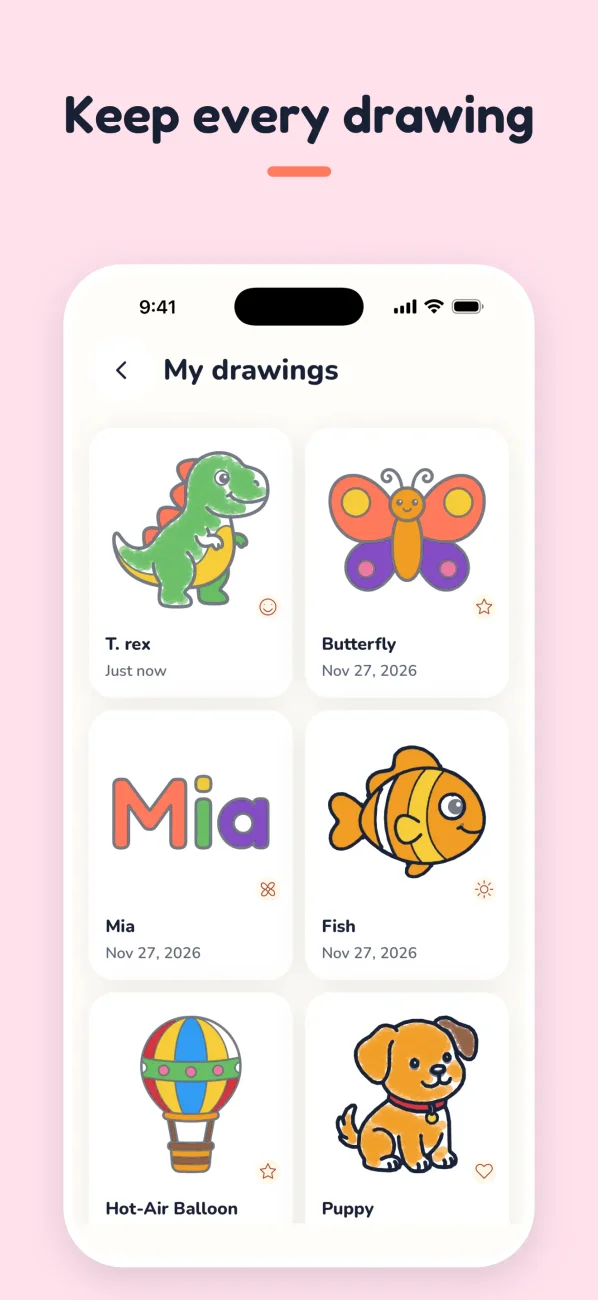
Draw right on your iPhone or iPad. Try a pencil, crayon, marker, or watercolor. Fill a space with one tap or use the Huge brush to color a big area. Pick a shade, undo a mark, and zoom in for small details. When you’re done, add a stamp and find your work again in My drawings.
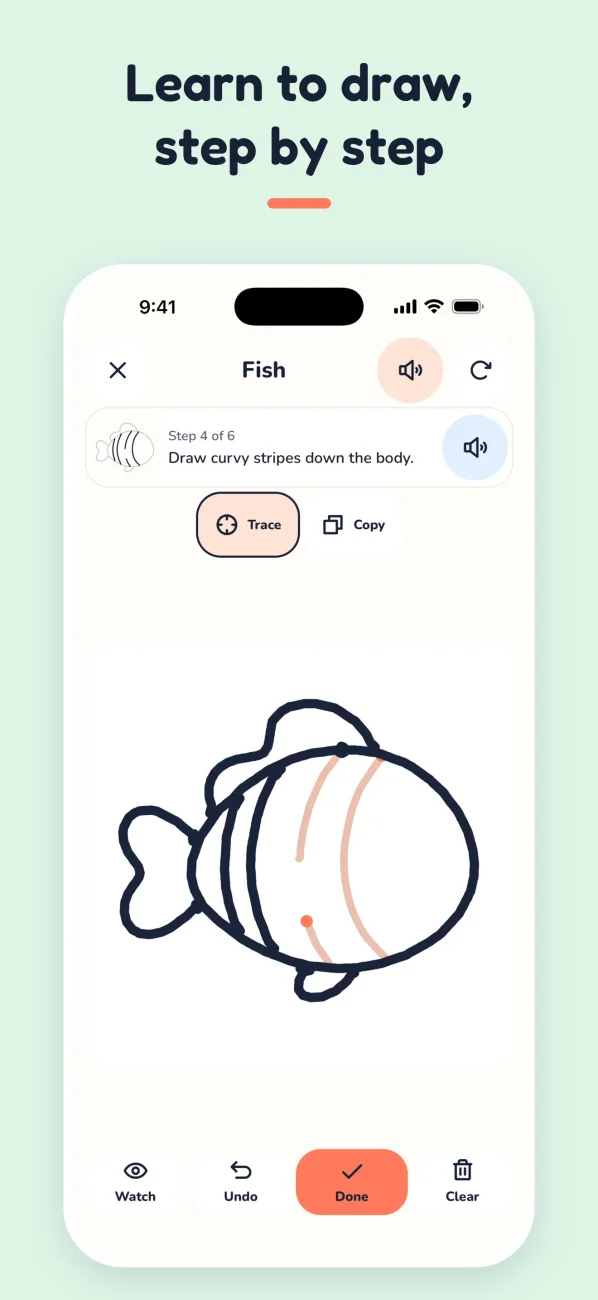
In Learn to draw, watch a picture take shape one step at a time, then trace or copy each step. You can listen to the directions as you go. Practice letters and numbers, type a name or phrase in My words, or choose a photo of your own to draw from.
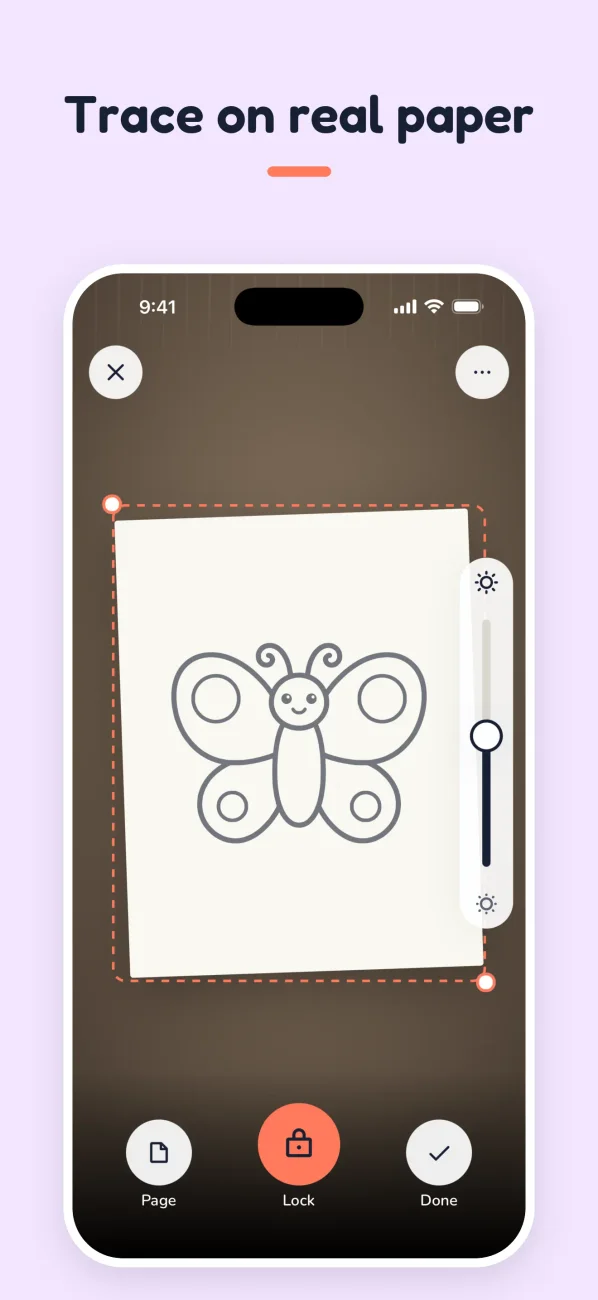
To trace on real paper, use On paper. Prop up your iPhone or iPad above the page, line up the guide over the live camera view, and draw with a real pencil. When you’re finished, tap Done and choose Snap your drawing to keep a photo of it in My drawings.
Come back to a drawing later or choose Save to Photos to keep a copy. Grown-ups can use the protected settings to back up drawings, lesson progress, and favorites to a file and restore them later.
Drawing, tracing, and lessons work offline. Your work is stored on your device, and you can choose where to save or share copies. There’s no account, no ads, and no tracking.
新機能
バージョン 2.0 · 2026/11/28
• Find pictures in new groups and switch between Simple and Detailed art.
• Draw and color with new brushes, shades, and tap-to-fill. Finish with a stamp and pick up where you left off in My drawings.
• Follow read-aloud drawing lessons, practice letters and numbers, or draw a name or phrase with My words.
• Trace on paper with the camera, then snap a photo of your finished drawing.
• Back up and restore drawings, lesson progress, and favorites in Grown-ups.
アプリのプライバシー
このアプリのデータの取り扱いについて、Leon Ambrosio ShimizuがApp Storeで申告している内容です。
-
データの収集なし
開発元はこのアプリからデータを収集しません。
プライバシーの取り扱いは、ご利用の機能やお客様の年齢などに応じて異なる場合があります。
情報
- 販売元
- Leon Ambrosio Shimizu
- カテゴリ
- 教育
- バージョン
- 2.0
- 更新日
- 2026/11/28
- リリース
- 2026/6/18
- サイズ
- 83.5 MB
- 必要条件
- iOS 16.4以降
- 対象年齢
- 4+
- 価格
- 無料
- 言語
- 英語
- 著作権
- © 2026 Shimizu Technology