
MineTime – Parental control
Time limits for block games
Conçue pour iPhone, iPad, iPod touch
Gratuit
- Classification d’âge4+
- CatégorieUtilitaires
- DéveloppeurNatalia Shuvaeva
- LanguesAnglais
- Taille25,5 Mo
Renvoie vers la page App Store officielle
Download.org n’héberge aucun fichier de MineTime – Parental control. Le bouton ouvre la page de l’application sur App Store, où Natalia Shuvaeva la publie. Fiche vérifiée pour la dernière fois le 12/11/2026.
Captures d’écran
À propos
Le développeur n’a pas fourni ce texte dans votre langue.
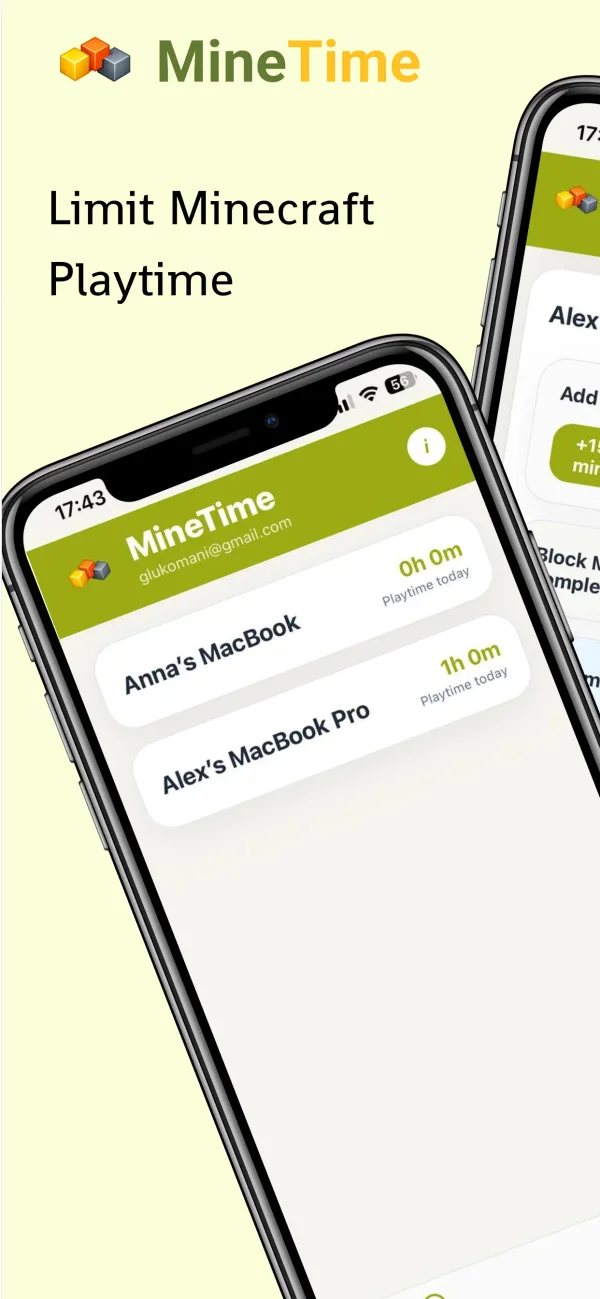
MineTime is a Minecraft parental control app for parents who want real Minecraft screen time controls on Mac. Use the iPhone or iPad app as your parent dashboard to manage your child’s Mac, set Minecraft time limits, schedule downtime, give bonus time, and block Minecraft on Mac when needed.
MineTime is built for Minecraft Java Edition on macOS. It helps families manage Minecraft playtime with simple parental controls designed specifically for parents who need a practical way to limit Minecraft on Mac.
With MineTime you can:
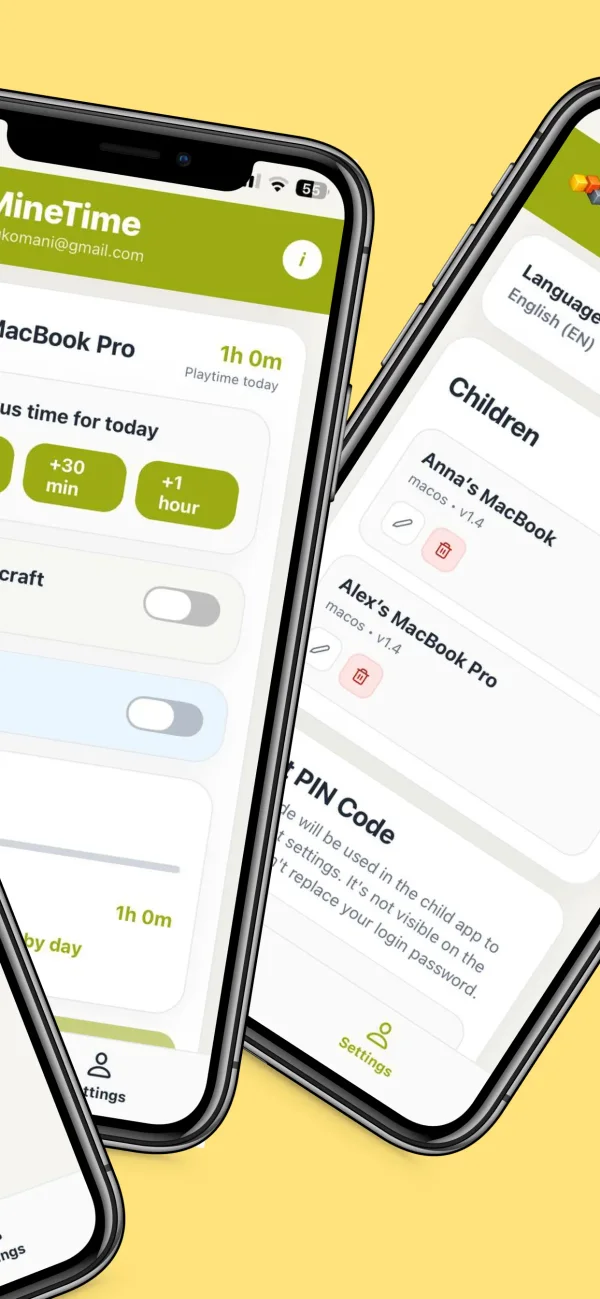
• Set daily Minecraft time limits
• Create different limits for each day of the week
• Block Minecraft completely on your child’s Mac
• Schedule downtime hours
• Add bonus time in one tap
• Check today’s playtime
• Manage multiple child devices
• Pair a child’s Mac with a simple code
• Protect parent settings with a PIN
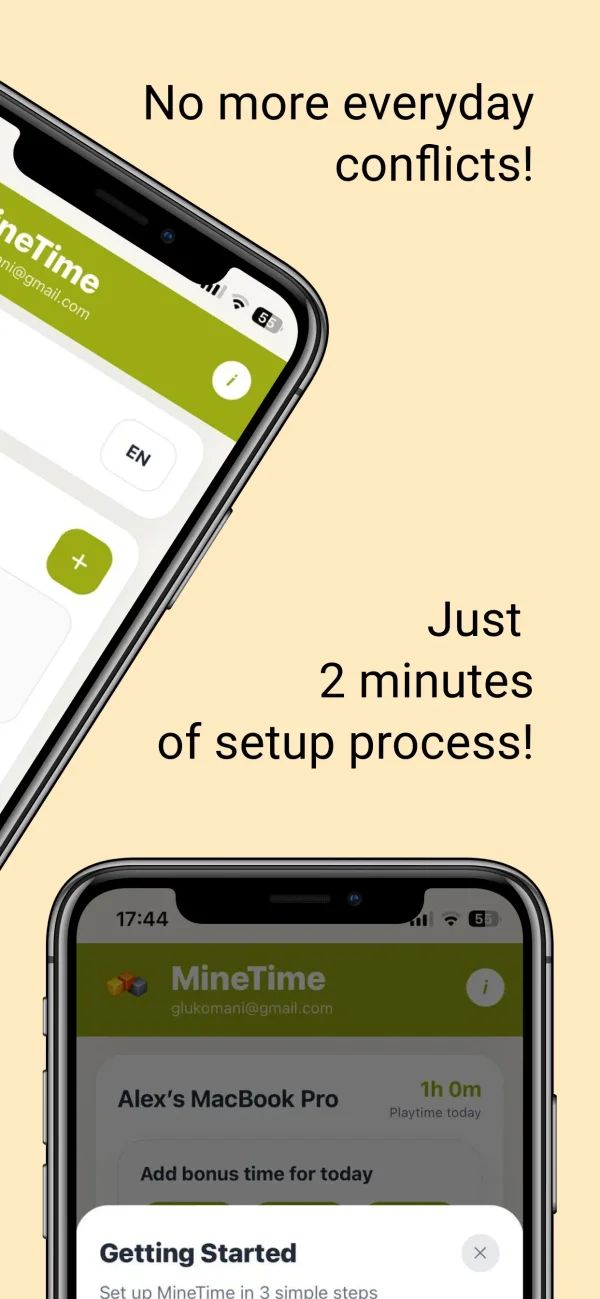
How MineTime works:
1. Install MineTime on your child’s Mac (download it from our web-site https://minetime.app
2. Sign in to the mobile app with your parent account.
3. Pair the Mac using the code shown in MineTime.
4. Set Minecraft parental controls from your phone.
Once paired, MineTime lets you manage Minecraft screen time from anywhere. Update time limits, change downtime, add extra time for rewards or weekends, and manage each child separately from one parent account.
MineTime is especially useful for parents looking for:
• Minecraft parental control
• Minecraft screen time
• Minecraft time limits
• How to block Minecraft on Mac
• Minecraft Java Edition parental controls
• Mac parental controls for Minecraft
Important:
• MineTime is for Minecraft Java Edition on macOS.
• The mobile app is the parent console. Limit enforcement happens through the MineTime app installed on the child’s Mac.
• Requires MineTime on the child’s Mac running macOS 12 or later.
MineTime is an independent app and is not affiliated with Mojang or Microsoft.
Nouveautés
Version 1.1 · 15/06/2026
Sync bugs are fixed.
Confidentialité de l’application
Ce que Natalia Shuvaeva déclare sur l’App Store au sujet du traitement des données par cette application.
-
Données établissant un lien avec vous
Peuvent être collectées et liées à votre identité.
- Coordonnées
- Identifiants
- Données d’utilisation
Les pratiques en matière de confidentialité peuvent varier, notamment en fonction des fonctionnalités que vous utilisez ou de votre âge.
Informations
- Vendeur
- Natalia Shuvaeva
- Catégorie
- Utilitaires
- Version
- 1.1
- Mis à jour
- 15/06/2026
- Publié
- 11/05/2026
- Taille
- 25,5 Mo
- Nécessite
- iOS 15.1 ou version ultérieure
- Classification d’âge
- 4+
- Prix
- Gratuit
- Langues
- Anglais
- Copyright
- © Natalia Shuvaeva
Vous aimerez peut-être aussi
-
 SafeScreen: Parental ControlUtilitaires
-
 Mode Enfant - Bloqueur AppContrôle parental ultra simple
-
 ScreenHush- Focus & SleepUtilitaires
-
 Safeinest ConnectApp enfant pour Safeinest
-
 iLimits – Parental ControlsUtilitaires
-
 Kidper : focus, puis pauseVos applis d'abord, jeux après
-
 Quiet Time: App BlockerUtilitaires
-
 Shabbat Alarm: Shabbos ClockUtilitaires
-
 Havenly Parental ControlScreen Time & App Blocker
-
 SoloOps: Miner DashboardUtilitaires