
MineTime – Parental control
Time limits for block games
Được thiết kế cho iPhone, iPad, iPod touch
Miễn phí
- Độ tuổi4+
- Danh mụcTiện Ích
- Nhà phát triểnNatalia Shuvaeva
- Ngôn ngữTiếng Anh
- Kích thước25,5 MB
Liên kết đến trang App Store chính thức
Download.org không lưu trữ tệp nào của MineTime – Parental control. Nút này mở trang ứng dụng trên App Store, nơi Natalia Shuvaeva phát hành ứng dụng. Trang được kiểm tra lần cuối: 12/11/2026.
Ảnh chụp màn hình
Giới thiệu
Nhà phát triển chưa cung cấp nội dung này bằng ngôn ngữ của bạn.
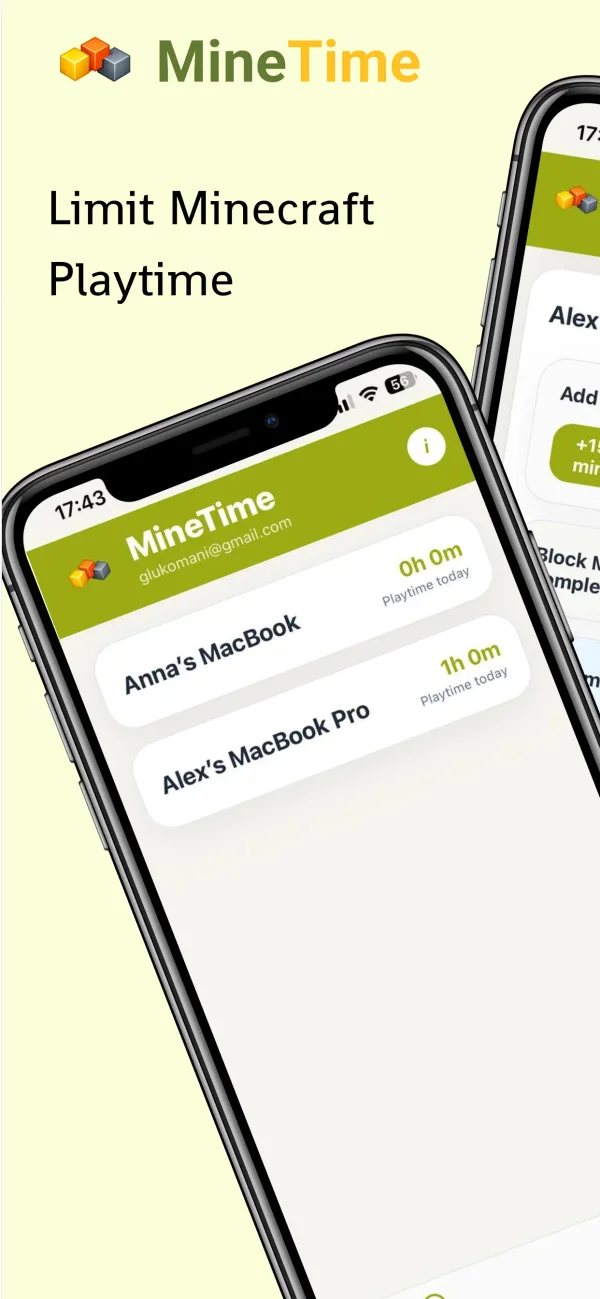
MineTime is a Minecraft parental control app for parents who want real Minecraft screen time controls on Mac. Use the iPhone or iPad app as your parent dashboard to manage your child’s Mac, set Minecraft time limits, schedule downtime, give bonus time, and block Minecraft on Mac when needed.
MineTime is built for Minecraft Java Edition on macOS. It helps families manage Minecraft playtime with simple parental controls designed specifically for parents who need a practical way to limit Minecraft on Mac.
With MineTime you can:
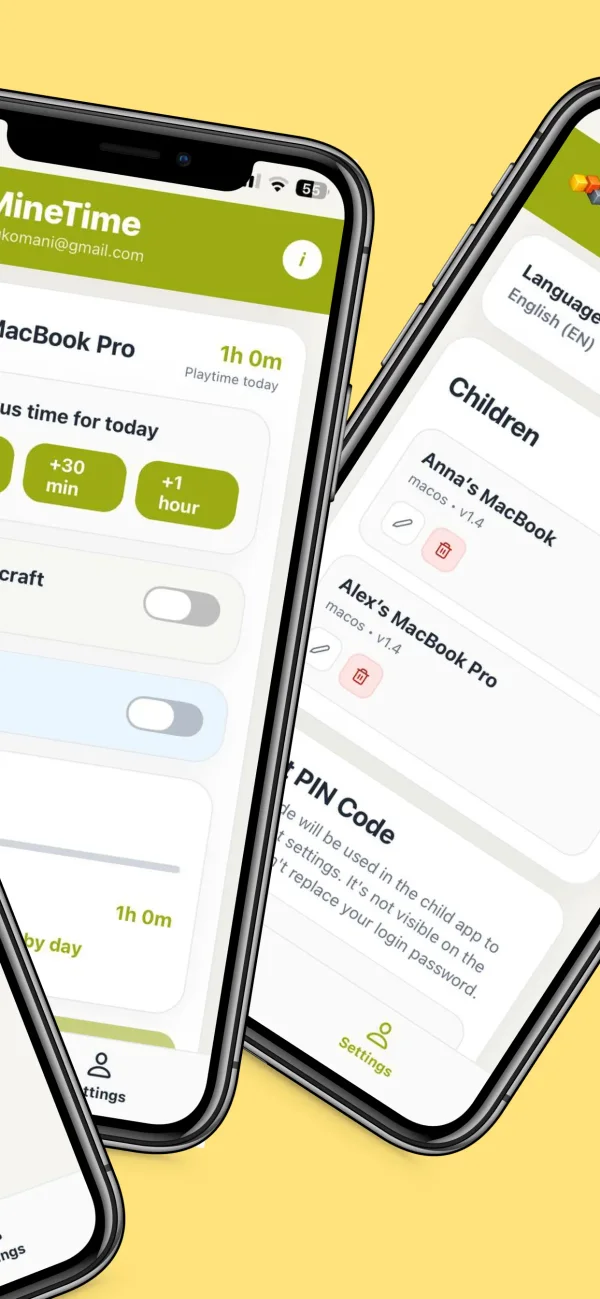
• Set daily Minecraft time limits
• Create different limits for each day of the week
• Block Minecraft completely on your child’s Mac
• Schedule downtime hours
• Add bonus time in one tap
• Check today’s playtime
• Manage multiple child devices
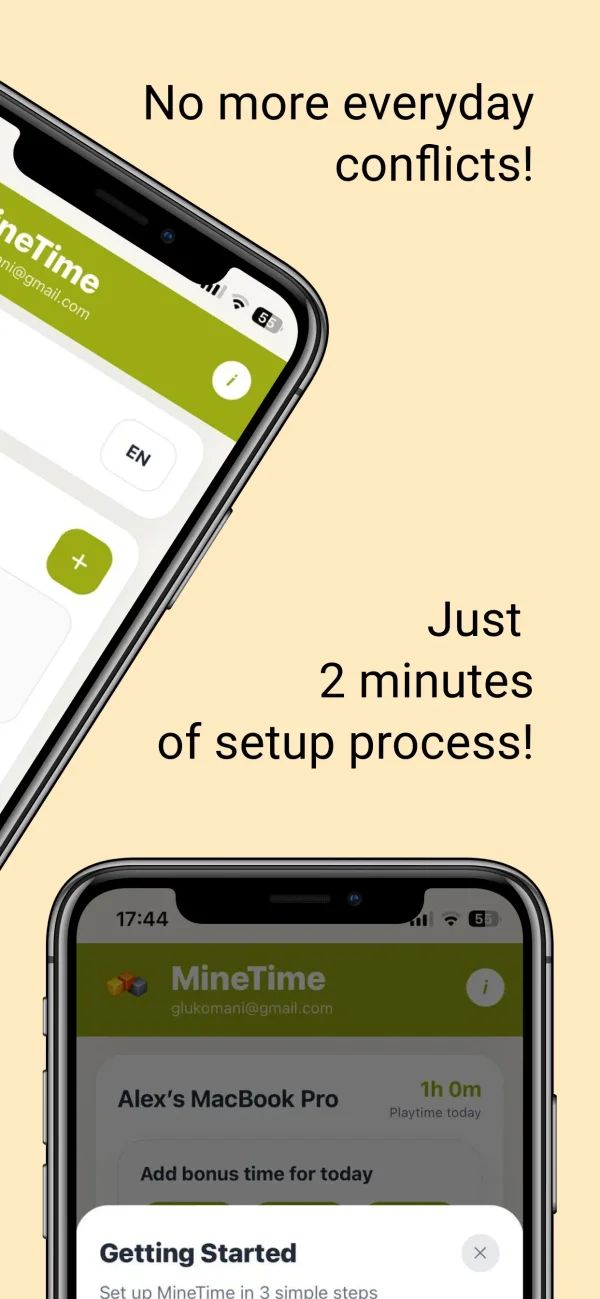
• Pair a child’s Mac with a simple code
• Protect parent settings with a PIN
How MineTime works:
1. Install MineTime on your child’s Mac (download it from our web-site https://minetime.app
2. Sign in to the mobile app with your parent account.
3. Pair the Mac using the code shown in MineTime.
4. Set Minecraft parental controls from your phone.
Once paired, MineTime lets you manage Minecraft screen time from anywhere. Update time limits, change downtime, add extra time for rewards or weekends, and manage each child separately from one parent account.
MineTime is especially useful for parents looking for:
• Minecraft parental control
• Minecraft screen time
• Minecraft time limits
• How to block Minecraft on Mac
• Minecraft Java Edition parental controls
• Mac parental controls for Minecraft
Important:
• MineTime is for Minecraft Java Edition on macOS.
• The mobile app is the parent console. Limit enforcement happens through the MineTime app installed on the child’s Mac.
• Requires MineTime on the child’s Mac running macOS 12 or later.
MineTime is an independent app and is not affiliated with Mojang or Microsoft.
Có gì mới
Phiên bản 1.1 · 15/06/2026
Sync bugs are fixed.
Quyền riêng tư của ứng dụng
Những gì Natalia Shuvaeva khai báo trên App Store về cách ứng dụng này xử lý dữ liệu.
-
Dữ liệu liên kết với bạn
Có thể được thu thập và liên kết với danh tính của bạn.
- Thông tin liên hệ
- Mã định danh
- Dữ liệu sử dụng
Phương thức đảm bảo quyền riêng tư có thể khác nhau, chẳng hạn như tuỳ theo các tính năng bạn sử dụng hoặc độ tuổi của bạn.
Thông tin
- Người bán
- Natalia Shuvaeva
- Danh mục
- Tiện Ích
- Phiên bản
- 1.1
- Cập nhật
- 15/06/2026
- Phát hành
- 11/05/2026
- Kích thước
- 25,5 MB
- Yêu cầu
- iOS 15.1 trở lên
- Độ tuổi
- 4+
- Giá
- Miễn phí
- Ngôn ngữ
- Tiếng Anh
- Bản quyền
- © Natalia Shuvaeva
Có thể bạn cũng thích
-
 SafeScreen: Parental ControlTiện Ích
-
 Kids Mode - App BlockerTiện Ích
-
 ScreenHush- Focus & SleepTiện Ích
-
 Safeinest ConnectỨng dụng trẻ em cho Safeinest
-
 iLimits – Parental ControlsTiện Ích
-
 Kidper: Chú tâm, rồi nghỉApp bạn chọn trước, game sau
-
 Quiet Time: App BlockerTiện Ích
-
 Shabbat Alarm: Shabbos ClockTiện Ích
-
 Havenly Parental ControlTiện Ích
-
 SoloOps: Miner DashboardTiện Ích