
MineTime – Parental control
Time limits for block games
Dirancang untuk iPhone, iPad, iPod touch
Gratis
- Batasan usia4+
- KategoriKegunaan
- PengembangNatalia Shuvaeva
- BahasaInggris
- Ukuran25,5 MB
Tertaut ke halaman resmi App Store
Download.org tidak menyimpan file MineTime – Parental control apa pun. Tombol ini membuka halaman aplikasi di App Store, tempat Natalia Shuvaeva menerbitkannya. Halaman terakhir diperiksa pada 12/11/2026.
Tangkapan layar
Tentang
Pengembang belum menyediakan teks ini dalam bahasa Anda.
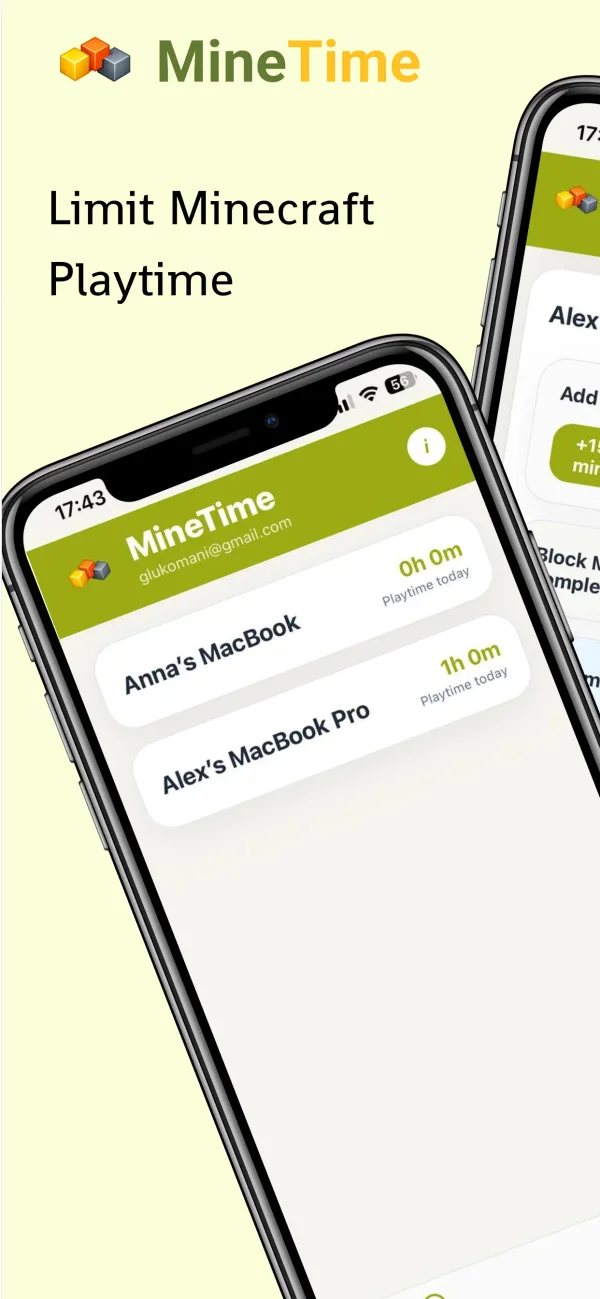
MineTime is a Minecraft parental control app for parents who want real Minecraft screen time controls on Mac. Use the iPhone or iPad app as your parent dashboard to manage your child’s Mac, set Minecraft time limits, schedule downtime, give bonus time, and block Minecraft on Mac when needed.
MineTime is built for Minecraft Java Edition on macOS. It helps families manage Minecraft playtime with simple parental controls designed specifically for parents who need a practical way to limit Minecraft on Mac.
With MineTime you can:
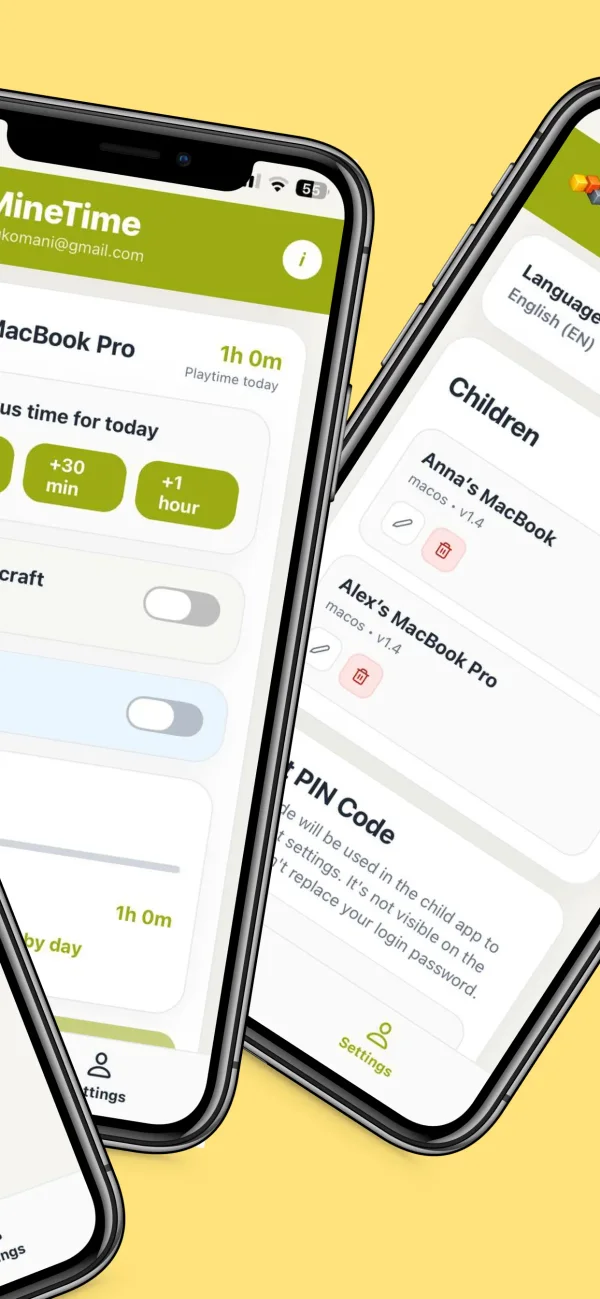
• Set daily Minecraft time limits
• Create different limits for each day of the week
• Block Minecraft completely on your child’s Mac
• Schedule downtime hours
• Add bonus time in one tap
• Check today’s playtime
• Manage multiple child devices
• Pair a child’s Mac with a simple code
• Protect parent settings with a PIN
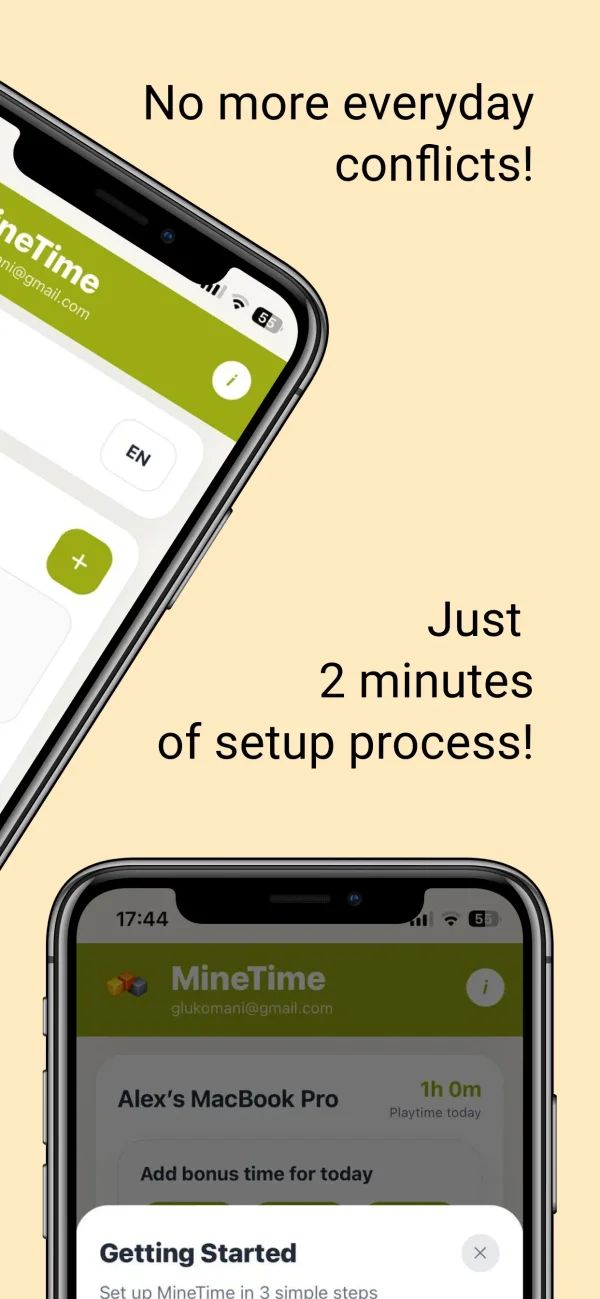
How MineTime works:
1. Install MineTime on your child’s Mac (download it from our web-site https://minetime.app
2. Sign in to the mobile app with your parent account.
3. Pair the Mac using the code shown in MineTime.
4. Set Minecraft parental controls from your phone.
Once paired, MineTime lets you manage Minecraft screen time from anywhere. Update time limits, change downtime, add extra time for rewards or weekends, and manage each child separately from one parent account.
MineTime is especially useful for parents looking for:
• Minecraft parental control
• Minecraft screen time
• Minecraft time limits
• How to block Minecraft on Mac
• Minecraft Java Edition parental controls
• Mac parental controls for Minecraft
Important:
• MineTime is for Minecraft Java Edition on macOS.
• The mobile app is the parent console. Limit enforcement happens through the MineTime app installed on the child’s Mac.
• Requires MineTime on the child’s Mac running macOS 12 or later.
MineTime is an independent app and is not affiliated with Mojang or Microsoft.
Yang baru
Versi 1.1 · 15/6/2026
Sync bugs are fixed.
Privasi aplikasi
Yang dinyatakan Natalia Shuvaeva di App Store tentang cara aplikasi ini menangani data.
-
Data yang ditautkan dengan Anda
Dapat dikumpulkan dan ditautkan dengan identitas Anda.
- Info kontak
- Pengenal
- Data penggunaan
Praktik privasi dapat bervariasi, misalnya berdasarkan fitur yang Anda gunakan atau usia Anda.
Informasi
- Penjual
- Natalia Shuvaeva
- Kategori
- Kegunaan
- Versi
- 1.1
- Diperbarui
- 15/6/2026
- Dirilis
- 11/5/2026
- Ukuran
- 25,5 MB
- Memerlukan
- iOS 15.1 atau yang lebih baru
- Batasan usia
- 4+
- Harga
- Gratis
- Bahasa
- Inggris
- Hak cipta
- © Natalia Shuvaeva
Mungkin Anda juga suka
-
 SafeScreen: Parental ControlKegunaan
-
 Kids Mode - App BlockerKegunaan
-
 ScreenHush- Focus & SleepKegunaan
-
 Safeinest ConnectAplikasi anak untuk Safeinest
-
 iLimits – Parental ControlsKegunaan
-
 Kidper: fokus, lalu istirahatAplikasi dulu, game belakangan
-
 Quiet Time: App BlockerKegunaan
-
 Shabbat Alarm: Shabbos ClockKegunaan
-
 Havenly Parental ControlKegunaan
-
 SoloOps: Miner DashboardKegunaan