
PageBuddy - PDF Reader & Notes
Read. Understand. Annotate.
Conçue pour iPad
Gratuit
- Classification d’âge4+
- CatégorieProductivité
- DéveloppeurALEXANDER GOLOVKOV, IE
- LanguesAnglais
- Taille5,4 Mo
Renvoie vers la page App Store officielle
Download.org n’héberge aucun fichier de PageBuddy - PDF Reader & Notes. Le bouton ouvre la page de l’application sur App Store, où ALEXANDER GOLOVKOV, IE la publie. Fiche vérifiée pour la dernière fois le 12/11/2026.
Captures d’écran

À propos
Le développeur n’a pas fourni ce texte dans votre langue.
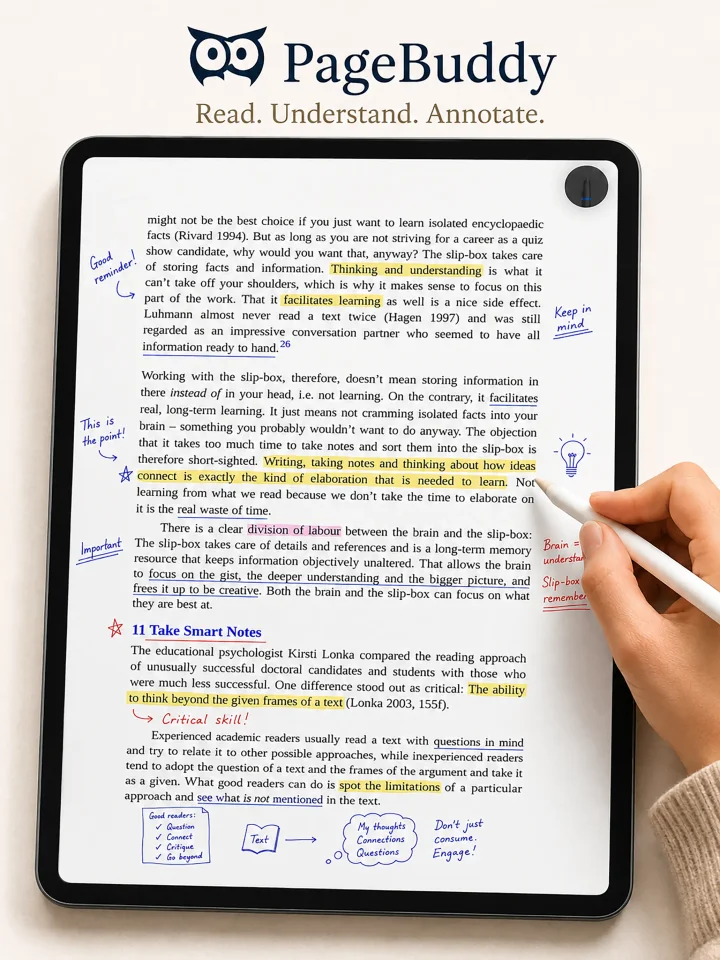
PageBuddy — Read. Understand. Annotate.
A PDF reader for iPad where reading and writing finally feel like one experience.
Open a PDF and start reading. Pick up your Apple Pencil and write directly on the page — without entering an annotation mode, opening a toolbar, or leaving full screen.
The page stays the page.
The book stays the book.
Your Pencil just works.
What makes PageBuddy different
Read and write without leaving the page
PageBuddy is designed around one simple idea: you shouldn't have to switch modes to interact with a book.
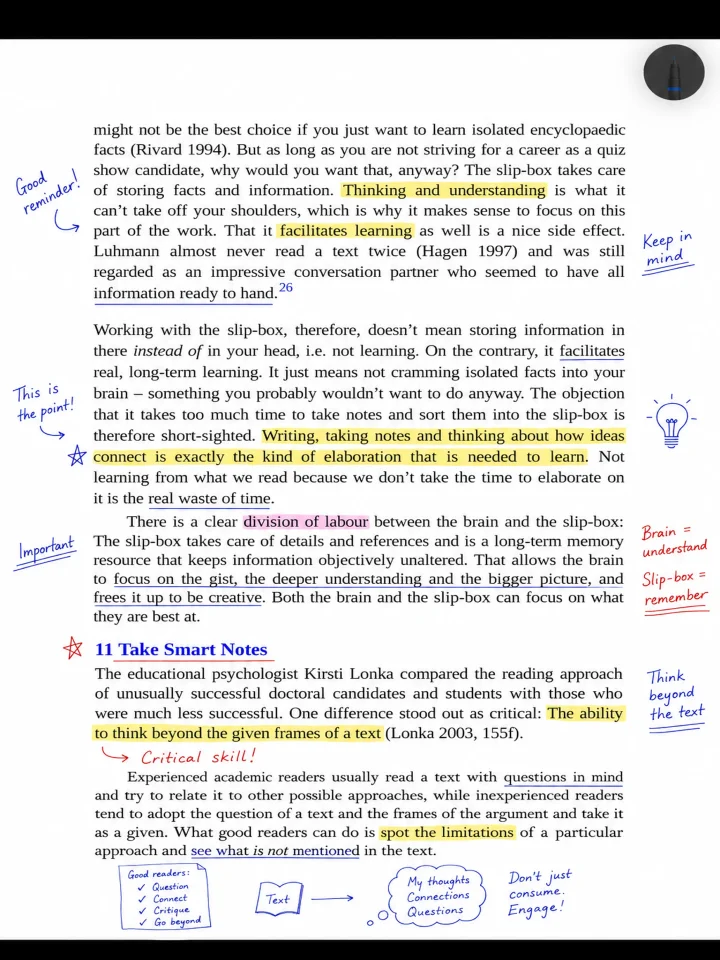
Read in full screen. Pick up your Apple Pencil. Underline, highlight, circle, draw, or write in the margins.
Your annotations happen directly on the page, while the reading experience stays completely intact.
No edit mode. No annotation mode. No extra UI.
Your PDFs stay where they are
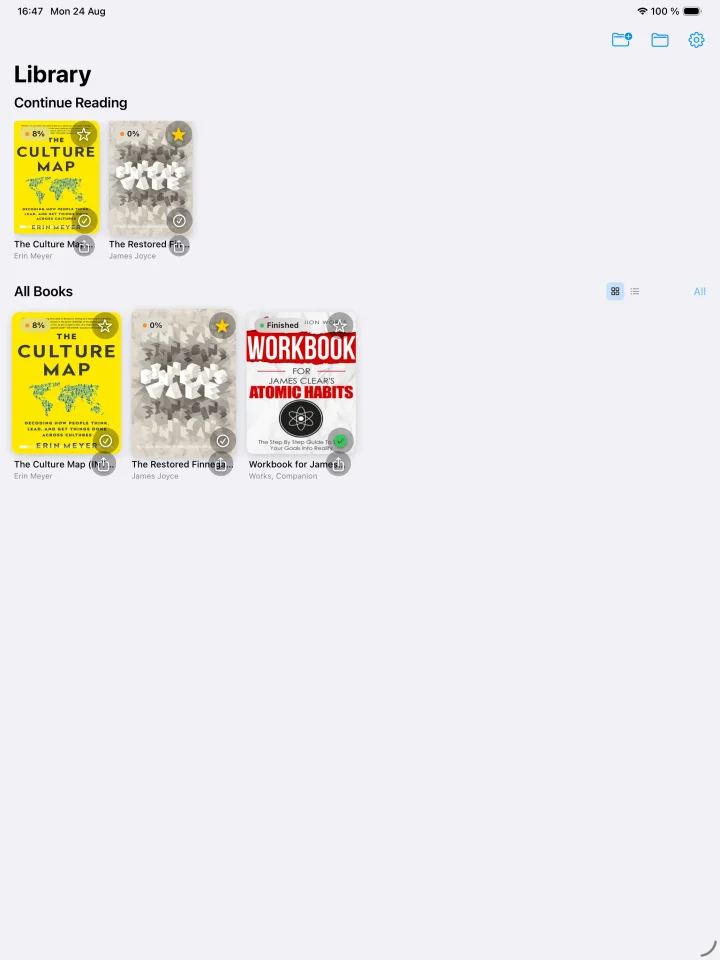
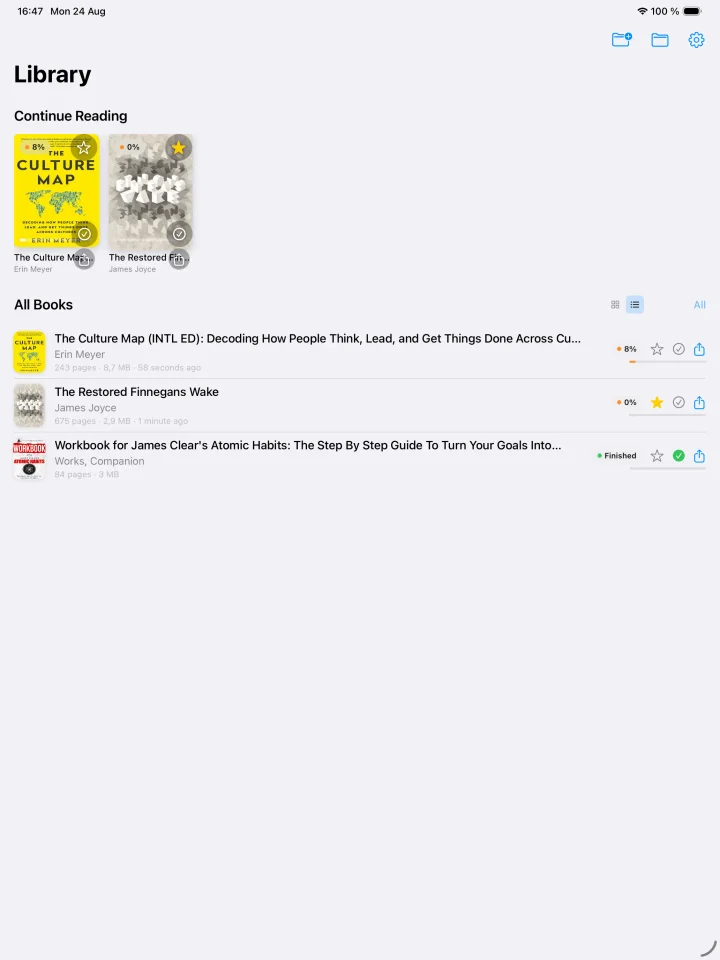
PageBuddy doesn't import your books into another library or copy your PDFs somewhere else.
It works directly with the files and folders you already use.
Move a PDF, rename it, organize your folders, or add new books — your files remain yours, exactly where you put them.
Your annotations don't modify the original PDF
This is important.
Your notes, highlights, drawings, and reading progress belong to PageBuddy, not to the original file.
The original PDF stays untouched.
PageBuddy remembers the documents you've read and recognizes them when they appear again in folders you follow. If the file hasn't changed externally, your annotations and reading progress come back with it.
Your library follows you
Your reading progress, favorites, document status, and annotations sync through iCloud, so your PageBuddy experience can follow you across your iPads.
And because PageBuddy doesn't need to copy your PDFs into its own library, your files don't have to move just because your device does.
Need the annotations inside the PDF?
You can export them whenever you want.
Export annotations into an existing PDF, or create a new annotated copy while keeping the original completely untouched.
So PageBuddy doesn't lock your notes inside the app. They're yours to take with you.
The PageBuddy feeling
The first time you pick up the Apple Pencil and underline a sentence, there is nothing to figure out.
You just write.
No mode.
No toolbar.
No confirmation.
No interruption.
Just a book and a pencil.
That's how reading and writing should feel on iPad.
Confidentialité de l’application
Ce que ALEXANDER GOLOVKOV, IE déclare sur l’App Store au sujet du traitement des données par cette application.
-
Données non collectées
Le développeur ne collecte aucune donnée à partir de cette application.
Les pratiques en matière de confidentialité peuvent varier, notamment en fonction des fonctionnalités que vous utilisez ou de votre âge.
Informations
- Vendeur
- ALEXANDER GOLOVKOV, IE
- Catégorie
- Productivité
- Version
- 1.0
- Mis à jour
- 07/09/2026
- Publié
- 07/09/2026
- Taille
- 5,4 Mo
- Nécessite
- iOS 26.5 ou version ultérieure
- Classification d’âge
- 4+
- Prix
- Gratuit
- Langues
- Anglais
- Copyright
- © 2026 Alexander Golovkov
Vous aimerez peut-être aussi
-
 Grid Paper NotesProductivité
-
 PDF Duo : Signer et remplirUn lecteur et éditeur élégant
-
 Papyrus - notes, PDFProductivité
-
 Useless NotesProductivité
-
 Warqa - notebookProductivité
-
 VidnotationProductivité
-
 PDF Viewer: Reader & MarkupProductivité
-
 BookhandProductivité
-
 PagePrep: PDF Margins & NotesProductivité
-
 NotedCut: Video NotetakingProductivité