- 対象年齢4+
- カテゴリ仕事効率化
- 開発元ALEXANDER GOLOVKOV, IE
- 言語英語
- サイズ5.4 MB
App Storeの公式ページにリンクしています
Download.orgはPageBuddy - PDF Reader & Notesのファイルを一切ホストしていません。ボタンを押すと、ALEXANDER GOLOVKOV, IEが公開しているApp Storeのアプリページが開きます。ページの最終確認:2026/11/12。
スクリーンショット

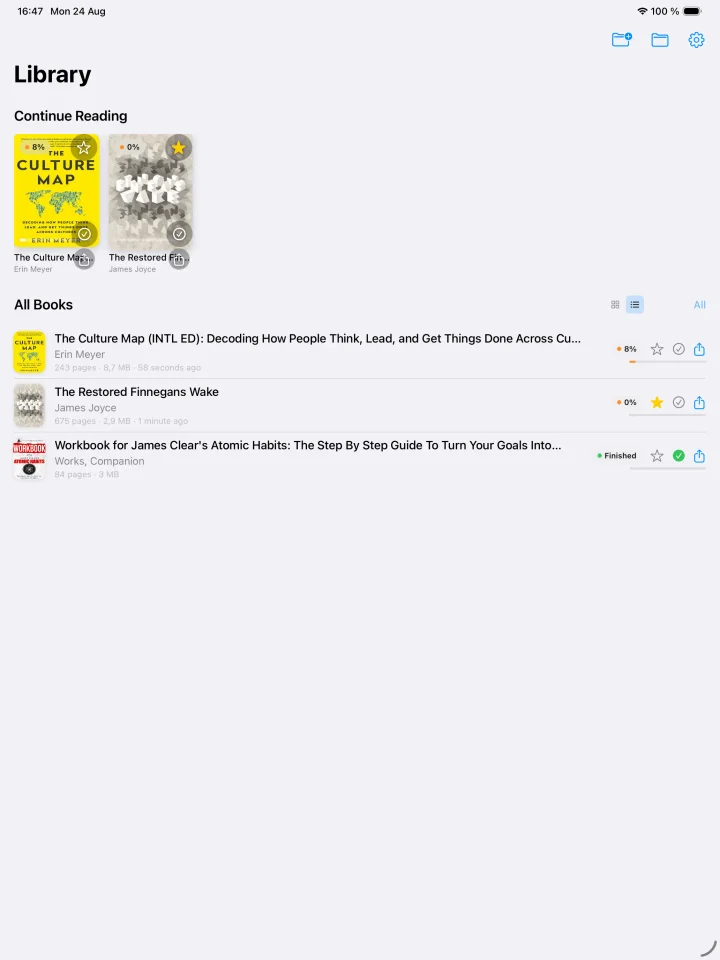
概要
開発元はこのテキストをお使いの言語で提供していません。
PageBuddy — Read. Understand. Annotate.
A PDF reader for iPad where reading and writing finally feel like one experience.
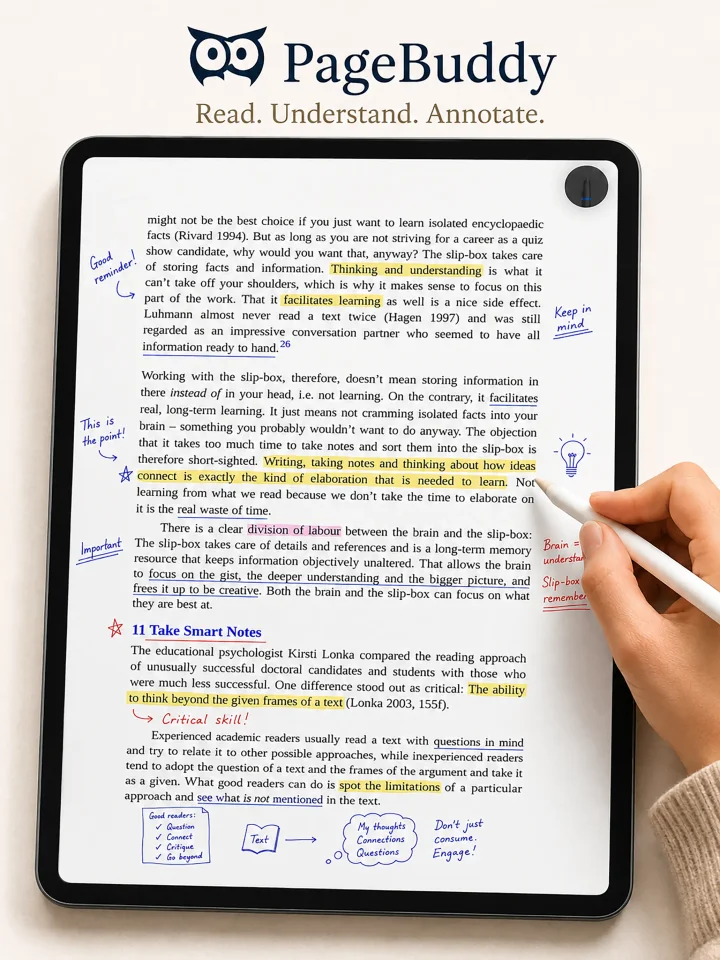
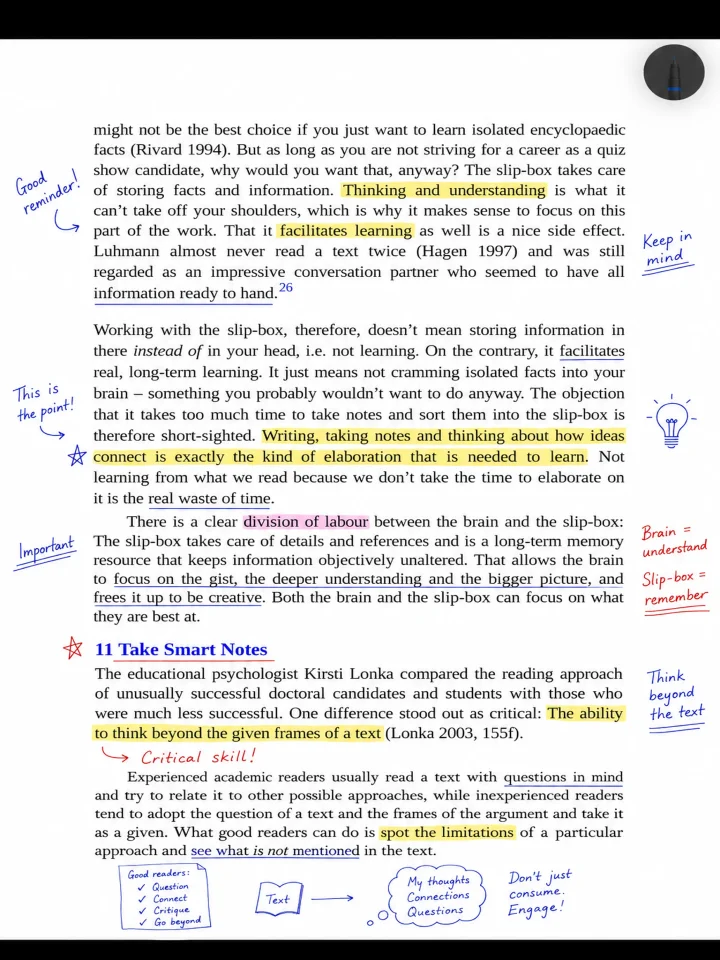
Open a PDF and start reading. Pick up your Apple Pencil and write directly on the page — without entering an annotation mode, opening a toolbar, or leaving full screen.
The page stays the page.
The book stays the book.
Your Pencil just works.
What makes PageBuddy different
Read and write without leaving the page
PageBuddy is designed around one simple idea: you shouldn't have to switch modes to interact with a book.
Read in full screen. Pick up your Apple Pencil. Underline, highlight, circle, draw, or write in the margins.
Your annotations happen directly on the page, while the reading experience stays completely intact.
No edit mode. No annotation mode. No extra UI.
Your PDFs stay where they are
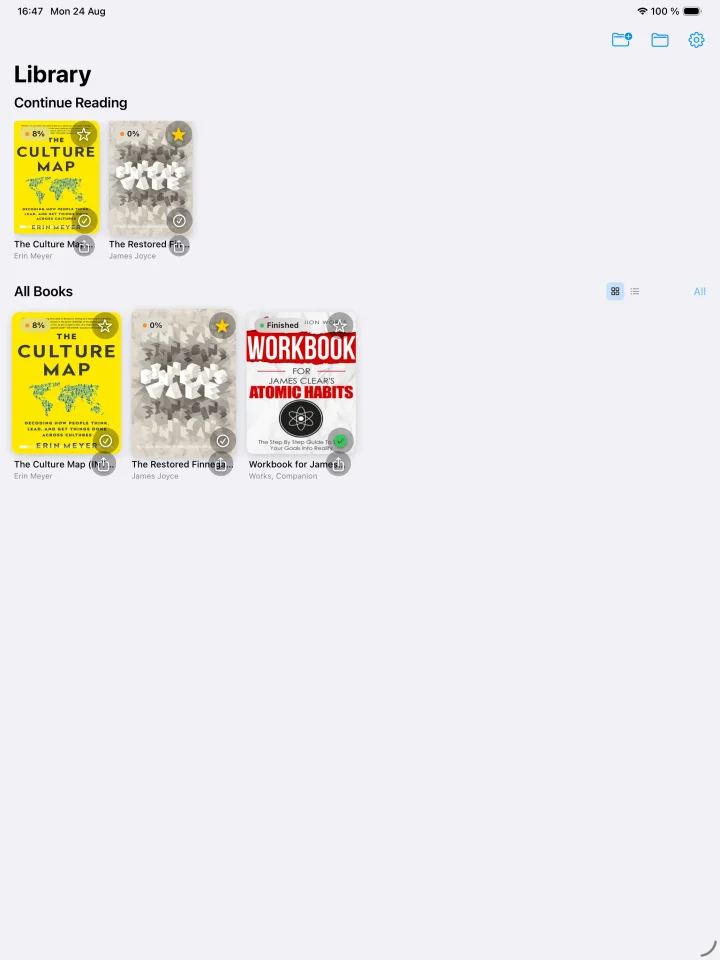
PageBuddy doesn't import your books into another library or copy your PDFs somewhere else.
It works directly with the files and folders you already use.
Move a PDF, rename it, organize your folders, or add new books — your files remain yours, exactly where you put them.
Your annotations don't modify the original PDF
This is important.
Your notes, highlights, drawings, and reading progress belong to PageBuddy, not to the original file.
The original PDF stays untouched.
PageBuddy remembers the documents you've read and recognizes them when they appear again in folders you follow. If the file hasn't changed externally, your annotations and reading progress come back with it.
Your library follows you
Your reading progress, favorites, document status, and annotations sync through iCloud, so your PageBuddy experience can follow you across your iPads.
And because PageBuddy doesn't need to copy your PDFs into its own library, your files don't have to move just because your device does.
Need the annotations inside the PDF?
You can export them whenever you want.
Export annotations into an existing PDF, or create a new annotated copy while keeping the original completely untouched.
So PageBuddy doesn't lock your notes inside the app. They're yours to take with you.
The PageBuddy feeling
The first time you pick up the Apple Pencil and underline a sentence, there is nothing to figure out.
You just write.
No mode.
No toolbar.
No confirmation.
No interruption.
Just a book and a pencil.
That's how reading and writing should feel on iPad.
アプリのプライバシー
このアプリのデータの取り扱いについて、ALEXANDER GOLOVKOV, IEがApp Storeで申告している内容です。
-
データの収集なし
開発元はこのアプリからデータを収集しません。
プライバシーの取り扱いは、ご利用の機能やお客様の年齢などに応じて異なる場合があります。
情報
- 販売元
- ALEXANDER GOLOVKOV, IE
- カテゴリ
- 仕事効率化
- バージョン
- 1.0
- 更新日
- 2026/9/7
- リリース
- 2026/9/7
- サイズ
- 5.4 MB
- 必要条件
- iOS 26.5以降
- 対象年齢
- 4+
- 価格
- 無料
- 言語
- 英語
- 著作権
- © 2026 Alexander Golovkov