
PageBuddy - PDF Reader & Notes
Read. Understand. Annotate.
iPad için tasarlandı
Ücretsiz
- Yaş sınırı4+
- KategoriÜretkenlik
- GeliştiriciALEXANDER GOLOVKOV, IE
- Dillerİngilizce
- Boyut5,4 MB
Resmi App Store sayfasına bağlanır
Download.org, PageBuddy - PDF Reader & Notes için hiçbir dosya barındırmaz. Düğme, uygulamanın App Store üzerindeki sayfasını açar; uygulamayı orada ALEXANDER GOLOVKOV, IE yayınlar. Sayfanın son kontrolü: 12.11.2026.
Ekran görüntüleri
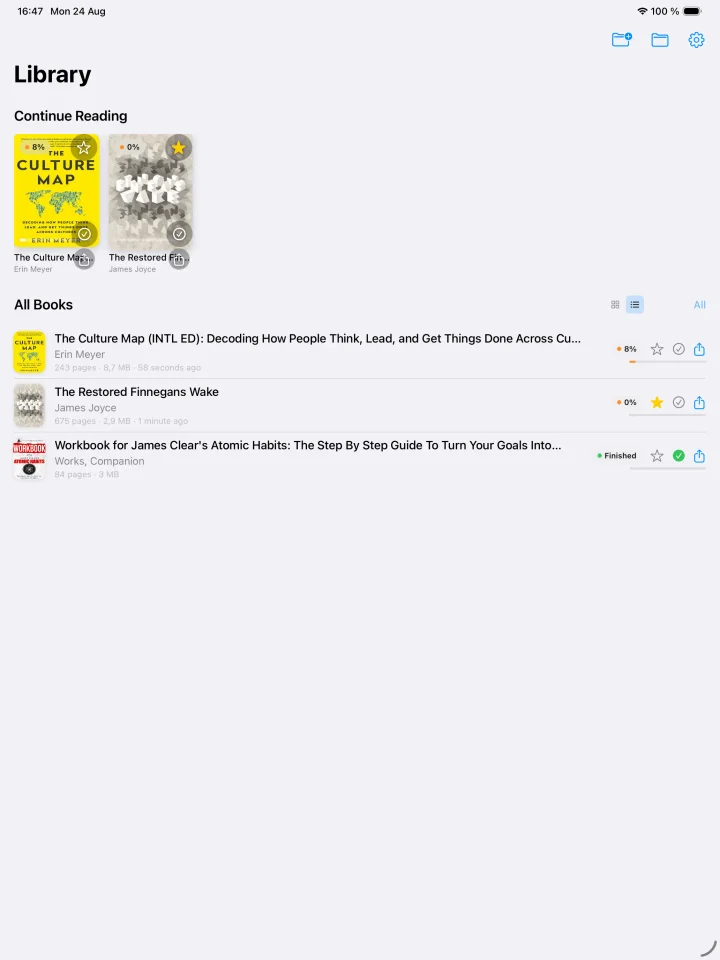
Hakkında
Geliştirici bu metni dilinizde sunmamış.
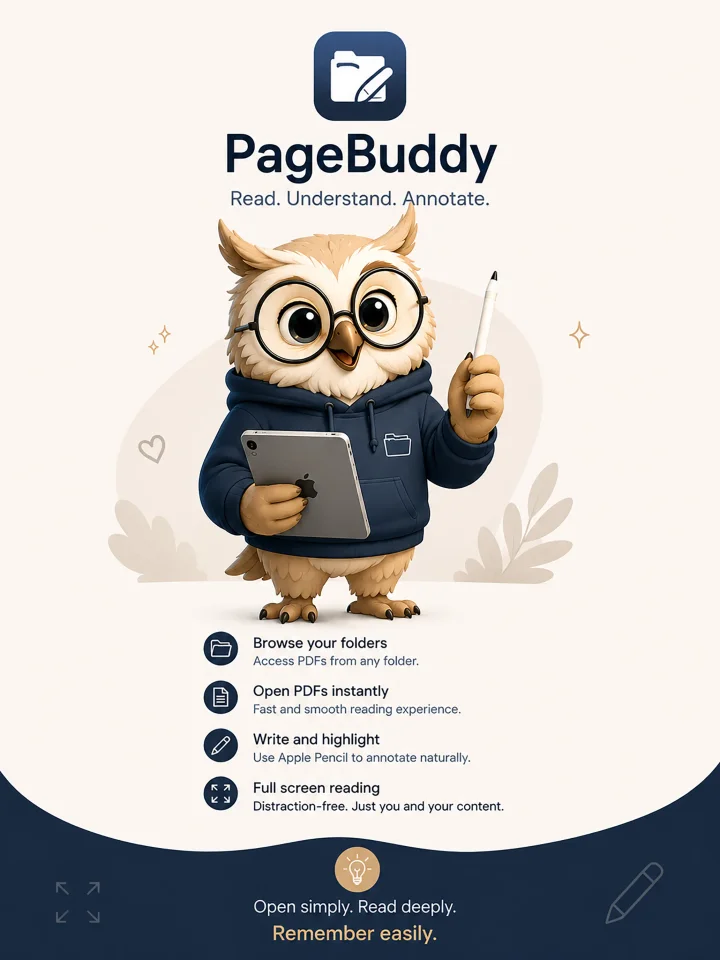
PageBuddy — Read. Understand. Annotate.
A PDF reader for iPad where reading and writing finally feel like one experience.
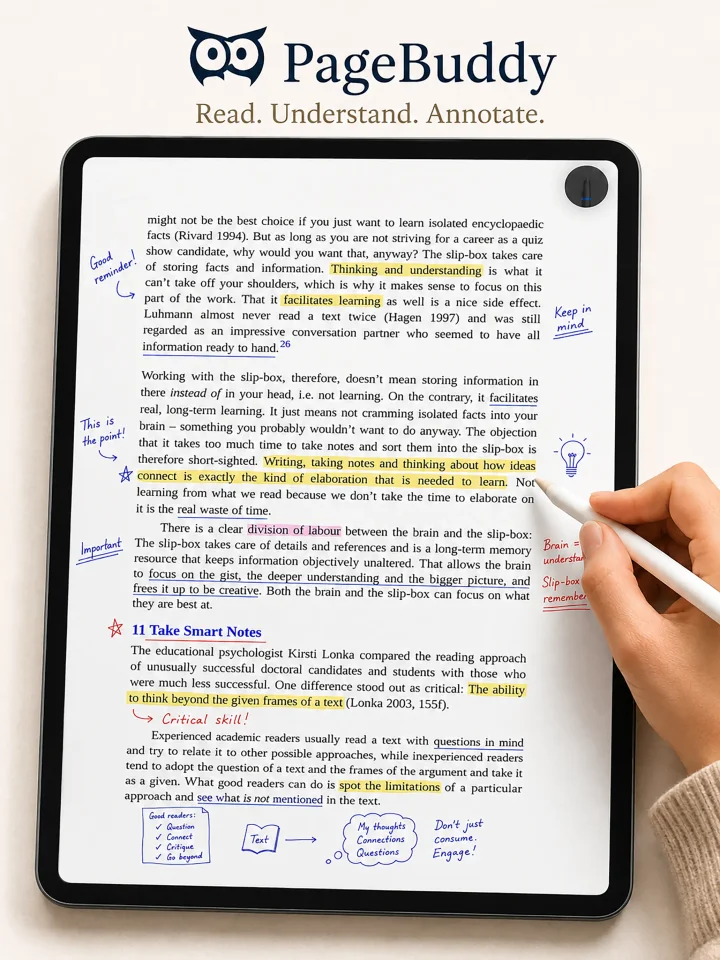
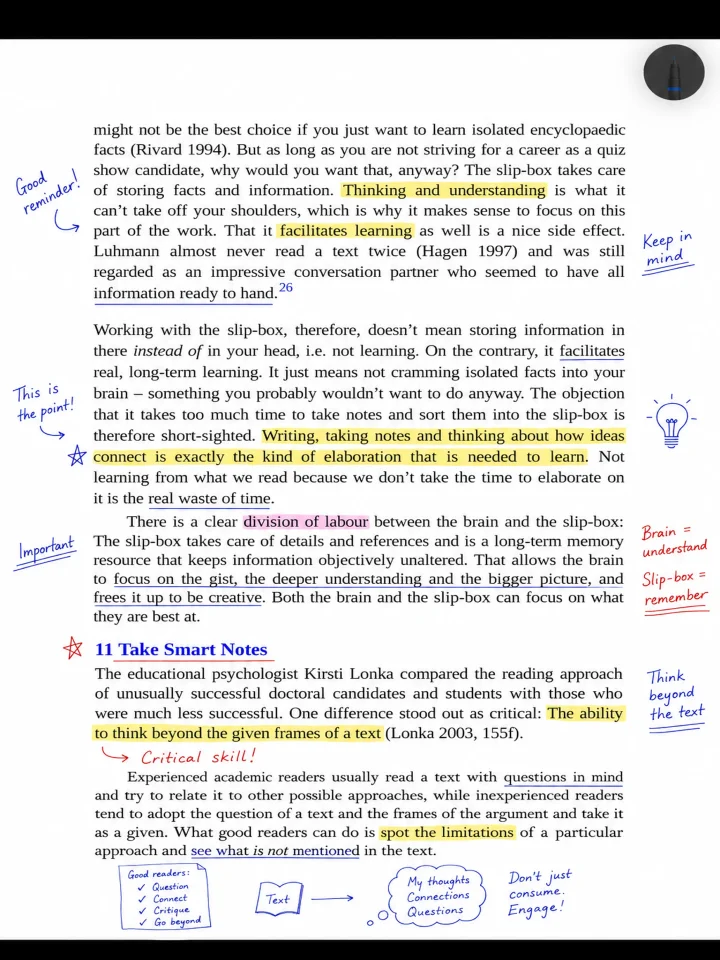
Open a PDF and start reading. Pick up your Apple Pencil and write directly on the page — without entering an annotation mode, opening a toolbar, or leaving full screen.
The page stays the page.
The book stays the book.
Your Pencil just works.
What makes PageBuddy different
Read and write without leaving the page
PageBuddy is designed around one simple idea: you shouldn't have to switch modes to interact with a book.
Read in full screen. Pick up your Apple Pencil. Underline, highlight, circle, draw, or write in the margins.
Your annotations happen directly on the page, while the reading experience stays completely intact.
No edit mode. No annotation mode. No extra UI.
Your PDFs stay where they are
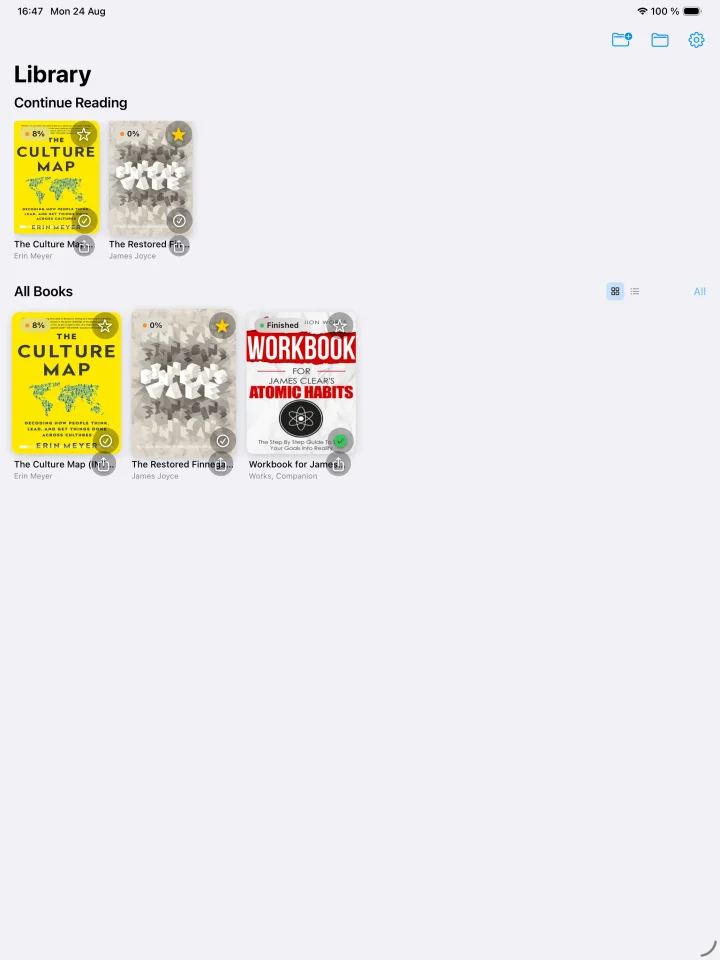
PageBuddy doesn't import your books into another library or copy your PDFs somewhere else.
It works directly with the files and folders you already use.
Move a PDF, rename it, organize your folders, or add new books — your files remain yours, exactly where you put them.
Your annotations don't modify the original PDF
This is important.
Your notes, highlights, drawings, and reading progress belong to PageBuddy, not to the original file.
The original PDF stays untouched.
PageBuddy remembers the documents you've read and recognizes them when they appear again in folders you follow. If the file hasn't changed externally, your annotations and reading progress come back with it.
Your library follows you
Your reading progress, favorites, document status, and annotations sync through iCloud, so your PageBuddy experience can follow you across your iPads.
And because PageBuddy doesn't need to copy your PDFs into its own library, your files don't have to move just because your device does.
Need the annotations inside the PDF?
You can export them whenever you want.
Export annotations into an existing PDF, or create a new annotated copy while keeping the original completely untouched.
So PageBuddy doesn't lock your notes inside the app. They're yours to take with you.
The PageBuddy feeling
The first time you pick up the Apple Pencil and underline a sentence, there is nothing to figure out.
You just write.
No mode.
No toolbar.
No confirmation.
No interruption.
Just a book and a pencil.
That's how reading and writing should feel on iPad.
Uygulama gizliliği
Bu uygulamanın verileri nasıl işlediği hakkında ALEXANDER GOLOVKOV, IE tarafından App Store üzerinde yapılan beyan.
-
Veri toplanmıyor
Geliştirici bu uygulamadan hiçbir veri toplamıyor.
Gizlilik uygulamaları, örneğin kullandığınız özelliklere veya yaşınıza göre değişiklik gösterebilir.
Bilgiler
- Satıcı
- ALEXANDER GOLOVKOV, IE
- Kategori
- Üretkenlik
- Sürüm
- 1.0
- Güncellendi
- 07.09.2026
- Yayın tarihi
- 07.09.2026
- Boyut
- 5,4 MB
- Gereksinim
- iOS 26.5 veya sonrası
- Yaş sınırı
- 4+
- Fiyat
- Ücretsiz
- Diller
- İngilizce
- Telif hakkı
- © 2026 Alexander Golovkov
Bunları da beğenebilirsiniz
-
 Grid Paper NotesÜretkenlik
-
 PDF Duo: Düzenleyici ve İmzaZarif okuyucu, kitap gibi oku
-
 Papyrus - notes, PDFÜretkenlik
-
 Useless NotesÜretkenlik
-
 Warqa - notebookÜretkenlik
-
 VidnotationÜretkenlik
-
 PDF Viewer: Reader & MarkupÜretkenlik
-
 BookhandÜretkenlik
-
 PagePrep: PDF Margins & NotesÜretkenlik
-
 NotedCut: Video NotetakingÜretkenlik