
PageBuddy - PDF Reader & Notes
Read. Understand. Annotate.
Được thiết kế cho iPad
Miễn phí
- Độ tuổi4+
- Danh mụcHiệu Suất
- Nhà phát triểnALEXANDER GOLOVKOV, IE
- Ngôn ngữTiếng Anh
- Kích thước5,4 MB
Liên kết đến trang App Store chính thức
Download.org không lưu trữ tệp nào của PageBuddy - PDF Reader & Notes. Nút này mở trang ứng dụng trên App Store, nơi ALEXANDER GOLOVKOV, IE phát hành ứng dụng. Trang được kiểm tra lần cuối: 12/11/2026.
Ảnh chụp màn hình

Giới thiệu
Nhà phát triển chưa cung cấp nội dung này bằng ngôn ngữ của bạn.
PageBuddy — Read. Understand. Annotate.
A PDF reader for iPad where reading and writing finally feel like one experience.
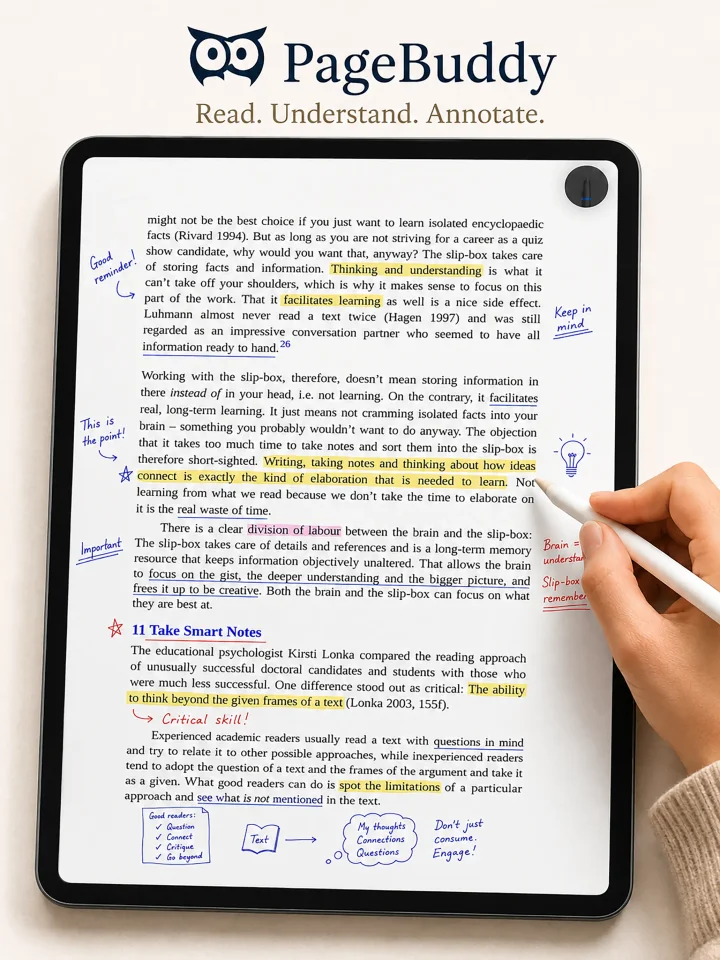
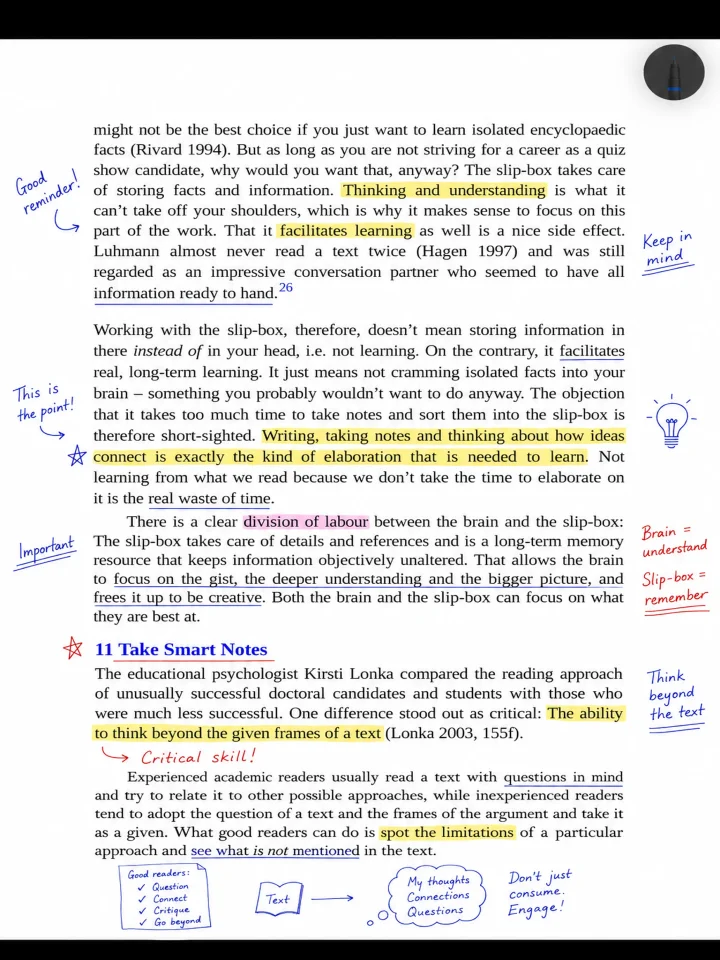
Open a PDF and start reading. Pick up your Apple Pencil and write directly on the page — without entering an annotation mode, opening a toolbar, or leaving full screen.
The page stays the page.
The book stays the book.
Your Pencil just works.
What makes PageBuddy different
Read and write without leaving the page
PageBuddy is designed around one simple idea: you shouldn't have to switch modes to interact with a book.
Read in full screen. Pick up your Apple Pencil. Underline, highlight, circle, draw, or write in the margins.
Your annotations happen directly on the page, while the reading experience stays completely intact.
No edit mode. No annotation mode. No extra UI.
Your PDFs stay where they are
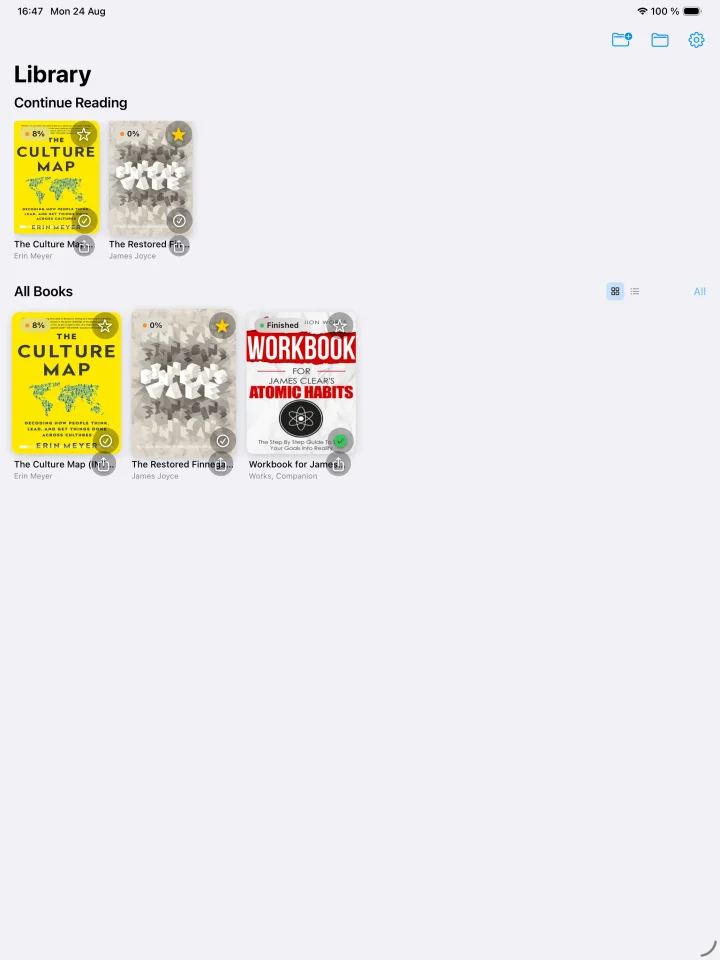
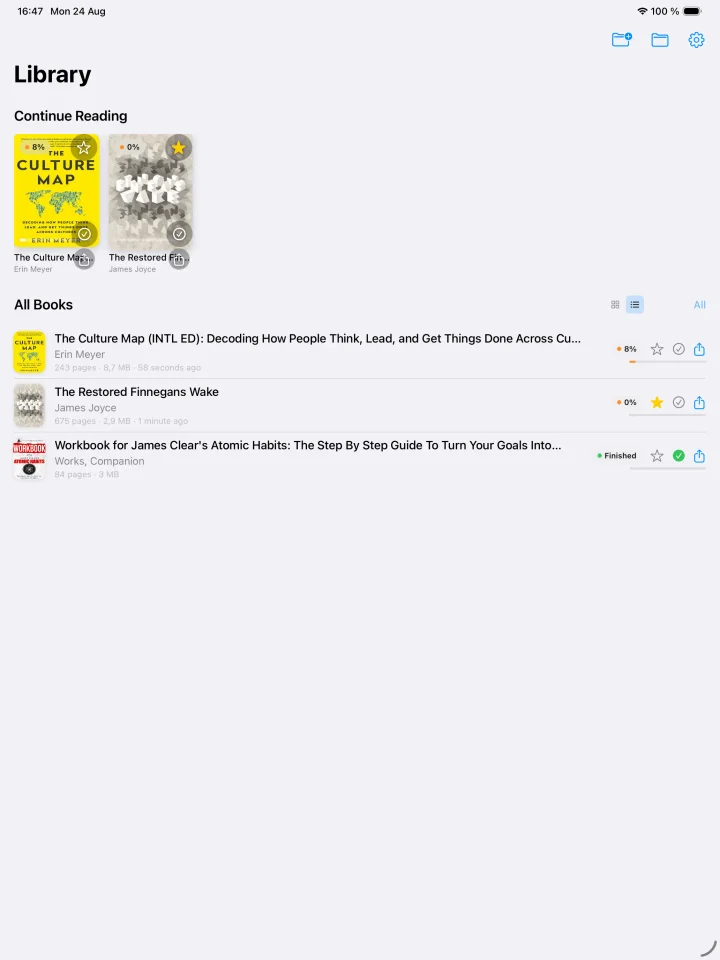
PageBuddy doesn't import your books into another library or copy your PDFs somewhere else.
It works directly with the files and folders you already use.
Move a PDF, rename it, organize your folders, or add new books — your files remain yours, exactly where you put them.
Your annotations don't modify the original PDF
This is important.
Your notes, highlights, drawings, and reading progress belong to PageBuddy, not to the original file.
The original PDF stays untouched.
PageBuddy remembers the documents you've read and recognizes them when they appear again in folders you follow. If the file hasn't changed externally, your annotations and reading progress come back with it.
Your library follows you
Your reading progress, favorites, document status, and annotations sync through iCloud, so your PageBuddy experience can follow you across your iPads.
And because PageBuddy doesn't need to copy your PDFs into its own library, your files don't have to move just because your device does.
Need the annotations inside the PDF?
You can export them whenever you want.
Export annotations into an existing PDF, or create a new annotated copy while keeping the original completely untouched.
So PageBuddy doesn't lock your notes inside the app. They're yours to take with you.
The PageBuddy feeling
The first time you pick up the Apple Pencil and underline a sentence, there is nothing to figure out.
You just write.
No mode.
No toolbar.
No confirmation.
No interruption.
Just a book and a pencil.
That's how reading and writing should feel on iPad.
Quyền riêng tư của ứng dụng
Những gì ALEXANDER GOLOVKOV, IE khai báo trên App Store về cách ứng dụng này xử lý dữ liệu.
-
Dữ liệu không được thu thập
Nhà phát triển không thu thập bất kỳ dữ liệu nào từ ứng dụng này.
Phương thức đảm bảo quyền riêng tư có thể khác nhau, chẳng hạn như tuỳ theo các tính năng bạn sử dụng hoặc độ tuổi của bạn.
Thông tin
- Người bán
- ALEXANDER GOLOVKOV, IE
- Danh mục
- Hiệu Suất
- Phiên bản
- 1.0
- Cập nhật
- 07/09/2026
- Phát hành
- 07/09/2026
- Kích thước
- 5,4 MB
- Yêu cầu
- iOS 26.5 trở lên
- Độ tuổi
- 4+
- Giá
- Miễn phí
- Ngôn ngữ
- Tiếng Anh
- Bản quyền
- © 2026 Alexander Golovkov
Có thể bạn cũng thích
-
 Grid Paper NotesHiệu Suất
-
 PDF Duo: Chỉnh sửa, Ký, ĐiềnĐọc lật trang như sách thật
-
 Papyrus - notes, PDFHiệu Suất
-
 Useless NotesHiệu Suất
-
 Warqa - notebookHiệu Suất
-
 VidnotationHiệu Suất
-
 PDF Viewer: Reader & MarkupHiệu Suất
-
 BookhandHiệu Suất
-
 PagePrep: PDF Margins & NotesHiệu Suất
-
 NotedCut: Video NotetakingHiệu Suất