PDF Manager: Editor & Scanner
Reader, Converter, Sign & OCR
Conçue pour iPhone, iPad
Gratuit · Achats intégrés
- Classification d’âge17+
- CatégorieProductivité
- DéveloppeurLLC Poison Studio
- LanguesAnglais+ 6 de plus
- Taille40,0 Mo
Renvoie vers la page App Store officielle
Download.org n’héberge aucun fichier de PDF Manager: Editor & Scanner. Le bouton ouvre la page de l’application sur App Store, où LLC Poison Studio la publie. Fiche vérifiée pour la dernière fois le 29/11/2026.
Captures d’écran

À propos
Le développeur n’a pas fourni ce texte dans votre langue.
A powerful and easy-to-use application for comprehensive work with PDF files. It combines all the necessary functions in one tool, from creating documents to protecting and editing them. Ideal for students, office staff, and anyone who needs to process PDF files quickly and efficiently.
Main functions:
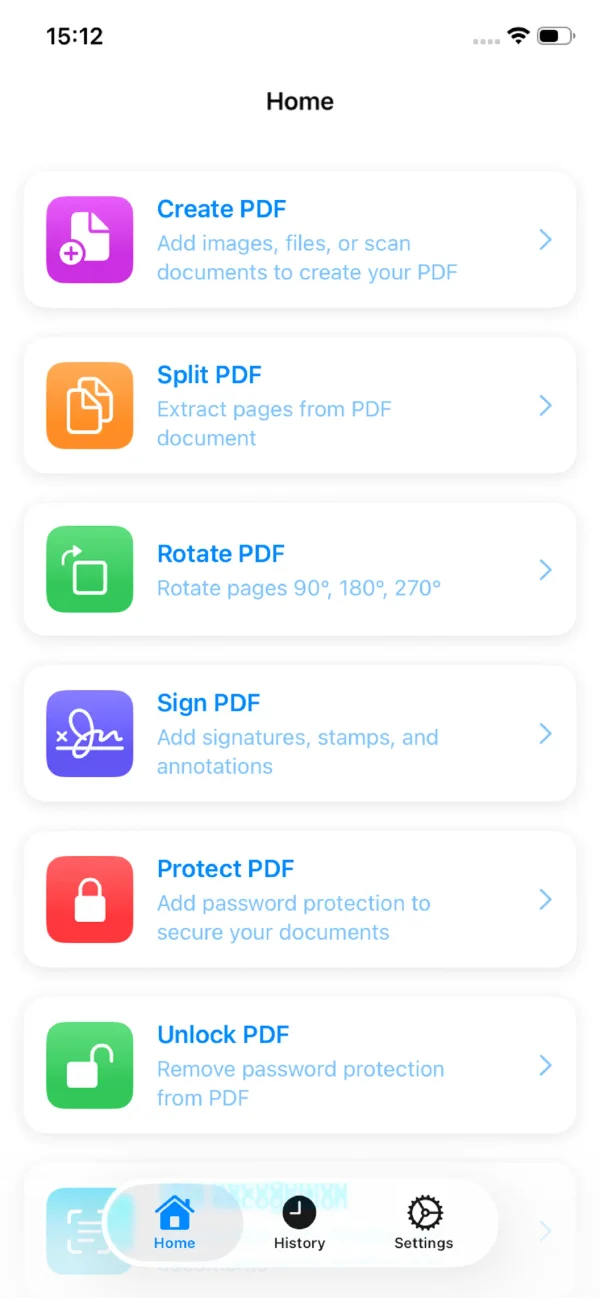
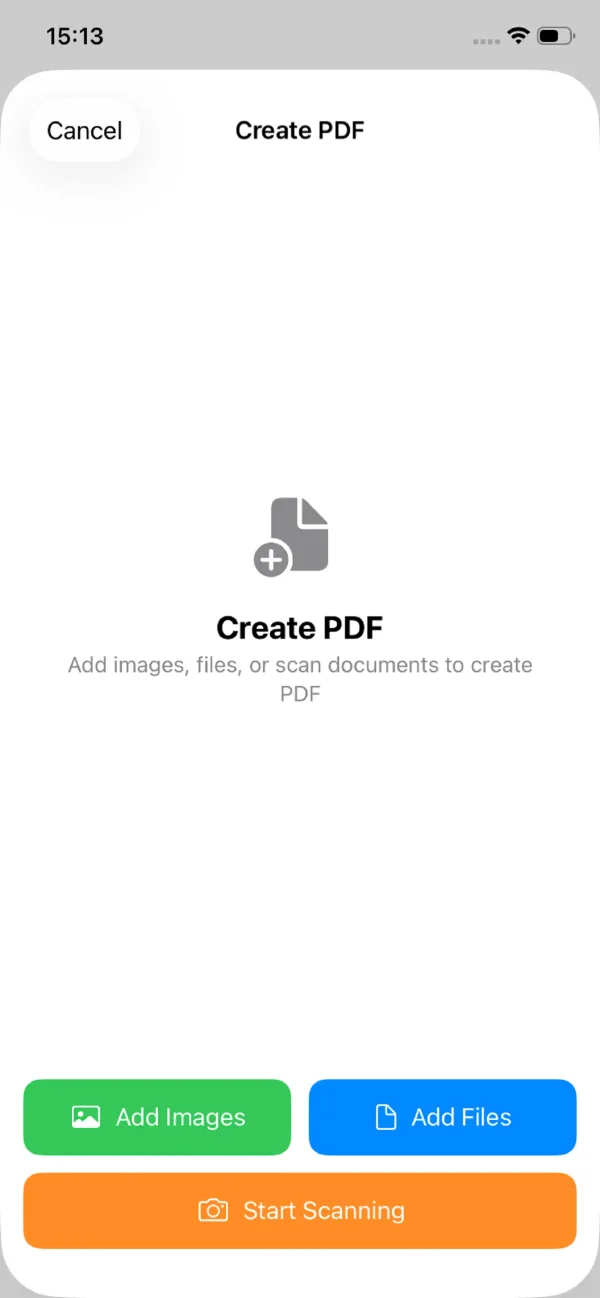
Creating a PDF
Convert images, text documents, or scans to a high‑quality PDF file in a couple of taps. Popular formats are supported: JPG, PNG, DOCX, TXT, etc.
Split PDF
Easily select the desired pages and split a large document into several small files for easy sending or storage.
Page Rotation
Correct the orientation of individual pages or the entire document — you will no longer have to print and scan again.
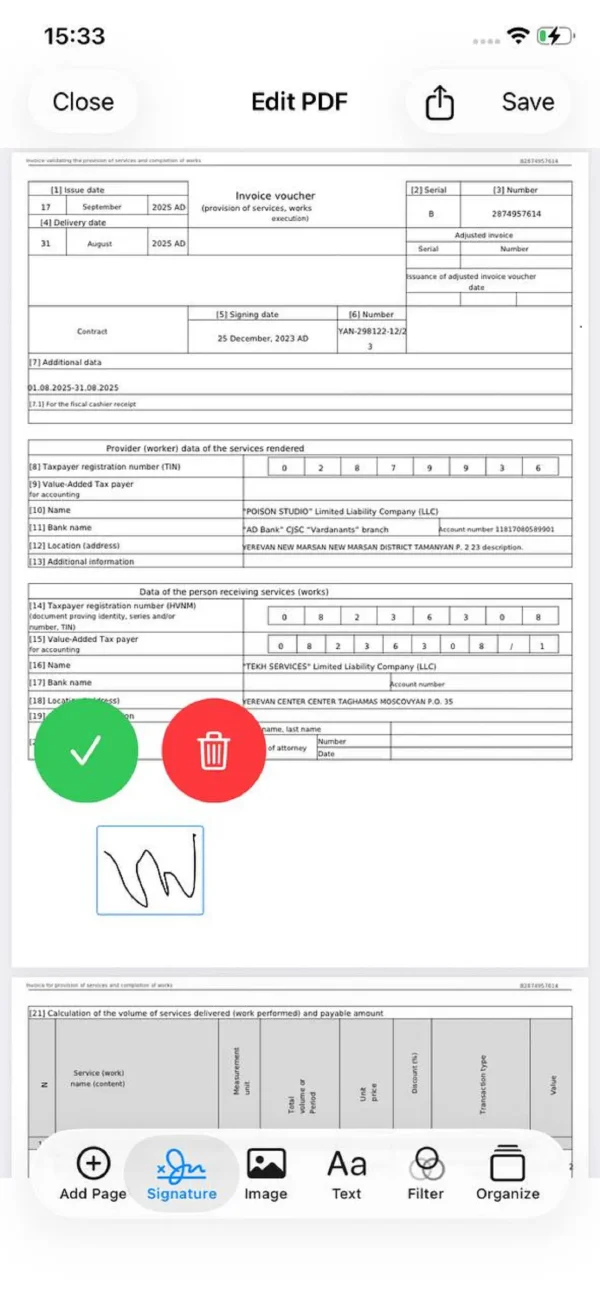
Signature of documents
Add an electronic signature directly to the application: draw it by hand, upload an image, or use the text version.
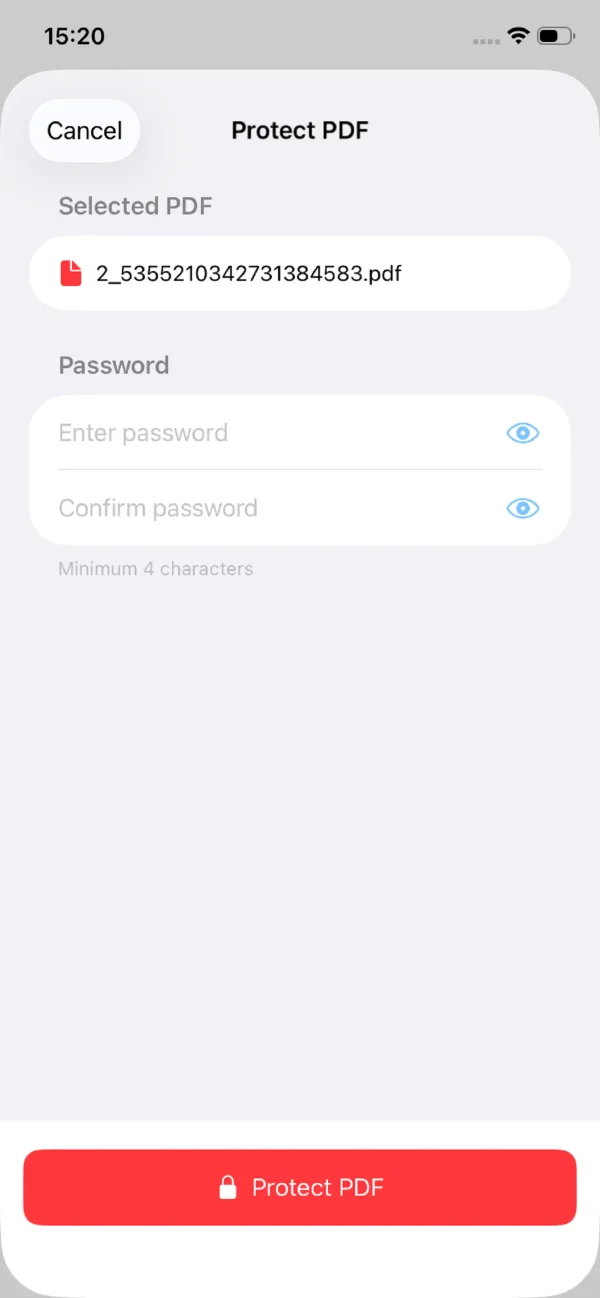
PDF Protection
Set a password for the document to restrict access or prohibit editing. Set up the viewing and printing rights for maximum security.
Removing protection
Open protected PDF files if you know the password. Restore access to your documents without unnecessary difficulties.
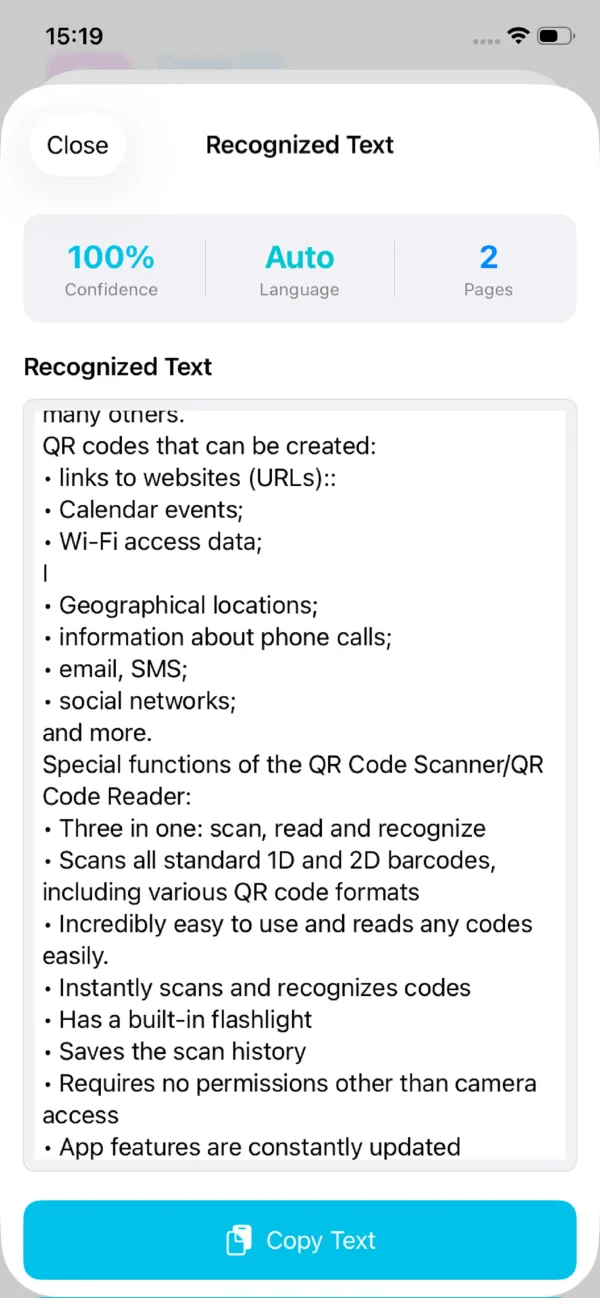
Text Recognition (OCR)
Turn scans and images into editable text. Multiple languages are supported — extract information from any documents.
Why choose Manager PDF?
A simple interface — all the tools are at hand, everyone can figure it out.
High speed — processing files without delay, even on weak devices.
Security — the data remains on your device, no information is transferred to the cloud.
Offline mode — work with PDF without an internet connection.
No ads — no annoying banners during operation.
Compact size — the application does not take up much space in the smartphone's memory.
Download Manager PDF now and manage your documents easily and efficiently!
Privacy policy: https://poison-studio.am/index.php/manager-pdf/manager-pdf-privacy-policy/
Terms & Conditions: https://poison-studio.am/index.php/manager-pdf/manager-pdf-terms-conditions/
Nouveautés
Version 17.1 · 30/10/2026
Added support for editing existing text in compatible PDF documents.
Confidentialité de l’application
Ce que LLC Poison Studio déclare sur l’App Store au sujet du traitement des données par cette application.
-
Données utilisées pour vous suivre
Peuvent être utilisées pour vous suivre sur des applications et des sites web appartenant à d’autres sociétés.
- Identifiants
- Données d’utilisation
- Diagnostic
-
Données établissant un lien avec vous
Peuvent être collectées et liées à votre identité.
- Identifiants
- Données d’utilisation
- Diagnostic
Les pratiques en matière de confidentialité peuvent varier, notamment en fonction des fonctionnalités que vous utilisez ou de votre âge.
Informations
- Vendeur
- Poison Studio LLC
- Catégorie
- Productivité
- Version
- 17.1
- Mis à jour
- 30/10/2026
- Publié
- 11/11/2025
- Taille
- 40,0 Mo
- Nécessite
- iOS 18.6 ou version ultérieure
- Classification d’âge
- 17+
- Prix
- Gratuit
- Achats intégrés
- Oui
- Langues
- Anglais, Japonais, Coréen, Portugais, Russe, Chinois simplifié, Espagnol
- Copyright
- © Poison Studio LLC
Vous aimerez peut-être aussi
-
 PDF Editor - Edit PDF & SignProductivité
-
 PDFEdit - Éditeur Texte PDFChange & rewrite existing text
-
 Éditeur PDF: Lire et RemplirModifier fichier PDF et texte
-
 MRS: Éditeur PDF, Scanner, OCRModifier, signer, photo en PDF
-
 PDF Reader: Convert & EditProductivité
-
 Éditeur Scanner PDF PDFStationScanner, Modifier PDF, OCR, IA
-
 Free PDF Editor, Converter AppProductivité
-
 FreeEdit, PDF EditorProductivité
-
 PDF Converter: Photo to PDFsConvert Word, Photos to PDF
-
 FreePDF : Scan & Convertir PDFScanner, convertir, fusionner