PDF Manager: Editor & Scanner
Reader, Converter, Sign & OCR
Dirancang untuk iPhone, iPad
Gratis · Pembelian dalam aplikasi
- Batasan usia17+
- KategoriProduktivitas
- PengembangLLC Poison Studio
- BahasaInggris+ 6 lainnya
- Ukuran40,0 MB
Tertaut ke halaman resmi App Store
Download.org tidak menyimpan file PDF Manager: Editor & Scanner apa pun. Tombol ini membuka halaman aplikasi di App Store, tempat LLC Poison Studio menerbitkannya. Halaman terakhir diperiksa pada 15/11/2026.
Tangkapan layar

Tentang
Pengembang belum menyediakan teks ini dalam bahasa Anda.
A powerful and easy-to-use application for comprehensive work with PDF files. It combines all the necessary functions in one tool, from creating documents to protecting and editing them. Ideal for students, office staff, and anyone who needs to process PDF files quickly and efficiently.
Main functions:
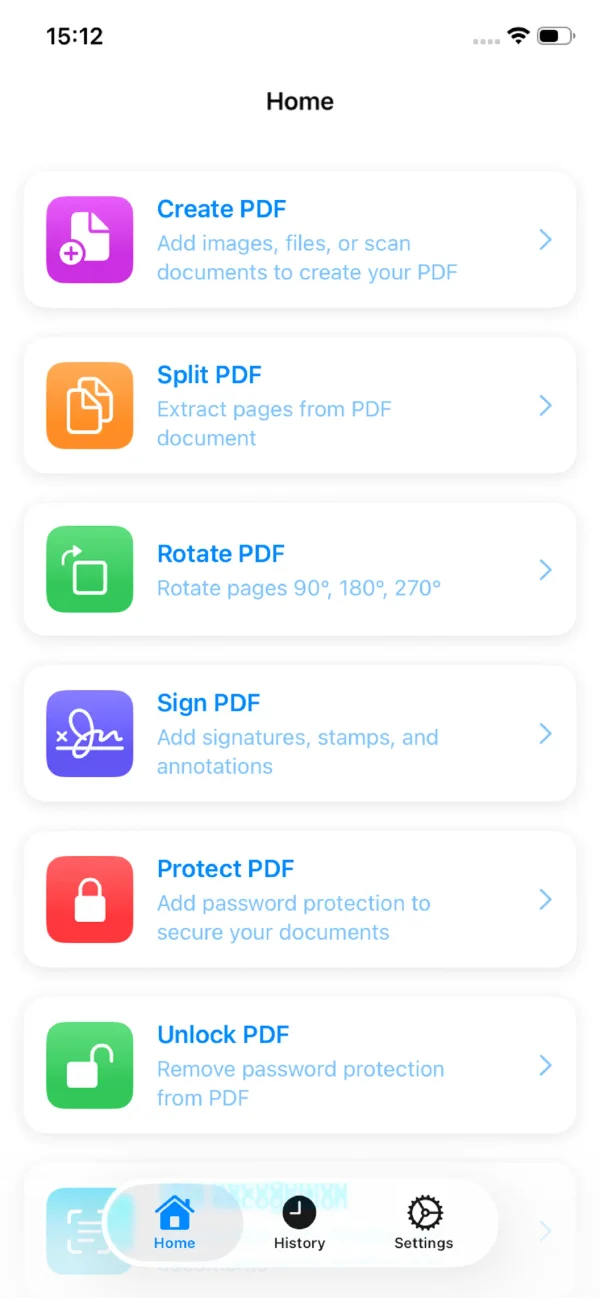
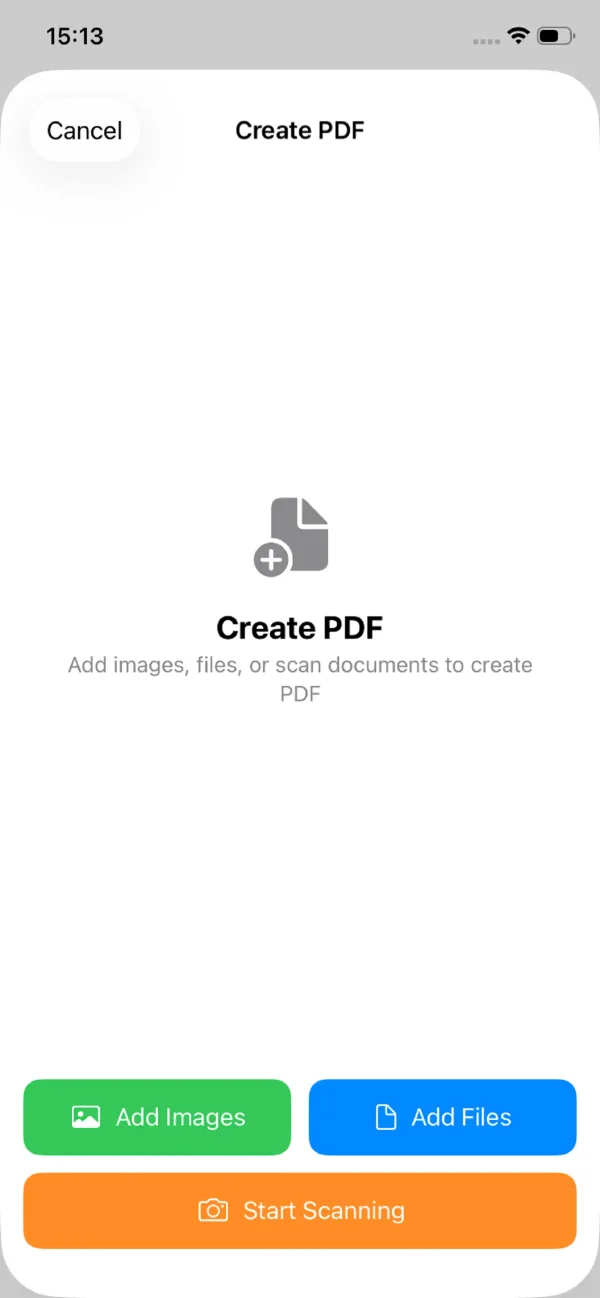
Creating a PDF
Convert images, text documents, or scans to a high‑quality PDF file in a couple of taps. Popular formats are supported: JPG, PNG, DOCX, TXT, etc.
Split PDF
Easily select the desired pages and split a large document into several small files for easy sending or storage.
Page Rotation
Correct the orientation of individual pages or the entire document — you will no longer have to print and scan again.
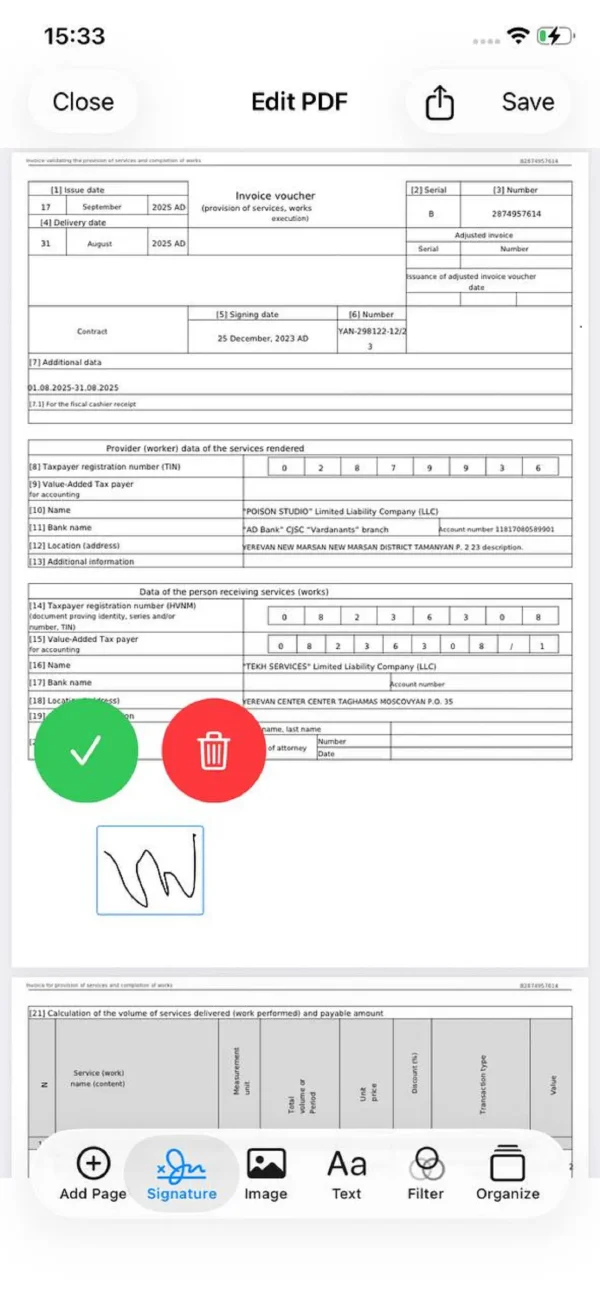
Signature of documents
Add an electronic signature directly to the application: draw it by hand, upload an image, or use the text version.
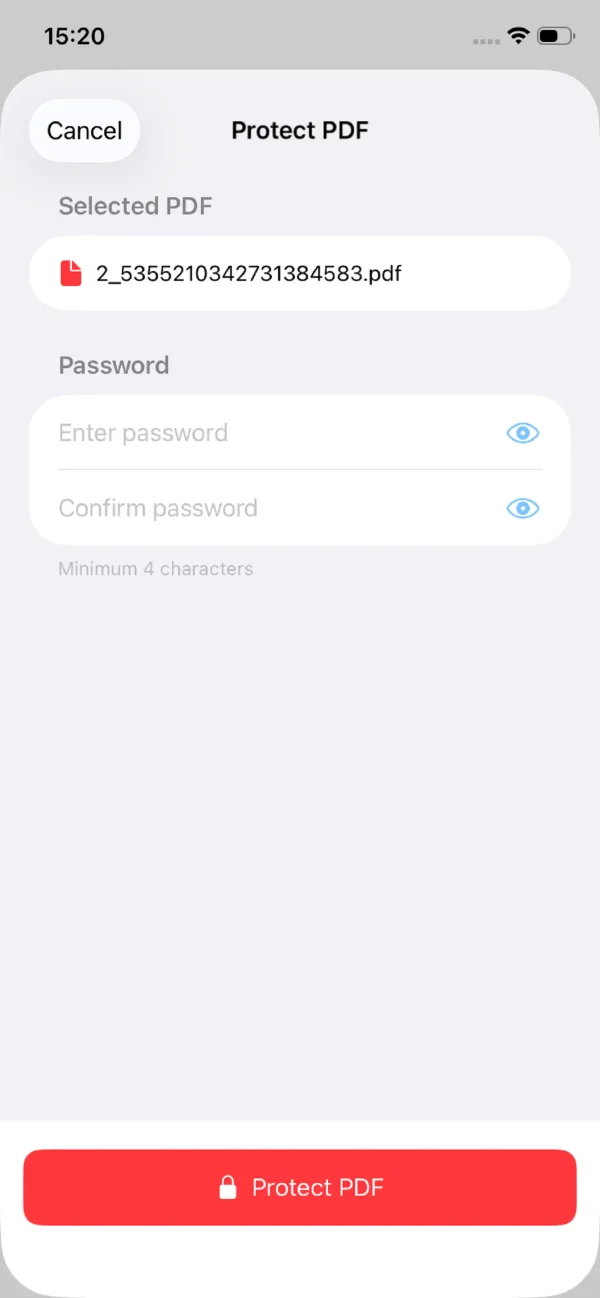
PDF Protection
Set a password for the document to restrict access or prohibit editing. Set up the viewing and printing rights for maximum security.
Removing protection
Open protected PDF files if you know the password. Restore access to your documents without unnecessary difficulties.
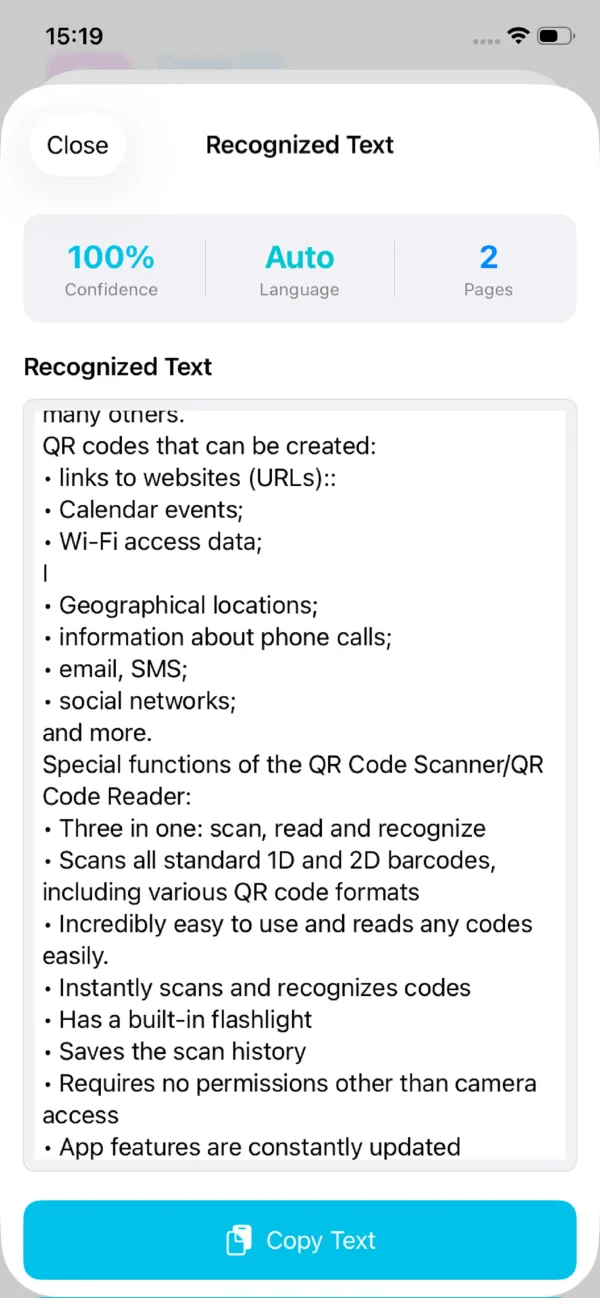
Text Recognition (OCR)
Turn scans and images into editable text. Multiple languages are supported — extract information from any documents.
Why choose Manager PDF?
A simple interface — all the tools are at hand, everyone can figure it out.
High speed — processing files without delay, even on weak devices.
Security — the data remains on your device, no information is transferred to the cloud.
Offline mode — work with PDF without an internet connection.
No ads — no annoying banners during operation.
Compact size — the application does not take up much space in the smartphone's memory.
Download Manager PDF now and manage your documents easily and efficiently!
Privacy policy: https://poison-studio.am/index.php/manager-pdf/manager-pdf-privacy-policy/
Terms & Conditions: https://poison-studio.am/index.php/manager-pdf/manager-pdf-terms-conditions/
Yang baru
Versi 17.1 · 30/10/2026
Added support for editing existing text in compatible PDF documents.
Privasi aplikasi
Yang dinyatakan LLC Poison Studio di App Store tentang cara aplikasi ini menangani data.
-
Data yang digunakan untuk melacak Anda
Dapat digunakan untuk melacak Anda di aplikasi dan situs web milik perusahaan lain.
- Pengenal
- Data penggunaan
- Diagnostik
-
Data yang ditautkan dengan Anda
Dapat dikumpulkan dan ditautkan dengan identitas Anda.
- Pengenal
- Data penggunaan
- Diagnostik
Praktik privasi dapat bervariasi, misalnya berdasarkan fitur yang Anda gunakan atau usia Anda.
Informasi
- Penjual
- Poison Studio LLC
- Kategori
- Produktivitas
- Versi
- 17.1
- Diperbarui
- 30/10/2026
- Dirilis
- 11/11/2025
- Ukuran
- 40,0 MB
- Memerlukan
- iOS 18.6 atau yang lebih baru
- Batasan usia
- 17+
- Harga
- Gratis
- Pembelian dalam aplikasi
- Ya
- Bahasa
- Inggris, Jepang, Korea, Portugis, Rusia, Tionghoa Sederhana, Spanyol
- Hak cipta
- © Poison Studio LLC
Mungkin Anda juga suka
-
 PDF Editor - Edit PDF & SignProduktivitas
-
 PDFEditor - Edit Teks PDFPerbaiki teks yang sudah ada
-
 Editor PDF: Pembaca & PengisiEdit teks PDF dan isi formulir
-
 MRS: PDF Editor, Scanner & OCRScan Dokumen & Tanda Tangan
-
 PDF Reader: Convert & EditProduktivitas
-
 PDF Editor Scanner: PDFStationProduktivitas
-
 Free PDF Editor, Converter AppProduktivitas
-
 FreeEdit, PDF EditorProduktivitas
-
 PDF Converter- Photos & WordProduktivitas
-
 FreePDF: Pemindai & KonversiPindai, ubah, dan gabung PDF