PDF Manager: Editor & Scanner
Reader, Converter, Sign & OCR
iPhone, iPad向けに設計
無料 · アプリ内課金
- 対象年齢17+
- カテゴリ仕事効率化
- 開発元LLC Poison Studio
- 言語英語ほか6言語
- サイズ40.0 MB
App Storeの公式ページにリンクしています
Download.orgはPDF Manager: Editor & Scannerのファイルを一切ホストしていません。ボタンを押すと、LLC Poison Studioが公開しているApp Storeのアプリページが開きます。ページの最終確認:2026/11/15。
スクリーンショット

概要
開発元はこのテキストをお使いの言語で提供していません。
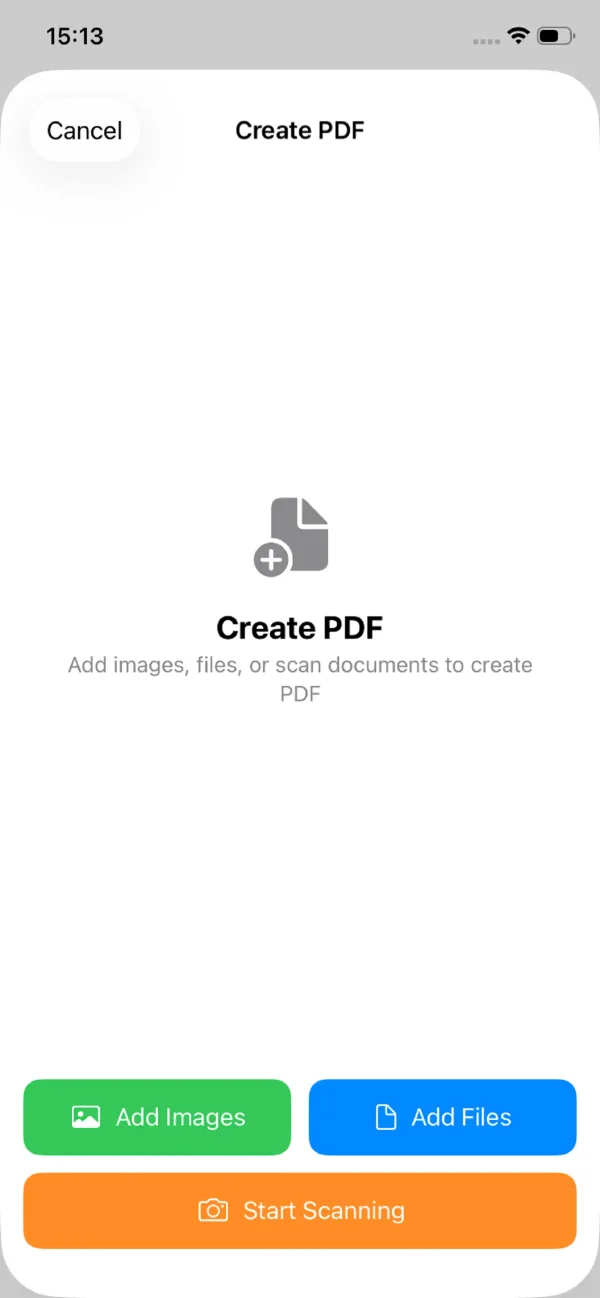
A powerful and easy-to-use application for comprehensive work with PDF files. It combines all the necessary functions in one tool, from creating documents to protecting and editing them. Ideal for students, office staff, and anyone who needs to process PDF files quickly and efficiently.
Main functions:
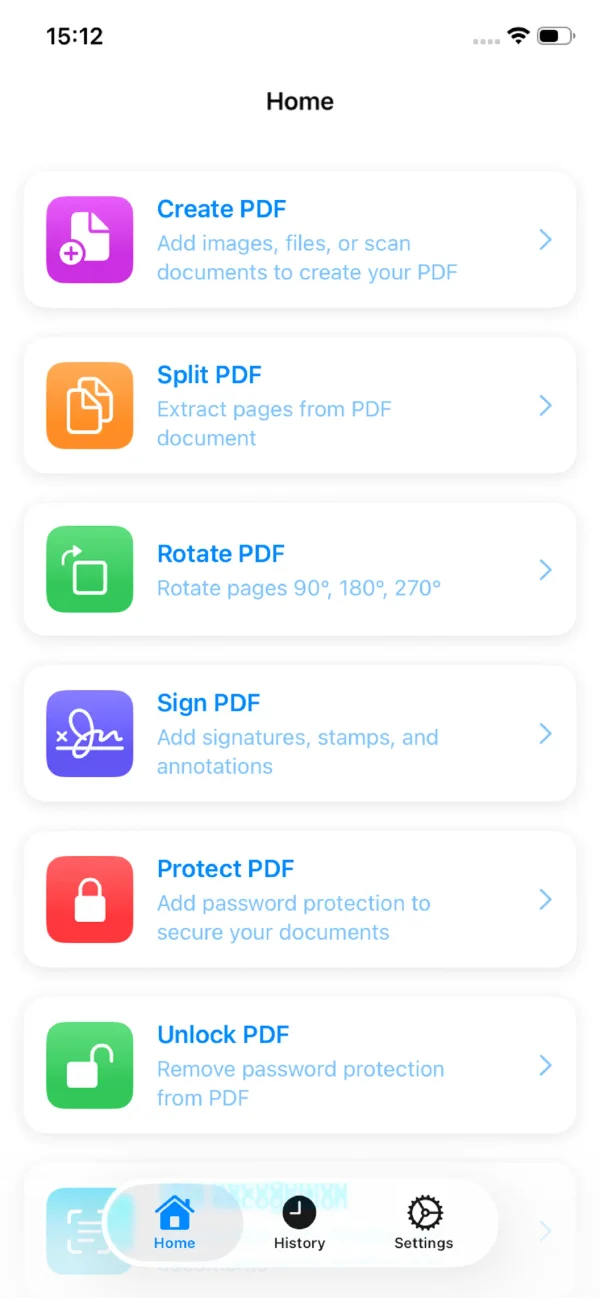
Creating a PDF
Convert images, text documents, or scans to a high‑quality PDF file in a couple of taps. Popular formats are supported: JPG, PNG, DOCX, TXT, etc.
Split PDF
Easily select the desired pages and split a large document into several small files for easy sending or storage.
Page Rotation
Correct the orientation of individual pages or the entire document — you will no longer have to print and scan again.
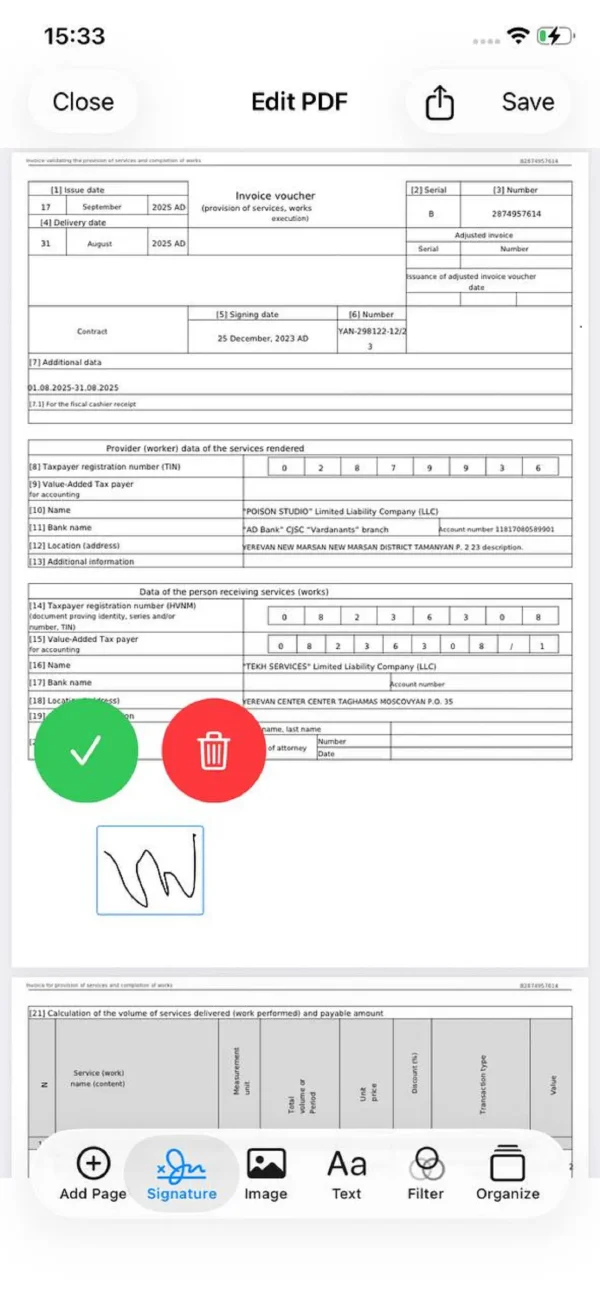
Signature of documents
Add an electronic signature directly to the application: draw it by hand, upload an image, or use the text version.
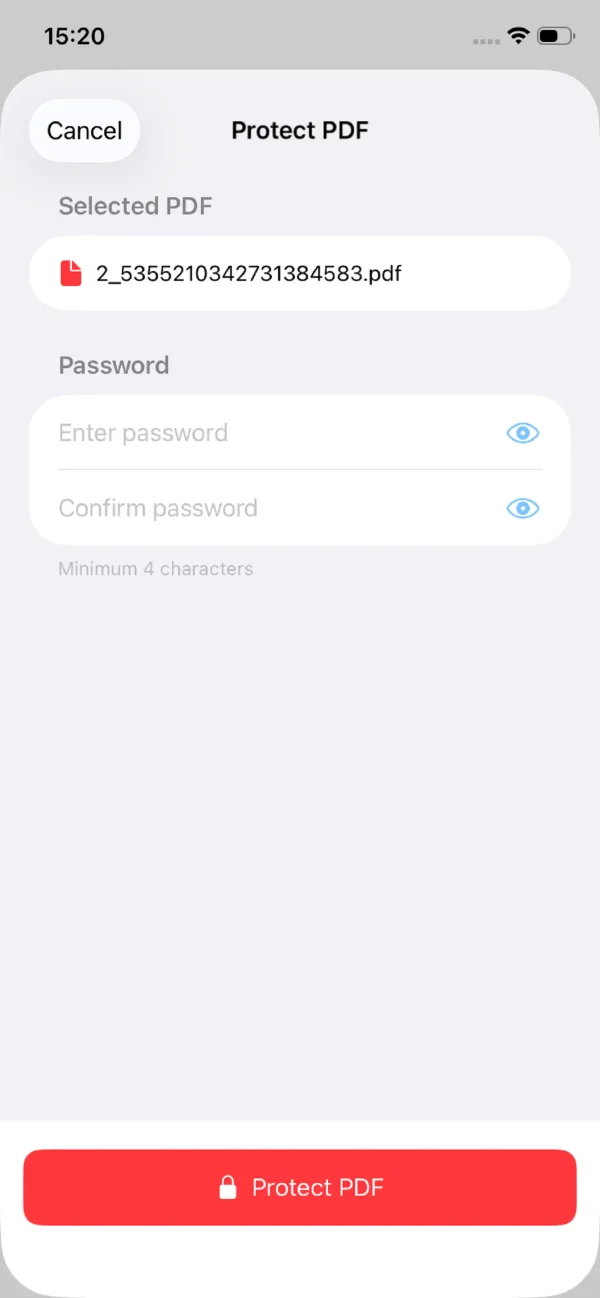
PDF Protection
Set a password for the document to restrict access or prohibit editing. Set up the viewing and printing rights for maximum security.
Removing protection
Open protected PDF files if you know the password. Restore access to your documents without unnecessary difficulties.
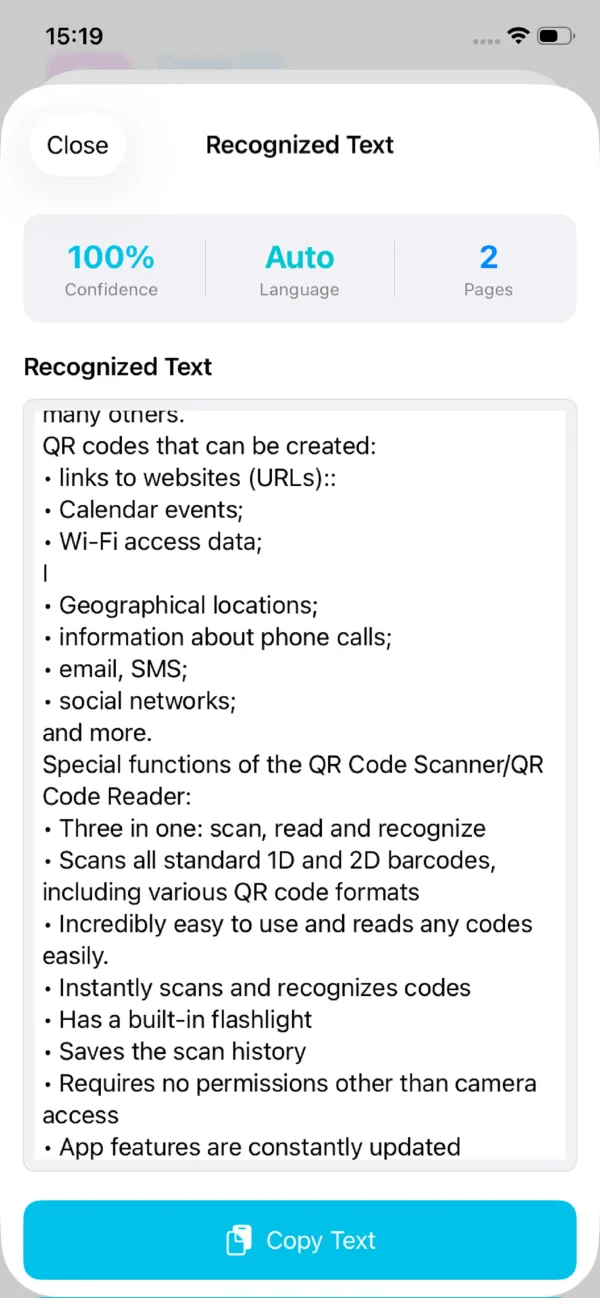
Text Recognition (OCR)
Turn scans and images into editable text. Multiple languages are supported — extract information from any documents.
Why choose Manager PDF?
A simple interface — all the tools are at hand, everyone can figure it out.
High speed — processing files without delay, even on weak devices.
Security — the data remains on your device, no information is transferred to the cloud.
Offline mode — work with PDF without an internet connection.
No ads — no annoying banners during operation.
Compact size — the application does not take up much space in the smartphone's memory.
Download Manager PDF now and manage your documents easily and efficiently!
Privacy policy: https://poison-studio.am/index.php/manager-pdf/manager-pdf-privacy-policy/
Terms & Conditions: https://poison-studio.am/index.php/manager-pdf/manager-pdf-terms-conditions/
新機能
バージョン 17.1 · 2026/10/30
Added support for editing existing text in compatible PDF documents.
アプリのプライバシー
このアプリのデータの取り扱いについて、LLC Poison StudioがApp Storeで申告している内容です。
-
ユーザーのトラッキングに使用されるデータ
他社のアプリやウェブサイトを横断してユーザーをトラッキングする目的で使用される場合があります。
- ID
- 使用状況データ
- 診断
-
ユーザーに関連付けられたデータ
収集され、ユーザーの識別情報に関連付けられる場合があります。
- ID
- 使用状況データ
- 診断
プライバシーの取り扱いは、ご利用の機能やお客様の年齢などに応じて異なる場合があります。
情報
- 販売元
- Poison Studio LLC
- カテゴリ
- 仕事効率化
- バージョン
- 17.1
- 更新日
- 2026/10/30
- リリース
- 2025/11/11
- サイズ
- 40.0 MB
- 必要条件
- iOS 18.6以降
- 対象年齢
- 17+
- 価格
- 無料
- アプリ内課金
- あり
- 言語
- 英語, 日本語, 韓国語, ポルトガル語, ロシア語, 簡体字中国語, スペイン語
- 著作権
- © Poison Studio LLC
こちらもおすすめ
-
 PDF Editor - Edit PDF & Sign仕事効率化
-
 PDFEditor - PDFテキスト編集既存の文字を直接書き換え
-
 PDF編集:リーダー, フィラーそしてを編集するPDFファイル編集と書類
-
 MRS: PDF編集・スキャナー・OCR書類スキャン・署名・写真をPDF変換
-
 PDF Reader: Convert & Edit仕事効率化
-
 PDF Editor Scanner: PDFStation仕事効率化
-
 Free PDF Editor, Converter App仕事効率化
-
 FreeEdit, PDF Editor仕事効率化
-
 PDF Converter- Photos & Word仕事効率化
-
 FreePDF:書類スキャン&PDF変換PDFの変換・結合・分割に対応