PDF Manager: Editor & Scanner
Reader, Converter, Sign & OCR
Được thiết kế cho iPhone, iPad
Miễn phí · Mua hàng trong ứng dụng
- Độ tuổi17+
- Danh mụcHiệu Suất
- Nhà phát triểnLLC Poison Studio
- Ngôn ngữTiếng Anh+ 6 ngôn ngữ khác
- Kích thước40,0 MB
Liên kết đến trang App Store chính thức
Download.org không lưu trữ tệp nào của PDF Manager: Editor & Scanner. Nút này mở trang ứng dụng trên App Store, nơi LLC Poison Studio phát hành ứng dụng. Trang được kiểm tra lần cuối: 29/11/2026.
Ảnh chụp màn hình

Giới thiệu
Nhà phát triển chưa cung cấp nội dung này bằng ngôn ngữ của bạn.
A powerful and easy-to-use application for comprehensive work with PDF files. It combines all the necessary functions in one tool, from creating documents to protecting and editing them. Ideal for students, office staff, and anyone who needs to process PDF files quickly and efficiently.
Main functions:
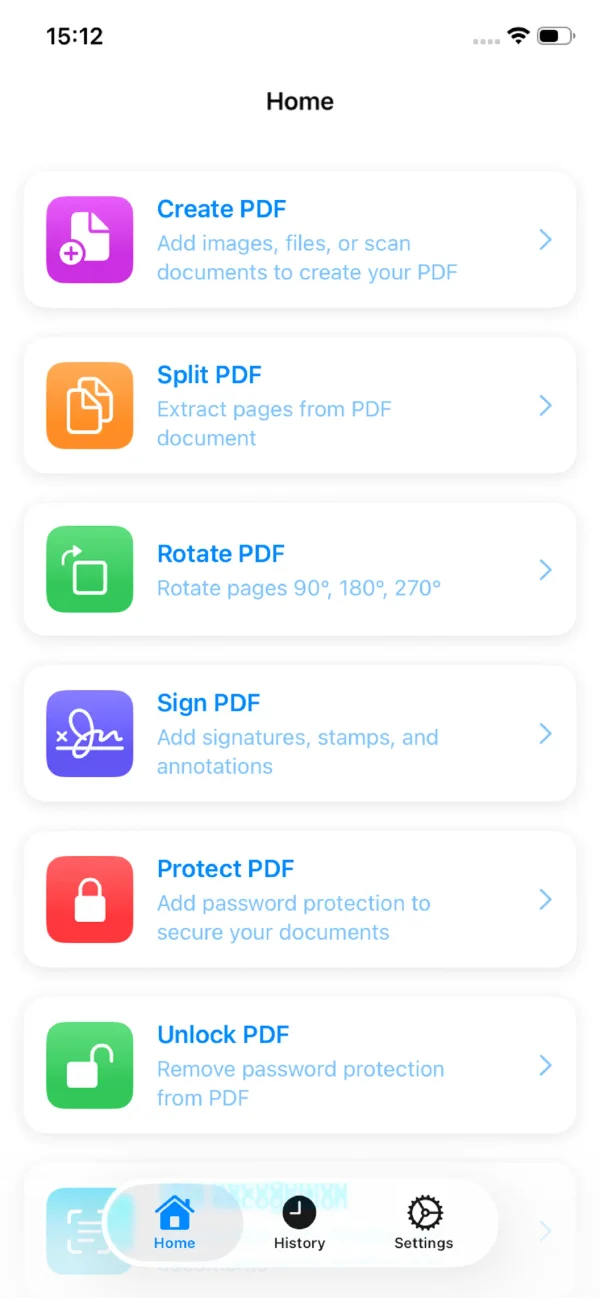
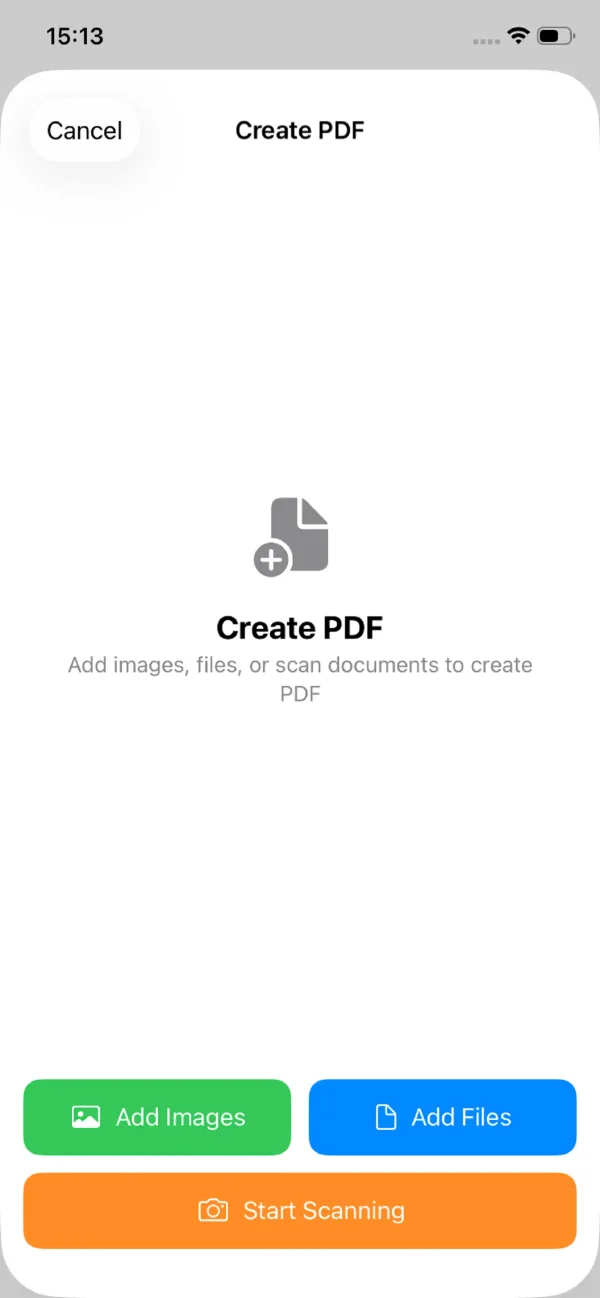
Creating a PDF
Convert images, text documents, or scans to a high‑quality PDF file in a couple of taps. Popular formats are supported: JPG, PNG, DOCX, TXT, etc.
Split PDF
Easily select the desired pages and split a large document into several small files for easy sending or storage.
Page Rotation
Correct the orientation of individual pages or the entire document — you will no longer have to print and scan again.
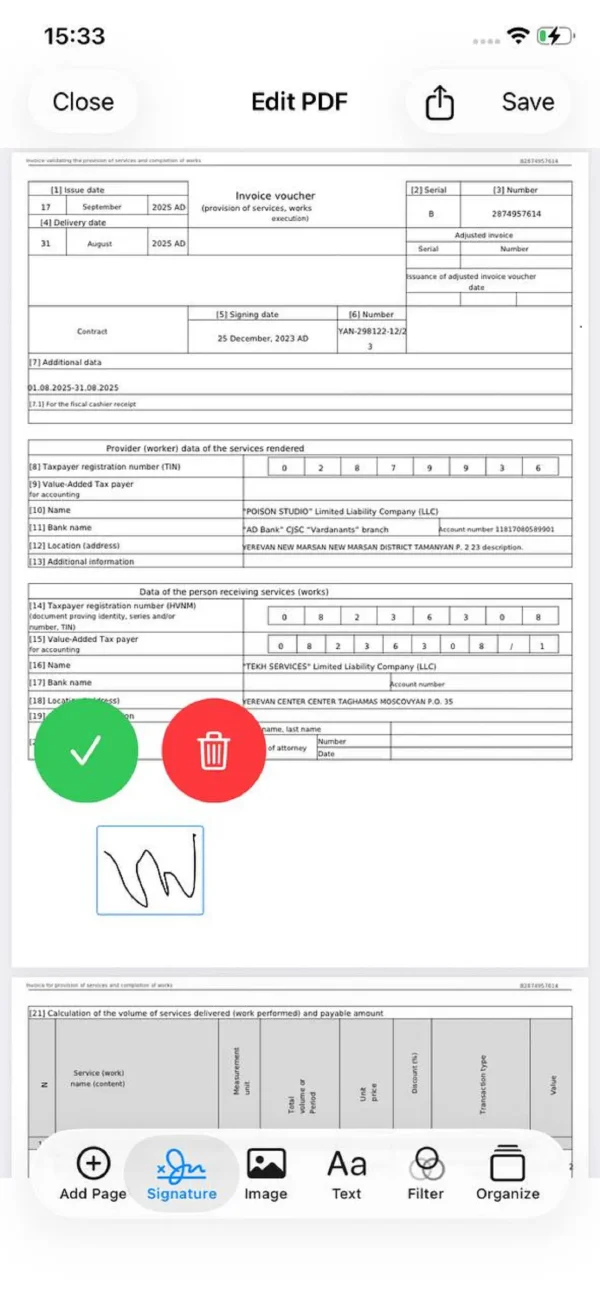
Signature of documents
Add an electronic signature directly to the application: draw it by hand, upload an image, or use the text version.
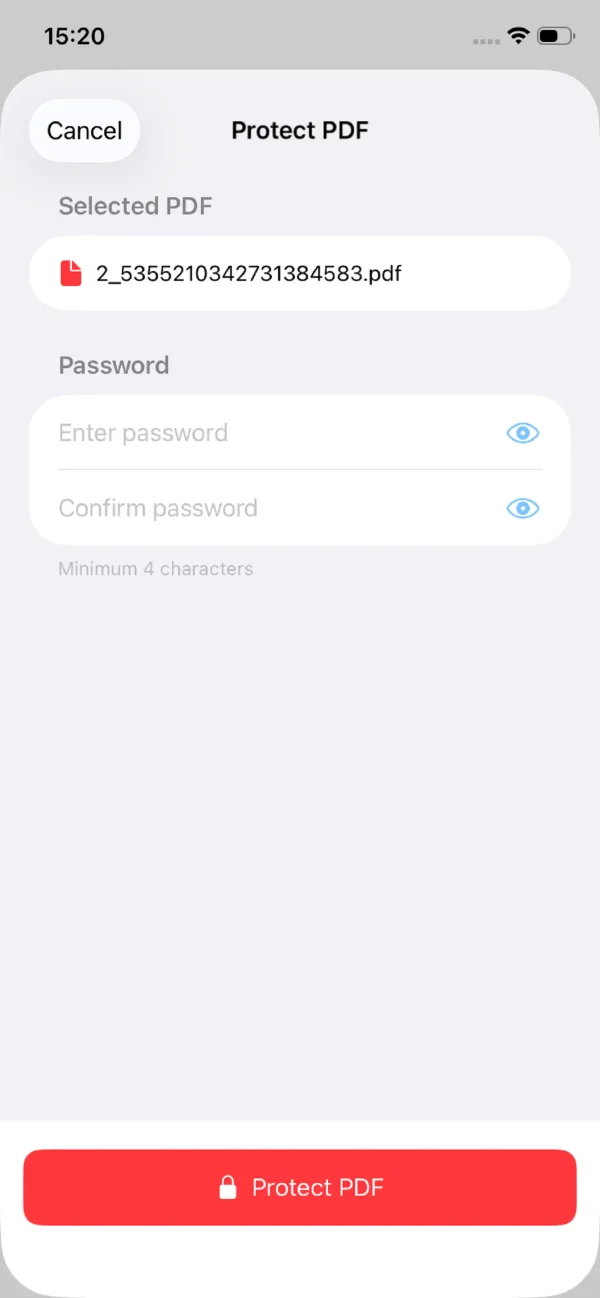
PDF Protection
Set a password for the document to restrict access or prohibit editing. Set up the viewing and printing rights for maximum security.
Removing protection
Open protected PDF files if you know the password. Restore access to your documents without unnecessary difficulties.
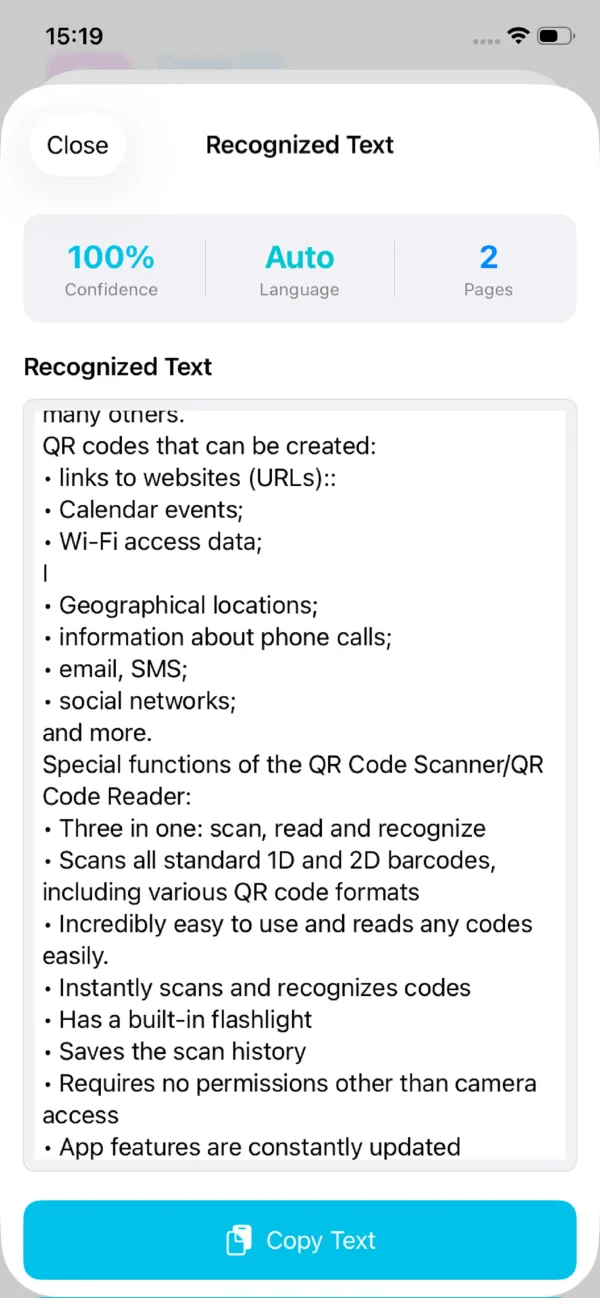
Text Recognition (OCR)
Turn scans and images into editable text. Multiple languages are supported — extract information from any documents.
Why choose Manager PDF?
A simple interface — all the tools are at hand, everyone can figure it out.
High speed — processing files without delay, even on weak devices.
Security — the data remains on your device, no information is transferred to the cloud.
Offline mode — work with PDF without an internet connection.
No ads — no annoying banners during operation.
Compact size — the application does not take up much space in the smartphone's memory.
Download Manager PDF now and manage your documents easily and efficiently!
Privacy policy: https://poison-studio.am/index.php/manager-pdf/manager-pdf-privacy-policy/
Terms & Conditions: https://poison-studio.am/index.php/manager-pdf/manager-pdf-terms-conditions/
Có gì mới
Phiên bản 17.1 · 30/10/2026
Added support for editing existing text in compatible PDF documents.
Quyền riêng tư của ứng dụng
Những gì LLC Poison Studio khai báo trên App Store về cách ứng dụng này xử lý dữ liệu.
-
Dữ liệu được sử dụng để theo dõi bạn
Có thể được sử dụng để theo dõi bạn trên các ứng dụng và trang web do công ty khác sở hữu.
- Mã định danh
- Dữ liệu sử dụng
- Chẩn đoán
-
Dữ liệu liên kết với bạn
Có thể được thu thập và liên kết với danh tính của bạn.
- Mã định danh
- Dữ liệu sử dụng
- Chẩn đoán
Phương thức đảm bảo quyền riêng tư có thể khác nhau, chẳng hạn như tuỳ theo các tính năng bạn sử dụng hoặc độ tuổi của bạn.
Thông tin
- Người bán
- Poison Studio LLC
- Danh mục
- Hiệu Suất
- Phiên bản
- 17.1
- Cập nhật
- 30/10/2026
- Phát hành
- 11/11/2025
- Kích thước
- 40,0 MB
- Yêu cầu
- iOS 18.6 trở lên
- Độ tuổi
- 17+
- Giá
- Miễn phí
- Mua hàng trong ứng dụng
- Có
- Ngôn ngữ
- Tiếng Anh, Tiếng Nhật, Tiếng Hàn, Tiếng Bồ Đào Nha, Tiếng Nga, Tiếng Trung Giản thể, Tiếng Tây Ban Nha
- Bản quyền
- © Poison Studio LLC
Có thể bạn cũng thích
-
 PDF Editor - Edit PDF & SignHiệu Suất
-
 PDFEditor - Chỉnh sửa chữ PDFĐổi nội dung văn bản gốc
-
 Trình chỉnh sửa PDF-Đọc & ĐiềnChỉnh sửa tệp PDF và tài liệu
-
 MRS: PDF Editor, Scanner & OCRQuét giấy tờ, ký, ảnh sang PDF
-
 PDF Reader: Convert & EditHiệu Suất
-
 PDF Editor Scanner: PDFStationHiệu Suất
-
 Free PDF Editor, Converter AppHiệu Suất
-
 FreeEdit, PDF EditorHiệu Suất
-
 PDF Converter- Photos & WordHiệu Suất
-
 FreePDF: Quét & Chuyển đổi PDFQuét tài liệu, chuyển, gộp PDF